


Table of Content
It hurts when a customer reaches out with a problem, and you can’t get back fast enough. They feel ignored, and you feel guilty. Sales slip away quietly because someone else was there when your customer needed help. Small teams often juggle support on top of everything else, like phone, email, and social. It piles up until nothing works smoothly. Burnout creeps in, mistakes happen, and trust fades.
A free customer service software takes the weight off without any additional costs. It organizes conversations so nothing gets missed. You can see every open issue at a glance, reply from one place, and add self-service options that reduce repeat questions. Support stops feeling impossible. Customers notice the difference, and your days get a little less stressful.
So, if you are looking for the best free customer service software for your business, you’ve got the right article. In this article, we have listed the top 10 customer service software that are absolutely free. Let’s dive in.
What is Customer Service Software?
Customer service software is a set of tools that helps businesses manage and respond to customer questions or issues. It pulls all incoming messages like emails, website chats, phone calls, or social comments into one main place. You get a ticket system where each problem becomes its own trackable item. Agents can see what’s open, reply quickly, assign it to the right person, and close it once solved.
Many versions include live chat on your site for instant talks, self-help sections where customers find answers without waiting, or simple bots that handle basic questions automatically.
Businesses use it to stop support from feeling scattered and slow. Everything stays organized, responses get faster, and teams avoid missing things.
The free kind gives you these core pieces at no cost, often with some limits like fewer users or basic features only. It’s perfect for small teams or new businesses that want structure without spending money upfront.
How I Evaluated Free Customer Service Software
I went through dozens of free options, signed up for trials where possible, tested them with real-like scenarios, and checked recent user comments from places like G2, Reddit, and 2026 lists.
The point was to spot tools that fix everyday support messes without adding new ones. I focused on these main areas that actually matter for small teams or startups.
Core Functionality in the Free Plan
Does it cover the basics you need right away? I looked for solid ticket handling, turning emails, chats, or messages into trackable items.
Multi-channel support (like email + live chat) had to be included, not just promised for paid upgrades. If the free version missed key pieces like basic ticketing or real-time chat, it fell short fast.
Ease of Setup and Use
How quickly can it get running? I timed sign-ups, added a chat widget to a test page, created tickets, and replied.
Tools that took under 20 minutes and had clear steps or guides scored high. Confusing dashboards or hidden features meant it wasn’t practical for busy people who just want to start helping customers.
Limits and Fairness of the Free Tier
What really works for free? I checked agent/user caps, message volumes, storage, or feature locks. Some give unlimited users with core tools; others cap at 1-2 agents or add watermarks. I favored ones that let small teams grow a little before hitting walls, no sudden “pay now or lose everything” pressure.
Real User Feedback and Reliability
What do actual users say in 2026? I scanned recent reviews for patterns: Does it stay up during peaks? Are replies fast? Do bugs pop up often?
Complaints about slowness, crashes, or poor mobile access dropped tools from the list. Positive notes on quick fixes and steady performance pushed them up.
Helpful Extras That Save Time
Anything that cuts repeat work? Simple canned replies, basic chatbots for FAQs, or a searchable knowledge base in the free plan. These make support feel lighter without needing to pay extra. I noted where they exist and actually work well.
Integrations with Everyday Tools
Does it play nice with what you already have? Basic connections to email, Slack, or simple CRMs, even just a few solid ones that make a difference. Isolated tools that force everything into one new app got lower marks.
Quick Overview of the Top 5 Free Customer Service Software
| Rank & Tool | Best For | Core Free Channels | Key Standout Free Features | Why Choose This One? (Quick Value) |
|---|---|---|---|---|
| 1. REVE Chat | Real-time website chat + AI bots for engagement & leads | Live chat, AI chatbot, Basic ticketing | Proactive chat invites, canned replies, basic AI chatbot (50 sessions/mo), visitor tracking | Combines instant chat, smart automation, and tickets in one tool, ideal for capturing leads, answering 24/7 basics, and keeping website visitors happy without extra apps. |
| 2. Hiver | Email-first teams already using Gmail | Email (shared inbox), Basic live chat/WhatsApp | Gmail-native shared inbox, assignments, collision alerts, internal notes/drafts, mobile app | No learning curve—turns your existing Gmail into team support with unlimited collaborators. Perfect for email-focused businesses where simple collaboration beats fancy features. |
| 3. Help Scout | Simple, friendly email-style support with self-help focus | Email/shared inbox, Knowledge base (Docs), Basic Beacon self-help | Simple, friendly email-style support with a self-help focus | Easy-to-use interface + strong self-service tools to reduce incoming questions. Choose if you want calm, personal support that feels professional and encourages customers to find answers themselves. |
| 4. Tidio | E-commerce/website visitors needing quick chats & bots | Live chat, Basic chatbot/Flows, Ticketing from chats | Unlimited live chats (with billable convo caps), basic Lyro AI (50 lifetime convos free), visitor list/tracking | Powerful widget for live engagement + simple bots for FAQs and lead capture. Best for online shops or sites where fast replies during visits boost sales and cut support load. |
| 5. HubSpot Service Hub | Businesses wanting support tied to free CRM for customer context | Email ticketing, Live chat, Forms | Shared inbox/ticketing, live chat widget, contact history linked to free CRM, basic snippets | Free CRM connection keeps full customer details close—makes every reply smarter and more personal over time. Great if you want support that naturally ties into sales and marketing efforts. |
Top 10 Free Customer Service Software
These tools offer solid free options (or generous free tiers) that help small teams handle support without paying upfront. I focused on ones that deliver real value, like quick setup, multi-channel handling, and ways to cut down repeat questions.
1. REVE Chat
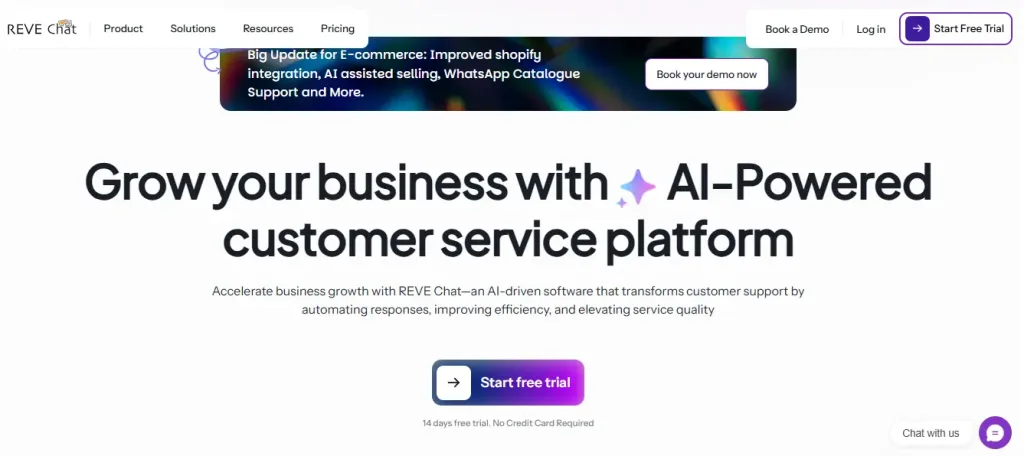
REVE Chat is a smart, all-in-one helper for teams tired of juggling separate chat, bot, and ticket tools. It combines live chat for instant talks, AI chatbots that run 24/7, and ticketing to keep everything tracked in one clean spot.
Small businesses love how it grabs leads during chats, answers common questions automatically, and hands off to humans when needed without feeling robotic.
The no-code builder lets you set up custom flows fast, and it supports multiple languages plus integrations with WhatsApp, Facebook, Shopify, and more. In real use, it cuts response times, handles up to 85% of routine queries via bots, and keeps customer conversations flowing smoothly across channels.
For startups or growing shops wanting proactive, personalized support without big costs, this one delivers a strong first impression, organized, fast, and actually helpful from day one.
Key Features
AI-Powered Chatbot
Uses advanced AI to understand customer intents and handle FAQs automatically 24/7. Build custom flows easily with a no-code drag-and-drop editor. Supports multilingual replies, data collection forms, appointment scheduling, and smooth handoff to live agents when needed.
Live Chat Software
Enables real-time messaging with visitor tracking and proactive chat invites. Includes canned responses, file sharing, co-browsing with data masking, and AI copilot suggestions for agents. Fully mobile-friendly with team notes, tagging, and omnichannel inbox.
Ticketing System
Converts chats, emails, and messages into trackable tickets with full history and context. Offers auto-notifications, priority rules, custom forms, tags, and private team notes. Focuses on faster resolution and easy assignment across the team.
Omnichannel Support
Manages conversations from website chat, WhatsApp, Facebook Messenger, Instagram, and more in one unified inbox. Maintains complete context even when customers switch channels. Smart routing based on channel, department, or agent availability.
AI Copilot and Smart Assistance
Provides real-time reply suggestions, instant translations, sentiment detection, and tone matching for agents. Pulls answers from your knowledge base and summarizes long conversations quickly. Helps agents respond faster and more accurately.
Co-Browsing and Screen Sharing
Allows agents and customers to view the same webpage together in real time to solve issues. Features include on-screen drawing, mouse visibility, data masking for privacy, and session recording. Ideal for guiding through forms, checkouts, or complex pages.
Analytics and Reports
Delivers clear dashboards with key metrics: response times, resolution rates, chatbot handover rates, visitor stats, and agent performance. Breaks data down by channel, department, or time period. Helps identify trends and improve support processes.
Integrations and Campaign Tools
Connects seamlessly with Shopify, WooCommerce, Google Calendar, Slack, CRMs, and social platforms. Supports WhatsApp/SMS/web push campaigns with templates, segmentation, scheduling, and performance tracking. Extends beyond support into engagement and marketing.
Many of these features shine brightest on paid plans, but the free forever plan gives you a solid start with basics like 1 agent, 50 monthly chatbot sessions, and core live chat. For the full picture on what’s included or limited in the free tier (like session caps or advanced options), visit our pricing page and check which features are available in the free plan.
Pros
- Combines chat, bots, and tickets in one platform, no need for multiple tools.
- Strong AI for 24/7 handling and lead gen without extra fees.
- Easy no-code setup and lots of integrations for e-commerce/social.
- Forever free plan is available for testing the basics.
Cons
- Free plan limits to 1 agent and low chatbot sessions (50/month).
- Some advanced channels (WhatsApp, Telegram) need add-ons or higher plans.
- AI conversations and sessions don’t roll over monthly.
Pricing
- Free forever plan: $0 (1 seat, 10 AI conversations/month) and Paid starts at $14.99/agent/month (1 seat, 50 AI Conversations/month).
2. Hiver
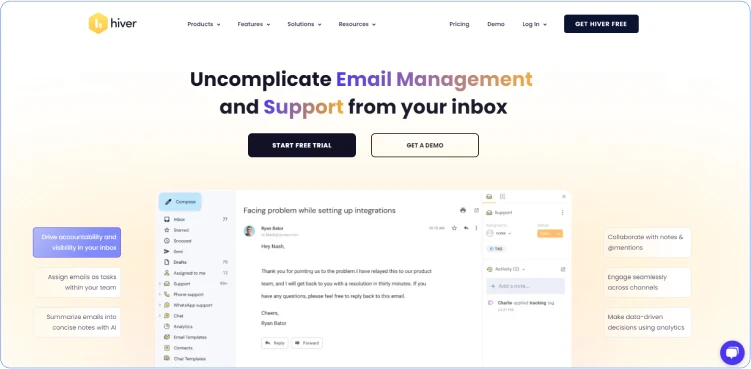
Hiver turns your Gmail (or Google Workspace) into a shared inbox for team support without switching apps. It’s perfect if your team already lives in email, like adding labels, assigning conversations, setting statuses, and collaborating right inside Gmail.
No new dashboard to learn. It handles email mainly, but adds chat, WhatsApp, and voice in higher plans. Great for customer service, finance, or IT teams wanting simple triage and notes without complexity.
Free plan gives unlimited users for basic shared email work, it is ideal to start small and scale.
Key features
- Shared inboxes in Gmail with assignments, @mentions, and private notes.
- Collision alerts to avoid double replies.
- Basic automation like rules and templates.
- Mobile app and integrations with Slack/Google tools.
Pros
- No new tool, you can work inside Gmail you already use.
- Unlimited users on a free plan.
- Quick for email-heavy support.
Cons
- Mostly email-focused; limited multi-channel in free.
- Advanced AI or ticketing needs paid upgrades.
Pricing
- Free forever: $0 (unlimited users, basic shared inbox/triage). Paid starts at $25/seat/month (billed annually) for more features like AI tools.
3. Help Scout
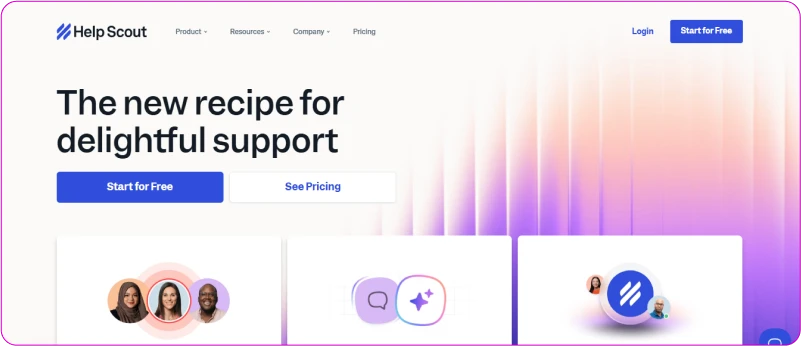
Help Scout keeps things clean and email-like for teams who want simple, friendly support. It offers shared inboxes, a knowledge base (Docs), and a Beacon widget for self-help or quick chats.
Focuses on happy customers with easy threading, saved replies, and basic AI answers. The free plan suits tiny teams testing the waters. Good for startups or small shops that hate complicated dashboards, it feels calm and straightforward.
Key features
- Shared inbox with collision detection and snippets.
- Docs for self-service knowledge base.
- Beacon for embeddable help/forms/AI answers.
- Basic reporting and integrations (Slack, etc.).
Pros
- Super user-friendly interface.
- Strong self-service options.
- The free plan includes 5 users and the basics.
Cons
- Free limited to 100 contacts/month (or less in some updates).
- Multi-channel or advanced AI costs extra.
Pricing
- Free: $0 (up to 5 users, 1 inbox/Docs, limited contacts/month). Paid starts around $25–50/seat/month depending on volume.
4. Tidio
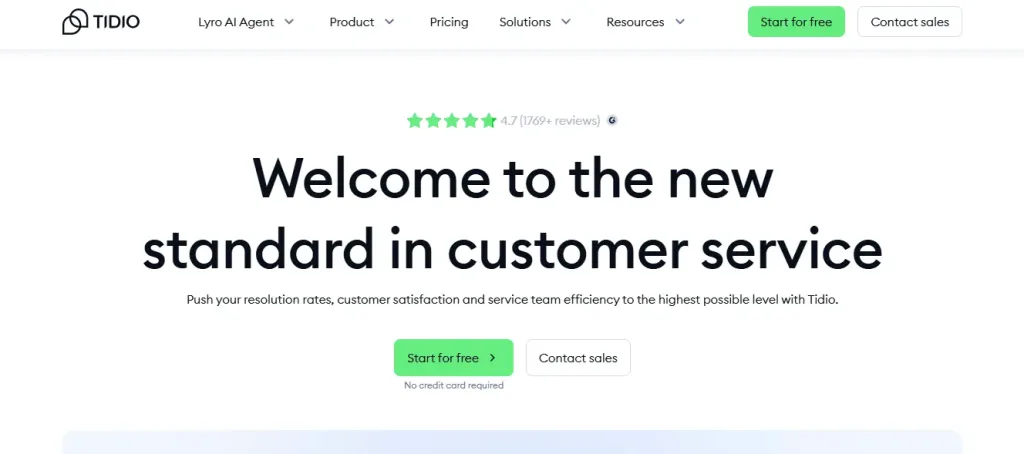
Tidio shines with its live chat and AI chatbots that pop up on your website. It handles chats, email tickets, messengers (Instagram, WhatsApp add-ons), and simple automation. Bots answer FAQs, collect leads, or route to agents.
The free plan gives unlimited chats for basics—great for shops wanting instant visitor engagement without paying. Easy widget install and mobile access.
Key features
- Live chat with visitor tracking/proactive messages.
- AI chatbots (Lyro) for auto-replies and lead capture.
- Ticketing from chats/emails.
- Integrations with Shopify and email tools.
Pros
- Strong for website visitors and sales chats.
- Generous free live chat.
- Simple setup.
Cons
- Advanced bots or channels are limited to free.
- Can feel chat-heavy vs full ticketing.
Pricing
- Free plan: $0 (unlimited live chats, basic bots). Paid starts low (around $29/mo) for more AI/agents.
5. Sogolytics

Sogolytics focuses on feedback and surveys but offers customer service angles through forms, ticketing from responses, and basic support tracking. It’s more for gathering insights than pure help desk, with a free tier for small-scale use. Good if you want to mix support with customer voice collection.
Key features
- Survey/forms for feedback/tickets.
- Basic response tracking and automation.
- Reporting on customer input.
Pros
- Free for basic surveys/support collection.
- Great for data-driven improvements.
Cons
- Not a full help desk—more survey than ticketing/chat.
- Limited real-time support features.
Pricing
- Free plan available for basics; paid for advanced.
6. HubSpot Service Hub
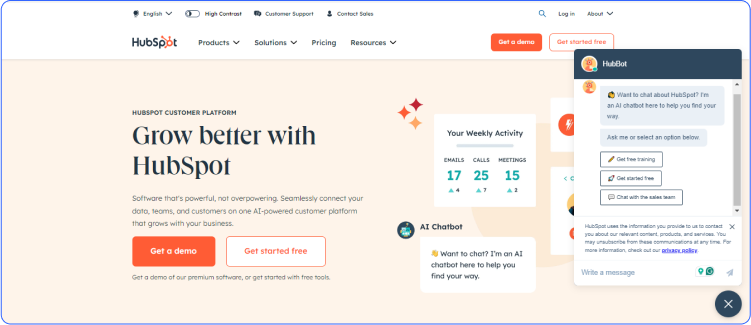
HubSpot Service Hub gives you a clean, all-in-one spot for customer help that ties into their free CRM. It pulls tickets from emails, live chat, and forms into a shared inbox where your team assigns, replies, and tracks everything.
The free version works for small setups, including basic ticketing, contact details, and simple tools for logging conversations. No big learning curve if you’re already using HubSpot stuff. It shines for teams wanting to mix support with sales or marketing data, keeping customer history close.
Great starting point before adding paid extras like automations or reports. Keep things straightforward so you focus on helping people, not fighting the tool.
Key features
- Basic ticketing and shared inbox for team replies.
- Live chat widget for website visitors.
- Contact management tied to CRM.
- Simple reporting and snippets for quick responses.
Pros
- Unlimited free users in some views; ties everything to free CRM.
- Easy for beginners with no extra app needed.
- Good for blending support with other business data.
Cons
- Free tier limits advanced automation, AI, or deep reporting.
- Some features quickly push teams toward paid seats as they grow.
Pricing
- Free tools: $0 (up to 2 users for core editing; unlimited view-only; basic ticketing/live chat). Paid starts at around $20/seat/month (Starter) for more seats and features like routing.
7. Freshdesk
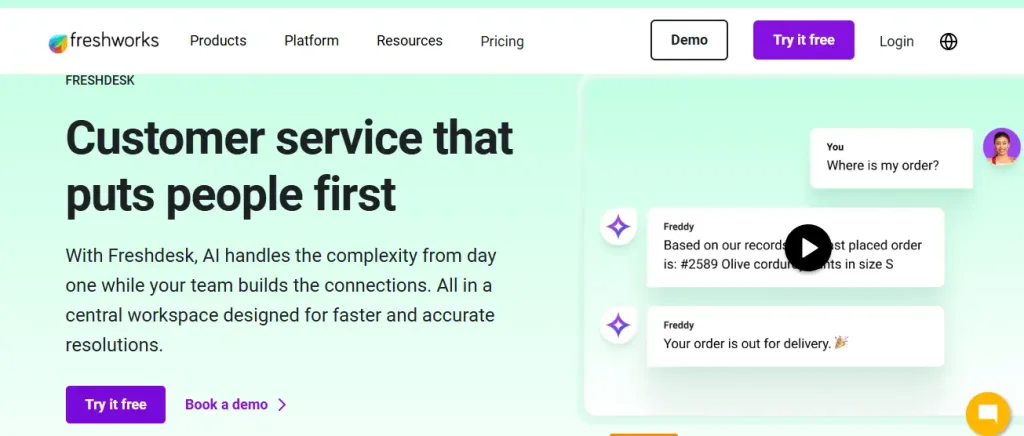
Freshdesk handles support tickets from email, social, and forms in one dashboard. The free plan suits small teams, allowing them to turn messages into tickets, add notes, collaborate, and provide customers with a basic self-service portal.
It includes simple reports for trend analysis and team tools such as canned replies. Setup is fast, and it scales as you add agents (though free caps are low). Small businesses pick it for reliable email/social ticketing without complexity.
It cuts down on lost threads and slow answers, letting you reply faster and track what’s open. Solid for startups testing organized support on zero budget.
Key features
- Email and social ticketing with trends/reports.
- Basic knowledge base for self-service.
- Team collaboration and collision alerts.
- Simple automations in higher free-like access.
Pros
- Free for up to 2 agents with core ticketing.
- Clean interface and quick setup.
- Good self-help options to reduce repeats.
Cons
- Agent limit hits fast; no advanced routing or AI free.
- Some channels or reports need a paid upgrade.
Pricing
- Free: $0 (up to 2 agents; basic email/social ticketing, knowledge base).Paid starts at $15/agent/month (Growth) for more agents and features.
8. Spiceworks

Spiceworks Cloud Help Desk focuses on simple ticketing for IT or internal support, but it also works for customer support. The free Core plan handles tickets from emails or portals, with a knowledge base for self-service and basic tracking.
No agent limits in small setups (up to 5 admins free), and it stays cloud-based; it doesn’t require servers to manage. Teams like it for straightforward replies, priority sorting, and an end-user portal. It keeps support organized without fancy extras, perfect if you want reliable basics forever free. Good for small groups avoiding paid tools entirely.
Key features
- Unlimited tickets and basic portal.
- Knowledge base for answers.
- Ticket assignment and history.
- Mobile access for on-the-go replies.
Pros
- Truly free Core plan with no hard agent caps for tiny teams.
- Simple and no maintenance needed.
- Strong for internal or basic customer ticketing.
Cons
- More IT-focused; less polished for sales/chat-heavy support.
- Premium needed for bigger teams or extras.
Pricing
- Core (free): $0 (for up to 5 admins; full basic ticketing). Premium: $5/seat/month (billed annually) for more capabilities.
9. Zoho Desk
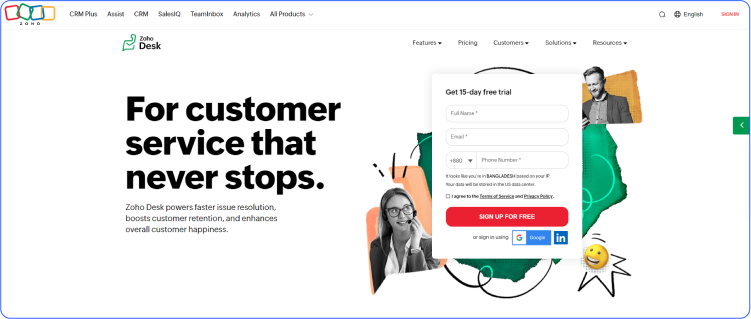
Zoho Desk organizes customer questions from email, social, and forms into tickets you track and reply to together. The free plan gives 3 agents basics like multi-channel tickets, contact notes, and a simple help center.
It includes workflows for auto-actions and custom views. Small teams use it to stop inbox chaos and see customer history fast. Ties nicely if you use other Zoho tools. Keeps support personal and quick without paying upfront, it is great for growing slowly with structure.
Key features
- Email/social ticketing with assignments.
- Basic workflows and escalations.
- Contact/account management.
- Help center for self-help.
Pros
- 3 free agents with solid basics.
- Customizable and integrates with the Zoho ecosystem.
- Good for multi-channel without extras.
Cons
- No live chat, advanced AI, or unlimited agents are free.
- Some features (such as telephony) are locked until payment is made.
Pricing
- Free: $0 (3 agents; email/social ticketing, basic workflows). Paid starts at around $14/agent/month (Standard, annual) for more.
10. LiveAgent
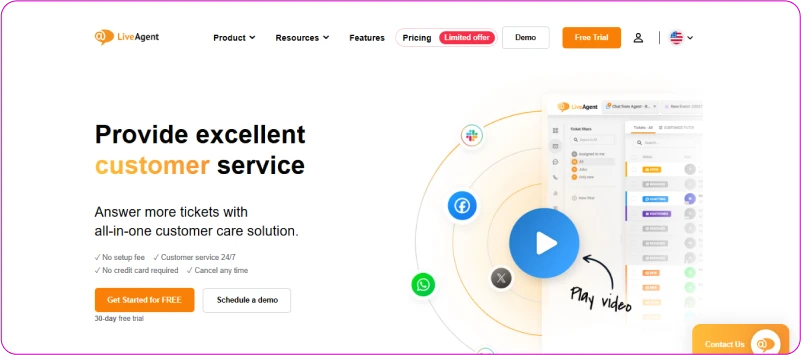
LiveAgent mixes ticketing, live chat, and a knowledge base in one place. While there is no unlimited, free forever plan now, it offers strong entry paid tiers that start low, with basics like unlimited ticket history in paid plans but limited free trials or old free mentions.
Focuses on real-time chat plus emails turned into tickets. Good for sites needing visitor engagement and organized follow-ups. Easy widget add and mobile replies. Suits teams wanting chat-heavy support with room to add calls later.
Key features
- Ticketing from emails/chats.
- Live chat with proactive invites.
- Knowledge base and contact forms.
- Basic automation and integrations.
Pros
- All-in-one with chat and tickets.
- Affordable entry pricing.
- Includes AI helpers in plans.
Cons
- No robust free forever; limited history/channels in any trial/free remnants.
- Add-ons for social/call centers.
Pricing
- No full free plan; starts at $15/agent/month (Small, annual) for core features including AI. Higher tiers $29–$69/agent/month for more.
Benefits of Free Customer Service Software
Free customer service tools give small teams and startups real advantages without touching your budget. They fix common headaches and make support feel less like a burden.
Here are the main ways they help.
- Faster replies to customers: Everything stays in one place, so you spot new messages right away. No more switching between email tabs or missing chats. Customers get answers in minutes rather than hours or days, keeping them happy and preventing them from leaving.
- Less chaos and fewer lost tickets: Scattered messages become organized tickets. You see what’s open, who’s handling it, and what was said before. Nothing slips through the cracks, and your team wastes less time hunting for old conversations.
- Happier team with less burnout: Basic automation, like canned replies or simple bots, handles the boring, repetitive stuff. Your team focuses on real problems rather than typing the same answers all day. Support stops feeling overwhelming, even with a small crew.
- Better customer experience on zero spend: Live chat and self-help options let people get help instantly or find answers themselves. They feel heard and valued. Quick, organized support builds trust and makes people more likely to buy again or recommend you.
- Easy way to test and grow: Start with no risk. Try a tool, add it to your site, handle a few customers, and see if it fits. If your business picks up, many free plans let you add a bit more before paying, a smooth path to scaling without big jumps.
- Self-service cuts down repeat questions: A simple knowledge base or FAQ page answers common things 24/7. Customers solve their own issues, so your inbox stays quieter. You handle fewer tickets overall, freeing time for bigger priorities.
- Professional look without extra cost: A clean chat widget or branded help page makes your business seem bigger and more put-together. Customers notice the difference from random email replies, it builds credibility fast.
- Data to spot patterns early: Even basic reports show you trends like what questions come up most or when your team gets busiest. You fix problems before they grow, improve your products or FAQs, and make smarter choices.
How to Choose Free Customer Service Software?
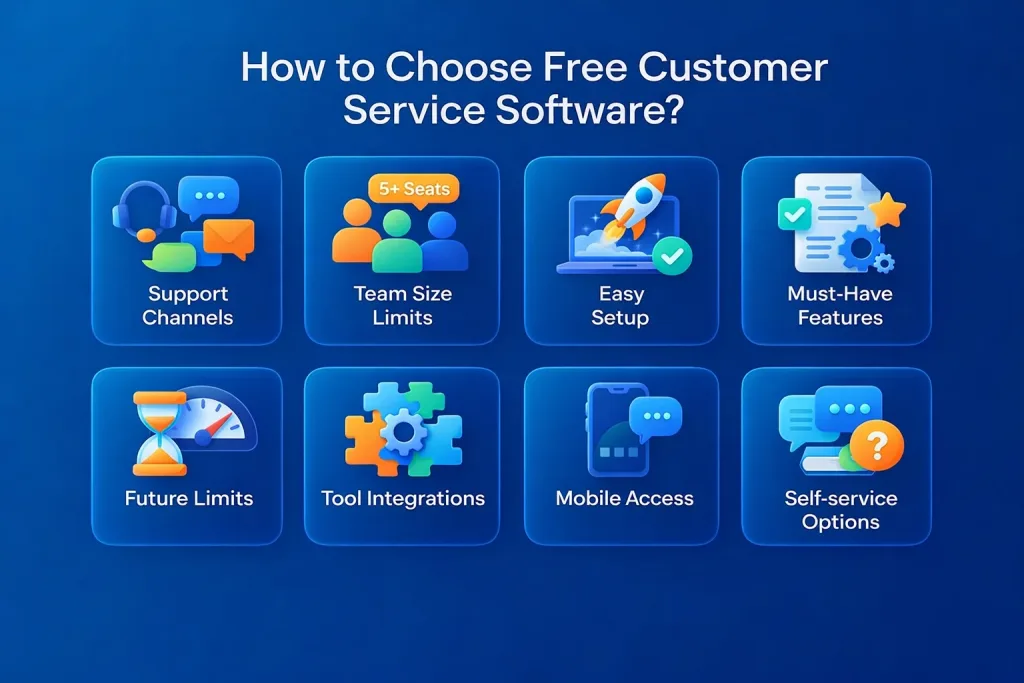
Having the right free tool comes down to what your team actually needs day-to-day. Don’t just grab the first one; you should match it to your setup so it solves real problems instead of creating new ones. Here’s what to look at.
1. Your main support channels
Figure out where questions come from most, such as email, website chat, social, WhatsApp? Pick a tool that covers your top 2-3 channels in the free plan. Skipping this means you’ll still juggle multiple apps.
2. Team size and user limits
Check how many people can use it at once without paying. Some cap at 1-3 agents; others allow unlimited or 5 + .Count your team now and think 6-12 months ahead to avoid quick upgrades.
3. Ease of getting started
Test the signup and setup yourself. Can you add a chat widget or connect email in under 20 minutes? Clear guides and a simple dashboard save hours of frustration. Especially if no one on your team is tech-savvy.
4. Core features you can’t live without
Make a short list: ticketing, live chat, knowledge base, basic bots, canned replies. See what’s truly free versus “coming soon” or paid-only. Prioritize the ones that fix your biggest pain right now.
5. Limits that could bite later
Look at message caps, storage, or feature locks. A generous free tier lets you grow a bit before deciding to pay. Tools with sudden hard stops (like 50 chats/month) can force you to switch too soon.
6. Integrations with your current tools
Does it link to email, Slack, Shopify, or your CRM without extra work? Even 2-3 solid connections keep everything flowing, rather than copying data by hand.
7. Mobile access and reliability
Reply from your phone when you’re away? Check reviews for uptime and speed. If the tool lags or crashes during busy times, it won’t help much.
8. Self-service options
A basic help center or FAQ that customers can search through reduces repeat questions. Tools with this free save your team time and make customers happier faster.
Run a quick test with 2-3 top picks from our list. Sign up, send a few fake tickets, chat with yourself, and see what feels natural. The one that clicks quickest and covers your must-haves is usually the winner.
Trends in Free Customer Service Software
The world of free customer service tools keeps changing fast. Small teams and startups want smarter ways to handle questions without spending money.
Providers add new bits to stay useful. Especially around AI and better connections between channels. Here’s what stands out right now.
Smarter AI chatbots
Free plans now pack better natural language understanding. Bots catch what customers really mean, even if they phrase it oddly. They solve simple problems on their own like password resets or order checks around the clock. This reduces agent workload on routine tasks and lets humans jump in only for the tricky parts.
More self-service and community spots
Tools push harder on help centers, FAQs, and customer forums. People search for answers themselves or ask other users in a shared space.
It builds a helpful group feel and drops the number of incoming tickets. Free versions often include basic portals that grow with your business.
Stronger focus on security and rules
Data privacy matters more than ever. Free software adds encryption for messages and follows basic compliance, like GDPR basics. Even without paying, you get safer storage and handling so customer info stays protected. There are no big risks when testing or running small.
Personal touches from customer history
Some free tiers track past chats or journeys to better match replies. Agents see context quickly, like what the person asked before. It feels less robotic and more like talking to someone who remembers you without needing fancy paid add-ons.
New little helpers popping up
Watch for extras like simple screen sharing (co-browsing) or basic sentiment checks in chats. These show up in free plans sometimes, helping agents spot upset customers early or guide them through issues live. The free market keeps trying fresh ideas to compete.
Conclusion
Support doesn’t have to be stressful or expensive. Free customer service software quietly fixes the overload.
It organizes messages, speeding up replies, adding self-help so questions don’t pile up. It gives small teams breathing room, builds better relationships with customers, and sets you up to grow steadily. We’ve covered solid options that deliver without the pressure to pay early.
REVE Chat feels especially right for teams wanting that mix of instant chat, 24/7 bots, and tracked tickets. Try the free forever plan first, it’s straightforward with 1 agent and monthly sessions included. Or sign up for the 14-day free trial to explore enterprise-grade features like expanded AI conversations and omnichannel support. Take that small step; it often leads to much smoother days ahead.
Frequently Asked Questions
Yes, most offer a “free forever” plan with core features like basic ticketing, live chat, or chatbots. Limits apply (e.g., 1-3 agents or monthly session caps), but you can keep using them indefinitely as long as you stay within those boundaries. Upgrade only when you outgrow the free tier.
Good free tools use standard encryption for messages and follow basic privacy rules (like GDPR compliance where needed). They don’t sell your data, but always read the privacy policy, free plans sometimes limit advanced security features like custom data retention or extra audits.
Not usually for very high volumes. Free tiers often cap agents, messages per month, or chatbot sessions. They’re great for small teams (under 100-200 tickets/month), but once traffic spikes, you’ll hit limits and need to upgrade for smoother handling.
Most let you export tickets, contacts, and chat history (via CSV or built-in export). Some offer easy migration tools. Always back up important conversations before switching. Don’t rely on the free plan holding everything forever if you plan to scale.
Build AI-powered support with Wize AI
Connect business knowledge, automate support conversations, and improve response quality without managing a complex AI stack.
Explore Wize AI Agent Rate the article

Juwel Rana
Senior Content Writer
Juwel is a Sr. Content Writer at REVE Chat. He specializes in writing about customer service and customer engagement. He is passionate about helping businesses create a better customer experience.
He strongly believes that businesses will be able to understand their customers better and ultimately create more meaningful relationships with them.
View all articles