10 Best Shopify Chatbot Apps in 2026: Boost Sales & Recover Carts Fast
- January 13, 2026
- 19 mins read
- Listen
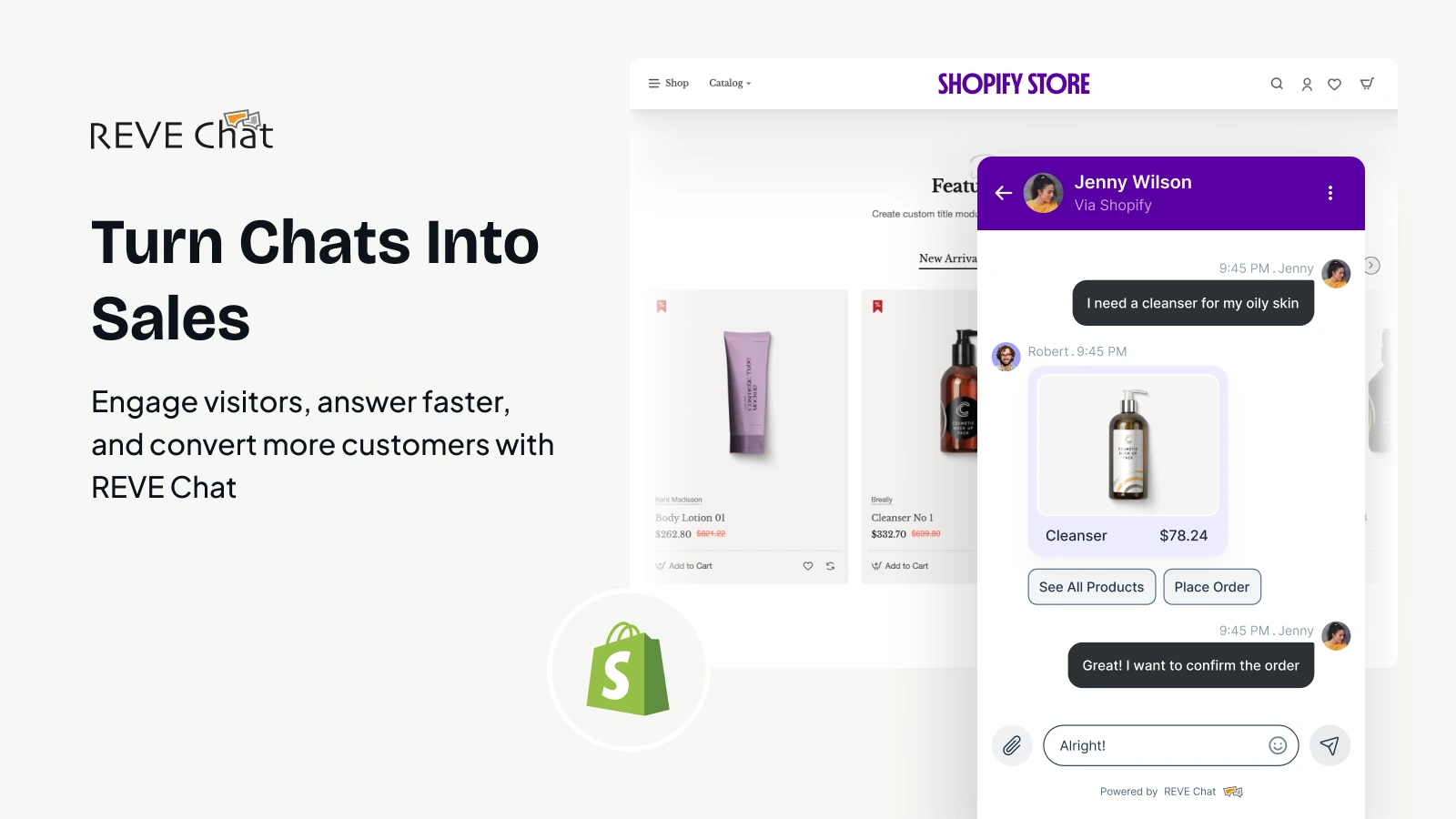
Think about how frustrating it gets when shoppers hit a snag on your site. They wonder about stock, returns, or if something fits, but no one’s around to answer, especially outside business hours.
Next thing you know, they’ve clicked away, and that cart stays empty. Over 70 percent of online carts end up abandoned for reasons like that. A Shopify AI chatbot steps in to smooth those rough spots. It talks naturally, checks inventory in real time, recommends alternatives, and even offers discounts to close the deal.
We’ve seen shops add one and watch recovery rates on lost carts climb to 25 or 35 percent, with overall sales picking up noticeably. For 2026, finding the best chatbot for Shopify means grabbing one that fits your store’s flow and starts turning those almost-sales into real ones.
What is a Shopify Chatbot?
A Shopify chatbot is basically a smart little helper that lives on your online store’s website. It pops up to chat with visitors just like a real person would, answering questions about products or shipping without you having to be there.
These days, most of them run on AI, so they understand natural questions and pull info straight from your store like checking if something’s in stock or suggesting similar items.
Top 10 Best Shopify Chatbot Apps in 2026
Finding the right Shopify chatbot app can make a real difference in how your store handles questions, recovers lost sales, and keeps customers coming back.
We’ve looked at dozens of options based on real user feedback, features for ecommerce, ease of setup, and how well they drive results in 2026.
These picks stand out for blending AI smarts with practical tools like product suggestions, order checks, and smooth handoffs to humans when needed.
Whether you’re a small shop or scaling fast, one of these should fit.
1. REVE Chat
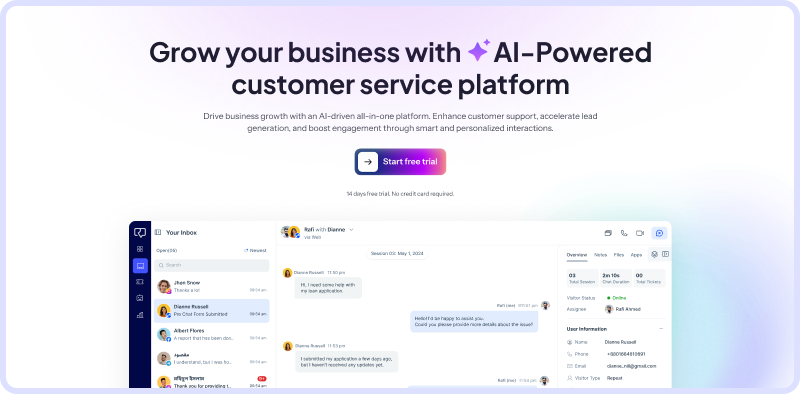
REVE Chat stands out as a complete omnichannel platform that combines powerful AI chatbots with live chat, video, and messaging across channels like WhatsApp, Facebook, Instagram, and more. What makes it a top choice for Shopify stores is its focus on blending automation with human touch.
It handles routine queries instantly while letting agents jump in seamlessly for complex issues. Stores using it often see quicker responses, higher engagement, and better sales from proactive nudges like product carousels or cart reminders.
The no-code visual flow builder lets anyone create smart conversations without tech headaches, and features like sentiment analysis help tailor replies to customer mood.
It cuts support time noticeably while feeling personal across devices. For growing ecommerce teams wanting one tool that covers website chat plus social messaging, REVE Chat delivers reliable growth in conversions and loyalty without overwhelming costs.
Key Features:
Visual Flow Builder
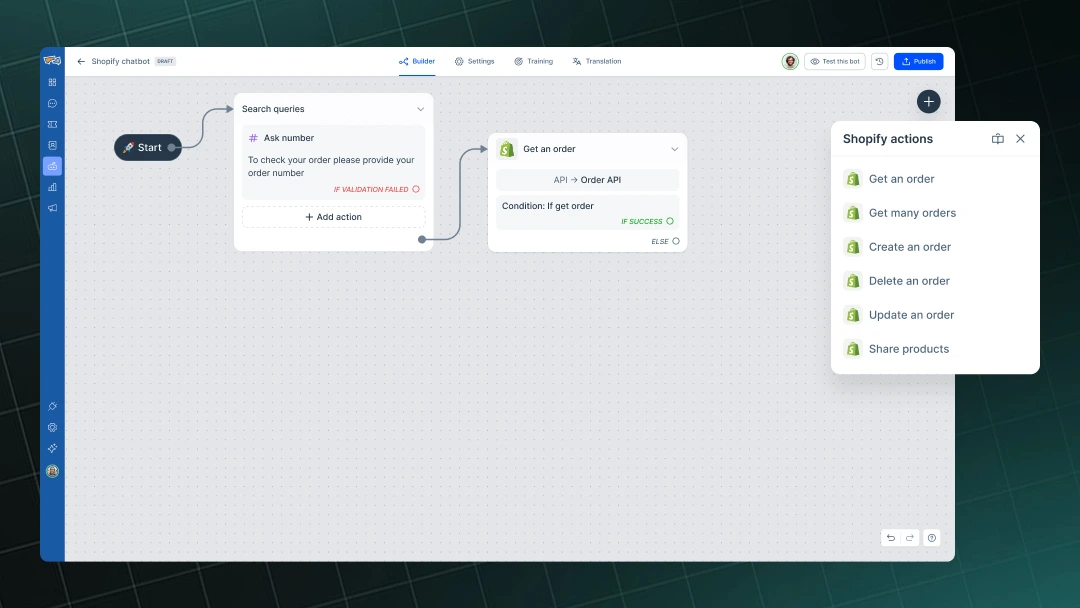
This drag-and-drop tool lets you map out chatbot paths easily, adding buttons, carousels, or forms. For Shopify owners, it means quick setups for guiding shoppers to products or checkout. Replies feel natural, and you avoid rigid scripts that frustrate customers.
Omnichannel Support
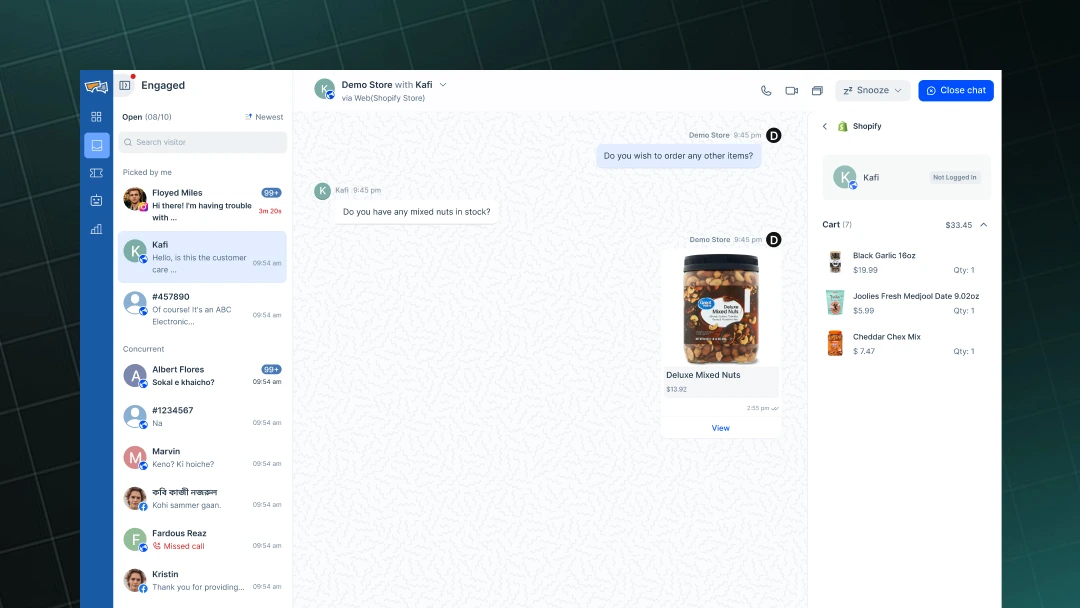
Connect chats from your site, WhatsApp, Facebook, Instagram, and others into one dashboard. Customers switch channels without repeating themselves, and your team sees the full history. It keeps engagement high across where shoppers hang out, turning social browsers into site sales.
AI-Powered Intent Detection and Personalization
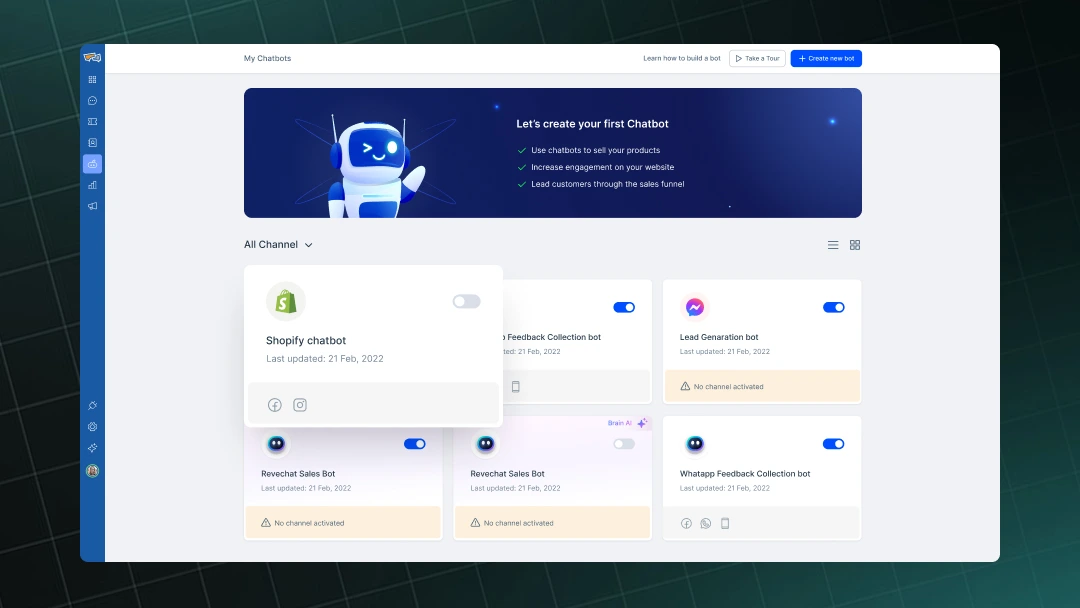
The bot reads context, spots what customers want, and pulls real-time Shopify data for tailored answers. It suggests items based on browsing or past orders, nudging upsells gently. This lifts order values and makes shopping feel guided, not pushy.
Seamless Live Handover and Hybrid Chats
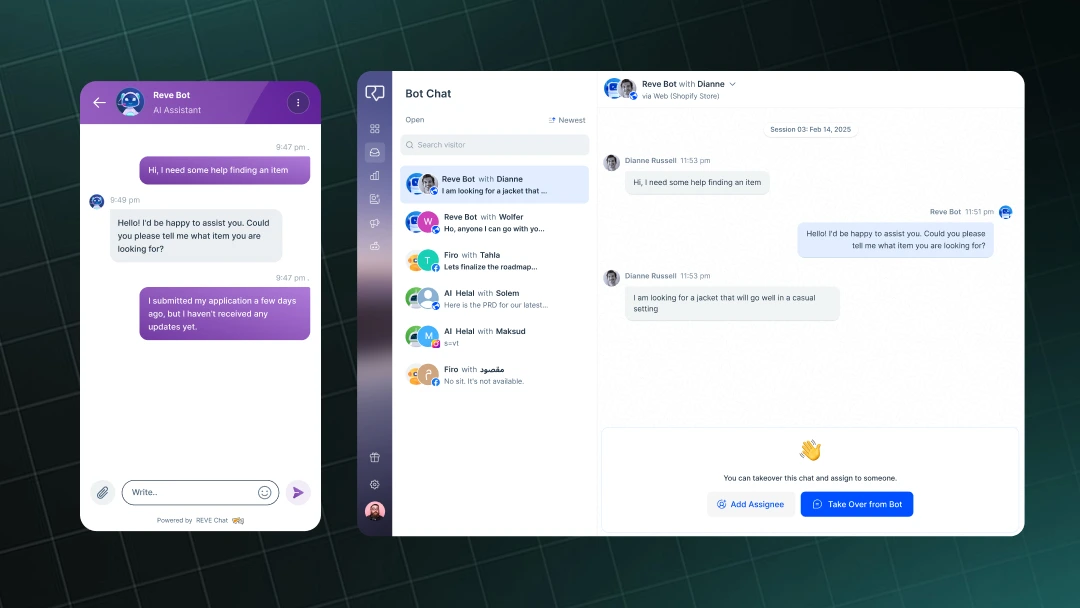
When things get tricky, the bot passes to a human with full conversation details. Agents can co-browse or video chat if needed. It balances automation savings with personal care, keeping trust high on returns or custom queries.
Proactive Triggers and Campaigns
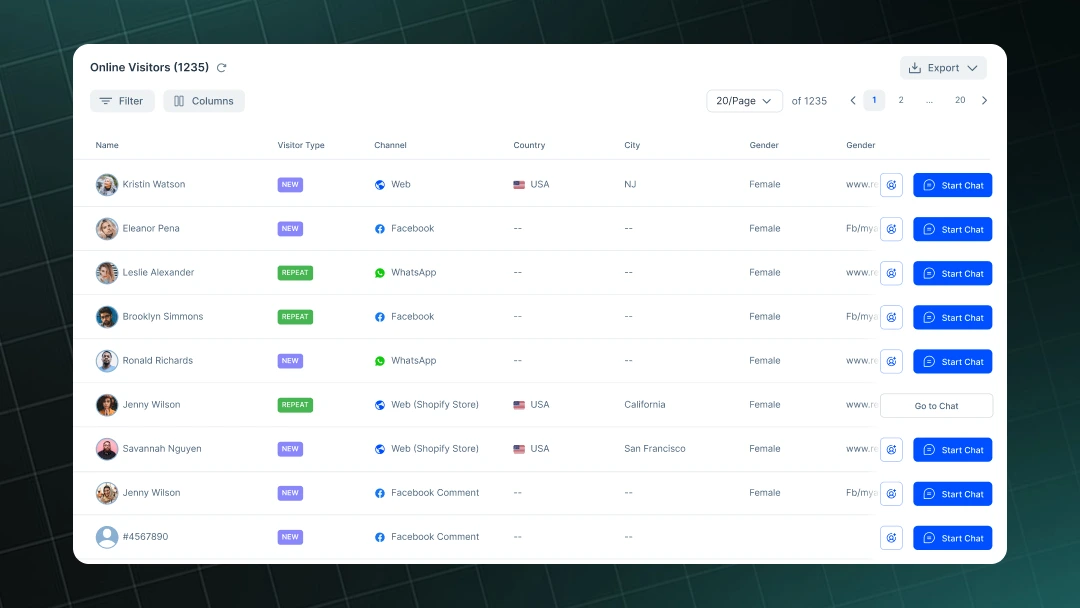
Set messages to pop up based on behavior, like viewing a product or abandoning a cart. Add SMS or web pushes for follow-ups. Stores recover more lost sales this way, and it quietly builds repeat visits without extra effort.
Multilingual and Translation Support
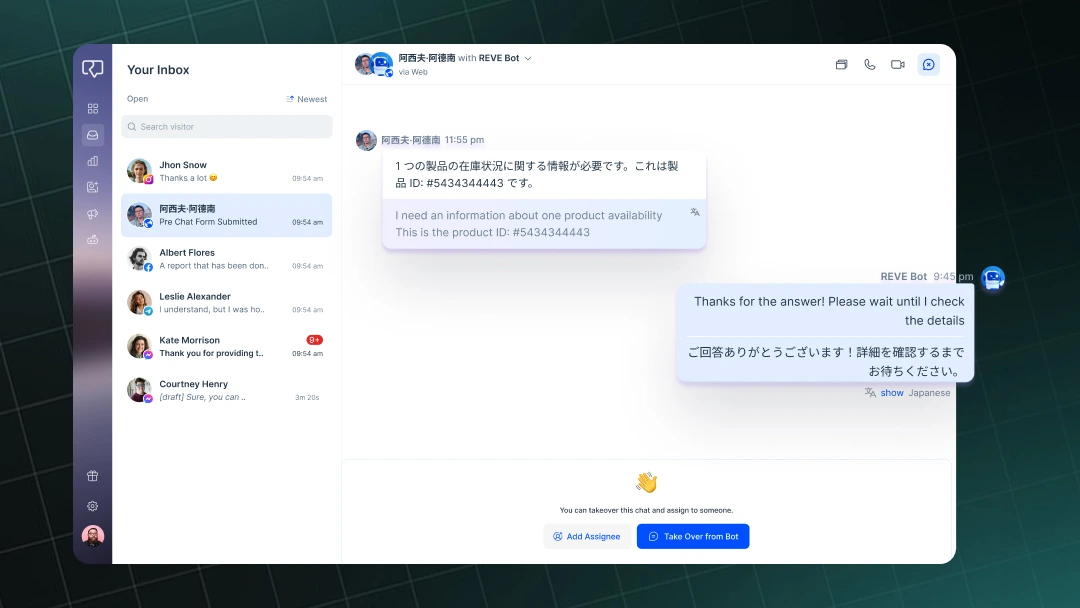
Handles conversations in multiple languages automatically. For international Shopify sellers, it removes barriers, letting customers ask in their own words while getting accurate replies.
Detailed Analytics Dashboard
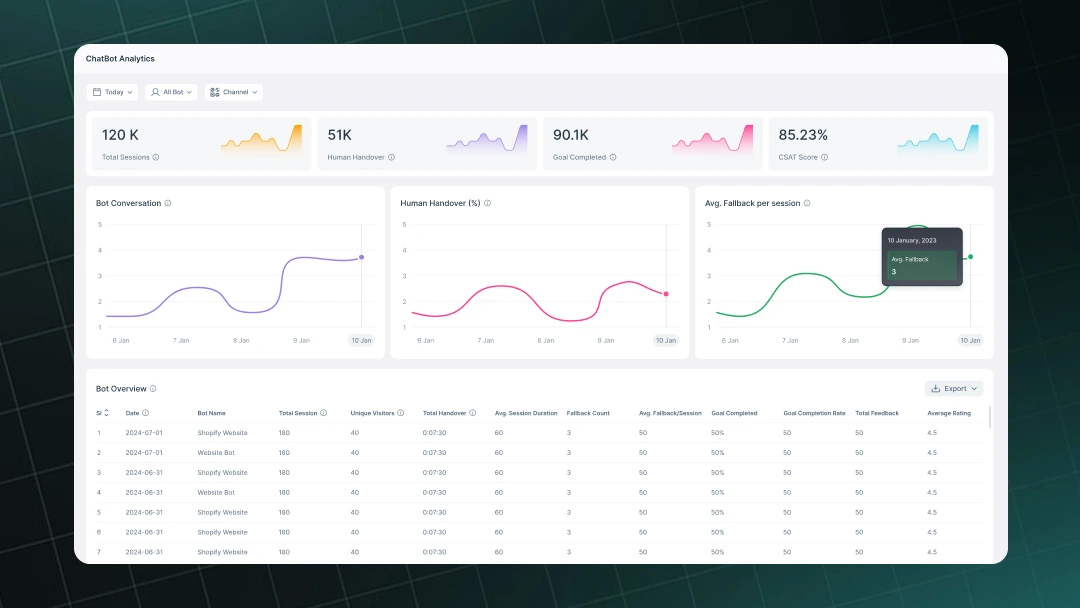
Track performance by channel, see goal completions, and spot improvement areas. You get clear insights on how chats affect sales or support load, helping tweak flows for better results over time.
2. Tidio
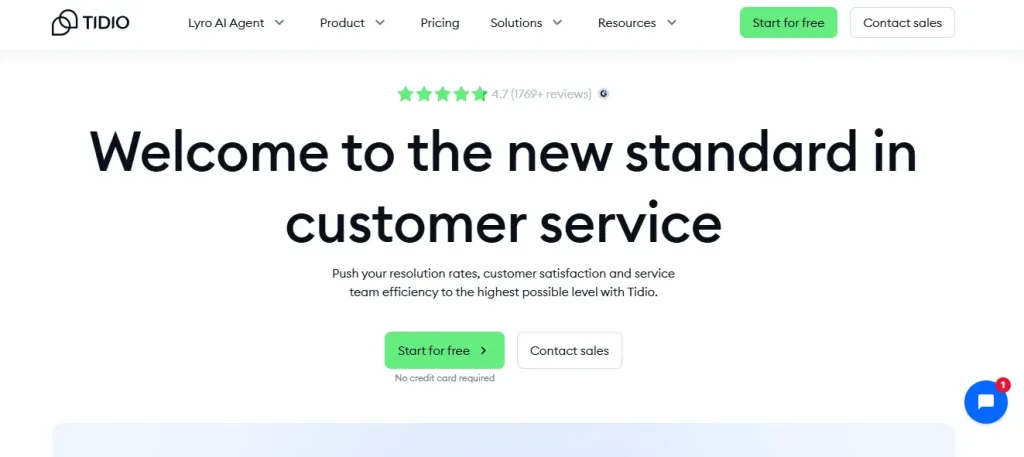
Tidio brings together live chat and AI-powered automation in a straightforward package that’s popular with small to mid-size Shopify stores.
Its Lyro AI handles common questions while letting you jump in for real talks, and it shines at quick setups with personalized recommendations to nudge sales.
Key Features:
- Live chat with real-time visitor viewing and cart insights
- Lyro conversational AI for automated replies and flows
- Product recommendations and discount sharing in chats
- Multichannel support, including email and social
- Mobile app for managing on the go
- Easy visual builder for custom automation
3. Gorgias
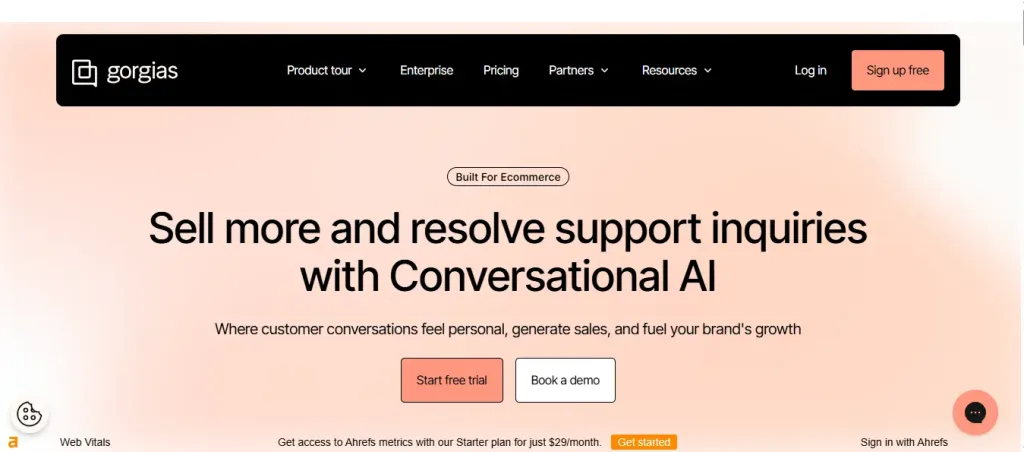
Gorgias focuses on ecommerce helpdesk needs with deep Shopify ties, pulling order data instantly for faster resolutions.
Its AI Agent automates tickets, refunds, and updates, making it ideal for stores handling higher volumes where support ties directly to sales retention.
Key Features:
- Centralized inbox for chat, email, social, and voice
- AI automation for order edits, refunds, and intent detection
- Built-in live chat with Shopify order viewing
- Revenue stats and macros for quick responses
- Integrations with Klaviyo, Yotpo, and more
- Advanced reporting on support impact
4. Shopify Inbox
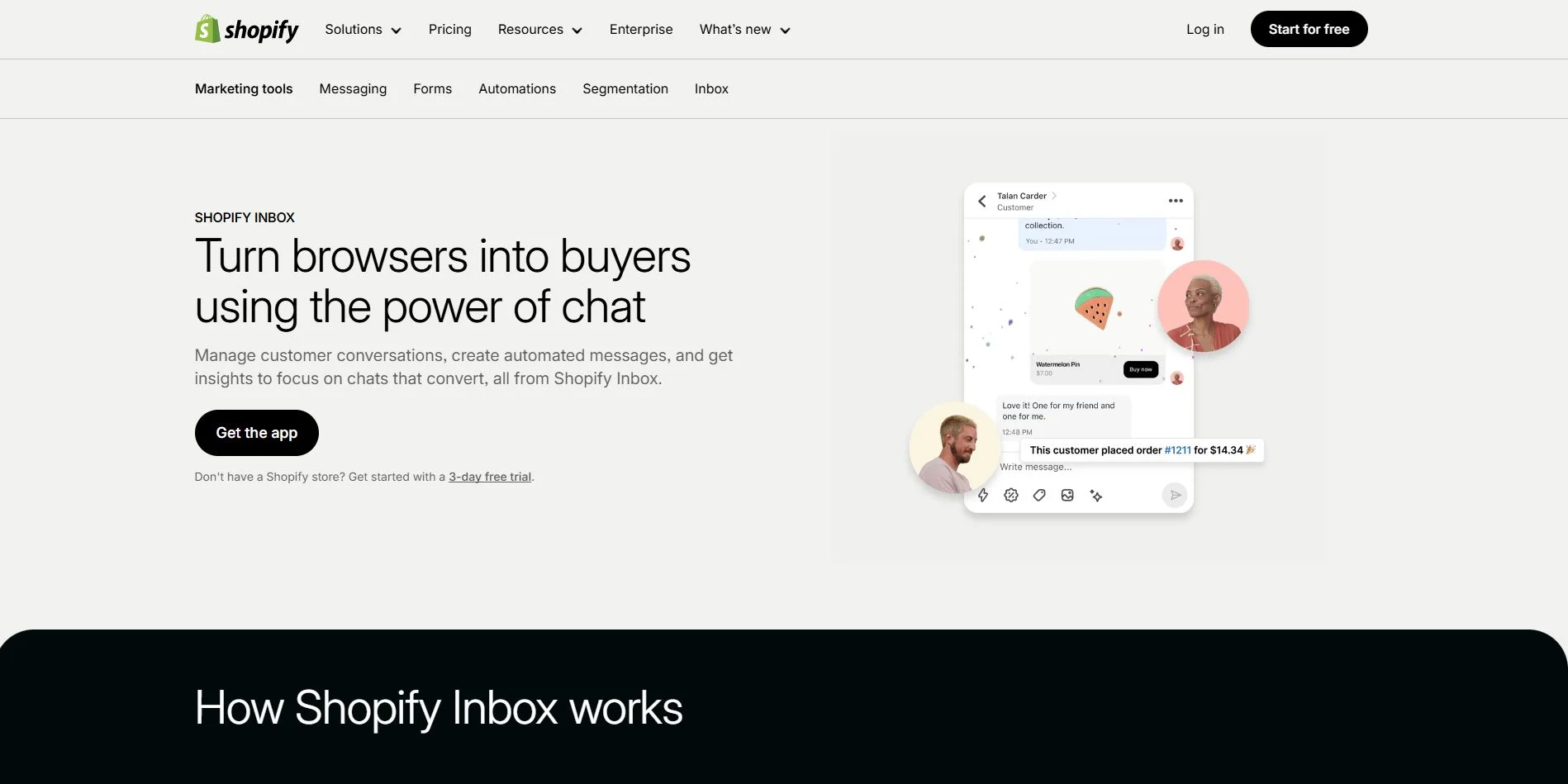
Shopify Inbox stays completely free and is built right into your admin, perfect for beginners wanting basic chat without extras.
It uses light AI for suggested replies and lets you see carts live, share products, or discounts to close sales during conversations.
Key Features:
- Native live chat with cart and order insights
- AI-powered quick replies and automated messages
- Product sharing and discount codes in chats
- Mobile-friendly management
- Conversation analytics tied to sales
- Easy customization of chat appearance
5. SmartBot
SmartBot trains itself on your store data overnight, delivering contextual answers and recommendations without constant tweaks.
It’s strong on personalized sales help and trains easily for unique questions, suiting stores wanting smart automation that feels trained like a salesperson.
Key Features:
- Auto-learning from products, pages, orders, and policies
- Personalized product recommendations
- Order tracking and inventory-aware replies
- Trainable AI for custom responses
- Multilingual support
- Seamless handover to live agents
6. Juphy
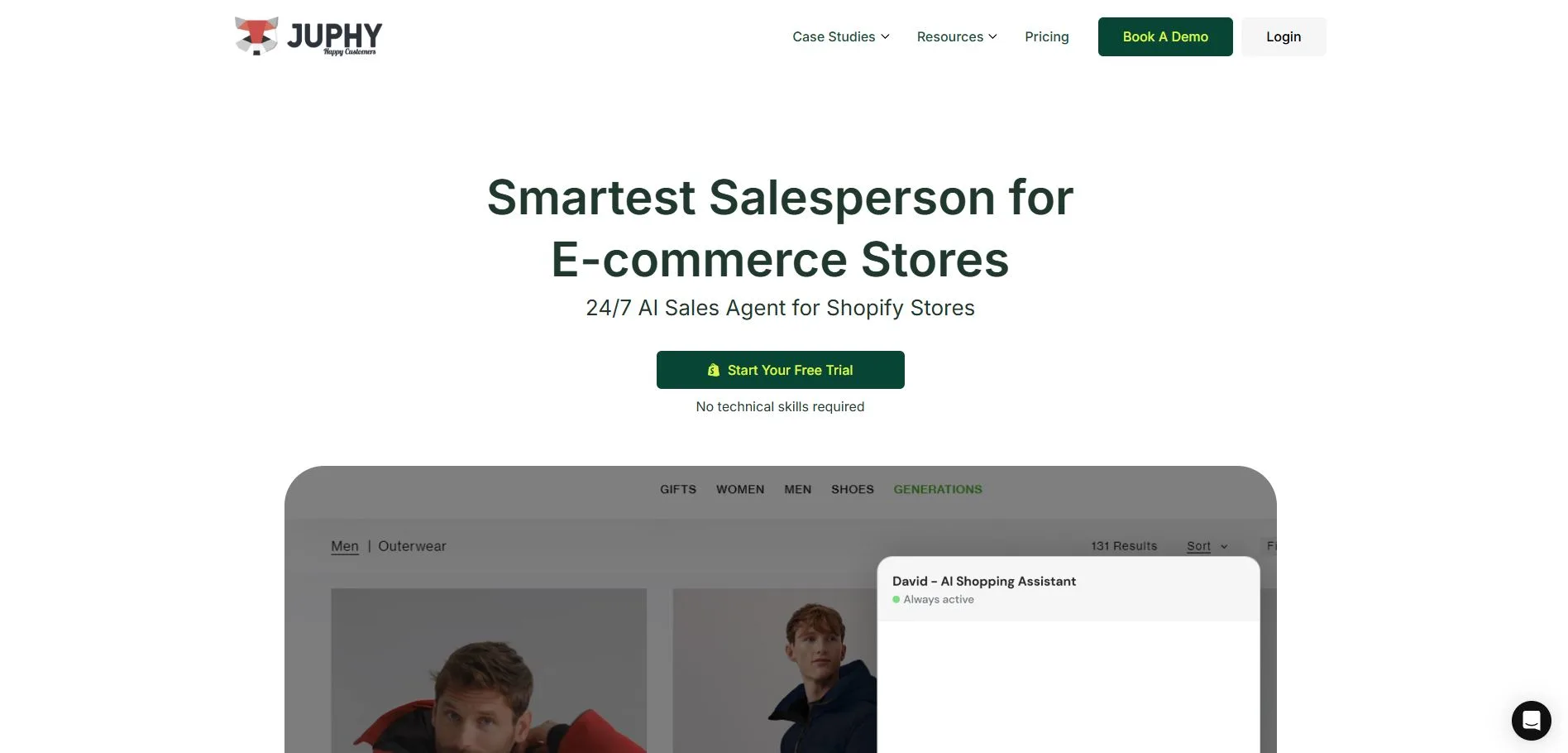
Juphy acts as a 24/7 sales assistant with one-click Shopify setup, syncing catalog and FAQs automatically. It excels at proactive engagement, order tracking, and personalized suggestions, helping turn visitors into buyers smoothly.
Key Features:
- One-click integration and auto-sync with store data
- Personalized recommendations and upsells
- Real-time order tracking
- Customizable branding and avatar
- Proactive messaging based on behavior
- Detailed performance reports
7. Chatty
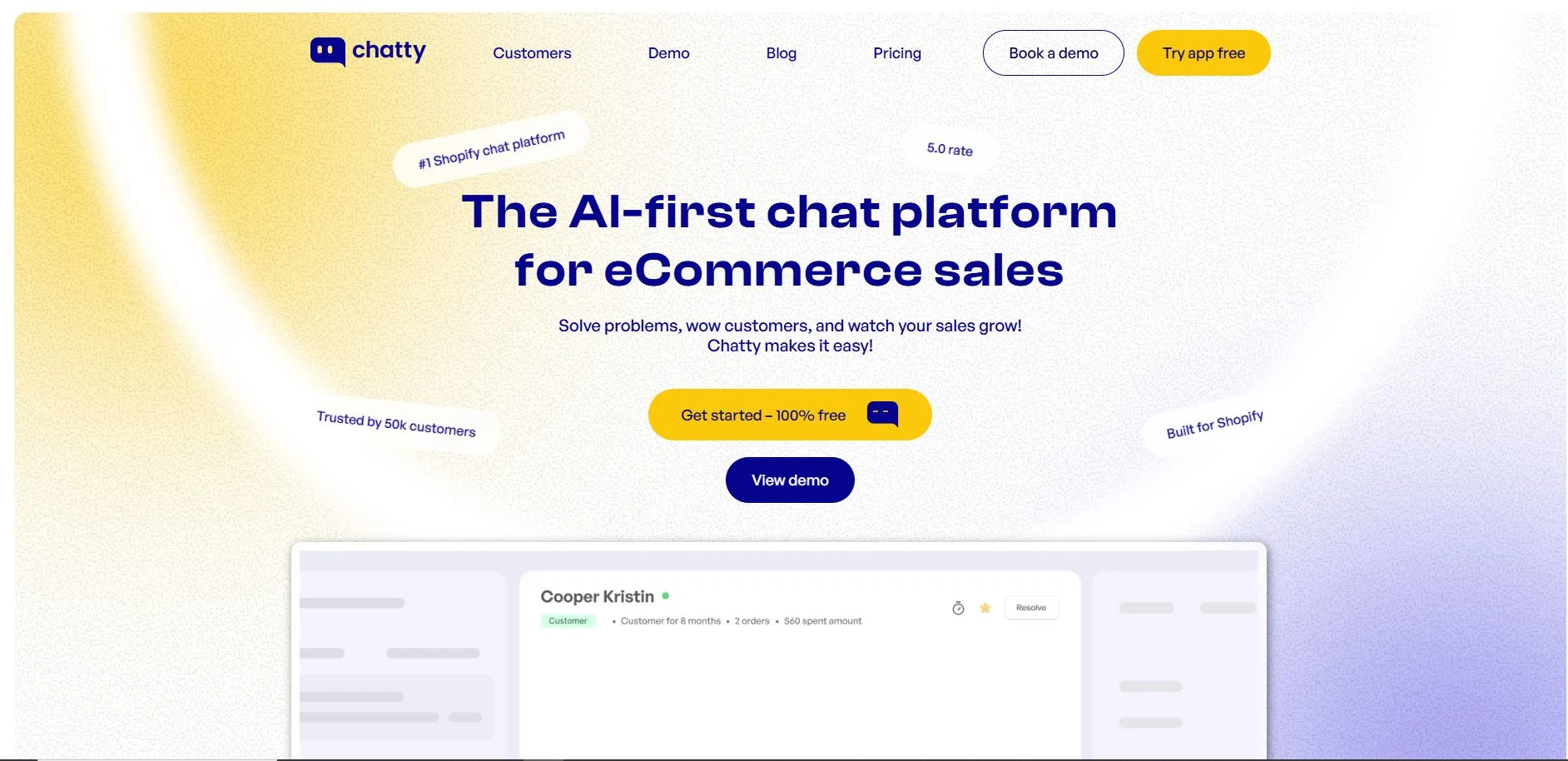
Chatty combines AI chatbot with a unified inbox for multiple channels, focusing on turning chats into sales through suggestions and quick resolutions. It’s great for teams managing websites plus social support in one place.
Key Features:
- AI-powered answers, recommendations, and order help
- Unified inbox for WhatsApp, Instagram, Facebook, and email
- Customizable flows and branding, Live chat handover
- Analytics on engagement and conversions
- Multi-channel management
8. Rep AI
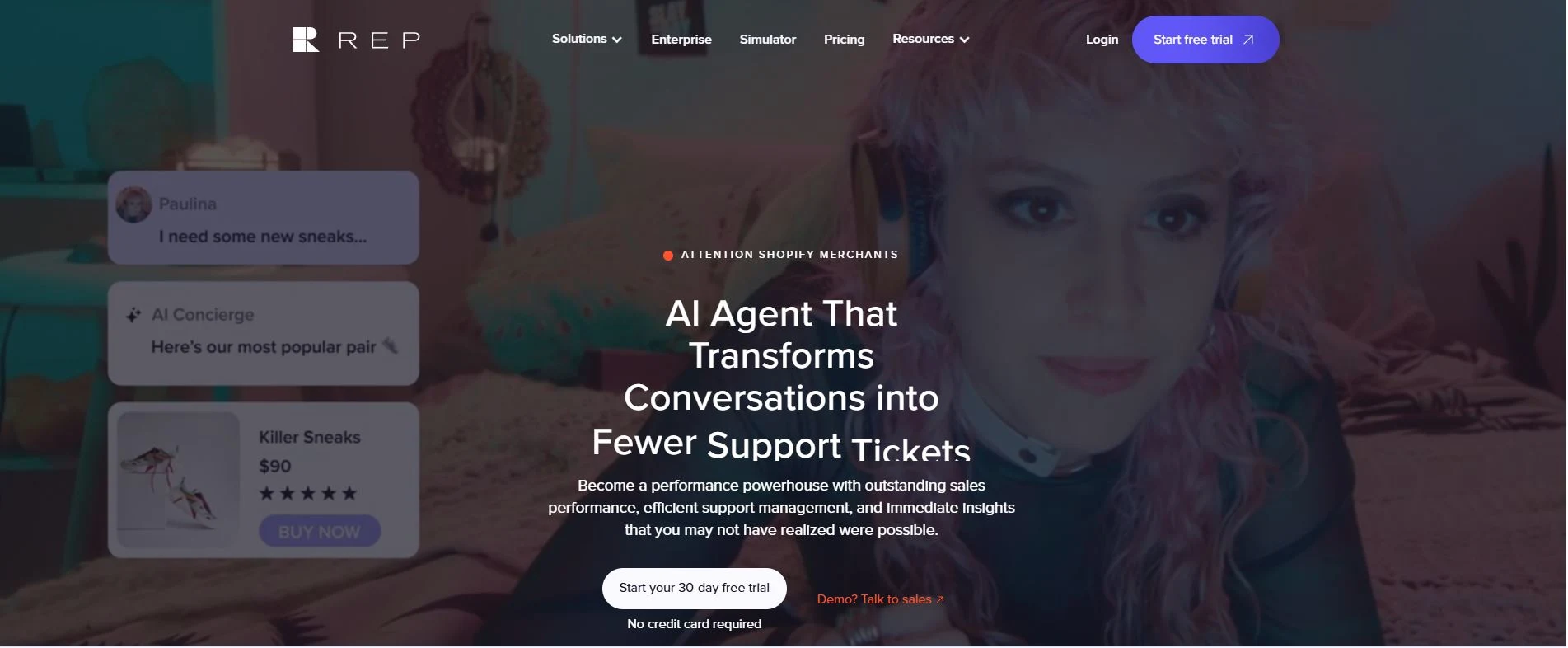
Rep AI uses behavioral triggers to engage at the right moments, blending ChatGPT-style conversations with sales nudges. It handles support while pushing conversions, integrating well with tools like Gorgias or Klaviyo.
Key Features:
- Behavioral AI for timed engagements
- Personalized recommendations and upsells
- Support query handling with ChatGPT power
- Custom training on brand voice
- Integrations with marketing apps
- Conversion-focused analytics
9. Ochatbot
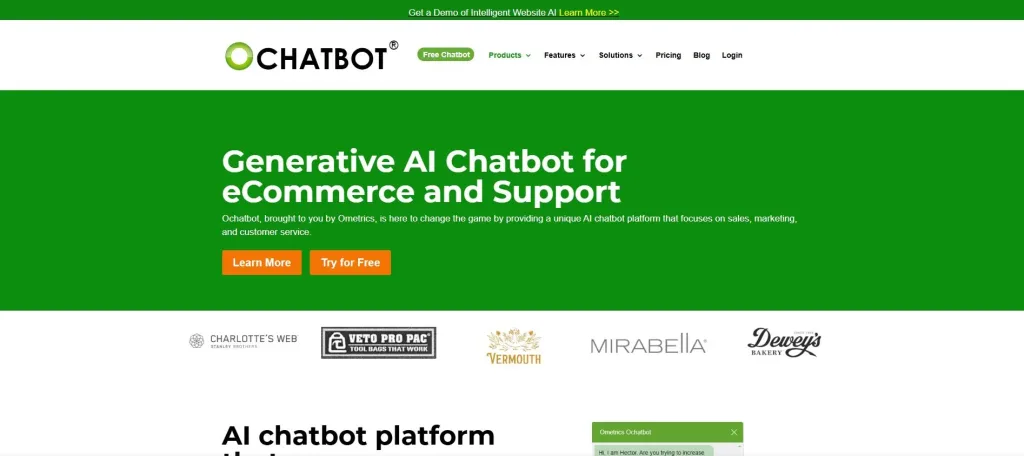
Ochatbot self-trains on your store content quickly, adding ecommerce actions like direct add-to-cart or upsells. It’s designed for revenue boosts through abandoned cart recovery and cross-sells in chats.
Key Features:
- Generative AI trained on store data
- Add-to-cart and upsell/cross-sell in chats
- Abandoned cart recovery messages
- Order status checks
- Self-learning and updates
- Lead collection flows
10. BestChat
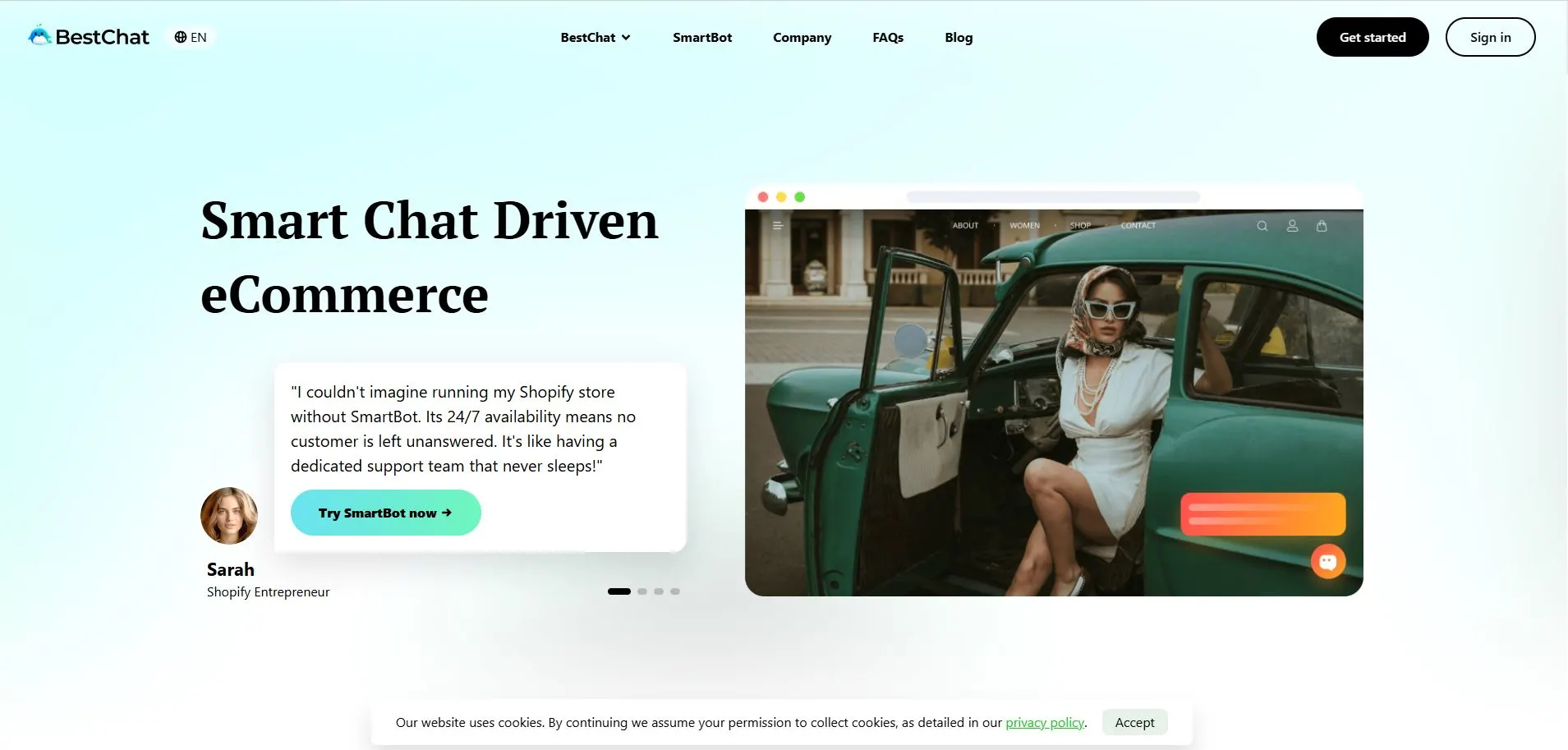
BestChat offers GPT-powered automation with self-learning from products and orders, keeping replies accurate as your catalog changes. It’s affordable for growing stores needing reliable 24/7 help and sales nudges.
Key Features:
- Self-learning AI from store content
- Product recommendations and order handling
- Customizable live chat interface
- 24/7 automated support
- Real-time Shopify sync
- Usage-based flexible plans
Benefits of Using a Chatbot for Shopify Stores
Adding a chatbot for Shopify stores brings real changes that show up fast in day-to-day running and numbers. Shop owners often see quicker responses to questions, fewer lost sales from empty carts, and happier customers who stick around longer.
These tools handle routine tasks without extra hires, free up time for bigger things, and quietly push more visitors toward buying. It’s from years of working with SaaS setups in ecommerce, the gains feel practical, lower costs of support, steady help around the clock, and small nudges that turn browsers into buyers.
Below are some of the clearest advantages playing out.
24/7 Customer Support
Customers shop at all hours, and a Shopify chatbot stays ready whenever they need help. It answers common questions about shipping or sizes right away, even in the middle of the night.
Many stores find this cuts down frustration and keeps people from leaving the site. Real setups show response times drop sharply, with some handling most inquiries without any human input.
Reduced Abandoned Carts
Around seventy percent of carts get left behind, but a good chatbot spots that moment and steps in. It sends gentle reminders, offers quick discounts, or solves last-minute worries like stock checks.
Stores using these often pull back twenty to thirty-five percent of those lost orders. The difference is evident directly in recovered sales that would otherwise be lost.
Personalized Product Recommendations
A smart Shopify AI chatbot looks at what someone browses and suggests items that actually fit. It pulls from your catalog in real time, showing alternatives or add-ons without feeling pushy.
This kind of tailored nudge lifts average order values noticeably, sometimes by fifteen to twenty percent. Customers feel understood, and it turns casual looks into fuller carts.
Instant Order Tracking and Updates
Shoppers hate waiting to hear about their packages, so the chatbot checks order status on the spot. It shares tracking links or confirms delivery details straight from your system.
This simple step cuts down repeat questions to support and builds trust. Many owners notice fewer follow-up messages and calmer customers overall.
Lower Customer Support Costs
Handling chats manually adds up fast as traffic grows, but a chatbot takes on the repetitive stuff. It deals with up to eighty percent of basic queries alone, freeing the team for tougher issues.
Stores typically save around thirty percent on support expenses this way. The savings let smaller operations scale without piling on staff.
Increased Sales and Conversions
Chatbots chat proactively, guiding visitors toward checkout or upselling related products naturally.
They spot intent and offer help at the right time, which pushes conversion rates higher. Some shops report gains of ten to thirty percent in overall sales. It feels like having an extra salesperson who never takes a break.
Better Customer Engagement and Satisfaction
Quick, helpful replies make shopping less of a chore and more enjoyable. The chatbot remembers past chats and keeps friendly tone, so people linger longer on the site.
Feedback comes in easier, too, right during conversations. This leads to higher satisfaction scores and more repeat visits down the line.
Scalability for Growing Stores
As orders pick up, a chatbot handles more chats without slowing down or needing extra resources.
It grows with your store, managing peaks like sales events smoothly. Teams stay focused on strategy instead of drowning in messages. For expanding Shopify setups, this means steady service no matter the traffic spike.
Valuable Customer Insights
Every chat leaves behind useful details on what people ask most or where they get stuck. The chatbot logs patterns quietly, helping spot trends in preferences or pain points.
Store owners use this to tweak products or pages. Over time, it turns casual talks into data that shapes smarter decisions.
How to Choose the Best Chatbot for Shopify?
Picking the best chatbot for Shopify feels tricky with so many options out there. Some focus heavily on quick support, others push sales harder, and a few handle channels like WhatsApp or Instagram without missing a beat.
Start by thinking about your main pain points, too many repeat questions, carts getting dropped, or customers shopping across different places.
From there, a few practical factors narrow it down fast and help avoid regrets later. The stronger ones pull live data from your store, chat naturally, and grow with traffic spikes.
Your Store Size and Traffic Volume
Smaller shops do fine with lighter tools that set up quick and stay cheap. Bigger ones need something that handles hundreds of chats at once without slowing the site or racking up huge bills.
Check how pricing works; some charge per conversation, others flat monthly. We’ve seen stores switch after outgrowing a basic plan and facing surprise costs.
Ease of Setup and Integration
Nobody wants to spend weeks coding or tweaking. Look for apps that install straight from the Shopify store in minutes and sync products, orders, and inventory automatically.
Good ones let you tweak the look to match your theme and start with ready templates. Slow or clunky integration just adds frustration when you’re trying to get help faster.
AI Capabilities and Natural Conversations
Basic scripted bots work for simple FAQs, but modern AI ones understand messy questions, remember past chats, and reply like a real person.
They spot intent, check stock live, or suggest items that fit what someone’s browsing. In real setups, this cuts down escalations to humans and makes shoppers feel heard instead of stuck in loops.
Sales Features vs. Pure Support Focus
Some chatbots nudge visitors with recommendations, discounts, or cart reminders to lift conversions. Others stick to answering questions and tracking orders.
Decide if you want more sales push or reliable support first. Tools that blend both quietly add to the bottom line without feeling salesy.
Omnichannel and Multilingual Support
Customers message from everywhere: site chat, Facebook, WhatsApp, and email. A solid pick unites those into one dashboard so nothing slips.
If you sell internationally, multilingual handling keeps replies accurate in different languages. This matters more as stores reach beyond one country.
Learn More: Multilingual Customer Support
Live Chat Handover and Human Backup
Even smart AI hits limits on tricky issues. The best ones spot when to pass to a person smoothly, with full chat history. This hybrid setup keeps things personal for complex stuff like returns or custom orders. Teams stay sane instead of fixing bot mistakes.
Pricing, Trials, and Hidden Costs
Plans vary wild, from free basics, per-message fees, or tiered monthly. Always test with a free trial on your real store to see actual usage. Watch for extras like removing branding or adding channels. Clear pricing avoids shocks when traffic picks up.
Reviews, Ratings, and Real User Feedback
Shopify app store ratings give a quick sense, but dig into recent reviews for mentions of reliability or support response. We’ve found honest feedback there spot issues like downtime or poor mobile views early. High-volume stores sharing wins carry more weight than perfect small-sample scores.
Data Privacy and Customization Options
Your customer details stay safe with good tools, especially across channels. Customization covers tone, greetings, and flows to fit your brand voice. Overly rigid ones end up feeling off or generic.
Take time on a couple of trials matching your priorities, and the right Shopify chatbot app starts paying off quickly with fewer headaches and steadier sales.
How to Integrate a Chatbot to Shopify?
Getting a chatbot for Shopify up and running turns out simpler than most owners expect these days. Back when I first helped stores add them in SaaS work, it often meant digging into code or waiting on developers.
Below are the main ways people add them, from built-in to custom.
Using Shopify’s Native Tool: Shopify Inbox
Shopify Inbox comes free with most plans and works great for basic needs. Head to your admin dashboard, find the app store section, search for Inbox, and install it. Once in, turn on chat for your online store; it adds a little bubble on the site automatically.
You set quick replies for common questions, share product links or discounts during talks, and it even suggests answers with some AI help. Many smaller shops start here since it ties straight into orders and cart info without extra setup.
Installing a Third-Party App from the Shopify Store
Log in to your Shopify admin, click Apps on the left, then visit the Shopify App Store. Search for the app name, hit Add app, and confirm the permissions. It needs access to products, orders, and customers to work properly.
For REVE Chat specifically, search it, add the app, sign up with your details right there, and it guides you through onboarding.
The chat widget shows up on your site fast, often with one toggle. These sync inventory live, let the bot recommend items, and handle tougher stuff like order tracking.
Adding a Custom Script for Non-App Chatbots
Some tools don’t have a direct app, so you grab a code snippet instead. Sign up on their site first, build or pick your bot, and copy the embed code they give.
Back in Shopify, go to Online Store, then Themes, pick your current theme, and click Actions followed by Edit code. Open the theme. liquid file under Layout, scroll near the bottom before the closing body tag, paste the code, and save.
Refresh your store page to see the chat bubble appear. This way works fine for no-code builders, but app versions feel smoother since they update automatically.
Quick Tips After Setup
Test it yourself, pretend to shop, ask about stock or shipping, and see how it replies. Adjust the greeting message or colors to match your site so it doesn’t stick out.
Most let you train the AI on your FAQs or policies for better answers. If traffic grows, check that it hands off tricky chats to you smoothly. Owners I know always run a trial first on live traffic to spot tweaks before going all in.
Once it’s live, you’ll notice questions get answered faster, carts recover easier, and customers hang around longer without you watching every minute. Pick the method that matches your store size, and the Shopify chatbot integration starts helping right away.
Shopify Chatbot vs. Live Chat: Which is Better?
Shopify store owners often wrestle with whether to stick with plain live chat or go for a full Shopify AI chatbot. From hands-on work in SaaS for ecommerce, the straight answer is neither wins alone, most setups shine when they mix both.
Live chat brings that human touch for tricky problems, while the chatbot handles the flood of repeat questions around the clock without burning out your team. Customers expect quick help any time, and pure live chat falls short after hours or during busy rushes.
On the flip side, chatbots sometimes miss the nuance in emotional complaints. The smartest apps blend them, letting the bot take simple stuff and pass tougher chats to a person smoothly. This hybrid way keeps costs down, speeds up replies, and often lifts sales more than one approach alone.
When Live Chat Feels Better
Live chat lets a real person jump in, read the customer’s mood, and handle complaints or custom requests with care.
Shoppers dealing with returns or fit issues often want empathy that a bot struggles to give. Teams can spot upsell chances on the fly, like suggesting add-ons during a talk.
Smaller stores with low traffic manage fine without automation, keeping things personal. But as volume grows, agents get swamped, replies slow, and coverage stops outside work hours.
When a Chatbot Pulls Ahead
A Shopify chatbot answers instantly, no matter the time, cutting wait times that chase people away. It deals with eighty or ninety percent of basic queries, like order status or stock checks. It frees humans for harder stuff.
Costs drop hard since one bot manages hundreds of chats without extra pay. Many now pull live store data for personal suggestions or cart reminders, pushing conversions up ten to thirty percent in real shops.
For growing stores, it scales easily during sales spikes without adding staff.
Why Most Stores Pick the Hybrid Approach
The top Shopify chatbot, like REVE Chat, combines both worlds. The bot greets visitors, answers routine questions, recovers abandoned carts, and hands off complex issues with full history.
This setup resolves most interactions automatically while keeping the personal feel when needed. Customers stay happier with fast starts and human backup, teams handle less repetition, and sales get quiet nudges from proactive bot messages.
Real Downsides to Watch
Pure live chat drains resources fast as traffic rises, and off-hour shoppers leave frustrated. Standalone chatbots can feel cold on sensitive topics or misread odd questions, leading to annoyed customers.
Hybrids need some setup to make handoffs smooth and train the bot on your products. Pick wrong, and it adds work instead of cutting it.
Going hybrid with a strong chatbot for Shopify that includes live handover gives the edge most owners need right now.
It covers constant availability, keeps costs manageable, and still feels human where it counts. Test a few on your store to see the difference play out in real chats and numbers.
Conclusion
What if your Shopify store could talk to every visitor the moment they hesitate before they click away forever?
A well-chosen chatbot provides instant answers around the clock, personalized recommendations that lift order values, recovered carts that would otherwise stay empty, and support costs that drop without losing the human feel. It’s from proactive nudges to seamless handoffs across WhatsApp, Instagram, and your site; the right tool keeps shoppers engaged and coming back.
REVE Chat brings all that together in one clean dashboard with smart AI, live video support, and true omnichannel reach. Ready to stop losing sales and start building loyalty? Sign up for the REVE Chat free trial today and watch your store conversations turn into real growth.
Frequently Asked Questions
Good apps load the widget asynchronously and keep script size small. So impact stays minimal, usually under 100ms. Shopify’s own review process helps catch heavy ones. You can also delay loading until a visitor scrolls to stay safe.
Absolutely, every solid app lets you change colors, logo, greeting text, and avatar. Many offer tone settings or custom training so replies sound friendly, professional, or playful, depending on your brand voice.
Most install in minutes and work decently out of the box with basic templates. Getting great results usually takes a few hours to train on your FAQs, connect products, and tweak flows. Ongoing tweaks based on analytics keep improving performance.
Yes, many let you add forms or buttons to capture emails, phone numbers, or consent during chats. Tools like REVE Chat integrate directly with Klaviyo or your SMS provider to tag and segment leads automatically.