
Table of Content
AI SUMMARY
Quick Answer
Conversational chatbots help businesses answer questions, guide buying decisions, and complete tasks through connected systems. This blog explains rule-based, AI-powered, and hybrid chatbots, their benefits, and their limitations. It compares five platforms and outlines what to check before choosing one. Learn how to test accuracy, protect customer data, verify integrations, and measure results so your chatbot delivers useful support and reliable actions.
A customer visits your website to ask about a product. Your support team is offline. The customer cannot find the answer and leaves your website. You may lose a sale because help was not available at the right time.
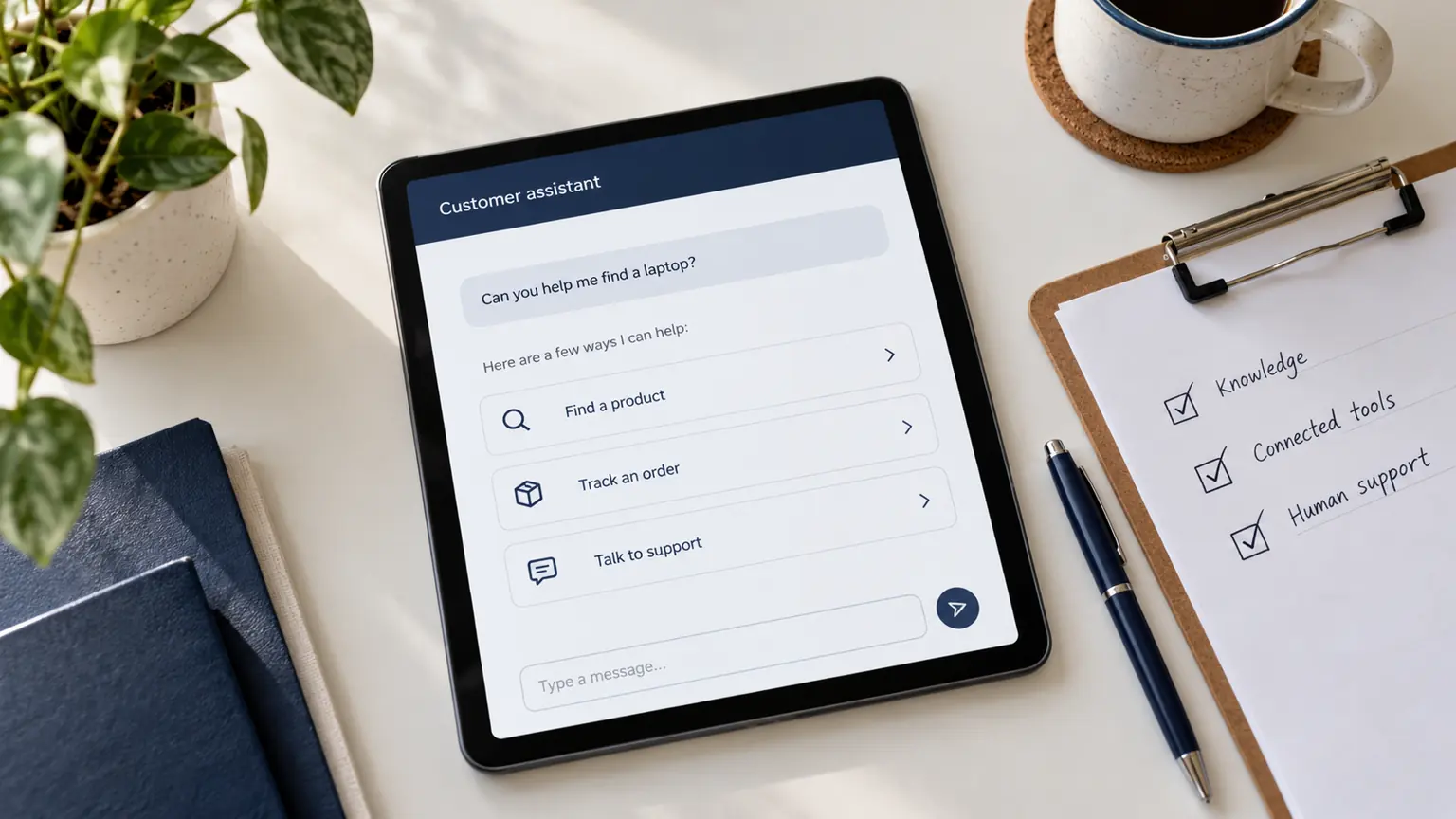
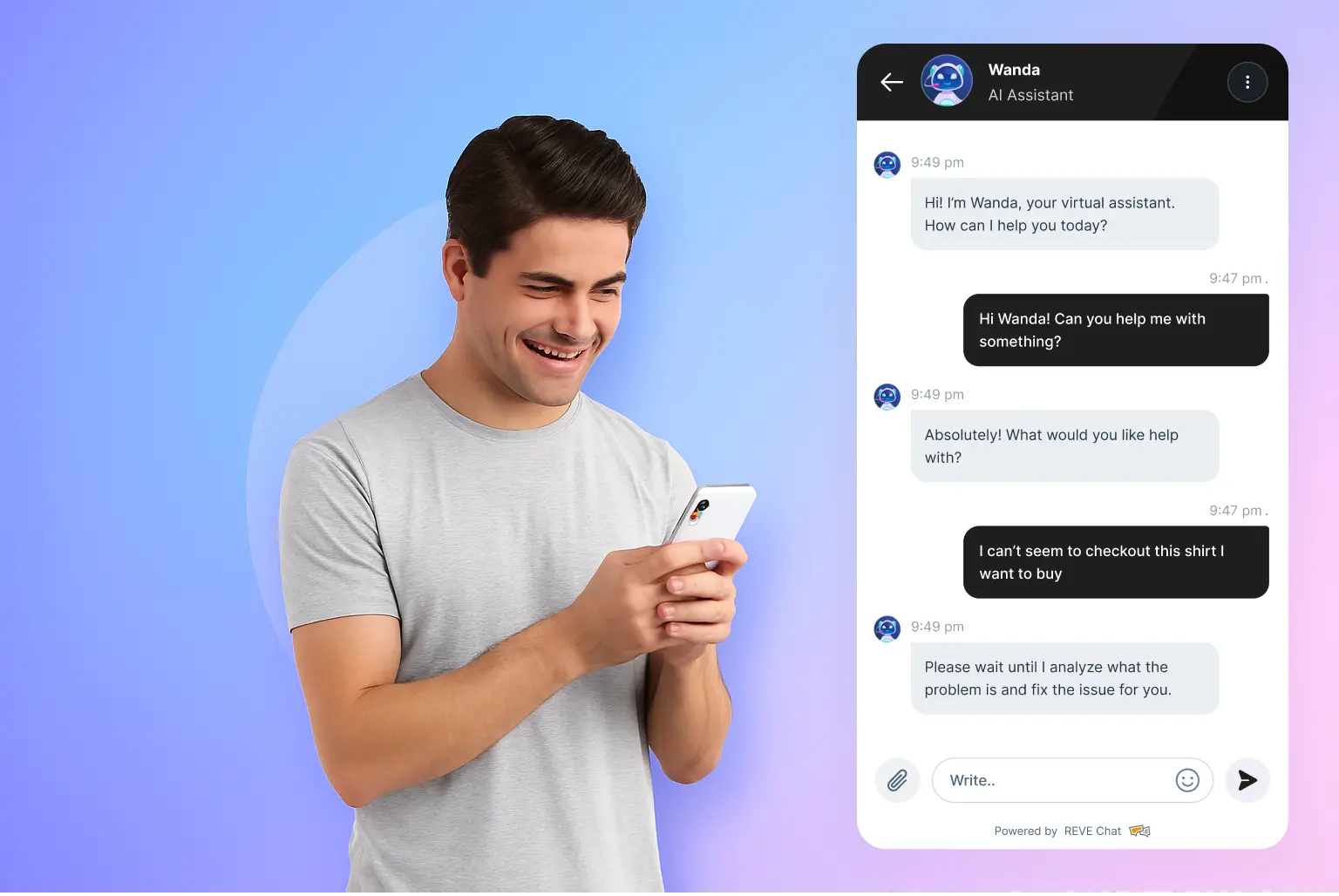
Conversational Chatbots can help solve this problem. They answer customer questions, share product information, and guide people through common tasks. Some can also check order details, collect leads, and connect customers with human agents.
Businesses use these tools to improve customer service and support sales. However, results depend on the chatbot, its data, and the tasks it can perform.
In this blog, you will learn how conversational chatbots work, their main benefits, and the features to check before choosing a tool.
What Are Conversational Chatbots?
Conversational chatbots are software tools that communicate with people through text or voice. They understand customer requests and provide relevant answers. Some follow fixed rules. Others use artificial intelligence to understand natural language and respond to different questions.
For example, a customer may ask, “Can I return a shirt if it does not fit?” A basic chatbot may show a return policy. An AI-powered chatbot may explain the policy in simple language and guide the customer through the next steps.
Some chatbots can also connect with business systems. This helps them retrieve order details, check product availability, or collect customer information.
The main purpose is simple. A chatbot helps customers get information or complete a task without unnecessary delays.
What Is Conversational AI?
A conversational chatbot is an application that exchanges messages with users to answer questions, collect information, or guide a process. It may appear on a website, in a mobile app, or inside a messaging channel.
The term covers products with very different capabilities. A menu-based bot might direct shoppers to a shipping page. An AI-powered assistant might interpret a delivery question, ask for missing details, and retrieve an update from a connected store.
For example, consider this customer message:
“I need running shoes under $80. Do you have my size, and can they arrive by Friday?”
Handling that request requires more than recognising the phrase “running shoes.” The assistant needs to identify the budget, ask for the size and delivery location, check available products, and confirm what delivery information it can access.
This is an illustrative scenario, not a claim that every chatbot can complete those steps.
Conversational Chatbots vs Conversational AI vs AI Agents
These terms overlap, but they describe different things.
| Term | What it describes | Example |
|---|---|---|
| Chatbot | An application that communicates through a chat interface | A website assistant answering delivery questions |
| Conversational AI | Technology used to interpret and respond to human language | Understanding that “Where’s my parcel?” is an order-status request |
| AI agent | A system that can use tools and follow instructions to work toward a goal | Looking up an order and creating an authorised support request |
A chatbot does not automatically use AI. A conversational AI system does not automatically have permission to change business records. An AI agent may communicate through a chatbot interface, but its ability to act depends on its tools, instructions, and access.
Conversational AI also does not always mean generative AI. Bank of America explains that Erica uses natural language processing and machine learning, rather than generative AI or large language models. It selects responses from predefined answers.
When evaluating a product, ask what it can understand, what information it can access, and what actions it can actually perform. The product label alone will not answer those questions.
How Do Conversational Chatbots Work?
The exact process depends on the technology. An AI-powered customer service assistant commonly works through these stages:
- Receive the request. The customer sends a message through a supported channel.
- Interpret the question. The assistant identifies the request and relevant details, such as a product name or order number.
- Retrieve information. It consults approved content or queries a connected system.
- Respond or act. It explains the answer, asks for clarification, or uses an authorised tool.
- Confirm the outcome. It reports what happened or explains why further help is needed.
Three parts of the setup deserve particular attention:
| Part | What is provides | Example |
|---|---|---|
| Business knowledge | Approved explanations and policies | Return conditions and warranty terms |
| Connected data | Information retrieved from a business system | Current stock or a specific order’s status |
| Action tools | Permission to perform a defined task | Creating a support ticket or booking an appointment |
Uploading a return policy helps an assistant explain returns. It does not, by itself, enable the assistant to issue a refund. That requires a supported action, appropriate authorisation, and confirmation from the system processing the refund.
What Are the Main Types of Conversational Chatbots?
Businesses can choose from three main types.
1. Rule-Based Chatbots
Rule-based chatbots follow fixed instructions. They use buttons, menus, keywords, and predefined answers.
A restaurant may use this type of bot to share its menu, opening hours, and delivery options.
These bots work well for simple and repeated tasks. They are also easier to control. However, they may struggle when a customer asks an unexpected question.
2. AI-Powered Chatbots
AI powered chatbots use language technology to understand customer messages. They can handle different ways of asking the same question.
For example, a customer may ask, “Do you have running shoes for under $80?” The chatbot can identify the product type and budget. It can then suggest suitable items if it has access to accurate product data.
These bots can handle varied questions. However, they may still provide incorrect answers. Businesses need reliable knowledge sources and regular testing.
3. Hybrid Chatbots
Hybrid chatbots combine fixed rules with AI. They use structured workflows for tasks that need clear steps. They use AI to answer questions that need more flexible language understanding.
For example, a hybrid chatbot may answer product questions with AI. It may follow a fixed verification process before sharing private order details.
This approach helps businesses control important actions while allowing natural conversations.
What Are the Benefits of Conversational Chatbots?
A chatbot can help businesses serve customers and manage routine work. Here are six practical benefits.
1. Answer Customer Questions Around the Clock
Customers may need help outside office hours. A chatbot can answer common questions at any time.
An online store can use a chatbot to explain shipping fees, payment options, return policies, and product details. Customers can find answers without waiting for a support agent.
The business must keep its information updated. Outdated answers can confuse customers and damage trust.
2. Reduce Repeated Support Tasks
Support teams often answer the same questions every day. These may include delivery updates, account access, and return requests.
A chatbot can handle many routine questions. This gives support agents more time for complaints and complex problems.
However, businesses should keep human support available. Customers should have a clear way to request help from a person.
3. Help Customers Find Products
Customers may need help choosing the right product. A chatbot can ask about their needs, budget, size, and preferences.
For example, an electronics store can ask a shopper about their budget and intended use. It can then suggest laptops that match those needs.
The suggestions must come from accurate product information. The chatbot should explain its limits when it cannot confirm stock or product details.
4. Collect and Qualify Leads
Businesses can use chatbots to collect information from interested visitors.
A software company may ask visitors about their business type, team size, and main needs. The chatbot can collect contact details with consent. It can then send the lead to the sales team.
This process helps sales staff focus on relevant inquiries. Businesses should track lead quality and completed sales to measure the results.
5. Make Customer Support More Personal
A chatbot can use details from the current conversation to provide relevant answers. Some tools can also access approved customer records.
For example, a returning customer may ask about an earlier support request. A chatbot with access to that conversation can help the customer continue without repeating every detail.
Businesses must protect customer data. They should collect only the information needed for the task.
6. Find Common Customer Problems
Chatbot reports can show the questions customers ask most often. They can also reveal requests that the chatbot cannot answer.
For example, many shoppers may ask about the same product size. The store can use this information to improve product pages or stock details.
Businesses can review these reports to improve their website and support process. They should also check customer feedback and unresolved conversations.
Conversational AI Examples From Real Businesses
Real business examples show how conversational tools can help customers.
Domino’s
Domino’s has used its Dom ordering assistant to support customer interactions and food orders through conversational interfaces.
This example shows how a chatbot can guide customers through a defined buying process.
What businesses can learn: Connect the chatbot to the ordering process when customers need to take action. Check the available features for each channel before making claims about what the bot can do.
Bank of America
Bank of America introduced Erica as a virtual financial assistant. It helps customers access banking information through the bank’s digital services.
This example shows how a conversational assistant can help people find information within a specific service.
What businesses can learn: Protect private information and verify customer identity before sharing account details. Financial services also need clear rules for sensitive requests.
These Conversational AI examples show different uses of conversational technology. They do not prove that every chatbot can deliver the same results.
Conversational Chatbots List: Tools to Consider
The right tool depends on your business needs, budget, and required features. Use this conversational chatbots list as a starting point for your research.
1. REVE Chat
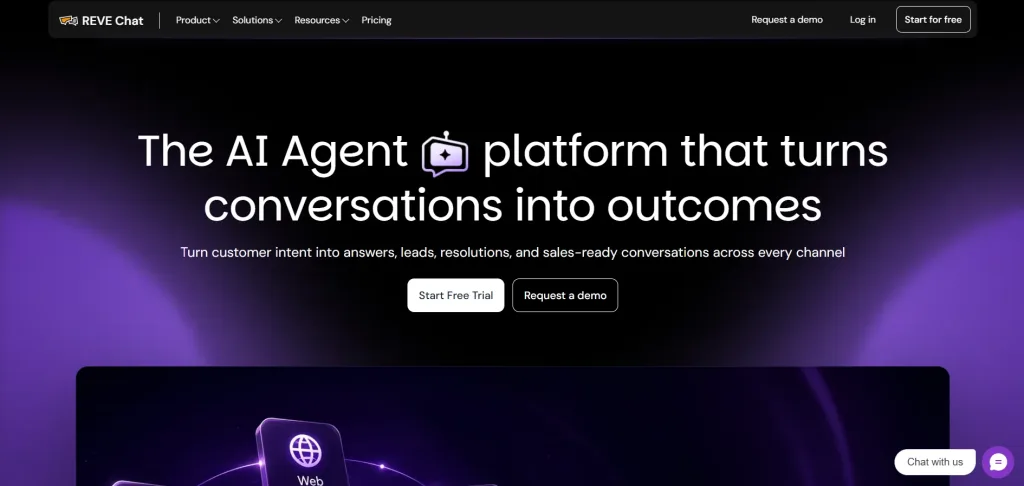
REVE Chat combines live chat, chatbots, and AI Agents to help businesses manage customer conversations and provide faster support. Its features include automated replies, customer history, agent routing, WhatsApp messaging, and human handoff.
The AI Agent can also help customers find products, check order details, and complete selected tasks based on available data and integrations.
Consider it if you want to combine automated support with human assistance. Check the available integrations and features for your required tasks.
Key Features
- Live chat with customer history and agent routing
- AI Agents for customer queries and selected tasks
- Chatbots and automated workflows
- WhatsApp messaging and customer engagement tools
- Human handoff for complex questions
Pros
- Combines automated support with human assistance
- Supports customer communication across different channels
- Offers tools for sales and customer service teams
Cons
- Some features may require additional setup or integrations.
- Businesses should check the available features and pricing before choosing a plan.
2. Zendesk

Zendesk provides customer service software with AI features, ticket management, and messaging tools. Its chatbot capabilities help businesses answer common questions and direct customers to relevant information. Support teams can manage requests from different channels and track conversations in one place.
Key Features
- AI powered customer service automation
- Ticket management and request tracking
- Messaging and chatbot support
- Customer interaction history
- Reporting and team performance tools
Pros
- Offers a wide range of customer service tools
- Helps teams organise and track support requests
- Suitable for businesses with established support teams
Cons
- Advanced features can increase the overall cost.
- Smaller teams may not need all the available tools.
3. Intercom
Intercom combines customer messaging with AI powered support tools. Its Fin AI Agent can answer customer questions using approved support content. Businesses can also use its messaging tools to support customers during onboarding, product use, and other stages of the customer journey.
Key Features
- Fin AI Agent for automated customer support
- Live chat and shared team inbox
- Help centre and knowledge base
- Automated workflows and conversation routing
- Customer engagement and support reporting
Pros
- Combines AI support with live customer messaging
- Helps automate repetitive support requests
- Offers tools for both customer service and engagement
Cons
- Costs can rise as support volume and feature needs increase.
- Initial setup may require time and careful configuration.
4. Tidio
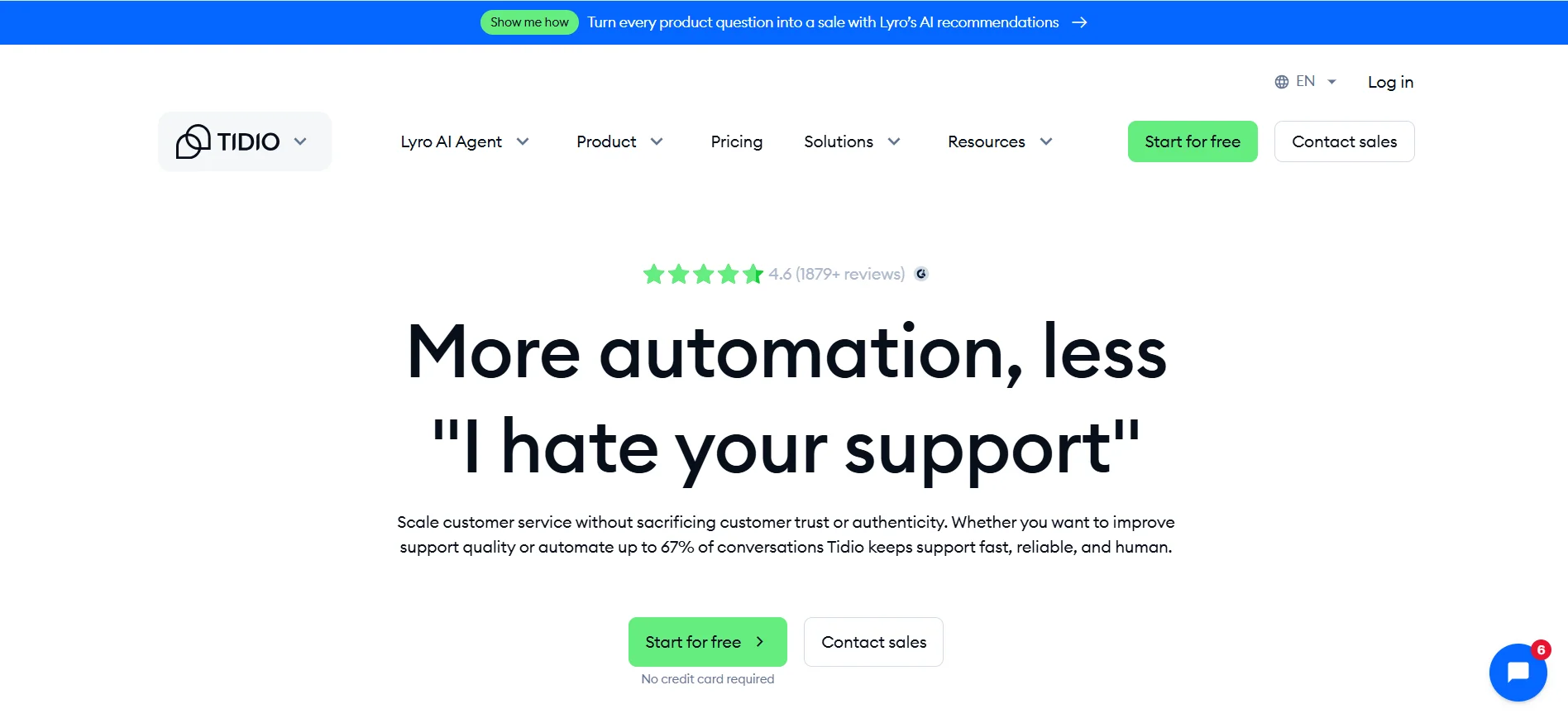
Tidio offers live chat, chatbots, and AI customer support tools for businesses that want to manage website conversations. Its Lyro AI Agent can answer customer questions using information from a business’s support content. The platform also offers tools for sales teams that want to help website visitors find products and resolve common concerns.
Key Features
- Website live chat
- Lyro AI Agent for customer support
- Chatbot flows and automated replies
- Visitor tracking and customer interaction tools
- Ecommerce support features
Pros
- Easy to get started with website chat
- Offers automation for common customer questions
- Useful for small businesses and online stores
Cons
- Some features and usage limits depend on the selected plan.
- Businesses with complex support needs may require additional tools.
5. ManyChat
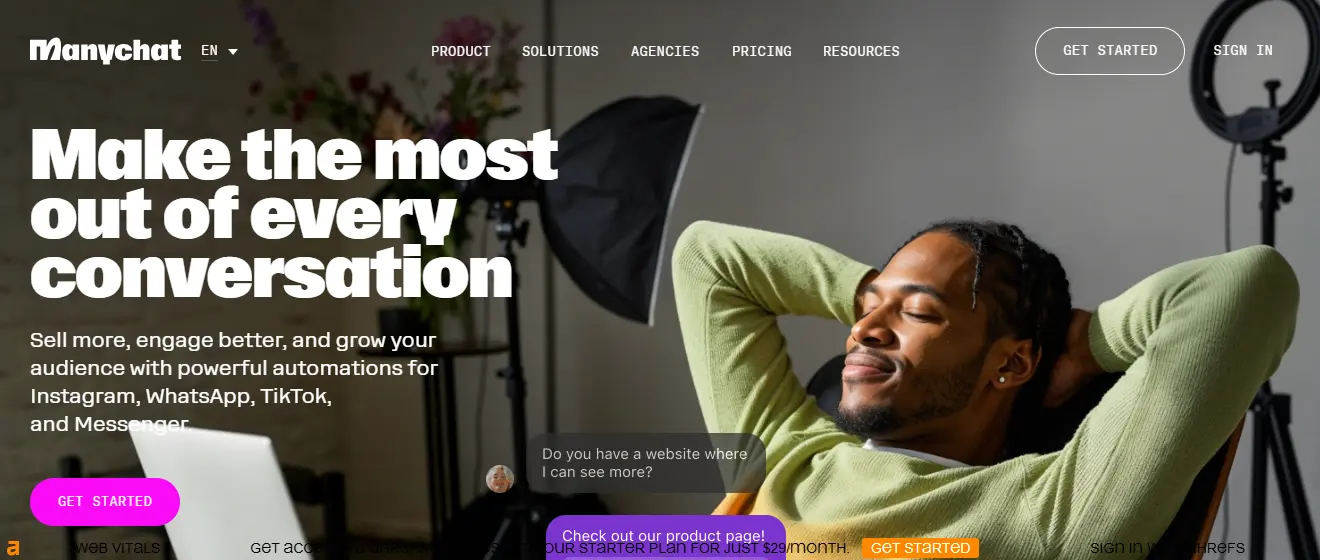
ManyChat helps businesses automate conversations on social messaging channels. It is particularly useful for brands that want to respond to enquiries, collect leads, and engage customers through Instagram, WhatsApp, and other supported channels.
Key features
- Messaging automation
- Automated replies
- Lead collection
- Audience segmentation,
- Marketing workflows.
Pros
- Useful for social media marketing.
- Helps manage repetitive enquiries.
- Supports lead generation and customer engagement.
Cons
- Main focus is messaging and marketing automation rather than comprehensive customer service
- Available features vary by channel and plan.
Which conversational chatbot should you choose?
The right option depends on your support needs and budget. REVE Chat is worth considering if you need live chat, chatbots, and AI agents together.
Zendesk suits teams that need ticket management and wider support workflows. Intercom fits businesses focused on customer messaging and AI support.
Tidio is a practical option for website chat and smaller teams, while ManyChat suits companies handling large volumes of customer queries. Compare current pricing, integrations, automation limits, and human handoff options before making your final decision.
What Should You Check Before Choosing a Chatbot?
A suitable chatbot should solve a clear business problem. Review these points before making a decision.
1. Your main goal
Decide what you want to improve. Your goal may be faster customer support, better lead collection, or easier product discovery.
2. Knowledge sources
Check how the chatbot gets its answers. It should use reliable information from your approved documents, website, or connected systems.
3. Integrations
Confirm that the chatbot works with your website, CRM, store, or support system. It needs the right integration to retrieve data or complete actions.
4. Response quality
Test common questions and unusual requests. Check how the chatbot handles missing information, spelling errors, and follow up questions.
5. Human support
Make sure customers can reach a human agent when needed. The team should receive useful conversation details during the handoff.
6. Data protection
Review how the provider stores and processes customer information. Check access controls, retention policies, and privacy terms.
7. Performance reports
Track response time, unresolved questions, transfers to human agents, customer satisfaction, and qualified leads. Use these results to find areas for improvement.
Start with a few common tasks. Test the chatbot with real questions. Expand its role after it gives accurate and useful responses.
How to Test a Conversational Chatbot Before Launch
Build a test set from actual customer questions, removing personal information. Include frequent enquiries, unusual wording, follow-up questions, and tasks that should be refused.
The table below provides illustrative prompts to adapt to your business.
| Test | Example prompt | What a good result looks like |
|---|---|---|
| Policy accuracy | “Can I return an opened item?” | Applies the correct policy without inventing exceptions |
| Missing details | “Where is my order?” | Requests necessary information and follows your verification process |
| Follow-up context | “Does that one come in blue?” | Identifies the previously discussed product or asks for clarification |
| Several requests together | “Is it in stock, what’s the price, and when can it arrive?” | Addresses each request and identifies missing details |
| Unknown information | “Will this definitely arrive tomorrow?” | Avoids a guarantee it cannot verify |
| Connection failure | Ask for order status while the test connection is unavailable | Explains the problem without inventing an update |
| Restricted action | Request an account change without verification | Blocks the action until the required checks are completed |
| Human assistance | “I need to speak to someone.” | Follows the configured support route and explains availability |
Record the answer, source, action outcome, and reason for any failure. Separate factual errors from incomplete answers, integration failures, and confusing wording; each needs a different fix.
Begin with a limited set of tasks. Expand after the assistant handles those reliably and your team can review its performance.
How to Measure Conversational Chatbot Success
Choose measures that match the job you gave the assistant.
| Goal | Useful measures | What to watch for |
|---|---|---|
| Resolve routine questions | Verified resolutions, repeat contacts, customer feedback | Abandoned conversations counted as successful resolutions |
| Improve support efficiency | Handling time and time to resolution for comparable requests | Faster initial replies followed by longer overall resolution |
| Support sales | Qualified enquiries, completed purchases, assisted conversions | More contacts without better lead quality |
| Maintain answer quality | Accuracy in reviewed conversations and recurring failure types | Fluent answers that contradict business information |
For your own resolution reporting, count a conversation as resolved only when there is evidence that the request was handled. Keep that definition separate from a vendor’s billing definition, and use it consistently when comparing periods.
End Note
Finally, conversational chatbots can help businesses answer common questions, guide customers, and automate routine tasks. Their success depends on accurate information, useful workflows, and proper human support.
Choose a tool that fits your needs. Test it with real customer questions. Review its performance and fix problems regularly.
A helpful chatbot should make customer service easier. It should give customers clear answers and a simple way to get further help.
Frequently Asked Questions
No. A chatbot may lack the required information or misunderstand a request. It should explain its limits and offer human help when needed.
Yes. Small businesses can use chatbots to answer common questions, collect leads, and provide support outside office hours. Start with tasks that are simple and frequent.
Some can. A chatbot needs the right integrations, permissions, and tools to check orders, update records, or schedule appointments. A bot that only sends text cannot perform these actions on its own.
Track the number of resolved questions, customer satisfaction, response time, and human transfers. For sales tasks, measure qualified leads and completed purchases.
Build AI-powered support with Wize AI
Connect business knowledge, automate support conversations, and improve response quality without managing a complex AI stack.
Explore Wize AI Agent Rate the article

Tabassum Kabir
Sr. Content Writer
Tabassum Kabir is a Senior Content Writer with 5+ years of experience. She specializes in SaaS, AI, customer service, and ecommerce. She writes about technology, business, and digital trends. Her work is simple, clear, and useful. She aims to give readers information they can understand and use.
View all articles
Turn Every Conversation Into Action
Answer questions, recommend products, and help customers buy with Wize AI Agent.
Learn More