25 Best FAQ Page Examples in 2026: Inspiration and How to Build Yours
- December 24, 2025
- 12 mins read
- Listen
Are you tired of repetitive support queries flooding your inbox or potential customers bouncing because they can’t find quick answers?
A powerful FAQ page is a strategic asset that solves customer issues faster. It can deflect up to 50% of routine inquiries, enhance user experience, and drive SEO growth through question-based traffic.
With AI chatbots now powering the majority of customer interactions, leading brands are blending traditional FAQs with conversational AI for maximum efficiency.
In this article, we’ll talk about the best FAQ page examples that excel in design, functionality, and results with standout chatbot integrations.
What Is an FAQ Page?
An FAQ page (Frequently Asked Questions page) is a dedicated section or standalone page on a website that presents a curated list of common customer questions paired with clear, concise answers.
Its primary purpose is to enable self-service by proactively addressing the most repetitive or frequently asked inquiries, such as those related to products, services, shipping, returns, pricing, account management, or policies.
It enables users to quickly find information without needing to contact support.
Why Does Your Website Need a Strong FAQ Page?
A well-optimized FAQ page is no longer optional; it’s a powerful tool that delivers measurable benefits for customer experience, operational efficiency, SEO, and conversions.
Below are the top four reasons every business should prioritize one.
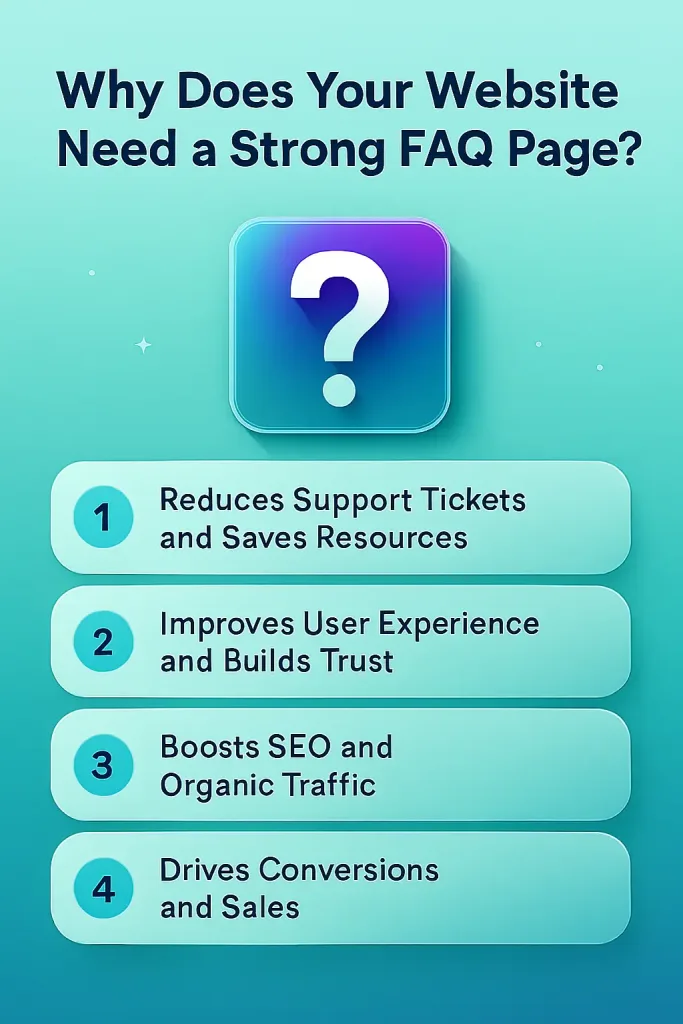
Reduces Support Tickets and Saves Resources
A strong FAQ page empowers customers to self-serve, deflecting routine inquiries before they reach your support team. This proactive approach minimizes repetitive emails, chats, or calls, allowing your team to focus on higher-value interactions.
Improves User Experience and Builds Trust
Customers expect quick, clear answers, and an intuitive FAQ page delivers exactly that, reducing frustration and bounce rates.
Anticipating common questions and providing concise, helpful responses demonstrates that your brand understands user needs, fostering trust and loyalty.
Boosts SEO and Organic Traffic
FAQ pages naturally target long-tail, question-based keywords, helping you rank in Google’s “People Also Ask” sections and voice searches. With proper FAQ schema markup, they can earn rich snippets, increasing click-through rates by up to 35% and driving targeted traffic.
Drives Conversions and Sales
By addressing objections (e.g., shipping, returns, pricing) upfront, FAQs guide hesitant visitors toward purchase decisions.
Clear answers reduce purchase anxiety, shorten the sales funnel, and can increase conversion rates while encouraging repeat business.
Key Elements of Effective FAQ Page Design and Format
A standout FAQ page combines thoughtful structure, user-centric design, and modern functionality to deliver fast, frictionless answers.
The most effective ones follow proven best practices while adapting to current trends in usability and technology.
Best Practices for FAQ Pages
Start with real customer questions sourced from support tickets, chat logs, search analytics, and feedback to ensure relevance.
Write answers in clear, concise language that mirrors how customers speak, avoiding jargon and providing actionable steps where needed.
Organize questions logically into categories, use consistent formatting, and regularly update content to keep it accurate and trustworthy.
Popular FAQ Formats and Templates
The accordion (collapsible) format is the most common and user-friendly, hiding answers until clicked to reduce visual clutter and improve scannability.
Tabbed or categorized layouts work well for larger FAQ sections, allowing users to jump directly to topics like Shipping, Returns, or Account.
Simple open-list formats suit smaller FAQs, while embedded FAQ sections on product or pricing pages provide contextual help without leaving the page.
Enhancing UX with Search, Visuals, and Accessibility
Add a prominent search bar at the top so users can instantly find specific answers, especially on pages with 20+ questions.
Incorporate visuals like screenshots, icons, short videos, or infographics to clarify complex answers and make the page more engaging.
Ensure full accessibility with proper headings, alt text for images, keyboard navigation, sufficient color contrast, and mobile responsiveness for all devices.
25 Best FAQ Page Examples in 2026
The heart of any great FAQ strategy is inspiration from real-world leaders. Below, we’ve curated 25 standout FAQ page examples across industries, selected for their exceptional design, usability, SEO performance, and innovative features in 2026.
1. Ecommerce FAQ Page Examples
Ecommerce FAQs focus on reducing purchase anxiety with clear categories for shipping, returns, payments, and products, often featuring search bars and branded visuals for seamless shopping experiences.
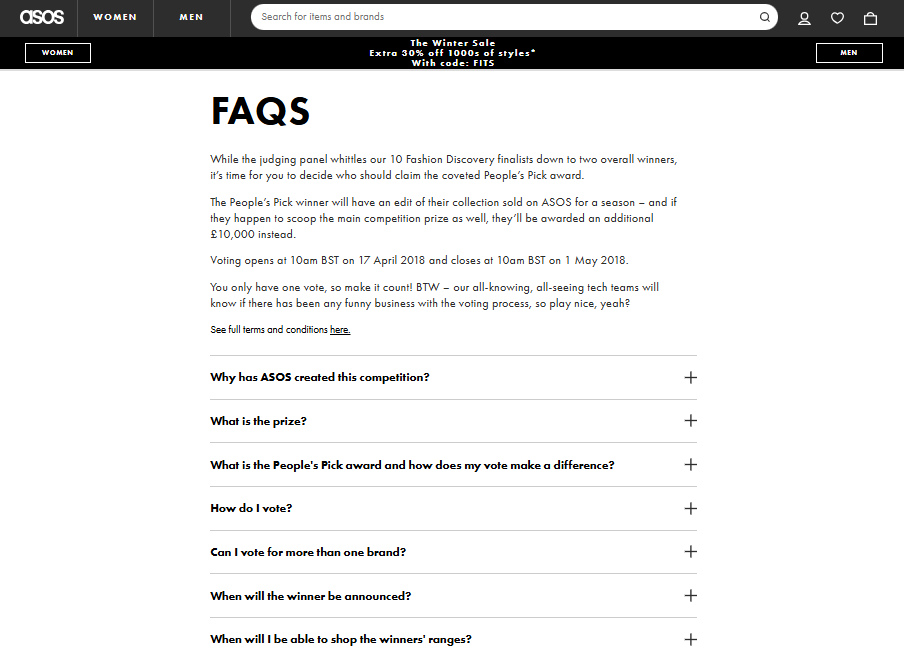
- ASOS: Features clean, categorized tabs (Delivery, Returns, Payments, Sizing) with intuitive navigation and a prominent search bar. It excels by directly aligning with customer intent, minimizing scrolling, and boosting conversions on high-volume pre-purchase queries.
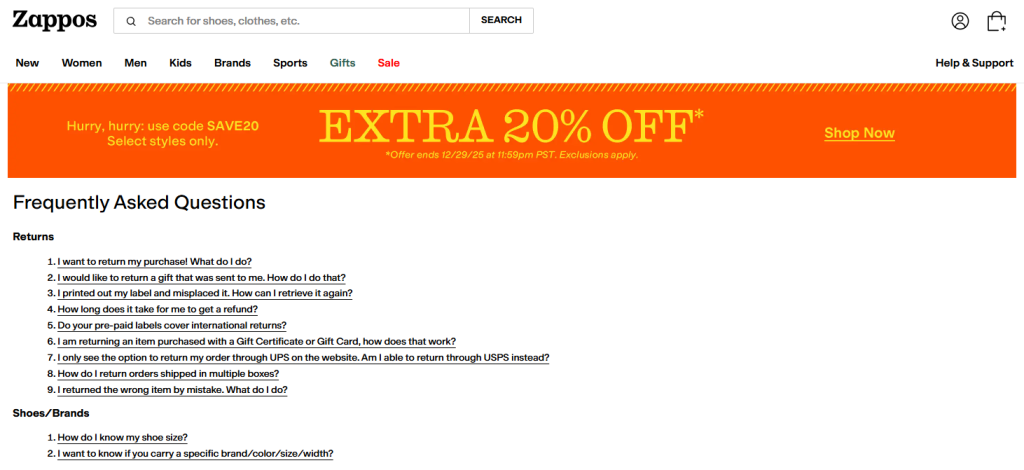
- Zappos: Uses a friendly tone, detailed categories, and prominent live chat escalation options. This extends Zappos’ legendary customer service into the digital space, building trust and encouraging confident purchases.
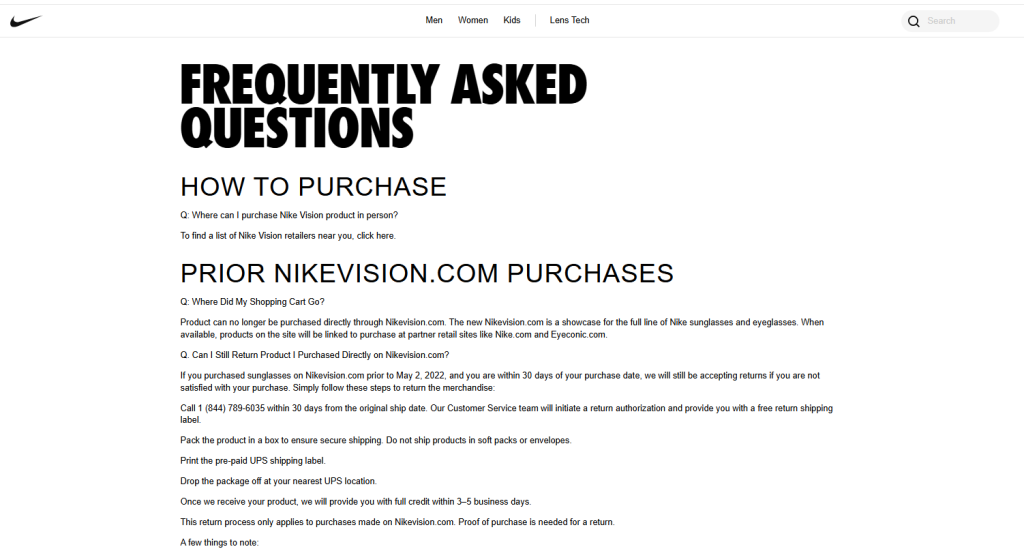
- Nike: Includes contact details alongside FAQs, well-organized categories, and multilingual support. It reduces global customer frustration by setting clear response time expectations and handling diverse queries efficiently.
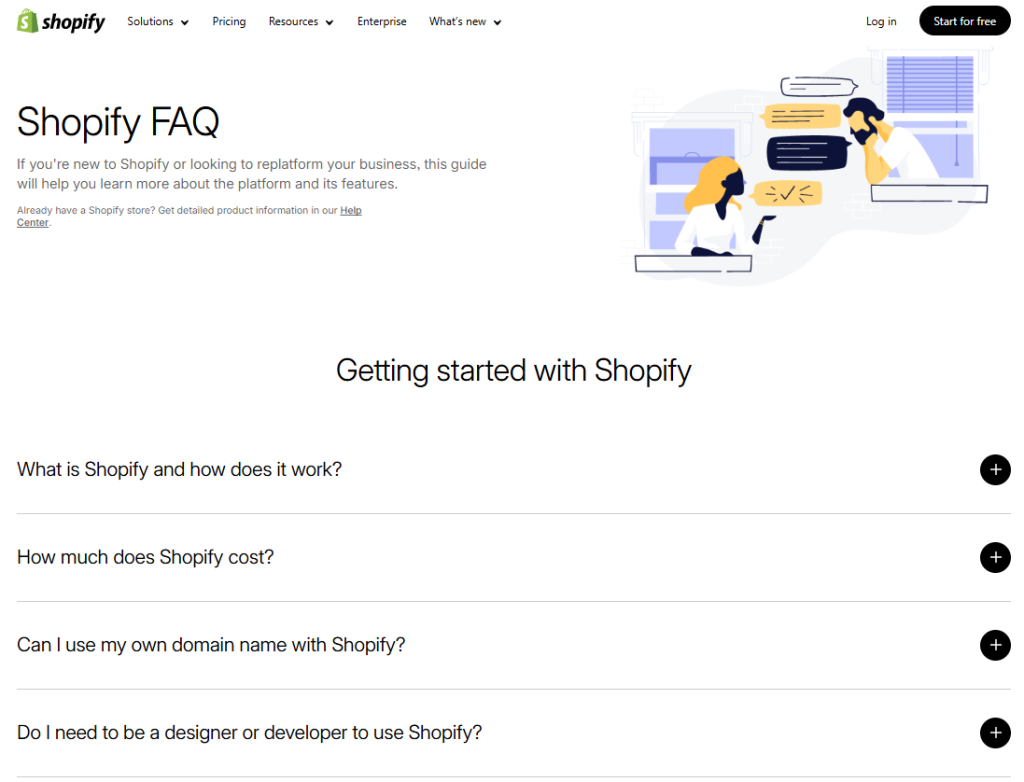
- Shopify: Offers a comprehensive, branded accordion layout with search functionality and helpful visuals. Serves as a masterclass in self-service, deflecting support tickets while maintaining consistent branding for merchants.
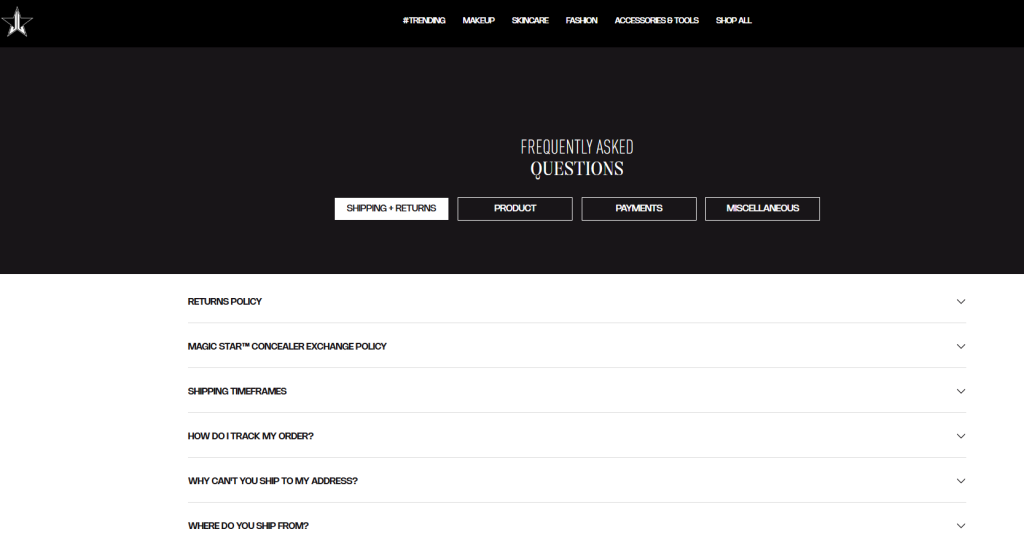
- Jeffree Star Cosmetics: Presents bold, branded design with clear categories like Shipping & Returns. Perfectly matches the brand’s aesthetic, making support feel engaging and on-brand rather than generic.
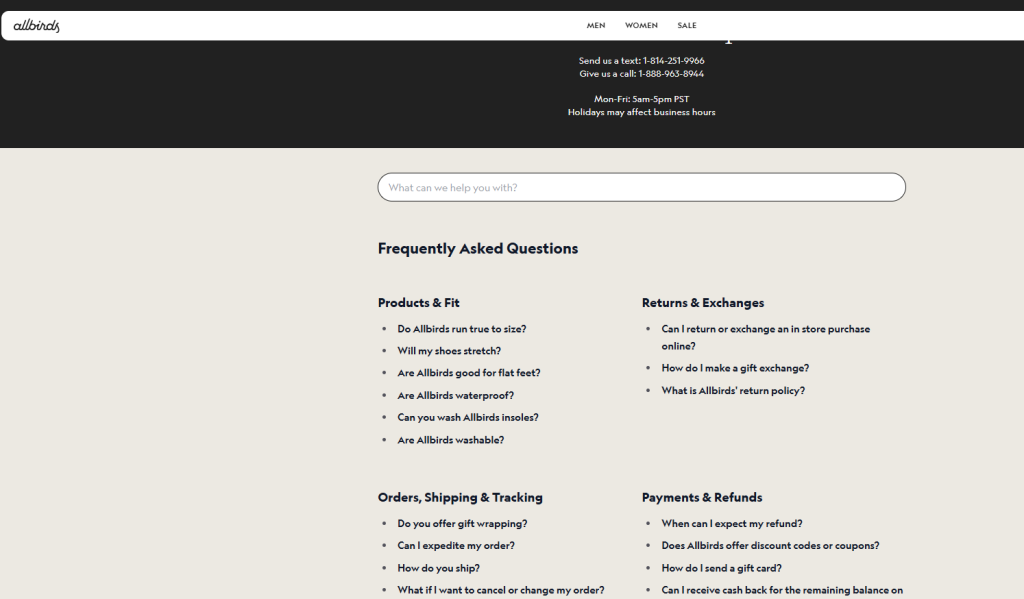
- Allbirds: Keeps it simple with sustainable-focused categories and concise, straightforward answers. Reinforces eco-branding while quickly addressing common concerns like sizing and materials.
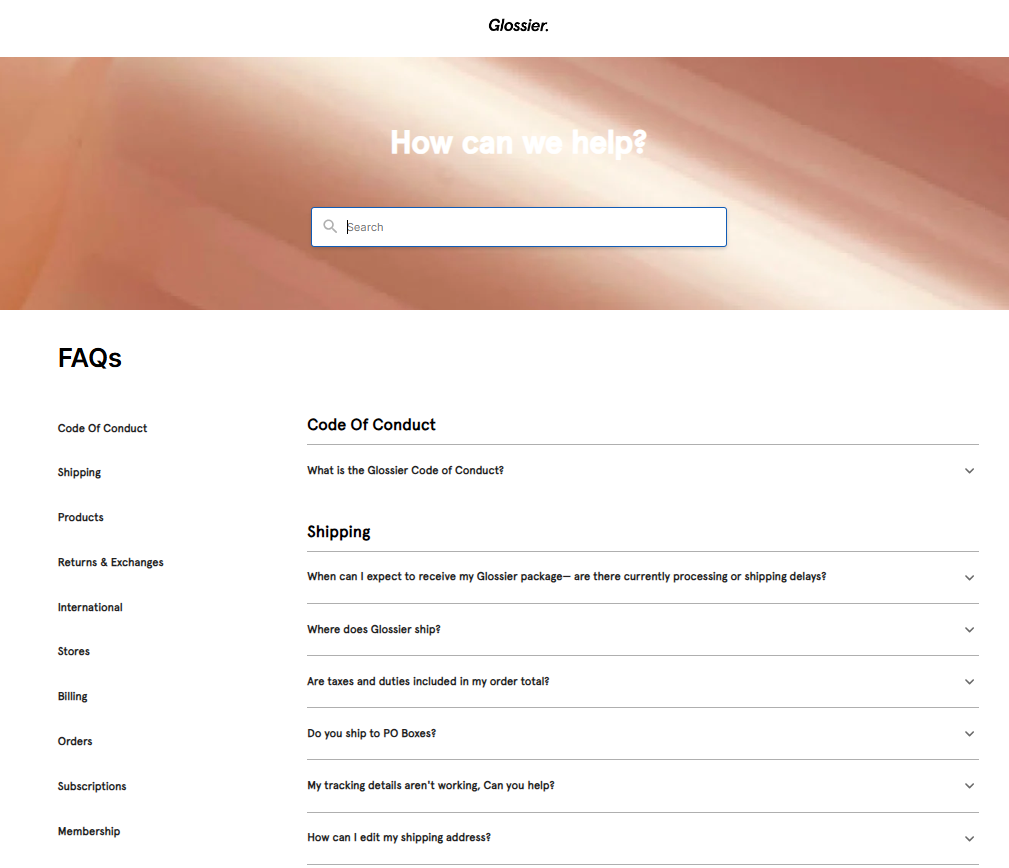
- Glossier: Adopts a minimalist design with search and neatly categorized accordions. Mirrors the beauty brand’s clean vibe, delivering fast answers that enhance the overall shopping experience.
2. SaaS and Tech FAQ Page Examples
SaaS FAQs often evolve into full help centers with search, deep linking to docs, and integrations, prioritizing technical clarity and scalability.
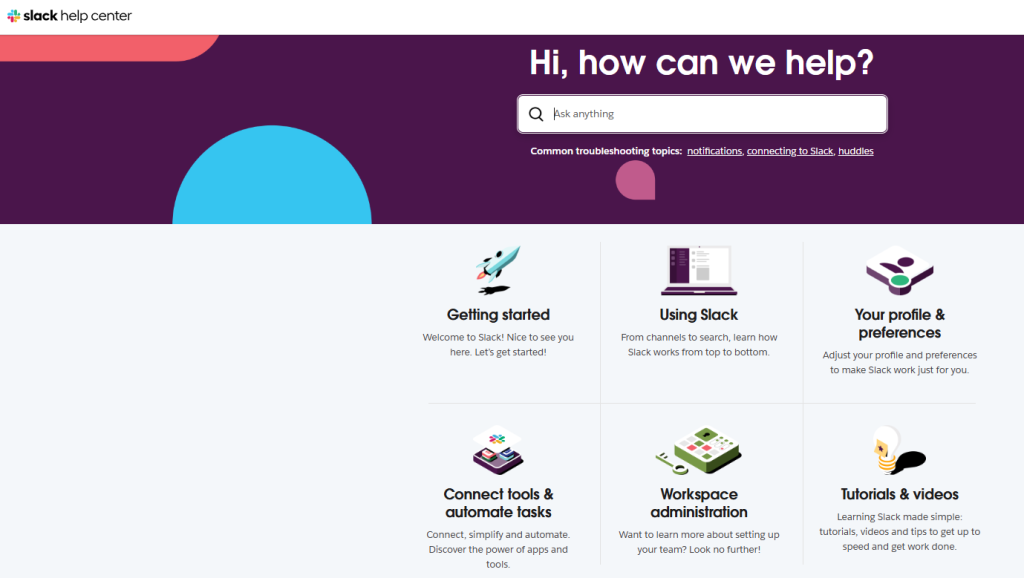
- Slack: Provides simple, short answers in searchable categories with links to deeper articles. Avoids jargon overload, making complex team collaboration features accessible and user-friendly.
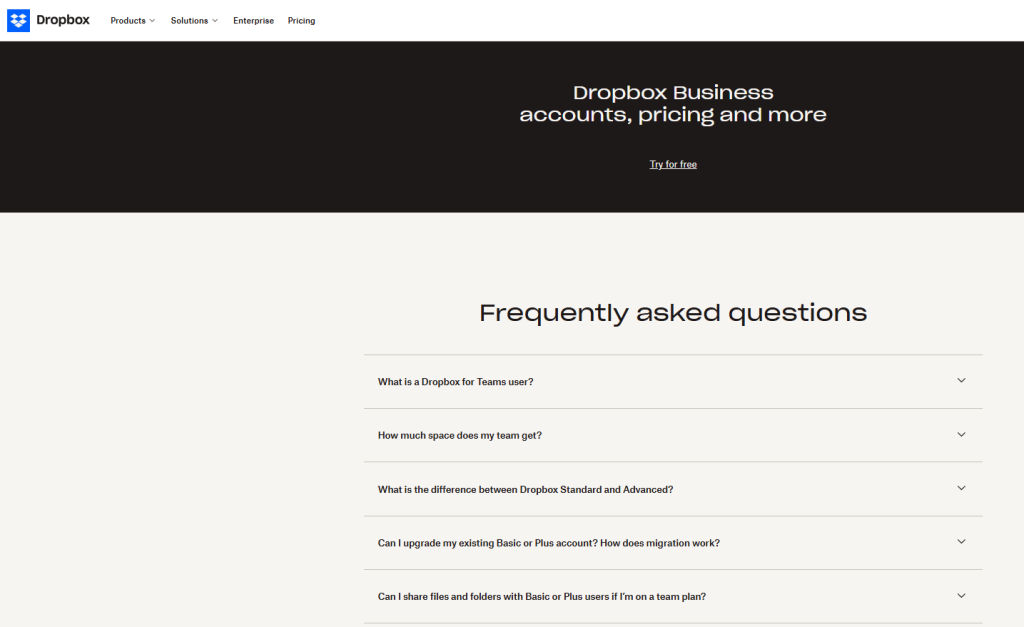
- Dropbox: Features a searchable hub with organized categories and embedded videos. Strikes the perfect balance between brevity and detailed tutorials for file-sharing questions.
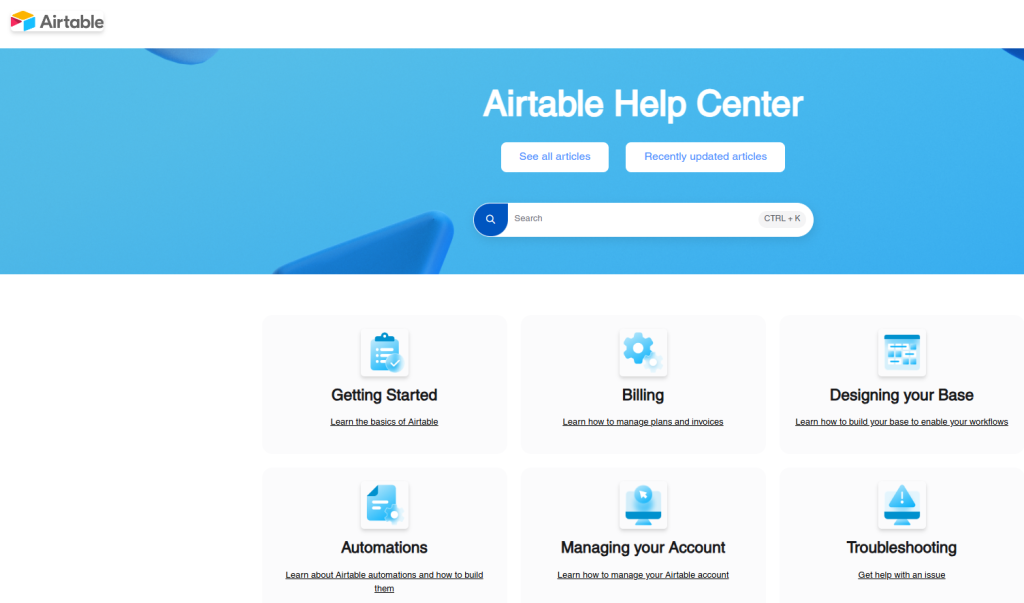
- Airtable: Delivers a comprehensive help center with powerful search, docs, and community links. Empowers no-code users by blending quick FAQs with in-depth guides for maximum productivity.
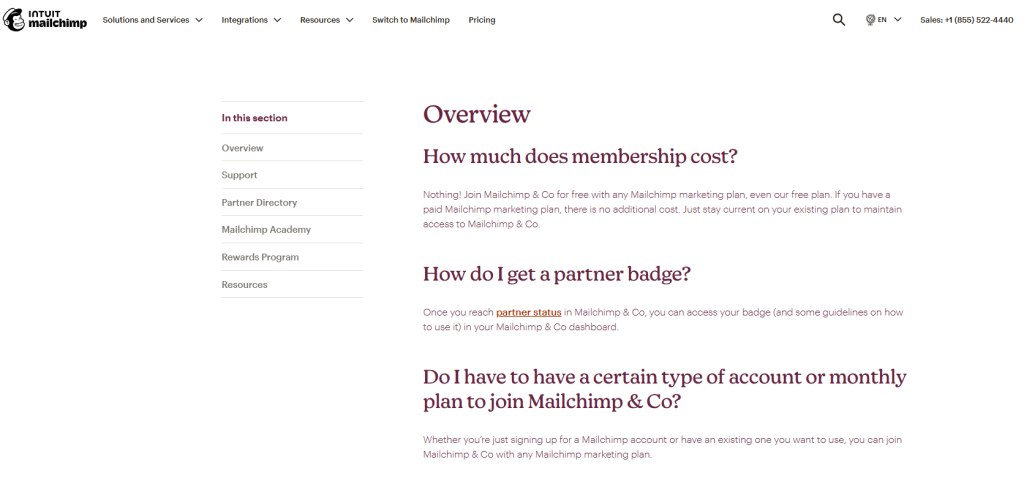
- Mailchimp: Uses a friendly tone, custom illustrations, and conversational answers throughout. Makes technical email marketing topics feel approachable, engaging, and even enjoyable.
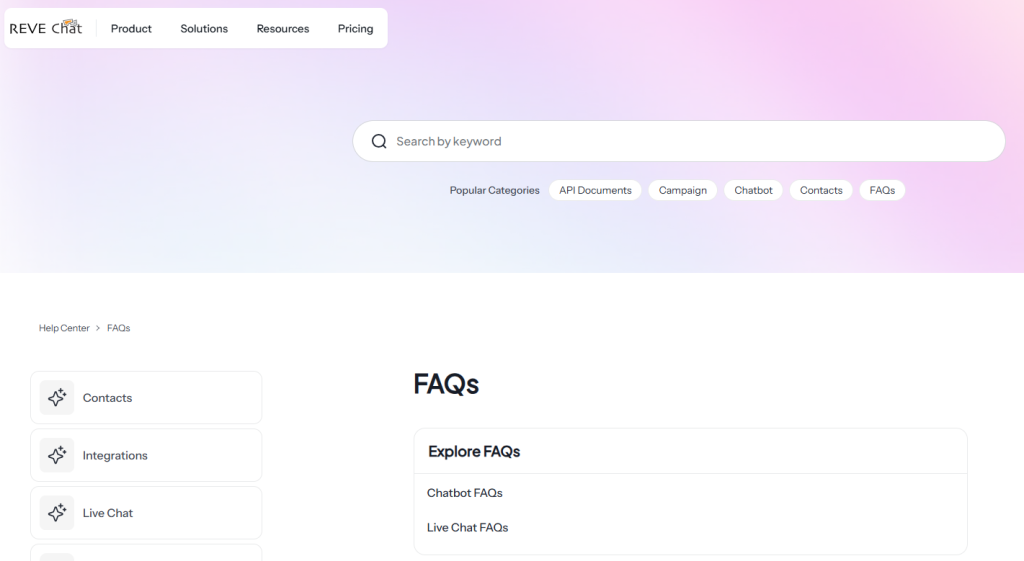
- REVE Chat: Offers clean, categorized FAQs focused on chatbot setup, usage, and best practices. Demonstrates deep expertise in live chat and AI solutions while providing clear, actionable guidance for implementing similar tools.
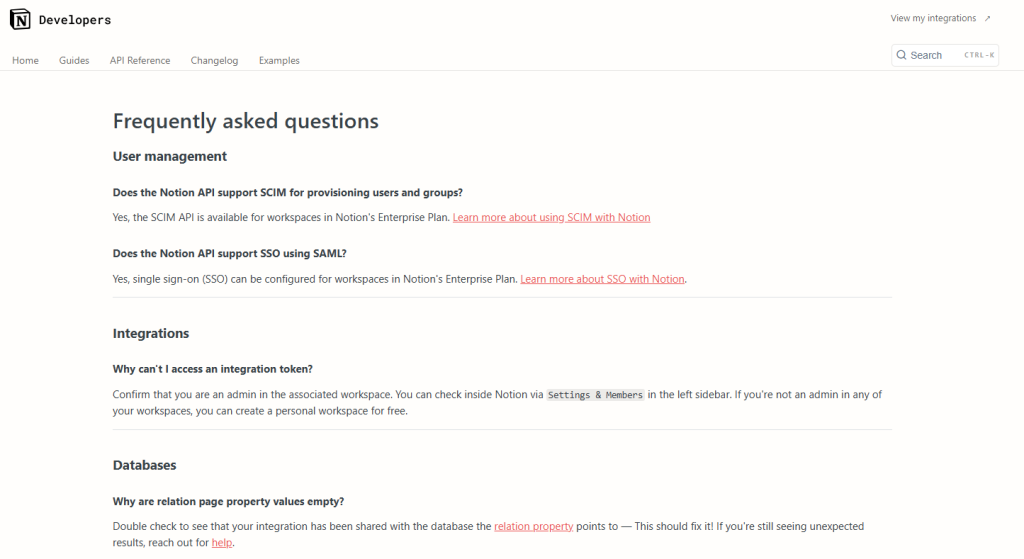
- Notion: Incorporates embedded videos, searchable templates, and well-structured categories. Reflects the tool’s flexible nature, helping users fully leverage its productivity features.
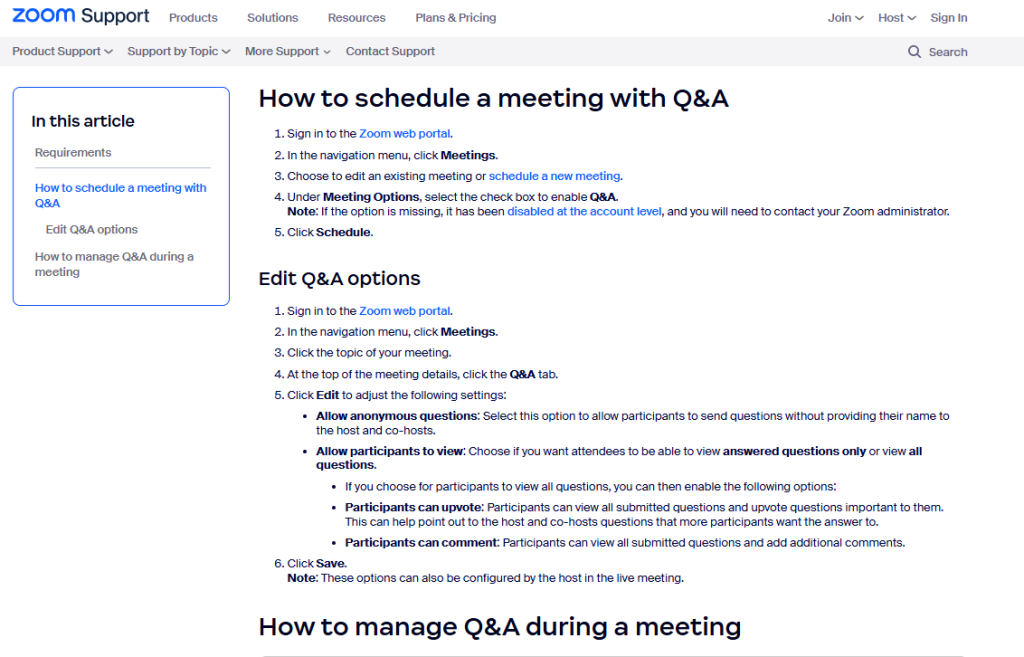
- Zoom: Provides detailed troubleshooting sections with robust search and real-time status updates. Efficiently manages high-volume technical issues, especially during peak global usage.
3. Service and Other Industry FAQ Page Examples
Service-based FAQs emphasize policies, bookings, and escalations, often with humor or visuals for non-retail brands.
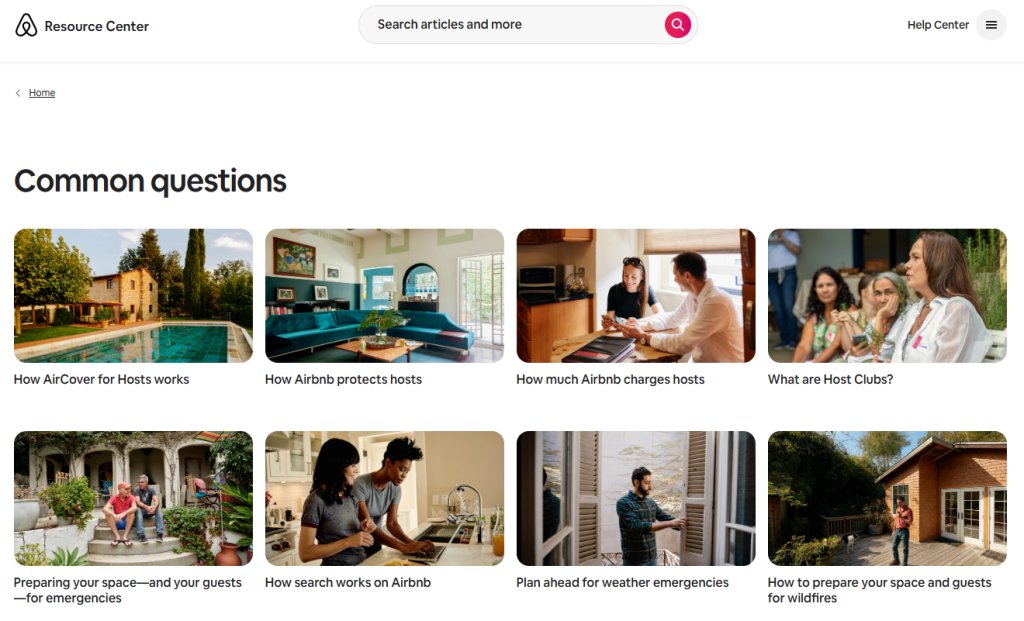
- Airbnb: Organizes content into gamified categories with distinct host/guest sections and strong search. Tackles trust and safety concerns head-on, significantly reducing disputes and support needs.
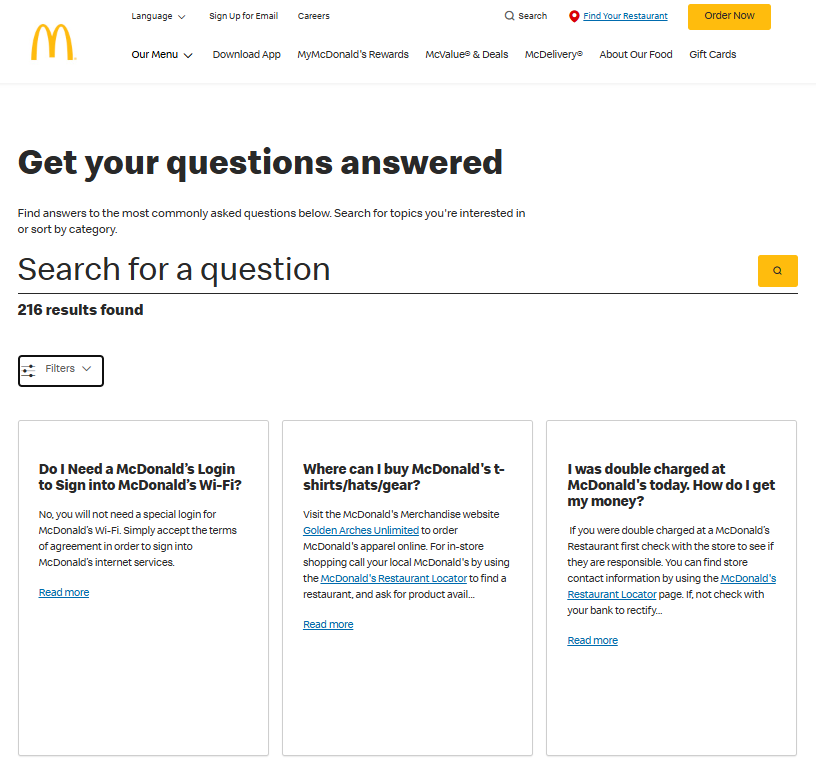
- McDonald’s: Features a simple layout with a prominent search bar and straightforward categories. Aligns perfectly with the fast-service brand promise, delivering quick answers worldwide.
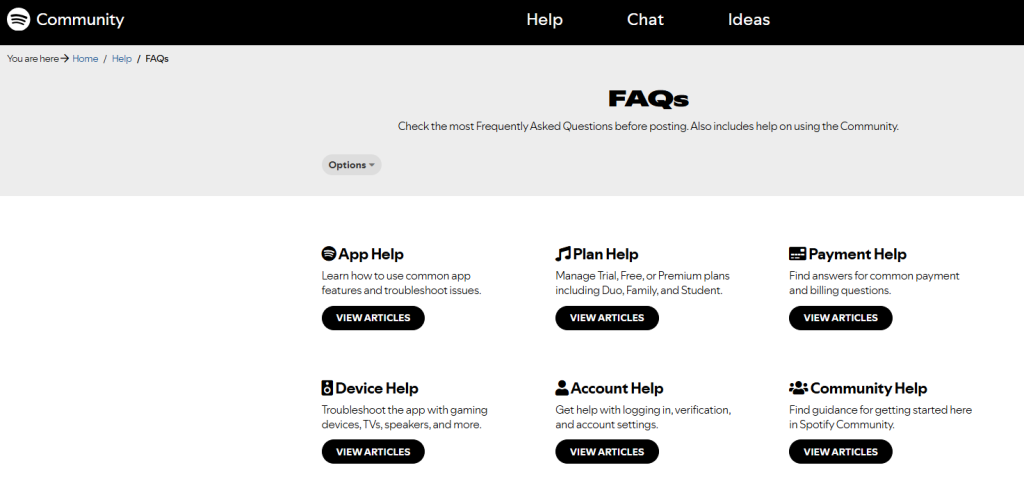
- Spotify: Integrates community resources alongside FAQs with easy push/pull access. Combines self-service with user forums to resolve music and account-related queries effectively.
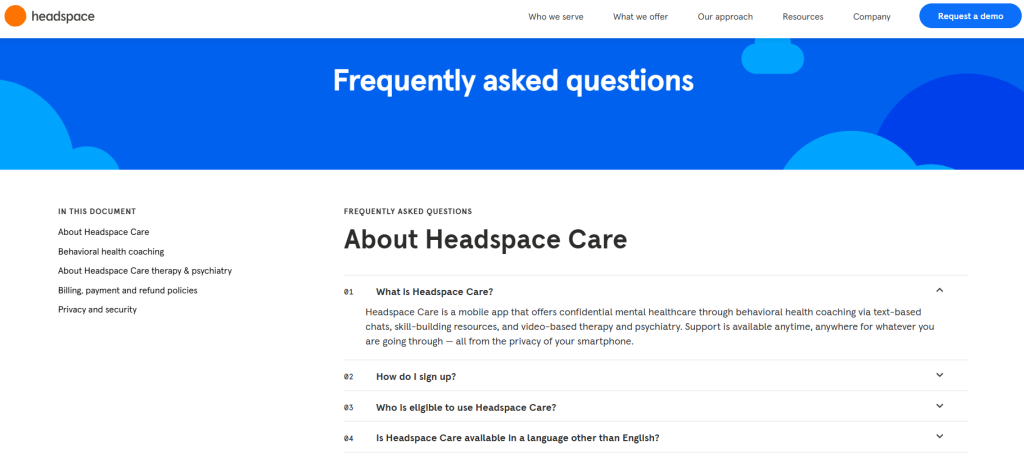
- Headspace: Employs a calm, mindful tone with supportive visuals and links to meditations. Transforms support into a positive, brand-aligned experience for wellness users.
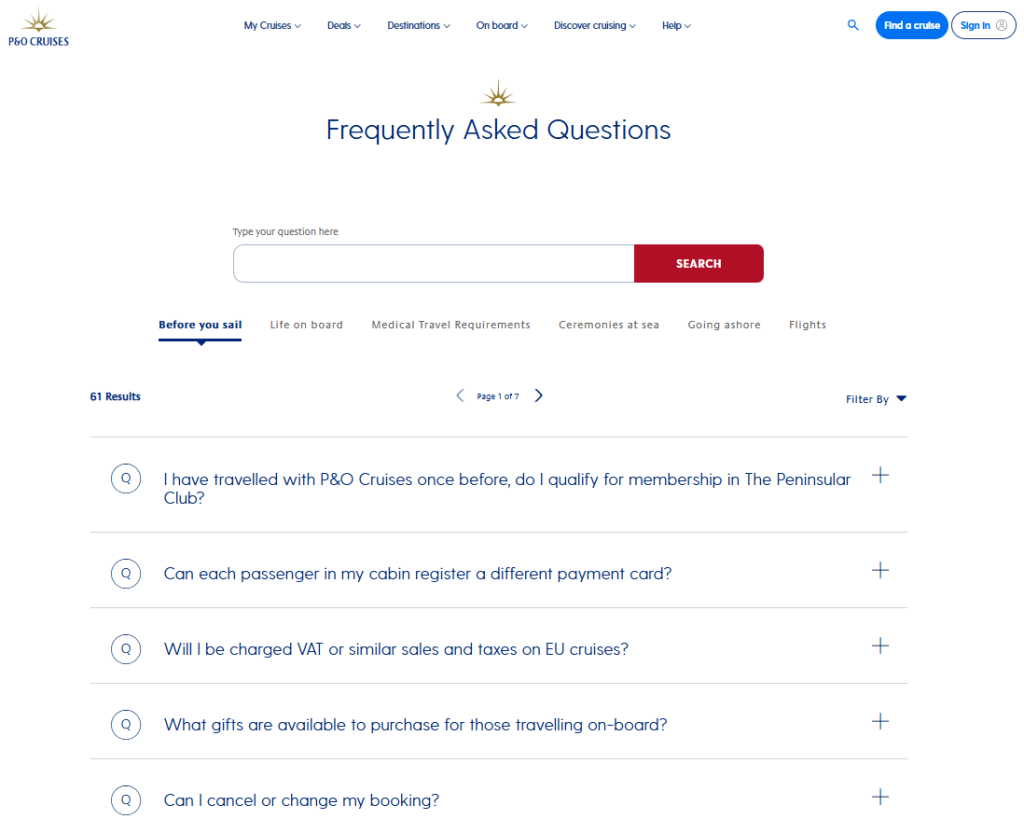
- P&O Cruises: Balances lifestyle content with practical booking FAQs and friendly imagery. Humanizes travel support, easing pre-trip anxiety and building excitement.
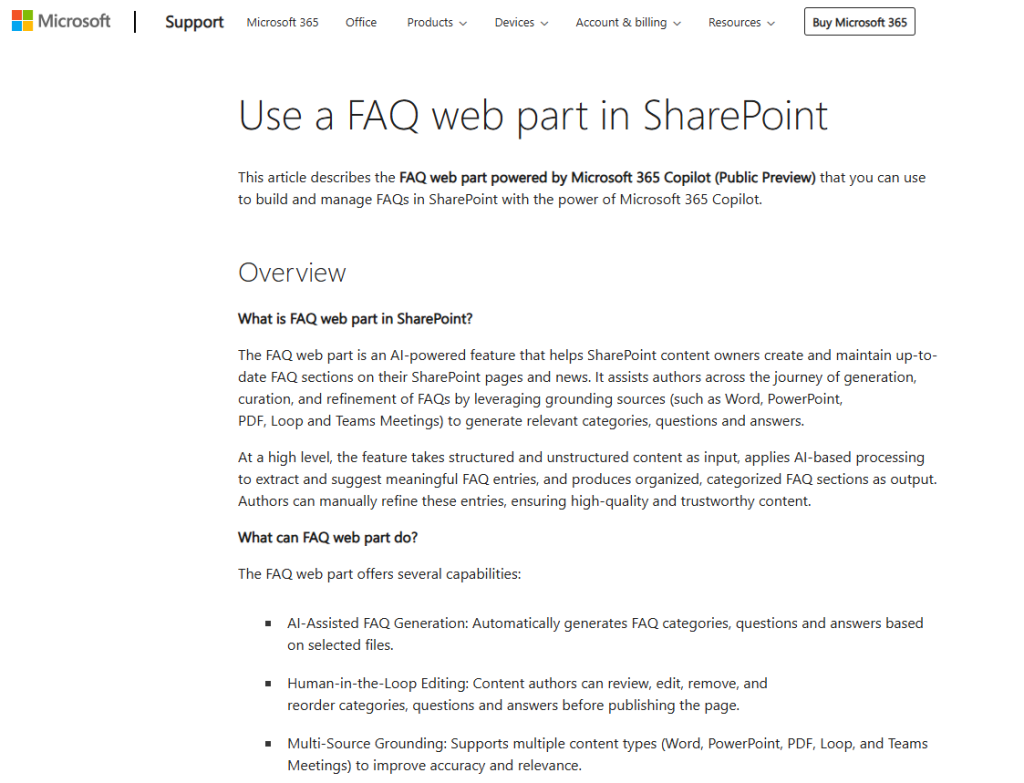
- Microsoft: Offers product-specific FAQs with deep troubleshooting and powerful search. Scales seamlessly across vast services, ensuring precision for millions of users.
4. Innovative and Modern FAQ Page Examples
These push boundaries with AI chatbots, hybrids, personalization, or multimedia, it represent 2026 trends in dynamic self-service.
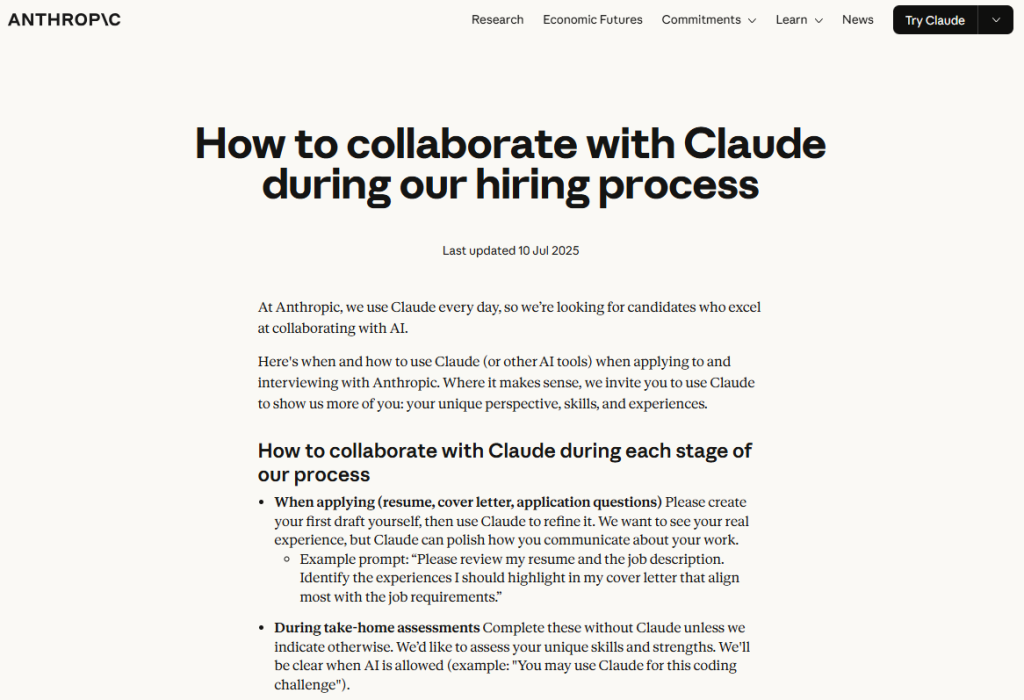
- Anthropic (Claude): Integrates AI-driven conversational search alongside traditional content. Pioneers a dual static-dynamic approach that feels cutting-edge and highly responsive.
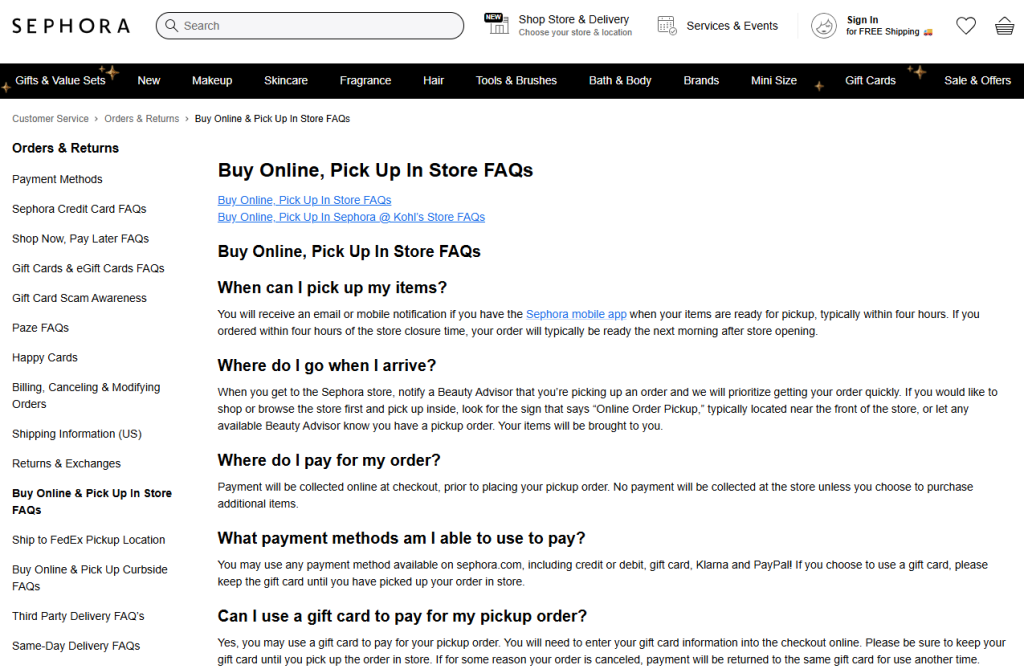
- Sephora: Delivers personalized beauty advice and product recommendations via a conversational bot. Turns support interactions into sales opportunities through tailored guidance.
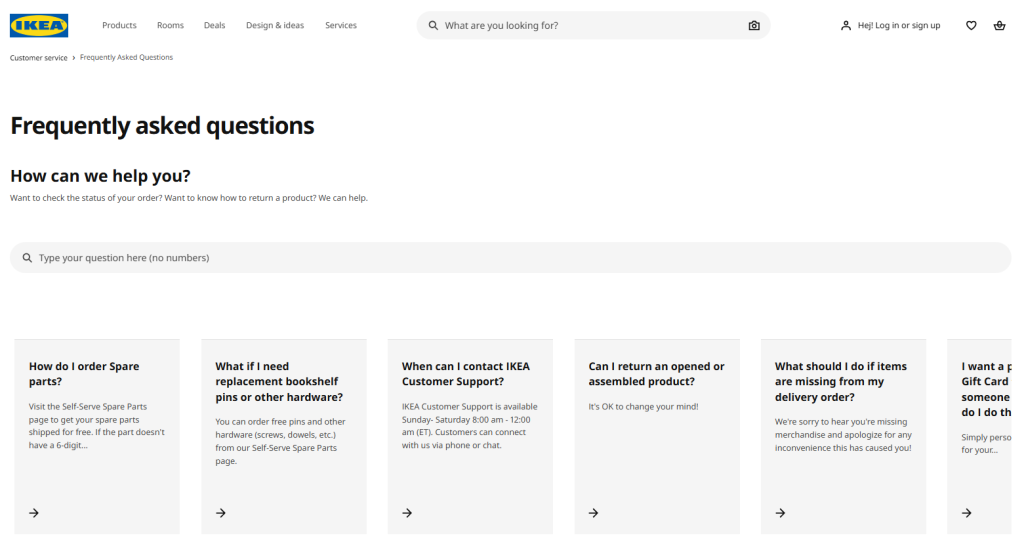
- IKEA: Combines a hybrid setup where the bot handles basics and links to detailed FAQs. Reportedly reduced call volume by 30%, freeing staff for higher-value in-store assistance.
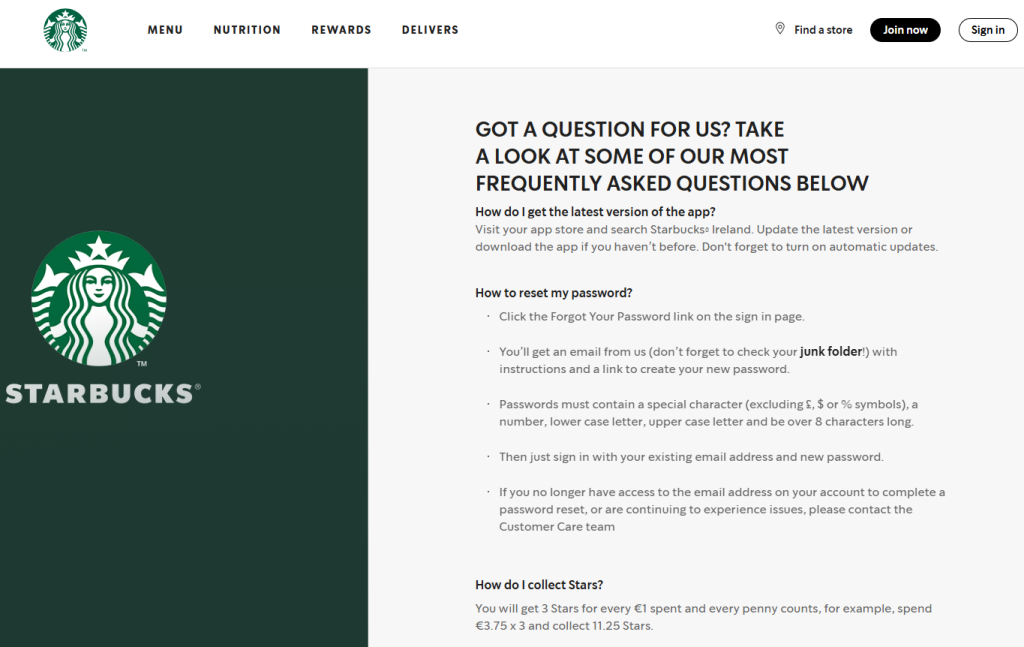
- Starbucks: Enables personalized orders and rewards integration through an engaging chatbot. Transforms routine FAQs into interactive loyalty-building experiences.
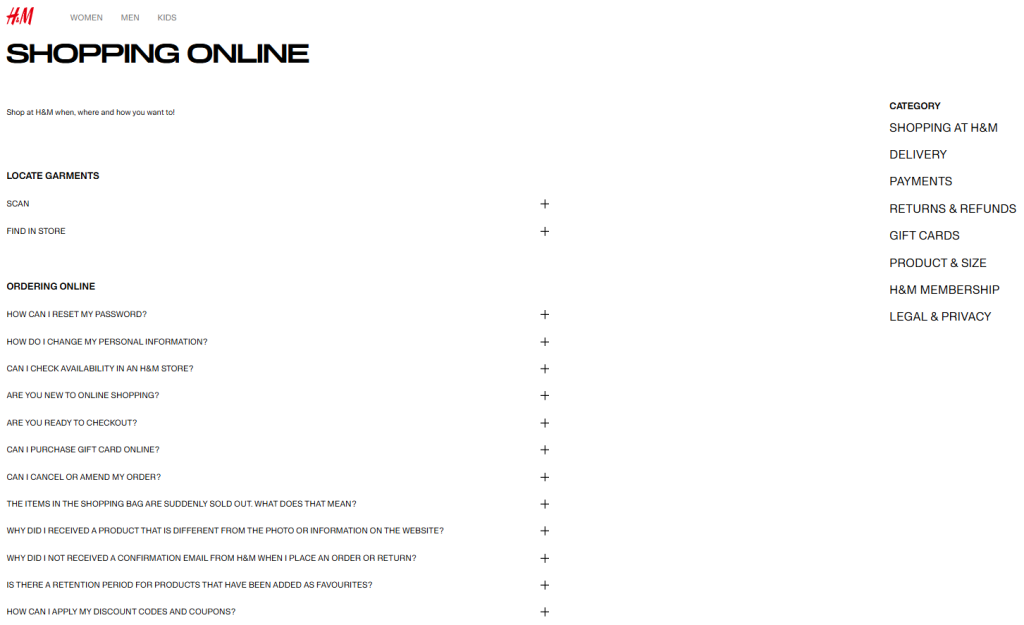
- H&M: Places a corner chatbot for instant queries with smooth escalation paths. Seamlessly integrates retail support for fashion-specific questions and quick resolutions.
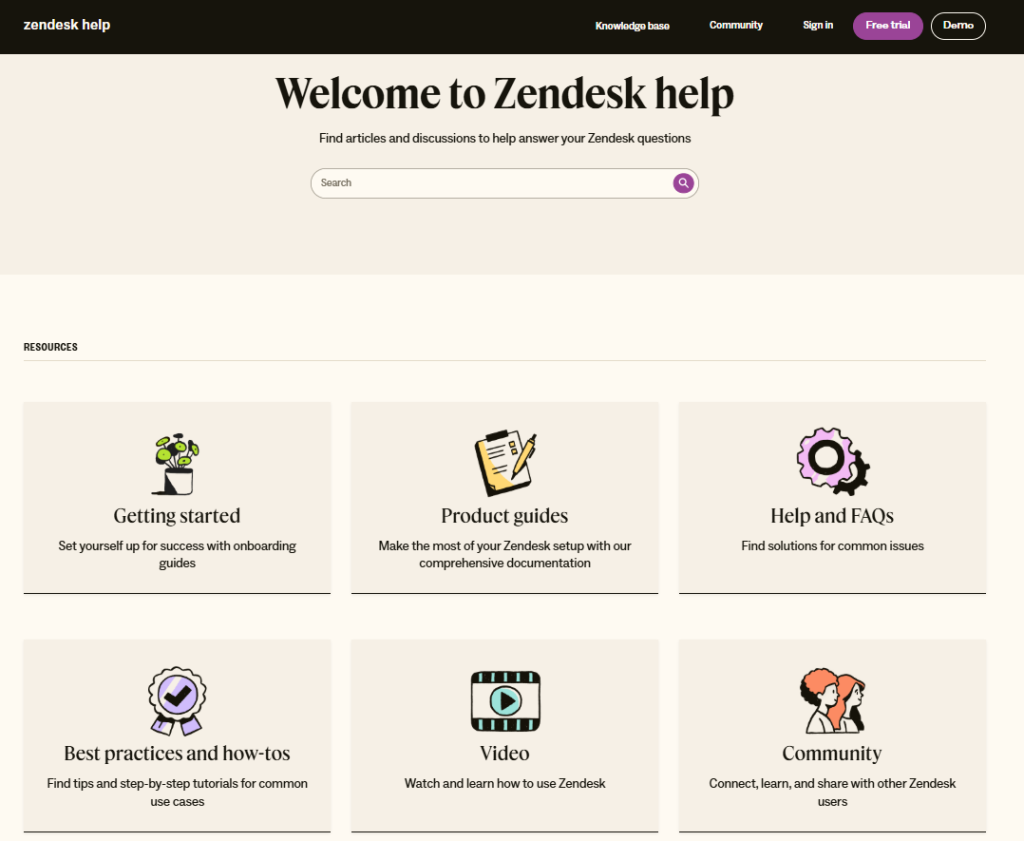
- Zendesk-Powered Examples: Features AI-enhanced search and intelligent bot fallbacks across client sites. Leverages projections of AI powering 95% of interactions to maximize ticket deflection and efficiency.
How to Create Your Own Winning FAQ Page
Building an effective FAQ page doesn’t have to be complicated. Follow this proven, step-by-step process to create one that reduces support tickets, improves UX, and boosts SEO.
Whether you’re starting from scratch or upgrading an existing page, these steps will help you deliver real value to your customers.
Step 1: Gather Common Questions
The foundation of any great FAQ page is authenticity, so focus on questions your customers actually ask, not what you think they might.
Mine data from support tickets, live chat logs, email inquiries, search console queries, and customer feedback surveys to identify the top 20-50 recurring issues.
Supplement with tools like Google Analytics, “People Also Ask” results, or competitor FAQs to uncover gaps and long-tail questions.
Prioritize by frequency and impact (e.g., pre-sale objections like shipping or returns), aiming for a mix of categories such as account, product, billing, and troubleshooting.
Step 2: Choose Your FAQ Format and Template
Select a format that balances scannability, mobile-friendliness, and engagement for your audience size and content volume.
The accordion (collapsible sections) is the most popular choice. It keeps pages clean, reduces clutter, and loads content progressively for better performance.
Alternatives include categorized tabs for larger sets, simple open lists for short FAQs, or embedded sections on relevant pages (e.g., product or pricing).
Use ready-made templates from platforms like WordPress plugins (e.g., Ultimate FAQ), Shopify apps, or builders like Elementor/Wix for quick, responsive setups.
Step 3: Write Clear and Helpful Answers
Craft answers that are concise, customer-focused, and easy to understand aim for 1-3 short paragraphs per response.
Phrase questions naturally (as customers would ask, e.g., “How long does shipping take?”) and provide direct, actionable answers without jargon.
Include internal links to related resources, step-by-step instructions where needed, and polite escalations like “Still need help? Contact us.”
Maintain a consistent, friendly brand voice while ensuring accuracy, also test readability with tools like Hemingway App.
Step 4: Design for Optimal User Experience
Prioritize clean, intuitive design to make finding answers effortless and encourage self-service.
Organize into logical categories with clear headings, anchor links for quick jumps, and a consistent layout across devices.
Use bold questions, bullet points/numbers for steps, and ample white space for scannability.
Incorporate your brand colors/fonts subtly, add icons or subtle animations, and ensure fast load times for a frustration-free experience.
Step 5: Add Advanced Features
Elevate your FAQ from basic to exceptional with features that handle more queries and improve engagement.
Include a prominent search bar at the top for instant filtering. It is essential for pages with 20+ questions.
Embed visuals like screenshots, infographics, short videos, or links to tutorials for complex answers.
Step 6: Optimize for SEO with FAQ Schema
Make your FAQ work harder by targeting question-based searches and earning rich results in Google.
Implement FAQ schema markup using JSON-LD (Google’s preferred format), add it via plugins (e.g., Rank Math, Yoast) or manually in the page head.
Ensure markup matches visible content exactly: one FAQPage item with Question/Answer properties for authenticity and compliance.
Target long-tail keywords naturally, use proper headings (H2/H3), and monitor via Google Search Console for impressions, clicks, and rich snippet eligibility.
Step 7: Test, Update, and Measure Performance
Launch isn’t the end; treat your FAQ as a living resource that evolves with your customers.
Test usability with real users (e.g., via heatmaps or feedback forms) and check mobile/accessibility compliance.
Track metrics like page views, search usage, bounce rates, ticket deflection, and conversions using Google Analytics or support tools.
Schedule regular reviews (quarterly or after changes) to add new questions, remove outdated ones, and refine based on data for ongoing improvement.
The Rise of FAQ Chatbots: The Modern Upgrade to Traditional FAQ Pages
The evolution of self-service on websites has been a game-changer, it’s from clunky text walls to intelligent, always-on assistants.
Here’s the quick transformational journey:
Early 2000s: Static Text Lists
Plain, long pages of questions and answers in open text. Users scrolled endlessly; no search, no interaction, high bounce rates, and little engagement.
2010s: Accordion and Searchable FAQs
Collapsible sections and basic search bars arrived. Pages became scannable and mobile-friendly, reducing frustration and deflecting more support queries.
2020s: AI-Powered Chatbots Enter
Conversational AI took over routine questions. Bots understand natural language, answer instantly 24/7, and personalize responses, resolving 60-80% of inquiries autonomously.
2026 Today: Seamless Hybrids Dominate
The best setups combine clean accordion FAQs with embedded AI chatbots. Users get speed from the bot, depth from the page, and effortless escalation. It delivers superior UX, massive ticket deflection, and real cost savings.
Conclusion
Great FAQ pages don’t just reduce support workload, they create happier customers who feel heard, informed, and confident enough to buy, sign up, or return.
You’re now equipped with fresh examples, essential design rules, chatbot insights, and a battle-tested 7-step process. The potential impact is huge: up to 50% fewer tickets, better rankings, and smoother conversions.
Your move: open your site, look at your current FAQ (or the blank space where it should be), and commit to one improvement this week. Small actions compound into massive results.
Build it right, and your FAQ won’t just answer questions; it’ll become a silent growth engine for your business.
Frequently Asked Questions
Aim for 10–30 questions, depending on your business complexity. It’s enough to cover 80-90% of common inquiries without overwhelming users.
Yes, if it aligns with your brand voice (e.g., Mailchimp, Liquid Death), humor can make answers memorable and humanize your brand.
A single, well-organized page with categories and search works best for most sites, improving SEO and user flow.
Review and update quarterly at a minimum, or whenever you launch new features, change policies, or notice spikes in specific support tickets.
Yes. Duplicate content, thin answers, or keyword stuffing can trigger penalties or poor rankings.
Always provide unique, valuable responses, use proper schema, and avoid copying competitor FAQs verbatim.
Absolutely. Place a clear “FAQ” or “Help” link in your main navigation, footer, and key pages (e.g., product, checkout).