WhatsApp Business Verification: Get the Verified Badge and Build Customer Trust
- January 27, 2026
- 12 mins read
- Listen
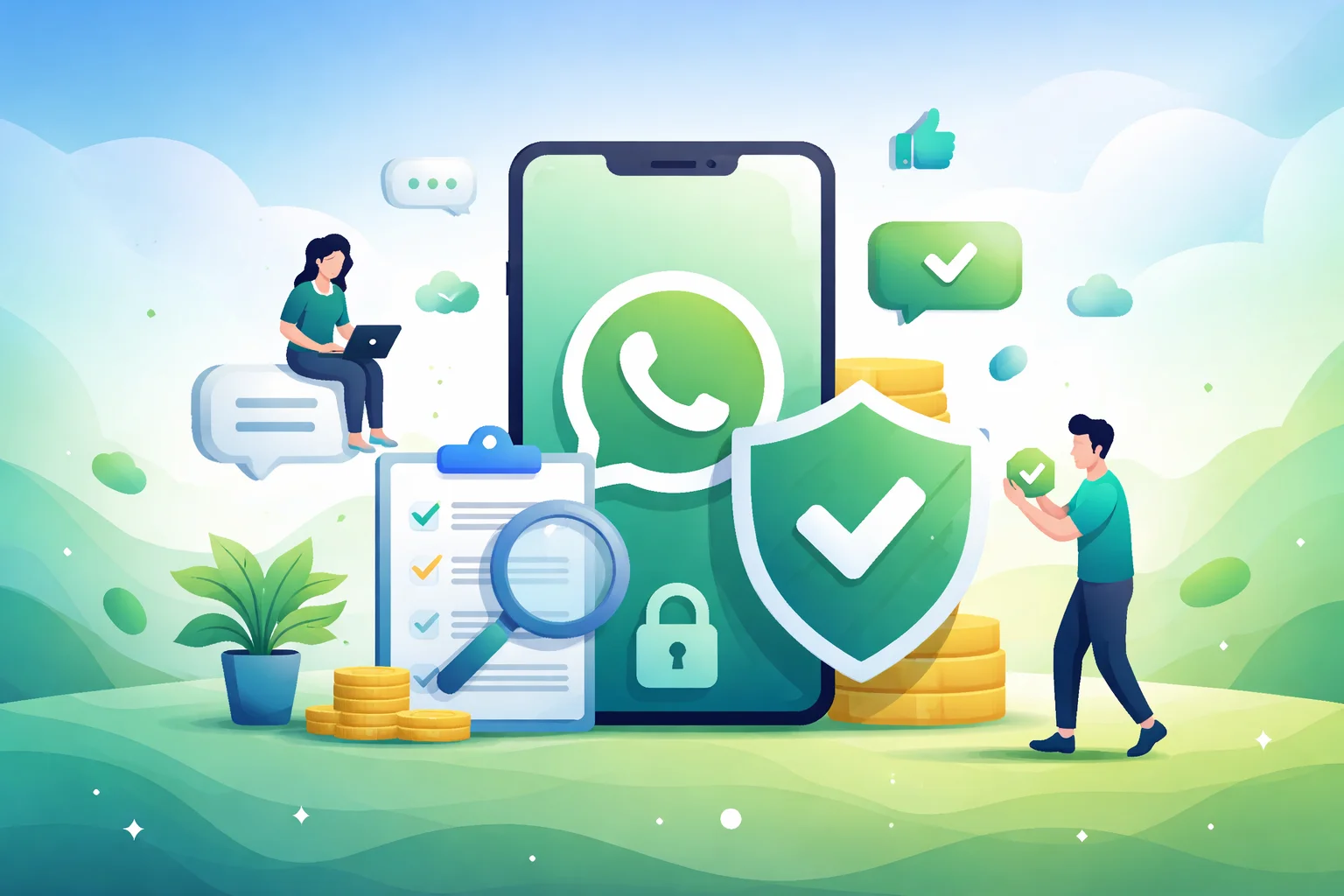
A small blue checkmark next to your business name changes everything on WhatsApp. Customers spot it, relax, and reply right away. Trust clicks in instantly. Messages get opened more, and sales close quicker.
Verified accounts stand out in crowded inboxes. Protection keeps copies away. Higher limits let you reach more people without worry. The WhatsApp verified badge often turns casual chats into loyal buyers and growing orders.
This WhatsApp business verification guide walks you through every path, from a simple app subscription or deeper API setup. So you grab those advantages fast and make WhatsApp your strongest sales tool.
Understanding the Verified Badge on WhatsApp
Open any chat on WhatsApp. Look next to a business name. Spot that little blue checkmark? That’s the verified badge everyone talks about.
Simple as it sounds, it means Meta, the company behind WhatsApp, has looked at the account and said, “Yes, this is the real business.” No fakes. No copies. Customers see it and know they’re safe to chat, share details, or buy.
A few years back, this badge showed up green for some big brands. Those were special “Official Business Accounts” that went through tough checks. You might still see a rare green one on older setups.
But in 2026, almost all new ones will come blue. Meta changed the color to match badges on Facebook and Instagram. Same trust, fresh look.
Without any badge, regular business accounts often show just the phone number or a plain gray check. People glance, wonder, and sometimes scroll away. No proof it’s you.
The blue badge appears everywhere: your profile page, chat headers, even during calls or in search results. Small spot on the screen. Huge shift in how people react.
Types of WhatsApp Business Verification
WhatsApp handles business accounts in layers. Each layer adds more trust and features. Customers notice the difference right away.
It’s from plain setups that feel ordinary to full verification that screams official. Meta pushes most businesses toward paid paths, but free options linger for specific cases.
Basic Business Account (No Badge)
This is where every business starts. Download the WhatsApp Business app or connect through the API, add your details, and you’re live.
You get useful tools: catalogs for products, quick replies, away messages, and labels to organize chats. Many small shops in Dhaka run smoothly here for months.
But from the customer’s side, nothing special shows. Often, just the phone number appears in chats unless they save your contact. Some accounts get a small gray checkmark after basic confirmation questions. Trust stays low, and people hesitate before replying. No real proof you’re legitimate.
Meta Business Verification (Foundation Step – Display Name Approval)
Before chasing badges, most need this. You verify your actual business exists through Meta Business Manager.
Submit documents: trade license, utility bill in the company name, tax papers, or bank statements. Everything must match exactly, such as address, spelling, and legal name.
Once approved (usually days to weeks), your official business name shows more reliably, even to unsaved contacts. Message limits go up. You can change display names with reviews.
Still no visible badge for customers. But this step proves you’re real to Meta. Required for almost every higher option. Think of it as the paperwork backbone.
Meta Verified Badge (Blue Checkmark – Subscription Path)
The go-to choice for most businesses now. Available directly in the WhatsApp Business app in many countries.
Pay a monthly fee, pick a plan (basic to premium), add payment, and the blue checkmark appears fast, often within hours.
Customers see it everywhere: profile, chat headers, call screens, search results. Plus, you get impersonation monitoring (Meta watches for copies) and priority support.
No strict fame needed. As long as your business documents match and you follow the rules, approval is straightforward. Rolls out wider every month. Check your app settings.
Official Business Account (OBA – Selective Blue Checkmark)
The older, tougher route. Mostly for larger or notable brands using the WhatsApp Business API.
Meta reviews your presence: media mentions, website traffic, industry recognition. Not every applicant qualifies; approval feels picky.
Originally showed a green checkmark with special text like “Confirmed” or “Official.” New approvals now get blue to match everything else. Some legacy green ones still exist on big global names.
Extra perks: your business name always displays clearly, stronger protection, and sometimes higher visibility. Often combined with Meta Verified for full effect.
Harder to land without scale or fame. Many growing companies stick to the subscription instead.
Quick Comparison to Clear the Confusion
Basic account: free, quick setup, limited trust. Meta Business Verification: free, document-based, unlocks name and limits.
Meta Verified: paid subscription, fast blue badge, broad access. Official Business Account: selective review, blue (or rare green), for notable brands.
Your choice depends on size and goals. Small teams grab Meta Verified and move on. Bigger operations layer Business Manager verification plus API for volume, then chase OBA if needed.
Whichever level you reach, customers feel the shift. Higher up means warmer replies, fewer ignored messages, and chats that actually lead somewhere. Start where you fit today, you can always climb later.
Learn More: How to Setup WhatsApp Business Account
WhatsApp Business Verification: Step-by-Step Guide
Verification on WhatsApp is simpler than it looks. Pick a number, prove your business, and choose your path. Most businesses get approved fast when details match perfectly.
Here are some steps to complete the whole process.
Step 1: Pick a Dedicated Phone Number
Use a number only for business. Avoid personal ones tied to regular WhatsApp. Get a new SIM if needed. Stick to real mobile lines; virtual numbers often get rejected.
Open the WhatsApp Business app, register, and confirm with the SMS code.
Step 2: Set Up Your Profile
Enter your exact business name as on official papers. Add address, description, and logo. Keep the name unique; no generic terms alone. This matters for later reviews.
Step 3: Verify in Meta Business Manager
Go to business.facebook.com, create or open your Business Manager. Fill in all business info, then start verification in the Security Center.
Upload clear documents: trade license, utility bill, tax papers, everything matching your name and address. Wait days to weeks for approval.
Step 4: Apply for Meta Verified (Quickest Option)
In WhatsApp Business app: Settings > Business tools > Meta Verified. If available, choose a plan, add payment, and submit. A blue checkmark appears soon after payment.
Step 5: Larger Businesses – Use the API
For high volume, connect via an official partner. They link your verified Business Manager and set up the platform. Display name gets reviewed, and you can request Official status if notable.
Step 6: Track and Fix Issues
Check notifications and email. Rejections? Correct mismatches and reapply. Stay patient, most clear it on the first or second try.
Choose the app route for speed or API for scale. Once verified, customers trust your messages right away.
Benefits of a Verified WhatsApp Business Account
Adding that blue checkmark changes daily chats in quiet ways. Customers glance at your name and feel okay replying. Conversations start more easily.
WhatsApp carries most orders and questions; verification often turns slow days into steady ones.
Builds Trust at First Sight
People scroll through messages fast. A plain number makes them pause or ignore. But spot the badge? They know Meta checked you out.
Replies come quicker. Details get shared without extra questions. No more “Is this real?” hanging in the air. Trust lands instantly, and chats flow naturally from there.
Messages Get Noticed and Opened More
WhatsApp already shows high open rates, with most hitting above 95%. Verification pushes that higher. Your updates cut through the noise.
Customers save your contact faster. They click on catalogs or links with less worry. Small shops watch engagement climb just from that visible proof.
Protects Against Copycat Accounts
Scammers love copying popular numbers. Without protection, they scare buyers away.
Get verified, and Meta steps in harder. Imposters get reported and removed more quickly. Your name stays safe. Customers stick with the real you.
Unlocks Better Features and Limits
Basic accounts hit sending caps soon. Verified ones handle more broadcasts, replies, and sessions.
Share product lists, run quick polls, or send voice notes freely. Everything runs more smoothly without sudden blocks.
Supercharges WhatsApp Marketing Efforts
Direct chats feel personal; that’s a big part of the benefits of WhatsApp marketing. Send photos of new stock, short videos, or limited offers that land right away.
No big budgets needed. Feedback comes live in replies. Adjust fast and watch repeat orders grow.
Customers return because talking to you feels reliable. Friends recommend your number. Sales build over simple, trusted conversations.
Grows Loyalty and Repeat Business
Over time, verified profiles act like a familiar shop sign. People come back without thinking twice.
They place orders again, ask for updates, and share with groups. Loyalty sticks because the whole experience stays easy and safe.
One small mark on the screen. Real shifts in how your business runs day to day. Many notice the difference within weeks: busier inbox, happier customers, steadier flow.
Common Challenges, Troubleshooting, and Best Practices
Everyone hits a few bumps when chasing WhatsApp verification. Rejections sting at first, but most come from simple mismatches that fix easily.
Learn these common spots, sort them quickly, and your badge arrives sooner than expected.
Application Gets Rejected
Happens more than you think. Meta turns down requests when documents don’t match exactly, wrong business name spelling, blurry photos, or papers not in the company name.
Display name issues pop up too if it feels generic or breaks guidelines.
Fix it by checking every detail twice. Use clear, full-page scans. Match legal names word for word. Wait a bit, then reapply with fresh uploads.
Most get through on the second try.
Meta Verified Not Available Yet
Open the app, and no option shows? Many countries still wait for rollout.
Join the waitlist inside settings or on Meta’s site. Check back weekly, spots open fast in places like Bangladesh.
Meanwhile, verify your Business Manager fully. It speeds things up when the feature lands.
Phone Number Problems
Old personal WhatsApp tied to the number? Or virtual lines? Meta spots those and blocks. Switch to a clean, real mobile SIM. Delete any old accounts linked to it first.
Register fresh in the Business app. The SMS code arrives smoothly then.
Waiting Forever for Approval
Reviews take days to weeks. No news feels endless. Track status in Business Manager notifications or email. All green there? Good sign.
Stay patient, avoid spamming support early. Check after two weeks works better.
Keeping the Badge Long-Term
Badges can vanish if rules slip, too many reports, or policy breaks. Chat politely always. Get clear opt-ins before broadcasts. Follow commerce guidelines.
Regular checks keep everything safe.
Quick Best Practices to Avoid Trouble
Match names everywhere, such as apps, documents, and websites. Use official papers only, recent ones. Fill every field completely. Test small broadcasts first. Backup your number.
These habits cut headaches way down. Fix issues calmly, reapply smart, and that blue check sticks around for good. Customers love the steady trust it brings.
How Verification Leverages Your WhatsApp Marketing Strategy?
Once that blue badge sits on your profile, marketing on WhatsApp stops feeling like guesswork. Customers engage deeper.
Campaigns land stronger. Verified accounts often see chats turn into sales twice as quick, all from that quiet trust signal.
Turns Everyday Chats into Sales Opportunities
People reply more when they trust the sender. Send a quick catalog or offer a photo, and questions pour in. No awkward “Who is this?” delays.
Verified profiles let you share product lists, price updates, or flash deals freely. Replies feel natural. Orders follow soon after.
Many local businesses watch conversion rates jump because buyers move from browse to buy without second thoughts.
Makes Broadcasts and Campaigns More Effective
Plain accounts hit limits fast. Verified ones handle bigger sends. Group updates reach hundreds without blocks.
Open rates stay sky-high, often near 98%. Add personalization like customer names or past buys, and clicks rise.
Abandoned carts get recovered with gentle reminders. Birthday wishes bring back old buyers with special discounts.
Pairs Perfectly with Smart Campaign Tools
To take things further, tools like REVE Chat’s WhatsApp Campaign make running promotions smooth. You connect your verified number, build segments from contacts, and send rich messages such as images, videos, and even clickable buttons.
Templates get approved quickly through their dashboard. Automate order updates, appointment reminders, or abandoned cart nudges. Track opens, replies, and conversions live.
Many businesses start with their 14-day free trial to test personalized flows. It fits right with verified accounts, keeping everything compliant while pushing engagement higher.
Builds Long-Term Customer Relationships
Verified status keeps conversations going. Send surveys for feedback. Share new arrivals to loyal groups. Recommend products based on past chats.
Over months, buyers treat your number like a favorite shop. They message first with needs. Refer friends easily. Repeat sales grow steadily without heavy pushing.
Measures Results and Adjusts Quickly
Watch analytics inside WhatsApp or connected tools. See which messages spark replies.
Tweak offers based on real data. Drop what flops. Double down on winners. Marketing turns precise, costs stay low, returns climb.
Combine verification with simple habits such as polite chats, clear opt-ins, useful content, and WhatsApp becomes your main growth channel. Customers stay closer. Sales feel easier.
Many owners look back and wonder how they managed without it.
Conclusion
By now, you see how much a verified WhatsApp account changes things. Customers trust faster. Messages get real attention. Chats turn into steady sales without forcing it.
All the steps sit right in front of you, clean numbers, solid documents, and quick subscription when available. Follow them, skip the usual mistakes, and that blue badge shows up sooner than you expect. Ready to make WhatsApp work harder for your business? Start with verification today. Then, to run smooth campaigns that bring people back, try REVE Chat’s WhatsApp Campaign. Jump in with a 14-day free trial and watch results grow.
Frequently Asked Questions
Not easily anymore. Meta Verified is the main paid route for most businesses. Big, well-known brands sometimes qualify for free Official Business Account status through the API, but approval is tough and needs proof of notability. For regular shops, the subscription remains the fastest way.
You can request a display name update, but Meta reviews it carefully. Keep documents ready with the new name. If already on Meta Verified, the badge usually stays during review. Just avoid frequent changes, it raises flags.
Yes, a lot. Verified accounts show your brand name clearly in ads. Customers click more when they see the blue tick. Replies from ads flow straight into trusted chats. Many Dhaka businesses notice higher response rates once verified.
Better not. Meta prefers dedicated numbers. Mixing them risks limits or blocks. Move personal chats to a different number first, then register the clean one for business. Keeps everything smooth and professional.
As long as you follow rules and keep the subscription active (for Meta Verified users). Stop paying or break policies, and it disappears. Stay polite in chats, get proper opt-ins, and it sticks around for years.
Mostly businesses. Personal accounts don’t qualify for the blue business badge. If you’re a sole trader, register with your trade license or proper business papers.