



Table of Content
Are you not satisfied with your existing instant messaging platforms? What to do then? Well, you must find an alternative to get the best result for your business.
Even a small change in the tool you use can improve how smoothly you communicate. These platforms help you connect in real time through text, voice, or video, making conversations easy and clear. So, choosing the right IM platforms is a must.
In this blog, we will explain the top 21 best instant messaging platforms for businesses that you must know. Here you will also learn how to choose the right one with the benefits and future trends.
What Are Instant Messaging Platforms?
Apps that help people to communicate in real time with each other through text, voice, or video are known as instant messaging (IM) platforms. You will find many IM tools such as WhatsApp, Messenger, Slack, Telegram, and so on.
By using these tools, people can stay connected and share files to work together. So, with IM tools, you and your business can reach the target audience instantly and continue the conversation smoothly.
How Instant Messaging Platforms Work
Instant messaging platforms work by connecting people in real time through apps and servers. However, these platforms work following a process. So, let’s learn the steps here:
- Sign in and connect: You open the app on your device and log in. The app connects to the platform’s server and shows your online status to others.
- Start a chat: You pick a contact from your list and type your message. You can also add multiple people for a group conversation.
- Send the message: When you hit send, the message goes from your app to the server.
- Server delivers the message: The server forwards your message to the recipient’s app. If they are offline, it keeps the message until they log in.
- Receive notifications: The recipient gets a notification with a sound or a badge, letting them know a message arrived.
Our Suggested Top 5 Best Instant Messaging Platforms for Business
Here are the top 5 platforms to start with. Go through these picks to get a quick feel for the strongest options. After that, we will move on to the full list of 21 tools that gives you the better idea.
| Tool | What It Offers | Best For |
|---|---|---|
| REVE Chat | One inbox, live chat, chatbot, voice/video calls, co-browsing, analytics | Businesses that want an all-in-one support and sales tool |
| WhatsApp Business | Text, voice, video, product catalog, payments, broadcasts | Small to medium businesses that want simple customer communication |
| Facebook Messenger | Text/voice/video chat, file sharing, bots, basic analytics | Brands with active Facebook audiences |
| Instagram Direct | Text, voice notes, video calls, media sharing, automation | Visual brands, influencers, and ecommerce stores |
| Messaging, group chats, business accounts, payments, e-commerce tools | Businesses targeting China or worldwide markets |
Now that we’ve covered our top five picks, let’s look at the full list. Up next, you’ll find the top 21 instant messaging tools explained in detail. This will help you understand what each one does and which tools fit your needs best.
21 Best Instant Messaging Platforms for Businesses
Here, you will get a list of 21 of the best IM platforms for business with their core features, pros, and cons. Ensure that you read till the end to choose the right one for you according to your needs.
So, the 21 best instant messaging platforms for business are:
1. REVE Chat
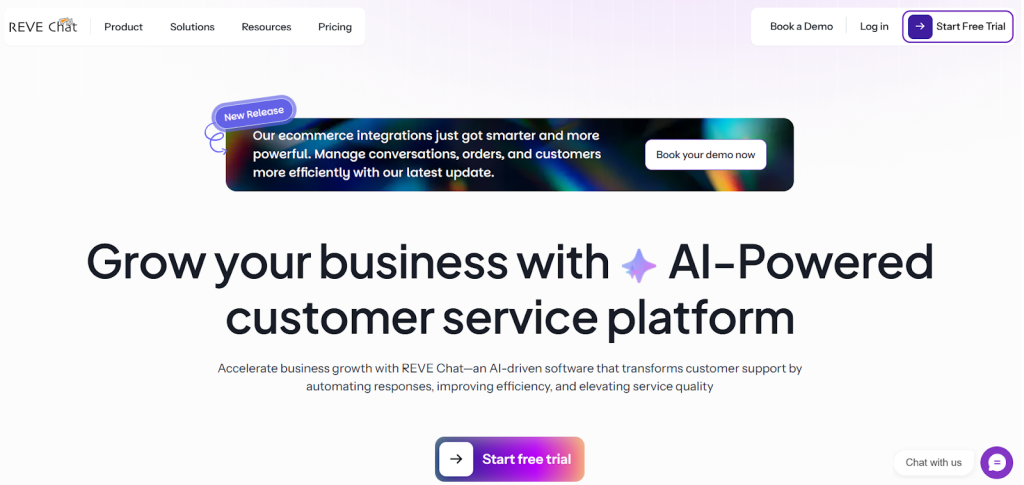
REVE Chat is an AI-supported messaging tool that helps businesses talk to customers in a simple and organized way. It works on the web, mobile apps, and many social platforms.
You can use it on Facebook, Instagram, Viber, Telegram, and WhatsApp. It also connects easily with your CRM and other business systems. This helps you manage every conversation in one place without moving between different apps.
The AI chatbot handles many repeated questions. It also replies to customers at any time. This is helpful when your team is busy or not available.
Customers get quick replies, and your team can focus on more important tasks. If you want stronger communication inside your business or want faster customer support, REVE Chat can help you solve both needs.
REVE Chat also supports sales and lead collection. It lets you talk to visitors in real time. You can guide them while they browse your website or app. This helps you turn more visitors into paying customers. SO, REVE Chat is the best instant messaging platform for businesses.
Core Features:
Single Inbox
Every message from every channel appears in one simple inbox. You can reply when you are free. Customers will see the message when they return.
Combined Communication Channels
You can manage chats from your website, mobile app, Facebook Messenger, WhatsApp, Instagram, and Telegram, all in one dashboard. This makes work easier for your support team.
Advanced Reporting and Analytics
You can watch live visitors on your website. You can also check agent activity, chat volume from each channel, First Response Time, Average Response Time, and customer satisfaction results. These reports help you understand what is working and what needs improvement.
Rich Text Editor
You can highlight important parts of your message. This helps customers understand the information clearly.
Chatbot
The chatbot answers basic questions and supports customers when your team is not online.
Live Chat
Customers can start a quick chat with your team whenever they need help.
Voice Calls and Video Calls
Customers can call your support team from the same chat window. Again, customers can start a video call when they need clearer communication or visual guidance.
Co Browsing
You can see the customer’s screen. This helps you guide them step by step.
Pros
- Easy for both customers and teams to use
- Offers live chat, chatbot, video chat, and co-browsing in one place
- Works well on web, mobile, and social channels
- Automation reduces extra work
- Let’s you customize the look to match your brand
- Helps teams reply faster with ready responses and smart routing
- The support team is helpful when you need guidance
Cons
- Setting things up can take a bit of time
- Not as many integrations as some larger platforms
REVE Chat offers a 14-day free trial. You can Sign Up and explore all features before making a decision.
2. WhatsApp Business
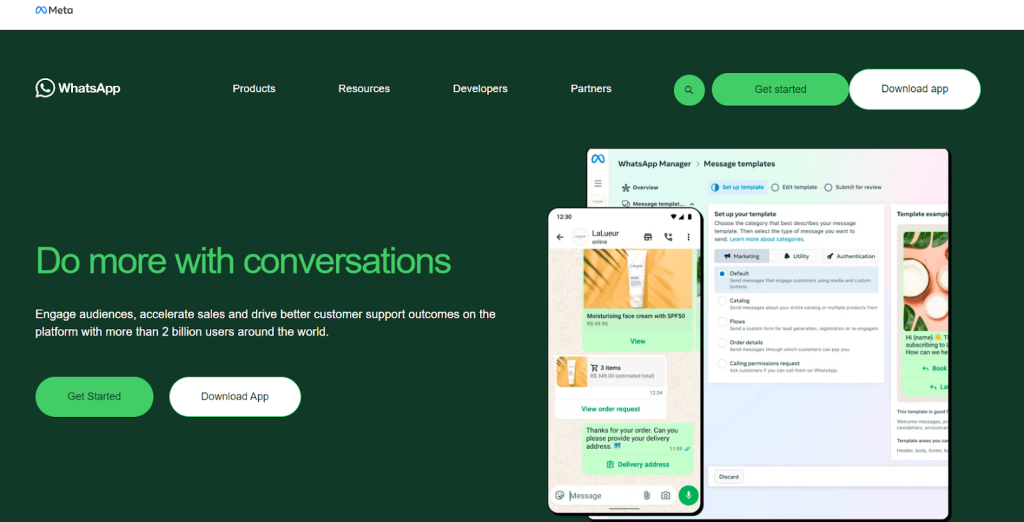
WhatsApp Business is a messaging platform used by millions of businesses. It is easy to set up and simple to use. You can create a business profile with your address, email, and website. WhatsApp allows you to send text messages, images, and videos to your customers. You can also use voice or video calls.
Businesses can use WhatsApp Business for customer support and direct messaging. You can share product catalogues and links to your website. End-to-end encryption keeps chats private and secure. It works as a secure messaging app for one-on-one conversations.
WhatsApp Business also supports group chats and broadcast lists. You can use these to send updates or promotions. Live location sharing helps in delivery services. Payments can be accepted through the app.
Core Features
- Text messaging, voice, and video calls
- Group chats and broadcast lists
- Product catalog creation for promotion
- In-app payment acceptance
- End-to-end encryption for privacy
- Live location sharing
Pros
- Easy to use for both teams and customers
- Free basic plan available
- Secure messaging for private chats
- Works as a WhatsApp alternative
Cons
- Limited internal team collaboration features
- No multi-user support on standard accounts
- Privacy concerns with third-party integrations
3. Facebook Messenger
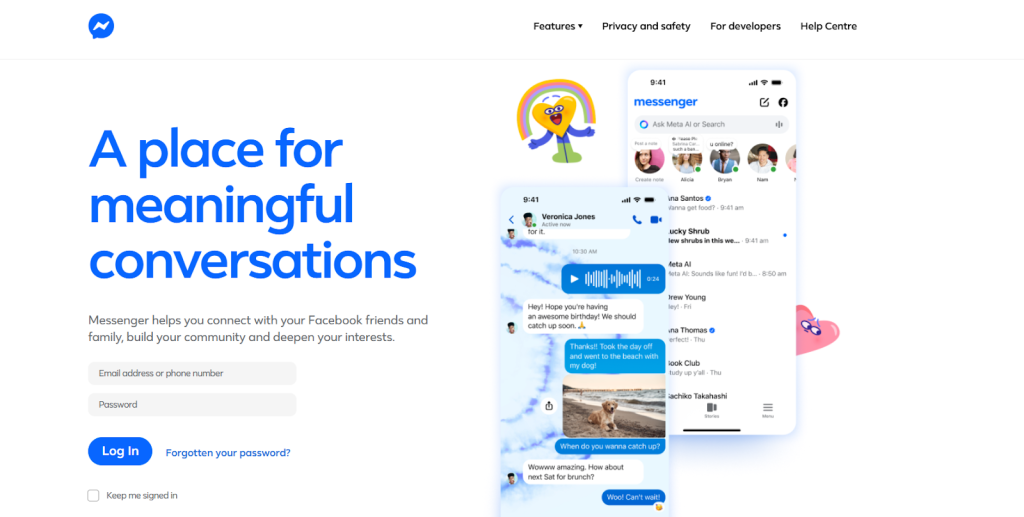
Facebook Messenger is a chat app that helps businesses connect with their audience. You can talk directly with customers who follow your Facebook Page through text, voice, or video. You can also share photos, files, and links.
Messenger lets businesses set up automated replies with bots, making it easier to respond quickly. It is a secure messaging platform that works on mobile, tablet, and desktop. You can also track chat activity with built-in analytics.
Businesses use Messenger for customer support, answering product questions, and sharing promotions. It is a popular app for businesses with a strong social presence, and all conversations remain private and secure. More than 931 million people use this platform for better communication.
Core Features
- Text, voice, and video messaging
- File sharing (images, videos, links)
- Bot automation for customer support
- Live location sharing
- Analytics to track engagement
Pros
- Easy integration with Facebook Pages
- Popular messaging platform with large user base
- Supports secure chat for customer conversations
Cons
- Limited customization for business messaging
- Fewer team collaboration options
- Privacy and data concerns
3. Instagram Direct

Instagram Direct is a private chat feature within Instagram, perfect for businesses that use visual content. You can send text messages, voice notes, and videos, and even create group chats with up to 32 people.
It also supports disappearing messages, which help keep conversations private. Businesses can reply to messages and comments on posts or stories, and features like saved replies and automation make communication faster.
Instagram Direct is a secure messaging app for engaging with customers. You can even connect it with Facebook Messenger for cross-platform messaging. It’s a great tool for brands that focus on social media marketing.
Core Features
- Text messages, voice notes, and video calls
- File sharing, including images, videos, and links
- Disappearing messages for temporary communication
- Group chats with up to 32 participants
- Interactive polls and question sharing in DMs
- Automated replies and saved response templates
- Integration with Facebook Messenger for cross-platform messaging
Pros
- Engages younger customers effectively
- Supports multimedia and ephemeral content
- Automation tools save time for teams
Cons
- Mobile-only app
- Paid promotions can be costly
- Limited organic reach for businesses
5. WeChat
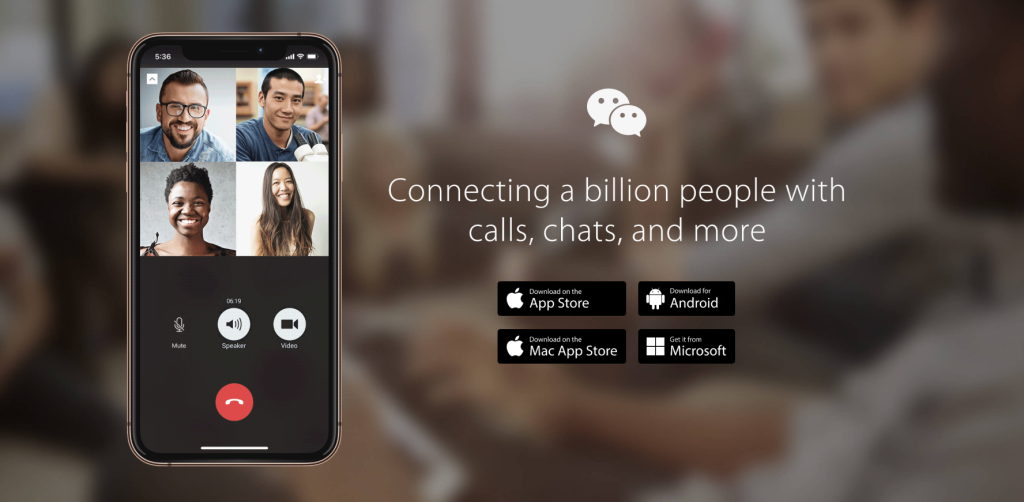
WeChat is a popular messaging app in China and other communities. It combines social features with business communication, allowing you to send text, voice, and video messages. You can also create group chats and share files easily.
Businesses can create official accounts to post updates, promotions, and product information. In-app payments make selling products simple, and chatbots can help respond to customer enquiries quickly.
The platform is secure and private, making it ideal for businesses that want to combine communication and e-commerce. It is one of the safest messaging apps for both business transactions and private chats.
Core Features
- Business accounts for marketing or customer support
- Text, voice, and video messaging
- Group chats and file sharing
- Social feed for posts and updates
- In-app payments and online shopping
- Targeted advertising in Moments feed
Pros
- Combines social and business communication
- Supports payments and e-commerce
- Offers internal team communication options
Cons
- Limited features outside China
- Privacy and security concerns
- Account types and features can be complex
6. Slack
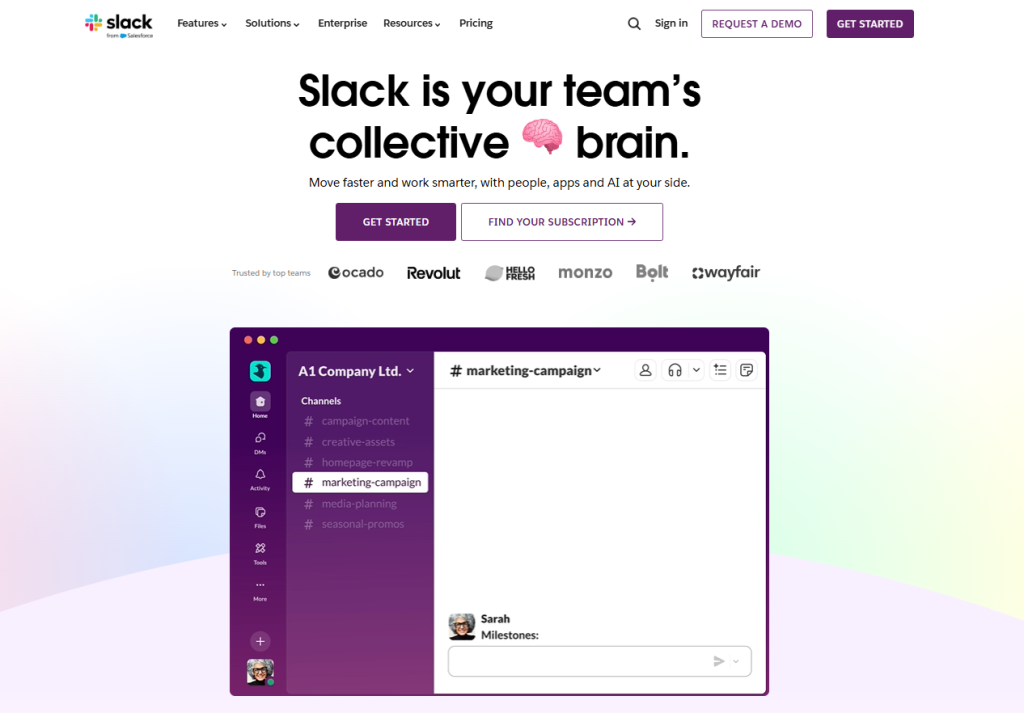
Slack is a messaging platform that allows teams to be on the same page. Conversations happen in channels, which can be created for teams, projects, or specific topics. You can send text, voice, and video messages.
Files, links, and images can be shared easily, and Slack connects with tools like Google Drive, Zoom, and Trello. Features like automated reminders and smart replies help save time. Private channels keep communication secure and confidential.
Slack is perfect for internal team communication. Teams can discuss projects, share updates, and assign tasks all in one place.
Core Features
- Text, voice, and video messaging
- File sharing, including images, videos, and documents
- Integration with Trello, Zoom, Google Drive, and Office 365
- Threaded conversations for better context
- Slack AI for automation and smart replies
- Insights and analytics to monitor performance
Pros
- Centralized team communication
- Strong integrations with business tools
- Supports secure messaging and private channels
Cons
- Frequent notifications can be distracting
- The free plan has limited customization
- Premium plans are expensive for small businesses
7. Microsoft Teams
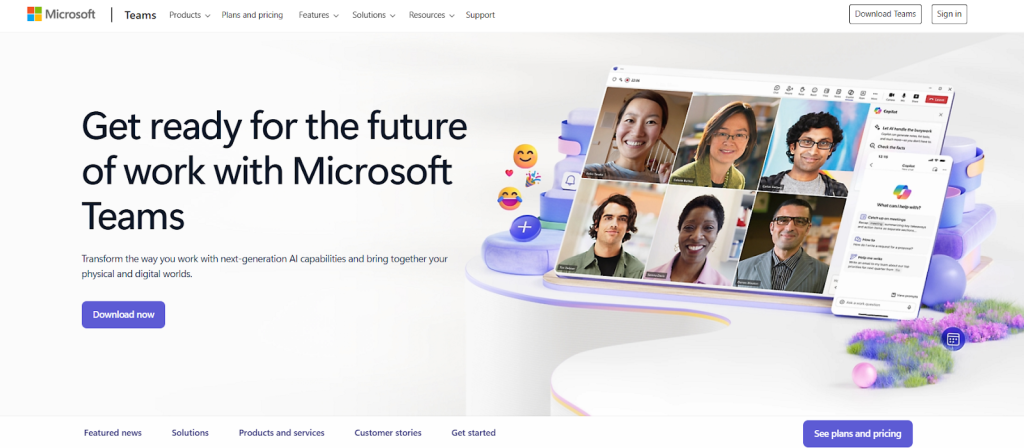
Microsoft Teams is part of Microsoft 365 and is made for workplace communication. You can send messages, make calls, and hold video meetings, while also sharing files and collaborating on documents.
You can schedule meetings and share calendar invites, and all chat messages are encrypted for security.
Teams is a secure messaging app for businesses, perfect for internal communication. It also works as a private chat app for confidential discussions.
Core Features
- Private and group chats
- Voice and video calls with chat history
- Schedule meetings and share calendar invites
- Meeting recordings with automatic transcription
- Call queues, auto attendants, and voicemail
- Integration with Microsoft Office apps
Pros
- Deep integration with Microsoft 365
- Supports collaboration and secure messaging
- Ideal for internal teams and hybrid workplaces
Cons
- Learning curve for new users
- The interface can feel cluttered
- Limited customization options
8. Google Chat
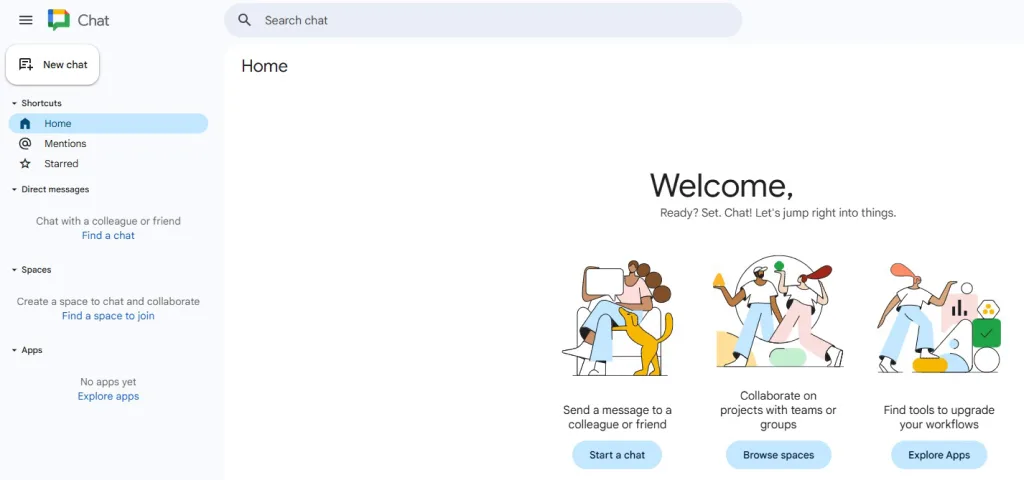
Google Chat is part of Google Workspace and is designed for teams that use Gmail, Drive, and Calendar. You can send direct messages or start group chats, and threads help keep discussions organized.
It supports file sharing and collaborative documents, and smart replies make communication faster. All messages are secure and private.
The platform works as an instant messaging tool for businesses. Teams can use it for collaboration, project discussions, and private conversations.
Core Features
- Direct messaging and group conversations
- Threaded topics for organized discussions
- Integration with Gmail, Google Drive, Calendar, and Meet
- Share files and collaborate on documents
- AI-powered smart replies
Pros
- Seamless integration with Google apps
- Available across devices
- Supports secure messaging and private chat
Cons
- Limited features compared to competitors
- Less customization
- Smaller user base
9. Mattermost

Mattermost is an open-source instant messaging platform. It is popular with businesses that need control over data. You can host it on your own servers or use the cloud. Mattermost supports text, voice, and video messages.
You can create private channels for sensitive information. End-to-end encryption ensures messages remain secure. Integrations with other apps make work easier.
Mattermost works as a secure messaging app and a private messaging app. It is one of the best encrypted messaging apps for businesses that value privacy and control.
Core Features
- Real-time chat for teams
- File sharing and collaboration tools
- Integrations with Google Drive, Dropbox, and more
- End-to-end encryption and compliance with GDPR and HIPAA
- Cloud-based or self-hosted deployment
Pros
- Secure messaging app
- Highly customizable
- Open-source flexibility for teams
Cons
- Requires technical setup
- Free version has limited integrations
- Learning curve for new users
10. Chanty
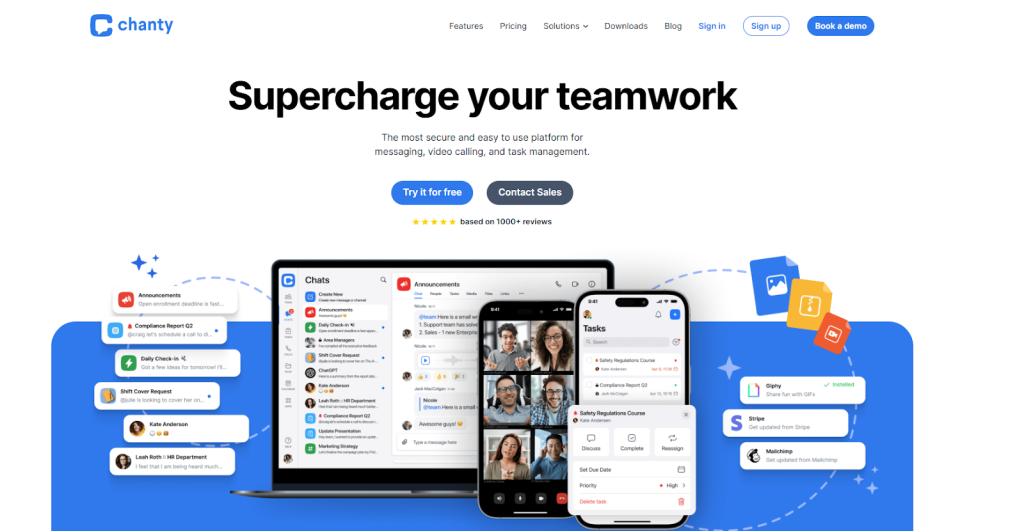
Chanty is a messaging platform that combines chat with task management. You can send direct messages, create group chats, and make voice or video calls.
It includes a built-in task manager, so you can create tasks and assign them to team members. File sharing is simple, and integrations with other apps help improve workflow.
The platform is secure and ideal for small teams. Teams can use it for private chats as well as task-focused communication.
Core Features
- One-on-one and group chats
- Audio and video calls with screen sharing
- Built-in task manager with Kanban board
- Integrates with external apps for notifications
Pros
- Unlimited messages
- Combines chat with task management
- User-friendly interface
Cons
- Limited integrations
- Video call invitations cannot be shared via link
11. Ryver
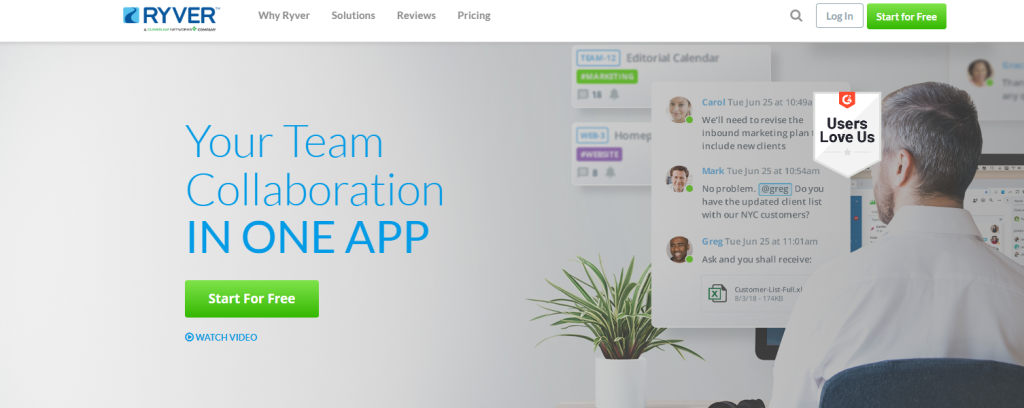
Ryver combines messaging and task management. You can chat in public or private channels. Direct messages keep communication private.
This platform includes Kanban boards for tasks. You can share files and make voice or video calls. Screen sharing is supported.
So, you can say Ryver is a secure messaging app. It works as an instant messaging platform for businesses that want messaging and project management in one place.
Core Features
- Public and private channels
- Direct messaging
- Kanban boards for tasks
- File sharing, voice, and video calls
- Screen sharing
Pros
- Integrated task and team management
- Supports collaboration
- Good for medium to large teams
Cons
- Complex interface
- Costly for startups
- Less advanced features
12. Rocket.Chat
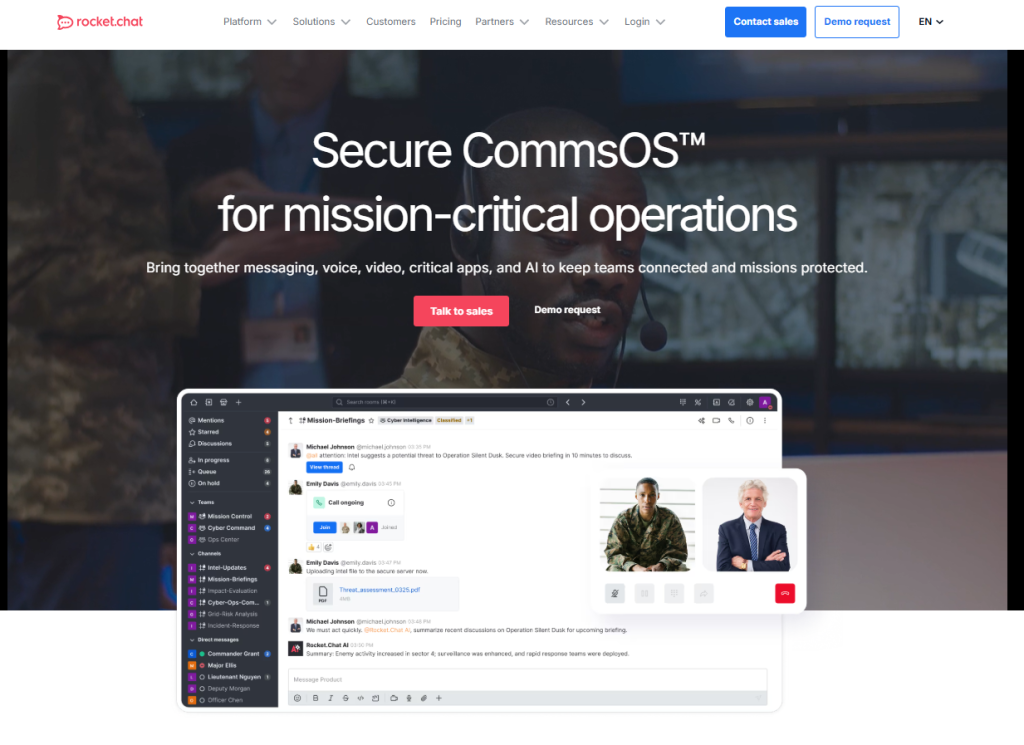
Rocket.Chat is an open-source messaging platform that is highly customizable and supports many integrations. You can send text, voice, and video messages, as well as share files and your screen.
It allows self-hosting for greater privacy, and end-to-end encryption keeps messages secure. Admins can manage users and control access easily. The platform is one of the top encrypted messaging apps, serving as a secure chat and private messaging tool.
Core Features
- Text, voice, video, and file sharing
- Screen sharing
- Self-hosted or cloud deployment
- API access and integrations
- Admin controls and security options
Pros
- Highly customizable
- Secure messaging platform
- Good for teams needing full control
Cons
- Technical setup required
- Some features require paid plans
13. Brosix
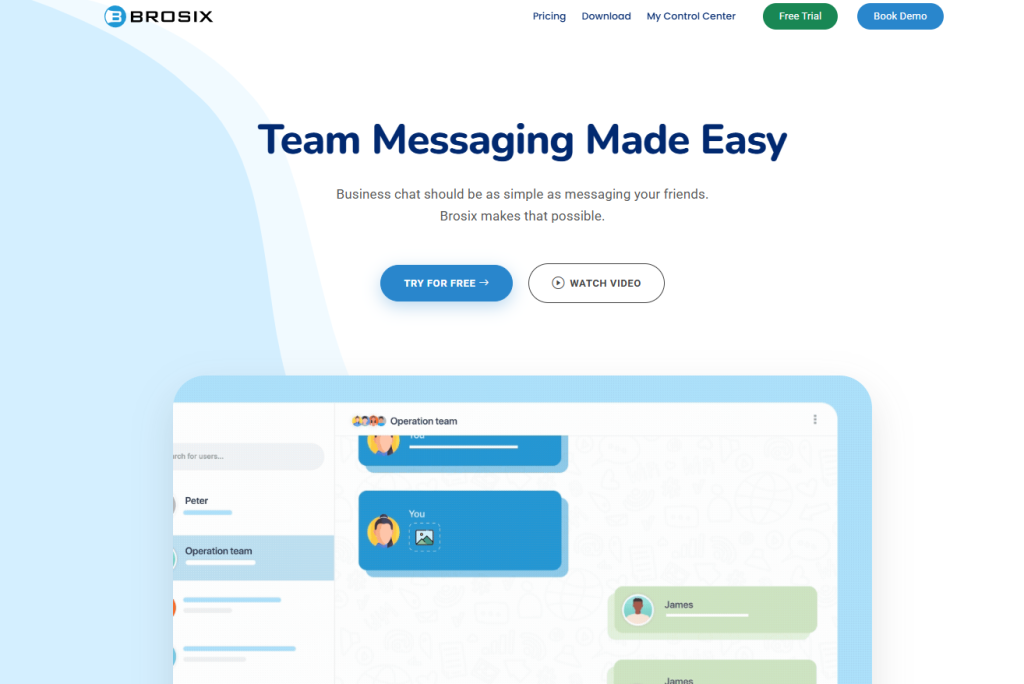
Brosix is a business messaging platform. It supports encrypted text, voice, and video chats. You can share files securely.
Here, you will get screen sharing and a virtual whiteboard. Admins can control access and permissions. Brosix is a secure messaging app. Teams can use it for private chats and confidential communication. It is one of the best chat apps for businesses handling sensitive data.
Core Features
- Encrypted text messaging
- Voice and video calls
- Screen sharing and virtual whiteboards
- Administrative controls
- Customizable interface
Pros
- Strong security and privacy
- Centralized team management
- Collaboration tools included
Cons
- Limited third-party integrations
- Free plan offers minimal features
14. Telegram
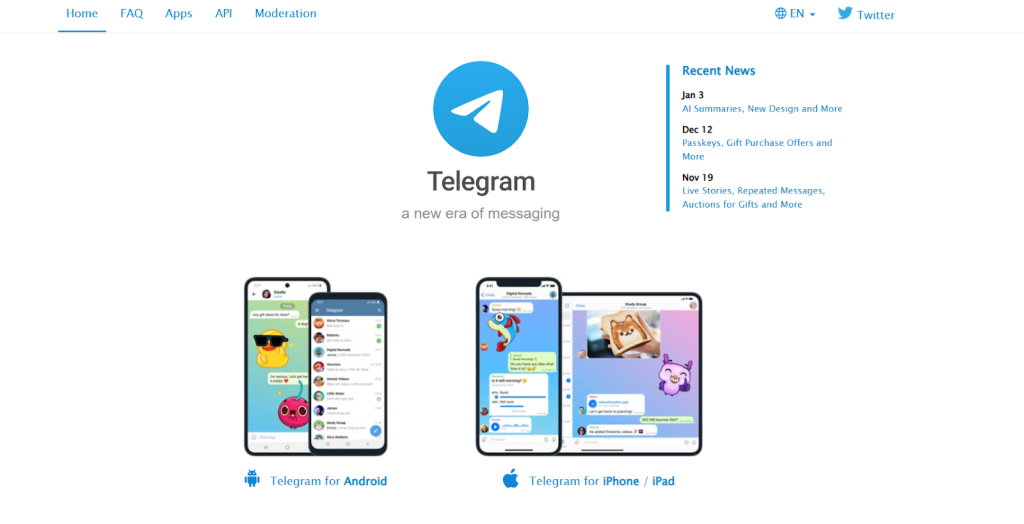
Telegram is a cloud-based messaging platform. You can send messages, images, and files. Telegram supports voice and video calls. Large groups and channels are supported.
Businesses can create bots to automate responses. Secret chats are end-to-end encrypted. It is also a WhatsApp alternative and a private messaging app. Businesses can use it for secure business messaging and customer support.
Core Features
- Text messaging, voice, and video calls
- Large group chats and unlimited channels
- Bot integration for business automation
- Cloud storage for media and files
- End-to-end encryption for secret chats
Pros
- Fast and reliable
- Supports bots and automation
Secure messaging app
Cons
- Encryption must be enabled manually
- Smaller user base in some regions
15. RingCentral
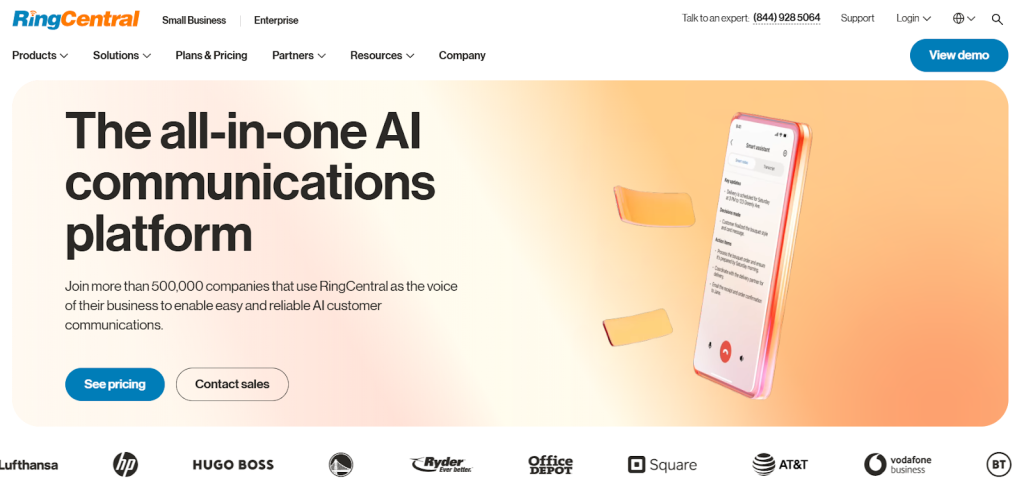
RingCentral is a messaging platform for business communication. You can chat, make voice calls, and host video meetings. Files can be shared within the platform. This tool integrates with tools like Microsoft 365 and Salesforce. Conversations are secure and private.
RingCentral is one of the best messaging apps for unified communication. Teams can use it as a secure messaging app and private chat app.
Core Features
- Team messaging and chat
- Video conferencing
- Enterprise-grade voice calls
- Integration with business tools like Microsoft 365 and Salesforce
- Centralized file storage
Pros
- Unified communication platform
- Secure messaging and voice calls
- Works well for teams of all sizes
Cons
- Complex setup
- Can be expensive for small teams
16. Viber
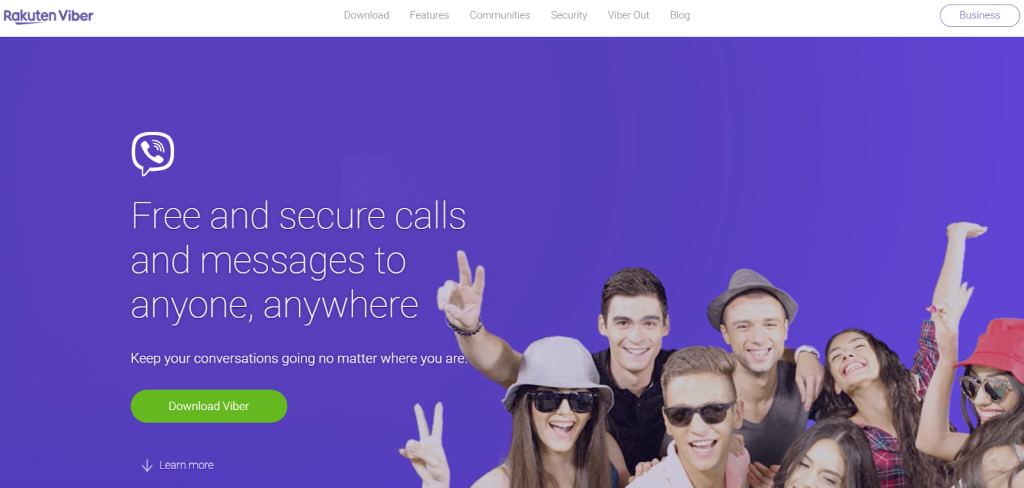
Viber is a messaging app with a focus on security. You can send text, voice, and video messages. Group chats and file sharing are supported. This platform also allows businesses to use chatbots for customer support.
Messages are encrypted to protect privacy. Viber works as a secure messaging platform. Businesses mostly use this tool for better customer interaction.
Core Features
- Text messaging, voice, and video calls
- Group chats and multimedia sharing
- AI chatbots for customer service
- CRM integration
Pros
- Secure messaging app
- Supports multimedia sharing
- Chatbots automate business processes
Cons
- Limited business features
- Occasional performance issues
17. Clariti

Clariti brings together messaging, email, and documents in one platform. Conversations are organized by topic, and you can send messages, make calls, and share files easily.
It also supports team workspaces and task management, with integrations to other business tools. All messages stay private and secure. This tool serves as both a secure chat app and a private messaging tool.
Core Features
- Contextual hybrid conversations
- Real-time messaging and file sharing
- Voice and video calls
- Team workspaces and task management
- Integration with business tools
Pros
- Reduces information overload
- Organizes conversations by topic
- Improves productivity
Cons
- No mobile app
- Learning curve for new users
18. Twist
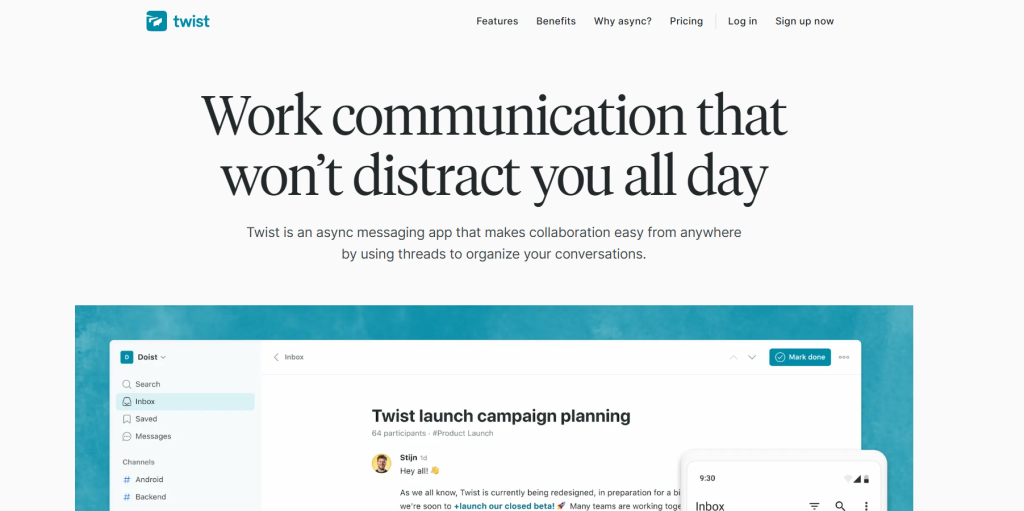
Twist is a messaging platform designed for structured communication. You can create threads for topics. Private and public channels are available. It supports file sharing and integrates with project management tools. Conversations are secure and organized.
Core Features
- Threaded conversations
- Private and public channels
- File sharing
- Integration with project management tools
Pros
- Keeps discussions organized\
- Easy to follow threads
- Supports secure messaging
Cons
- Limited real-time chat
- Smaller user base
19. Troop Messenger
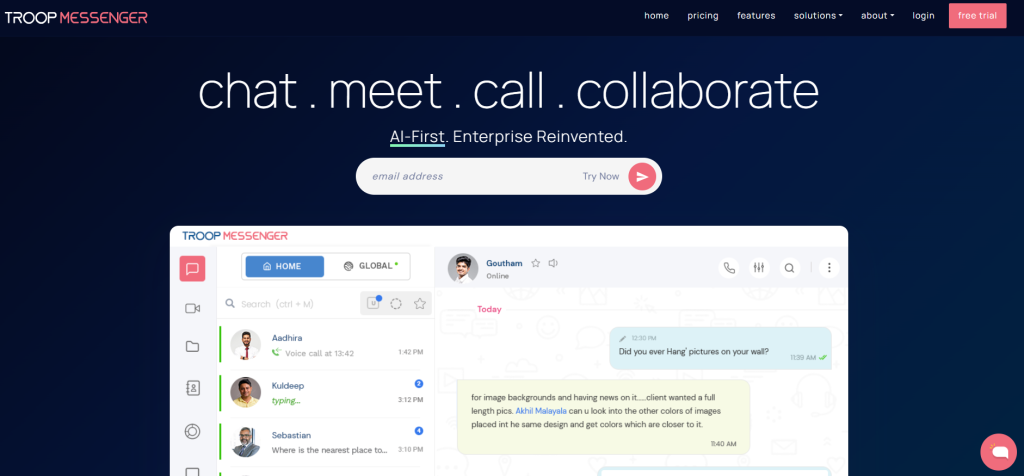
Troop Messenger is a secure messaging tool for teams and businesses. You can send messages, talk in groups, and share files with ease. It also supports clear audio and video calls.
Screen sharing helps you explain ideas quickly. All messages and files stay protected with strong security. It works well for small teams, large companies, and even government groups.
Core Features
- Instant messaging
- Group chats and audio video calls
- Screen sharing
- File sharing
Pros
- Strong security
- Works for teams of any size
- Easy to use for daily communication
Cons
- Some features need paid plans
- The interface can feel a bit full sometimes
20. Zoho Cliq
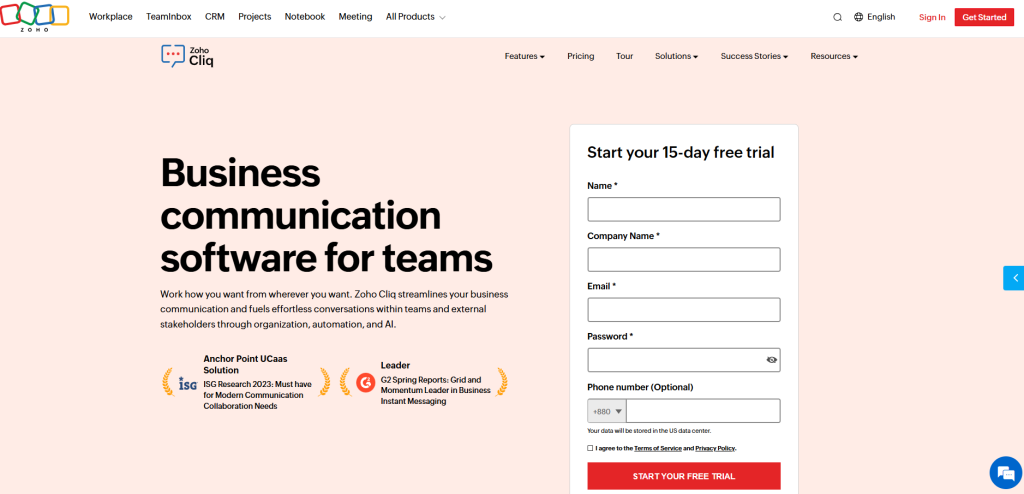
Zoho Cliq is a communication platform built for teams that use Zoho’s business tools. It supports direct messages, calls, and file sharing, along with multi-channel chats and smart bots that help automate routine tasks.
The platform keeps conversations secure, making it a dependable choice for internal communication. It also offers real-time message translation for global teams and a built-in dashboard that lets users track workflows without switching tabs.
Core Features
- Text, voice, and video messaging
- Multiple chat channels
- File sharing
- Command shortcuts and bots
- Integration with Zoho apps
Pros
- Affordable pricing
- Multi-channel messaging
- Automation features
Cons
- Limited features outside the Zoho ecosystem
- Customer support can be slow
21. Discord

Discord is a messaging platform originally designed for gaming. You can create servers for teams. Text, voice, and video communication are supported.
Discord allows file sharing and role management. It is also used for community building. Conversations are secure and private.
Discord is a popular chat app. Teams can use it as an instant messaging platform for collaboration, secure messaging, and private chats.
Core Features
- Text, voice, and video channels
- File sharing and multimedia support
- Customizable servers and roles
- Community management tools
Pros
- Supports large communities
- Multimedia sharing
- Customizable server settings
Cons
- Primarily designed for gaming
- Learning curve for new users
Why Businesses Use Instant Messaging Platforms
Businesses use IM platforms for communication and collaboration. They also use it to make the business operations smooth. Have a look at the reasons why businesses use instant messaging platforms.
Faster Customer Communication
Businesses use instant messaging platforms because they help teams reply to customers quickly. Chat apps make it easy to send short, clear messages, so customers get help without waiting.
Better Team Collaboration
A messaging platform keeps everyone connected in one place. Teams can share files, ask questions, and solve problems together. A private messaging app also keeps work conversations organized.
Higher Productivity and Response Times
Instant messaging software helps teams work faster. Tools like canned replies and simple file sharing save time. This means quicker decisions and faster support.
Secure and Real-Time Conversations
A secure messaging app keeps business chats safe. Many companies choose the most secure messaging app to protect important information. These tools let people talk in real time while keeping their data private.
Top 9 Key Features to Look for in Instant Messaging Platforms
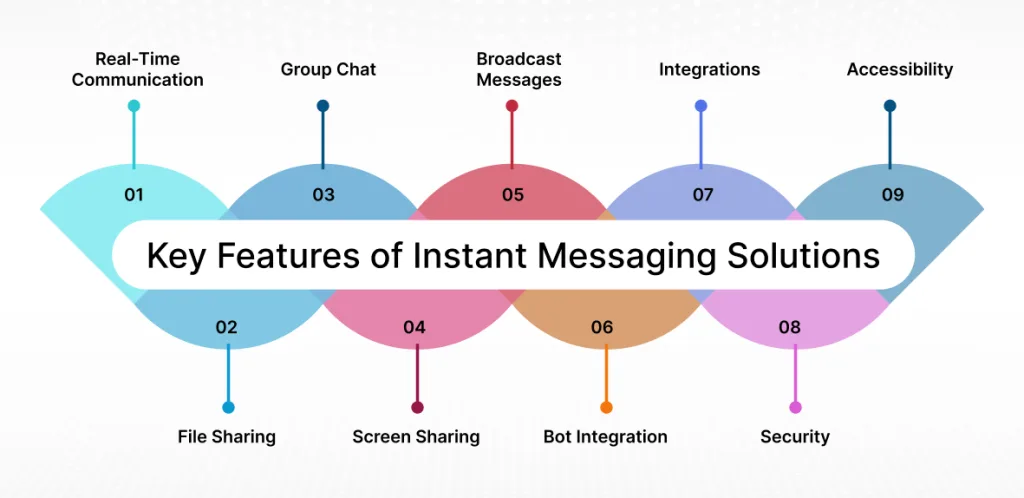
You must know the key features of instant messaging platforms. Ensure that you look for these features in your IM platform so that you can run your business operations properly. So, these features are:
1.Real-Time Messaging
Real-time messaging helps people talk instantly. Teams can reply fast and stay on track. Many chat platforms also support real-time messaging, which keeps everyone in the same place. It feels much easier than switching between tools.
2. Voice and Video Calling
Most communication apps now include voice and video calls. This makes the talks clearer and more direct. It also reduces the need for separate meeting tools. A top message app keeps these features easy to use for both teams and customers.
3. File and Media Sharing
People can share files, images, and videos in seconds. It removes long email chains and keeps work simple. A good chat app makes daily tasks smoother.
4. Automation and Chatbots
Automation helps answer simple questions fast. Chatbots guide customers when agents are busy. This keeps support running without delays.
5. Integrations With Business Tools
Many apps connect with CRM, helpdesk, and project tools. This saves time because people don’t have to move between different systems. The best Android chat app makes daily work even smoother for mobile teams.
6. Security and Data Protection
A secure messaging system is important for any business. Many apps offer end-to-end encryption and safe login steps. The best encrypted messaging app or an encrypted chat app protects private chats. A secure texting app or a secure messaging app keeps customer data safe every day.
7. Screen Sharing
Screen sharing helps during online meetings or support calls. It lets someone show their screen to explain things more easily.
8. Group Chat
Group chat keeps conversations simple and open. A private messaging app or the best chatting app makes it easy for teams to share ideas, updates, and quick notes.
9. Pricing
Different platforms offer different pricing plans. It is important to choose one that fits your business size and communication needs. Look for platforms that offer good value without limiting essential features.
How to Choose the Right Instant Messaging Platforms for Businesses
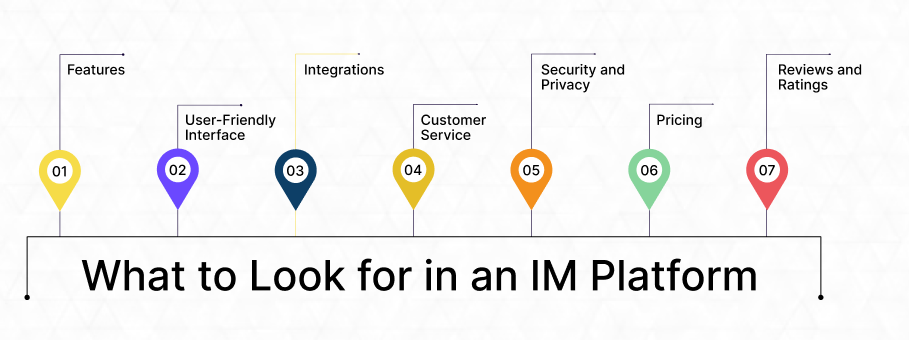
Well, you have to follow a process to choose the right instant messaging platforms for your business. So, you can choose it by:
Understanding What You Need
Choosing an instant messaging platform usually starts with knowing what your business actually needs. People often pick whatever looks familiar. It helps to slow down and sort out the basics first.
Team Size and What It Means for the Tool
Small teams can work well with simple platforms, while bigger teams often need something that can handle more people as they grow. Many skip this and end up switching later, which is not a wise move.
For Your Team or Your Customers
Some tools work better for team chats, like Slack or Teams, and others fit customer messaging, like WhatsApp, Messenger, or Twilio. A few try to do both, but one side usually feels stronger.
How Easy It Is to Use
A platform should feel simple. Your team should be able to manage chats, files, and calls without getting stuck. When the layout is clear, communication feels smoother.
Cost and Flexibility
Price matters. You want something that fits your budget and lets you add more people or features when needed.
Security You Can Trust
Security becomes important quickly. Look for end-to-end encryption, strong logins, and compliance features that protect data. It helps your team and your customers feel safe.
What Makes the Best Instant Messaging Apps?
Well, here, let’s learn what makes the best instant messaging apps:
Works on Any Device
The best instant messaging apps let you chat on Android, iPhone, or desktop. A good messaging platform makes it easy to send messages, join group chats, or make calls. Chat apps that are simple to use help people stay connected and respond quickly.
Keeps Messages Private
Privacy matters. A private messaging app or private chat app with encrypted messaging keeps your conversations safe. Encrypted messaging apps make sure only the people in the chat can read the messages.
Couples can use the best private messaging app for couples, and teams can use secure business messaging. The safest apps are called the most secure messaging apps.
Fast and Easy Chat
The best chatting apps let you send text, voice, and video messages quickly. Chat programs that work well with files and group messages make communication smooth. A reliable communication app keeps all your chats organized and easy to follow.
5 Common Use Cases of Instant Messaging Platforms
You can use IM platforms in many ways. However, most businesses use IM platforms for 5 common cases. Have a look at these 5 common cases here:
Customer Support and Live Chat
Instant messaging platforms help customers reach a business without any trouble. They can send a message and get help right away. Some tools also let customers make voice or video calls when they need clearer guidance. This makes it easy for customers to get support and easy for agents to help them.
Internal Team Communication
Teams use instant messaging to stay in touch during the day. They can share updates, files, and ideas in a simple way. Group chats help everyone follow the same plan, and short calls help clear things up fast. This keeps work moving and reduces confusion.
Remote and Hybrid Work
Instant messaging keeps remote and hybrid teams connected. People can message each other, join meetings, and share screens from anywhere. This helps them understand their tasks and stay organized. It also makes teamwork feel smooth, even when everyone is not in the same place.
Sales and Lead Generation
Sales teams use instant messaging to talk to people who show interest in a product. They can answer questions, share helpful details, and guide customers step by step. This creates a friendly conversation and helps customers move toward a decision.
Marketing and Customer Engagement
Instant messaging helps businesses stay in touch with customers. They can send offers, reminders, updates, and product suggestions straight to a customer’s phone. Customers read these messages easily, which helps brands stay connected and keep customer engagement high.
Top 5 Benefits of Using Instant Messaging Platforms Over Traditional Channels
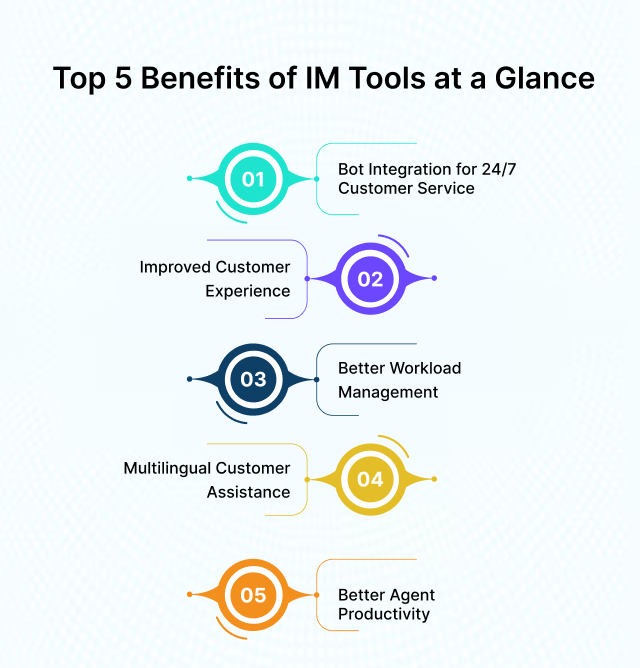
You can get many benefits when you use IM platforms over traditional channels. Knowing these benefits will help you use IM platforms. So, these benefits are:
Centralized Communication
All chats, files, and updates will stay in one place. Searchable history and clear channels will make it easy to find past messages without digging through long email threads.
Improved Customer Experience
IM will help businesses offer more personal support. Agents can see past conversations and customer details, making it easier to give helpful, customized replies. With round-the-clock access, customers can reach out whenever they need.
Reduced Email Overload
Quick updates and small questions will shift to chat instead of email. This keeps inboxes cleaner and helps teams focus on important messages instead of managing constant email chains.
Better Workload Management
Messaging tools will help agents handle work more smoothly. They can manage several chats at once, use ready-made replies, and focus on more complex issues while routine tasks are handled automatically.
24/7 Customer Service With Chatbots
IM platforms will support customers at any hour through chatbots. These tools can answer common questions, guide users, and offer instant help even when your team is offline. This ensures customers from any time zone get support whenever they need it.
Instant Messaging Platforms vs Traditional Communication Tools
| Area of Difference | Instant Messaging Platform | Traditional Communication Tools |
|---|---|---|
| Speed | Messages reach instantly, making quick chats easy. | Email and phone often take longer and depend on when people are available. |
| Formality | Usually informal & short. | Better for formal or detailed communication. |
| Features | Offers photos, videos, voice notes, files, and group chats. | Phone is mainly voice, email has attachments, and SMS is basic texting. |
| Accessibility | Works on all devices with internet. | SMS works without internet; email and calls work on any phone or computer. |
| Collaboration | Good for group conversations and team tasks. | Phone is mostly one-to-one, and email threads can get long. |
| Message History | Chats stay saved and are easy to search. | Phone calls don’t save history; emails can pile up. |
| Interruptions | Fast messages can feel distracting if alerts aren’t managed. | Email and phone feel less constant and easier to control. |
| Purpose Fit | Best for quick updates, teamwork, and real-time support. | Best for official messages, urgent calls, and SMS alerts. |
Future Trends of Instant Messaging Platforms
Let’s have a look at the future trends of the instant messaging platform here:
Advanced AI and Automation in Messaging
AI will make chat smarter and faster. Chatbots will understand questions better. They will suggest answers even before the user asks.
For example, if someone asks about a product, AI can show the price, stock, and related items. A recent study says that 86% of users say AI makes chats feel more personal.
Omnichannel Messaging Experiences
AI will connect all messaging apps. A chat can start on WhatsApp and continue on a website or email without losing messages.
The AI will remember preferences and past conversations. A study has found that 88% of service teams say AI speeds up problem-solving, showing why connected chat is important.
More Focus on Privacy and Security
In the future, IM tools can detect suspicious activity and manage encryption. It may allow fingerprint or face recognition to open chats.
Messages could disappear automatically on untrusted devices. A recent study has found that 83% of customers expect safe and secure communication.
Messaging as a Complete Business Hub
IM tools can process orders, book meetings, and update customer records more automatically in the future. For example, a customer can order via chat, and AI can check stock, process payment, and notify the team.
End Note
In the end, now you know about the best 21 instant messaging platforms. You can choose the best for your business for the best communication. Each tool in this list offers something useful for support, teamwork, or secure chats.
Try a few options, such as REVE Chat or WhatsApp Business, and see which one feels easy for your daily work. Always keep in mind that the right platform makes chatting easier, keeps your team connected, and helps manage messages.
Frequently Asked Questions
The main difference between email and instant messaging (IM) communication is that email communication does not require both parties to be present simultaneously. Messages can be sent and received without the expectation of an immediate response. In contrast, instant messaging enables real-time conversations, with messages typically exchanged within seconds.
With email communication, recipients can check and respond to messages at any time, providing flexibility and convenience. However, in the case of instant messaging, both parties usually need to be online to engage in a conversation, facilitating immediate interaction and quick replies.
Instant messaging offers businesses with two biggest benefits:
Firstly, offering real-time assistance to their customers whenever required. Secondly, helping the companies to manage internal communication and other business operations in a better way.
While choosing the best and most suitable IM tool for your business, look for the below-mentioned pointers:
Real-time communication, group chats, file sharing, security and privacy, voice and video calls, cross-platform compatibility, call records and chat history, integration with other business platforms and customization options.
Most of the IM platforms come with advanced security features like end-to-end encryption, ensuring messages are only readable by the sender and recipient and strong user authentication mechanisms like two-factor authentication (2FA).
Apart from these features, transport layer security (TLS), regular security updates and comprehensive audit logs make sure that the communication over IM is secured. Always purchase IM tools from trusted vendors and ensure that you arrange training sessions for your employees to teach them the best practices and the dos and don’ts of security measures.
Yes, most of the IM apps comes with integration capabilities. They seamlessly integrate with your existing business platforms and significantly enhance productivity and streamline workflows.
Here are our top 5 recommendations for your IM business platforms:
REVE Chat, WhatsApp, Microsoft Teams, Facebook Messenger
and Slack
The goal is to communicate quickly and conveniently. Whether it’s asking a question, sharing updates, collaborating on work, or just keeping in touch, instant messaging makes conversations faster and simpler. Businesses also use it to provide real-time support to customers.
Most popular apps like WhatsApp, Messenger, Telegram, and Signal are free for personal use. Some business features, like advanced analytics, automation, or larger file limits, may require payment.
Yes. WhatsApp, REVE Chat, Telegram, and Messenger work on phones, tablets, and desktops. Some features, like live calls, might work differently on desktop, but your chats stay synced, so you can continue conversations wherever you are.
For customer support, WhatsApp Business API or tools like REVE Chat make it easier to manage chats, use chatbots, and connect with CRM systems. For internal team communication, apps like Chanty, Slack, or Microsoft Teams help organize tasks, keep notifications in one place, and make collaboration easier.
Free apps are mainly for personal use, while business solutions are designed for teams. They let multiple people use the same system, automate replies, integrate with CRMs, and provide reporting to help manage large volumes of messages.
Apps like WhatsApp, Messenger, REVE Chat nd Telegram are simple and intuitive. You can start a chat, join group conversations, or make video calls without needing to figure out complicated features.
ICQ, launched in 1996, was one of the first standalone IM apps. It allowed one-on-one conversations, friend lists, and notifications, and it set the stage for the modern messaging apps we use today.
IM is fast, so there’s less time to think before sending messages. Free apps may show ads, and some raise privacy concerns. Notifications can be distracting, and in a business setting, overusing IM for minor messages can reduce productivity.
Build AI-powered support with Wize AI
Connect business knowledge, automate support conversations, and improve response quality without managing a complex AI stack.
Explore Wize AI Agent Rate the article

Mohaimin Talha
Lead Product Manager
Mohaimin Talha is a seasoned Product Manager, known for his ability to combine creativity with analytical thinking. His strategic vision and customer-centric approach make him a key driver of product success and business growth.
View all articles