Table of Content
AI SUMMARY
Quick Answer
This guide compares 10 free AI chatbots for 2026, including REVE Chat, Tidio, ProProfs Chat, Botpress, SendPulse, HubSpot, BotPenguin, Typebot, Landbot, and ManyChat. Each platform is evaluated based on its actual free access, AI usage limits, chatbot features, ease of setup, business fit, and paid upgrade requirements.
The article also explains an important distinction: not every free chatbot includes full AI capabilities. Some provide genuine AI conversations, while others primarily offer rule-based flows or messaging automation on their free plans. For businesses, the right choice depends on expected chat volume, available AI usage, and how well the chatbot fits specific needs.
One click, zero cost, and suddenly every visitor gets instant, intelligent answers at any hour of the day or night. That single change turns slow, frustrating interactions into smooth, satisfying conversations, the kind that keep people coming back instead of clicking away.
The strongest free AI chatbots make this upgrade effortless. The ten highlighted here deliver fast responses, natural dialogue, reliable uptime, and truly usable free tiers that let anyone experience the difference immediately, no credit card required, no countdown timer looming.
So, in this article, I’ll show you the 10 best free AI chatbots that you can use to boost your customer support and get more revenue.
What Is a Free AI Chatbot?
A free AI chatbot is a smart software you can add to your ecommerce website to talk with customers 24/7, no human needed. It answers common questions instantly (like “Where’s my order?”, “Do you have this in large?”, or “What’s the return policy?”), checks stock or order status, suggests products, and helps people finish buying.
The “free” part means you get a solid starter plan with no upfront cost, enough messages, and basic features for small to medium stores to handle most support without paying.
How I Evaluated the Best AI Chatbots
Let’s explore how I evaluated the best free AI chatbots here:
- Free AI Access: Each tool was checked to see if AI features are actually included in the free plan. A free trial was not counted as free access.
- Free AI Usage: The amount of AI usage available for free was compared. This shows how useful the plan can be for regular customer chats.
- Chatbot Features: The basic chatbot features were reviewed. This includes answering questions, helping customers, and handling common requests.
- Setup Process: The setup process was checked to see how quickly a business can get a chatbot running. Simple setup can save time for small teams.
- Business Type: Each free plan was looked at based on the type of business it suits. Some work better for small businesses, while others fit online stores or support teams
- Free Plan Limits: The main limits of each free plan were noted. These can include chat limits, AI usage limits, or fewer features.
- Paid Upgrade: The features and limits that require a paid plan were checked. This helps businesses know when they may need to upgrade.
- Pricing Details: Current pricing pages were reviewed to make sure the cost of moving to a paid plan is clear. This helps businesses plan their budget before choosing a tool.
- Product Documentation: Product documentation was also checked to confirm how each chatbot works and what is included in its plans.
- Practical Value: The comparison focuses on information businesses can verify, rather than unconfirmed claims about results or performance. This makes it easier to choose a free chatbot based on actual needs and usage.
Top 10 Free AI Chatbots That Drive Optimum Performance in 2026
| Chatbot | Best For | Free AI Access | Main Free Limitation | Multilingual on Free Plan |
|---|---|---|---|---|
| REVE Chat | AI chatbot, live chat, and AI agents | 10 AI Conversations /month | Limited AI credits and sessions | Yes |
| Tidio | AI chatbot for customer support | 50 Lyro AI conversations | Live chat, basic Lyro AI replies, Flows builder, order management (Shopify), communication channels (Messenger/IG/WhatsApp), basic analytics, customizable widget | Yes |
| ProPofs Chat | AI chatbot and live chat | Limited free AI access | AI usage is limited | Yes |
| Botpress | Custom AI chatbots and agents | $5 monthly AI credit | Extra AI usage is paid | Yes |
| SendPulse | Chatbot and messaging automation | Free chatbot plan | 500 subscribers and 10,000 messages | Yes |
| HubSpot | Lead capture and basic support chatbots | Free chatbot builder | Advanced AI features are paid | Yes |
| BotPenguin | AI chatbots for small businesses | Limited free AI usage | Message and bot limits | Yes |
| Typebot | Visual chatbot workflows | Free chatbot builder | Limited chats and AI depends on model | Depends on AI model |
| Landbot | No code chatbot building | Free Sandbox plan | 100 chats/month | Limited |
| ManyChat | Social media marketing and automation | Free plan with limited contacts and features | Contact and feature limits | Yes |
If you are looking for the best free chatbot for your business, here are the best 10 you can pick from. I focused on ones with solid free tiers (or generous starters) that work well for Shopify/WooCommerce shops dealing with orders, sizing, tracking, and carts.
REVE Chat tops the list because its lifetime free plan gives real value for growing businesses, no forced upgrades early, and its ecommerce-focused tools shine.
1. REVE Chat
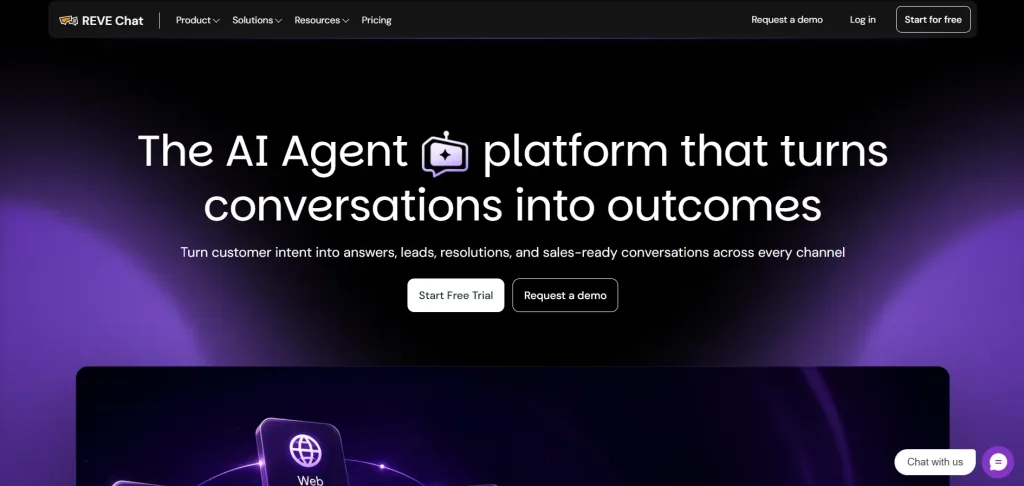
Best for: AI chatbots with live chat and AI agent support
REVE Chat combines AI chatbots, live chat, and AI agents in one platform. Its chatbot tools can handle common questions, collect information, and pass conversations to human agents when needed. The free plan includes 100 sessions and 10 AI credits per month, giving small businesses a way to test AI powered customer conversations without paying.
Its live chat helps teams step in when customers need a person. Businesses can manage website and social conversations from the same platform, while the chatbot handles routine interactions before handing them over to an agent.
REVE Chat also uses Wize AI Agent for AI powered conversations. The AI can use business content such as websites, FAQs, documents, and policies to answer customer questions. AI credits are used for AI replies, knowledge searches, training, and other AI actions.
Key Features
- AI Chatbot: Answers common questions on its own, no coding needed
- Live Chat: Real time chat widget for your website
- Omnichannel Inbox: One inbox for chat, email, and social messages
- Wize AI Agent: Handles longer AI conversations on paid plans
- Cobrowsing: View a visitor’s screen with permission to guide them
- Ticketing System: Turns chats into tickets you can track
- Voice and Video Chat: Talk to customers directly from the widget
- WhatsApp Campaigns: Send promotions and updates through WhatsApp
- Analytics Dashboard: Tracks conversations and agent performance
- Forty Plus Integrations: Connects with HubSpot, Shopify, and WordPress
- Mobile App: Manage chats from a phone or tablet
- GDPR Compliance: Built for teams that need data protection standards
Pros
- AI chatbot included from the start
- Monthly usage limits with no lifetime cap
- Works with Shopify and WooCommerce
- Easy handoff from AI to human agents
- Free widget customization
- Supports multiple customer communication channels
- Clear upgrade options as your needs grow
- Useful automation for routine customer questions
- Helps teams manage chatbot and human conversations in one place
Cons
- AI Agent is available only on paid plans
- Multilingual replies need a paid plan
- Chat history is limited to 30 days
Pricing
- Free: $0/month with 10 AI Conversations /mo.
- Usage: Includes 1 seat and 30 days of chat history.
- Channels: Website, Facebook, Shopify, and WooCommerce.
- Features: Widget customization included.
- Paid plans: Add more seats, sessions, and AI conversations.
- Trial: 14 day free trial with all advanced features
2. Tidio
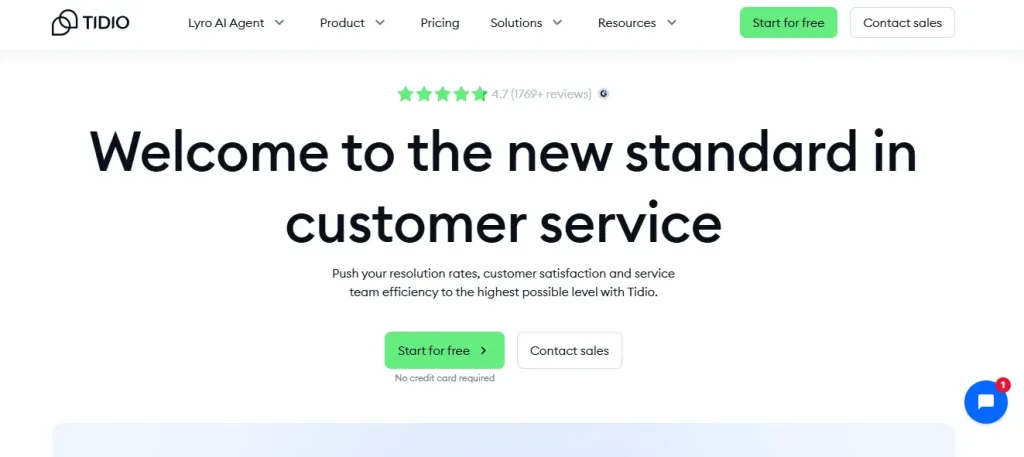
Best for small ecommerce shops wanting easy AI automation and multi-channel support on a budget.
Tidio pairs live chat with its Lyro AI agent, aimed at small stores and service businesses that want quick answers without hiring extra staff. It connects easily to Shopify and WooCommerce.
The free plan includes 50 billable conversations a month plus a one time pool of 50 Lyro AI conversations. Once that AI pool is used, it does not refill on its own, and further AI replies require a paid Lyro add on.
Setup is fast, and the flow builder handles cart recovery messages and basic FAQs even without AI.
Key Features
- Lyro AI agent trained on your FAQ or help content
- Live chat widget with up to 10 seats on the free plan
- Flows builder for scripted automation and cart recovery messages
- Shopify and WooCommerce integrations built in
- JavaScript widget and REST API access
Pros
- Genuine AI replies included, not just scripted flows
- Strong fit for Shopify and WooCommerce stores
- Easy, fast setup with no coding required
Cons
- 50 free Lyro AI chats are one time only.
- 50 monthly chats may not be enough.
- Full AI access starts at about $32.50/month.
Pricing
- Free: $0/month with 50 billable chats.
- Seats: Up to 10 seats included.
- AI: 50 Lyro AI chats available once.
- Paid plans: Start at about $24 to $29/month.
- Lyro AI: Ongoing AI use starts at about $32.50/month.
3. ProProfs Chat
Best for solo ecommerce owners or tiny teams needing chats for free with one agent.
ProProfs Chat gives a single operator every feature the platform offers, including AI chat, for free, forever. It suits solo founders and very small teams that do not need more than one agent logged in.
The free plan does not cap chat volume, and AI chatbot replies, proactive triggers, and Shopify or WooCommerce integrations all come included rather than gated behind a paid tier.
Key Features
- Full AI chatbot access on a single operator plan, unlimited chats
- Proactive triggers and visitor routing included free
- Shopify and WooCommerce integrations
- Customizable widget and canned responses
- Visitor tracking and basic reporting
Pros
- All premium features, including AI, are included on the free plan
- No chat volume cap for the single operator
- Genuinely free forever, not a time limited trial
Cons
- Limited to one operator; teams need the paid Team plan
- Multilingual support is limited on the free tier
Pricing
Free forever for a single operator with full premium features, including AI chat.
4. Botpress
Best for: Building custom AI chatbots and agents
Botpress is designed for businesses and developers that want more control over how an AI chatbot works. Its visual builder lets users create AI agents with drag and drop workflows, while developers can add custom logic when needed.
The Pay as you go plan starts at $0 and includes a $5 monthly AI credit. After that credit is used, additional AI usage requires payment. Botpress also supports AI actions, knowledge bases, custom workflows, and integrations.
Key features
- Visual Builder: Create chatbot workflows
- AI Agents: Build custom AI bots
- Knowledge Base: Add business information
- LLM Support: Connect AI models
- AI Credits: $5 monthly credit
- Custom Logic: Control bot behavior
- API: Build custom integrations
Pros
- Free monthly AI credit
- Flexible chatbot builder
- Good control over AI workflows
Cons
- Requires some technical knowledge
- AI usage beyond the credit is paid
Pricing
- Pay as you go starts at $0 with a $5 monthly AI credit.
5. SendPulse
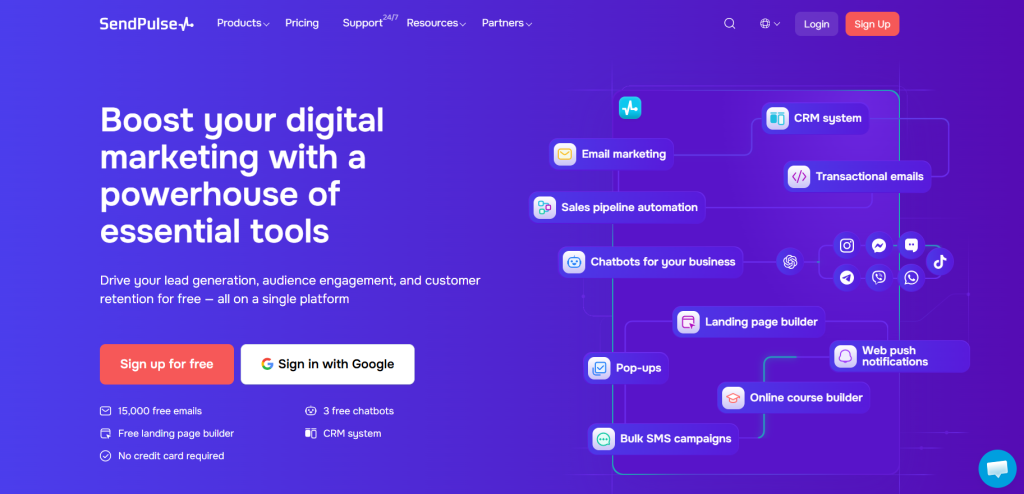
Best for: Free chatbot automation across messaging channels
SendPulse provides a free chatbot builder with up to three chatbots, 500 subscribers, and 10,000 messages per month across its bots. The free plan also includes unlimited flows, templates, triggers, and limited API access.
It is mainly a chatbot and messaging automation platform, so it should be positioned carefully in a free AI chatbot comparison. Its free offering is useful for businesses that need automated messaging but may not need a fully AI driven support agent.
Key features
- Chatbot Builder: Create automated bots
- Unlimited Flows: Build conversation paths
- Templates: Start with ready made flows
- Triggers: Start conversations automatically
- API: Connect external tools
- Subscriber Management: Manage contacts
- Messaging: Send automated replies
Pros
- Free chatbot plan
- 10,000 messages monthly
- Supports three chatbots
Cons
- Free plan has 500 subscribers
- AI functionality is more limited than dedicated AI chatbot tools
Pricing
Free plan includes three chatbots, 500 subscribers, and 10,000 messages per month
6. HubSpot
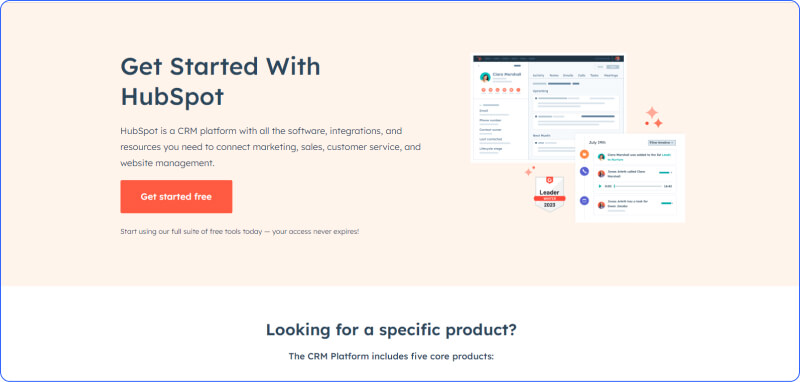
Best for: Free chatbots for leads and basic customer support
HubSpot offers a free chatbot builder that businesses can use to qualify leads, book meetings, answer common questions, and route conversations. The builder works with HubSpot’s CRM, so chatbot interactions can connect with contact records.
The key distinction is that HubSpot’s free chatbot is not the same as its paid Breeze Customer Agent. The free option focuses on structured chatbot sequences, while the AI powered Customer Agent is a separate paid offering.
Key features
- Chatbot Builder: Create automated bots
- Lead Qualification: Collect lead details
- Meeting Booking: Schedule meetings
- CRM Integration: Connect chats to contacts
- Live Handoff: Transfer chats to agents
- Email Triggers: Start follow up emails
- Chat Templates: Use ready made flows
Pros
- Free chatbot builder
- Works with HubSpot CRM
- No coding needed
Cons
- Free bot is mainly flow based
- AI agent features are paid
Pricing
HubSpot offers a free chatbot builder. Its AI Customer Agent uses separate paid pricing.
7. BotPenguin
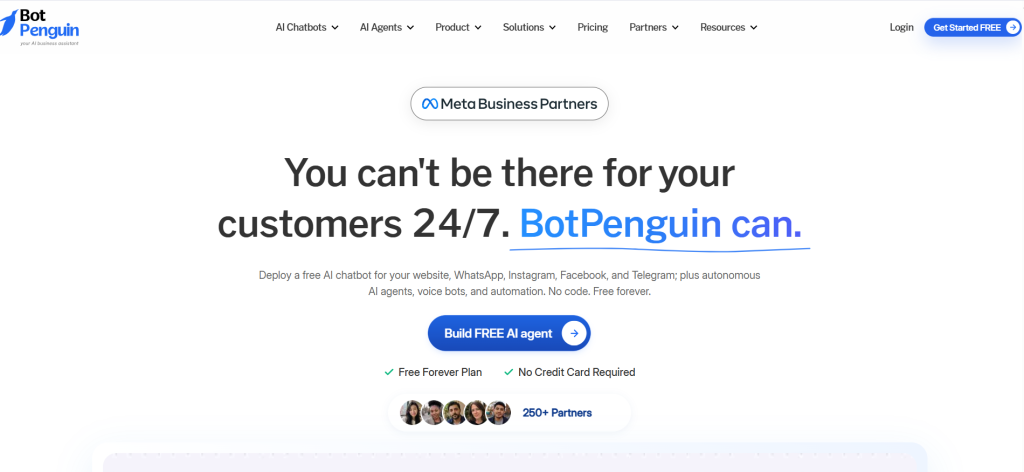
Best for: Small businesses using AI chatbots across channels
BotPenguin provides a free chatbot plan that includes one bot, up to 1,000 messages, and up to 100 conversations per billing cycle. It supports chatbot deployment across websites and messaging platforms.
The platform focuses on AI chatbots and AI agents for customer support, sales, lead generation, and marketing. Its free plan can work well for a small business that wants to test chatbot automation before handling a larger volume.
Key features
- AI Chatbot: Automates customer conversations
- Website Bot: Add chat to websites
- WhatsApp: Build messaging bots
- Facebook: Automate Messenger chats
- Telegram: Connect Telegram bots
- Lead Generation: Collect customer details
- AI Agents: Automate business tasks
Pros
- Free plan available
- Supports multiple channels
- No credit card needed
Cons
- One bot on the free plan
- Message and conversation limits
Pricing
Free plan includes one bot, 1,000 messages, and 100 conversations per billing cycle.
8. Typebot
Best for: Conversational forms and custom chatbot workflows
Typebot is a visual chatbot builder focused on conversational forms and interactive flows. Its free plan includes unlimited typebots, 200 chats per month, native integrations, webhooks, custom JavaScript and CSS, and community support.
It is useful for businesses that want to build guided conversations rather than rely only on a question and answer AI bot. Typebot also supports integrations with tools such as WhatsApp, Shopify, WordPress, and other platforms.
Key features
- Visual Builder: Create chatbot flows
- Conditional Logic: Change flows based on answers
- Webhooks: Send data to other tools
- Custom Code: Add JavaScript
- Custom CSS: Change the design
- Integrations: Connect other platforms
- Self Hosting: Host the platform yourself
Pros
- Generous free chatbot plan
- Flexible flow builder
- Good customization options
Cons
- Free plan has 200 chats monthly
Pricing
- Free plan includes 200 chats per month.
- Free tier; paid from low.
9. Landbot
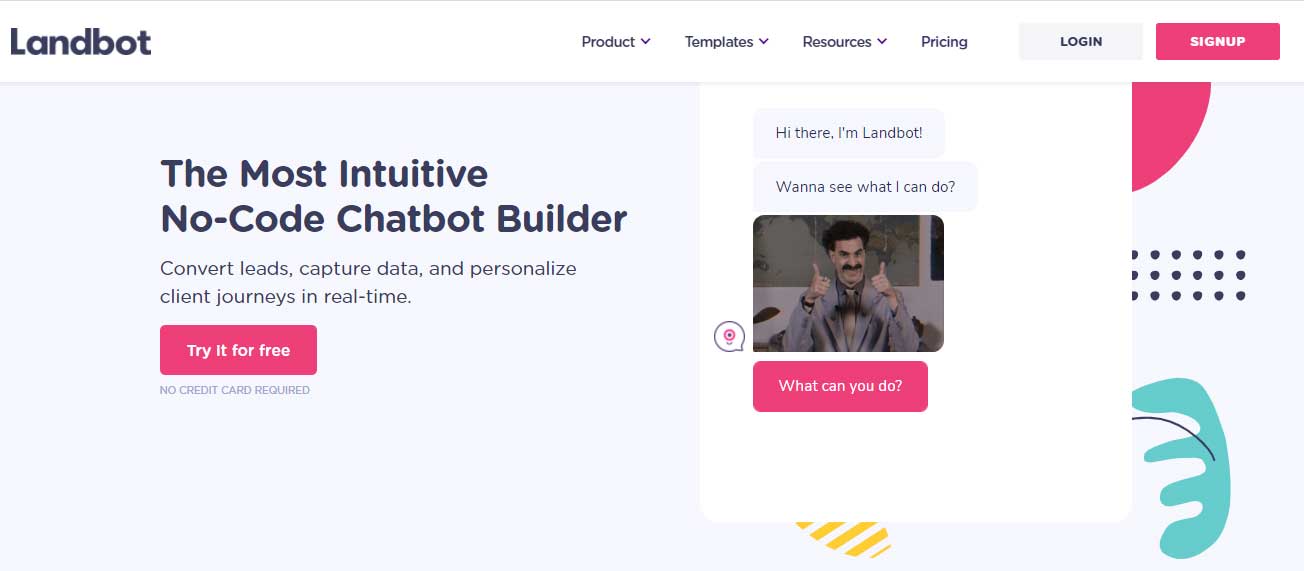
Best for: Building simple visual chatbot flows
Landbot is a no code chatbot builder for creating website and messaging experiences. Its free Sandbox plan includes 100 chats per month and one seat, along with basic flow tools and limited integrations.
The free plan is better suited to testing chatbot flows than running a busy AI support operation. Businesses that need higher chat limits, more channels, or advanced AI features will need to move to a paid plan.
Key features
- Visual Builder: Create chatbot flows
- Website Chat: Add bots to websites
- Variables: Store user information
- Human Takeover: Bring in agents
- Custom Code: Add custom actions
- Integrations: Connect business tools
- Team Inbox: Manage conversations
Pros
- Free forever Sandbox plan
- Easy visual builder
- No coding needed
Cons
- Only 100 chats monthly
- Free plan has limited features
Pricing
- Free Sandbox includes 100 chats monthly.
10. ManyChat
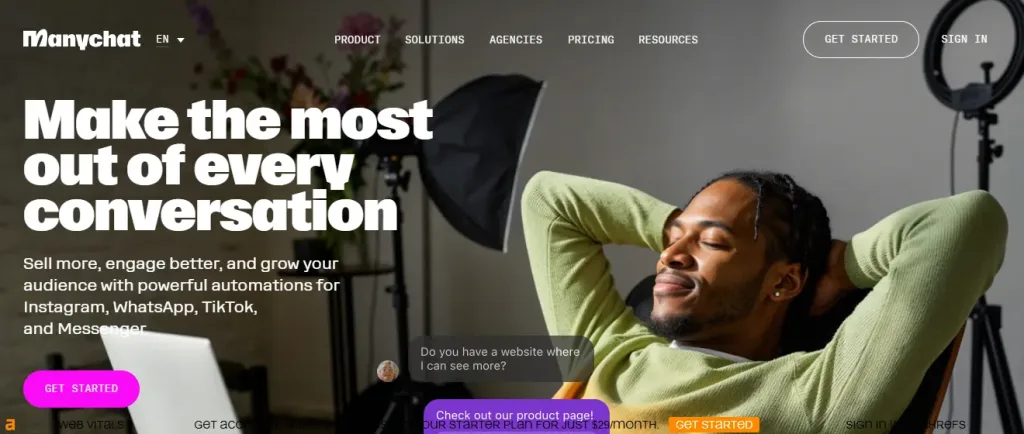
ManyChat focuses on messaging automation across channels such as Instagram, TikTok, Facebook Messenger, and Telegram. Its free plan includes basic automations, up to four active automations, two connected channels, and 25 active contacts per month.
However, it should not be presented as a free AI chatbot in the same way as Chatbase or Botpress. ManyChat lists AI powered conversations under its Pro plan. The free plan is mainly for basic automation and messaging flows.
Key features
- Social Automation: Automate messages
- Instagram: Automate DMs and comments
- TikTok: Connect TikTok messaging
- Messenger: Automate Facebook chats
- Telegram: Build Telegram flows
- Basic Flows: Create automated journeys
- Unified Inbox: Manage messages
Pros
- Free plan available
- Good for social messaging
- Easy flow builder
Cons
- Free plan has 25 active contacts
Pricing
Free plan costs $0. AI powered conversations are included with Pro, starting at $29/month.
Best Free AI Chatbot I Reassessed But Left Off the Main List
A few popular tools are not included in the main list because their current free plans do not offer working AI chatbot replies. They can still be useful for live chat, automation, or lead generation, but they do not meet the criteria for a free AI chatbot.
1. HubSpot Chatbot Builder
HubSpot offers a free chatbot builder that connects with its CRM. However, the free version mainly uses rule based conversations where you create the questions and responses. Its AI powered Breeze Customer Agent requires a Professional or Enterprise plan.
2. Freshchat
Freshchat has a free plan for up to 10 agents with live chat, ticketing, and a knowledge base. However, Freddy AI Agent is not available on the free plan. You need a paid plan to use its AI powered replies.
3. Zoho SalesIQ
Zoho SalesIQ offers a free plan with 3 operators and 100 chat sessions per month. It includes a basic chatbot builder, but its Zia AI answer bot is available only with the Enterprise plan.
4. Collect.chat
Collect.chat is useful for creating conversational forms and collecting leads. Its free plan does not include AI chatbot automation, so it does not qualify as a free AI chatbot.
5. LiveAgent
LiveAgent has a free forever plan with live chat and support features. However, its AI tools are available only on paid plans.
6. Tawk.to
Tawk.to offers unlimited agents and chats for free, making it useful for live chat support. Its AI features are sold separately as an add on.
How to Choose a Free AI Chatbot
The best choice depends on what your business needs, not just the software name. Before choosing the best AI chatbot, look closely at what you actually get for free.
1. Check How Many AI Conversations You Get
A free plan with 20 or 35 AI conversations may be enough for testing. If your business gets regular customer questions, that limit can run out quickly. Check your monthly chat volume and compare it with the AI limit.
2. Know How the Free AI Limit Works
Not every tool gives you a fresh AI allowance each month. For example, Tidio’s Lyro plan includes a fixed pool of AI conversations. Once those are used, you may need to pay for more. Check how the allowance works before signing up.
3. Look at Your Type of Business
An ecommerce store may need help with product questions and order details. A service business may need appointment support and lead collection. SaaS companies may need help with product questions and support requests. Choose the best AI chatbot based on your daily needs.
4. See How Human Handoff Works
Customers should not have to repeat everything when the AI cannot help. Check if the conversation moves to a human agent with the full chat history available.
5. Check the Pricing Page
Always check the vendor’s pricing page before making a decision. It gives you the exact free plan limits, AI usage, and features included.
What the Best Free AI Chatbot Actually Gets You: Top 5 Benefits
A free AI chatbot can still be useful for small businesses. It can handle simple customer questions and give your team more time to focus on issues that need personal attention. Have a look at what the best free AI chatbot actually gets you:
1. Answers When Your Team Is Offline
An AI chatbot can answer common questions at night, on weekends, and during busy periods. Even with a small usage limit, it can help reduce the number of messages waiting for your team.
2. Reduce Repeated Questions
Customers often ask the same things about pricing, opening hours, shipping, returns, or products. The best AI chatbot can handle these common questions so your team does not have to answer them again and again.
3. Lets You Try AI Without Spending Money
Free plans give you a chance to test AI with real customer questions. You can see how well it works before deciding if you want to pay for more features or higher usage.
4. Shows What Customers Want to Know
Chat conversations can show you the questions visitors ask most often. You can use these insights to improve your FAQs, website content, or product information.
5. Helps Capture More Leads
Some free AI chatbots can collect basic visitor details, such as names, email addresses, or contact requests. This can help you capture potential leads even when your team is not available.
Common Limitations to Expect From the Best Free AI Chatbots
As you are using a free AI chatbot, it means there will be some common limitations. So, the common limitations are:
- Usage can run out fast: A sudden increase in visitors or questions can use up your free allowance much sooner than expected.
- Small AI limits: Free plans often include a limited number of AI conversations or replies. If your site gets busy, you can reach the limit quickly.
- One time AI credits: Some tools give you a fixed number of AI chats instead of renewing them every month.
- Chatbot branding: Your chat widget may show the provider’s name or logo. Removing it often requires a paid plan.
- Fewer language options: Some free plans support only a few languages, while wider language support comes with paid plans.
- Basic human handoff: When AI cannot answer, the chat may not pass the full conversation history to your support team.
- Limited customization: Free plans may give you fewer choices for changing the chatbot’s design, messages, and behavior.
- Fewer integrations: You may not be able to connect the chatbot with your CRM, ecommerce store, or other business tools.
- Basic reporting: Free plans usually provide simple chat data, with detailed reports kept for paid users.
- Limited automation: Advanced workflows and automated actions may not be available on the free plan.
End Note
Finally, choosing the right free AI chatbot in 2026 doesn’t have to be overwhelming. These ten tools prove you can get smart, fast, reliable conversations without opening your wallet right away.
Some shine for their lifetime free plans, others for easy setup or multi-channel reach, but they all help you answer questions quicker, keep people engaged, and save real time.
The biggest win? You don’t need to commit to paid plans until you’re ready. Start small, test what clicks, and watch how much smoother things get. Why wait? Grab a free chatbot today, start with REVE Chat’s lifetime free plan, and see the difference for yourself in minutes.
Frequently Asked Questions
Most free AI chatbots offer a lifetime or generous starter plan with no upfront cost. You get core features like basic AI replies, a site widget, and a set number of monthly conversations.
Limits exist (like session caps or fewer advanced tools), but for small to medium use, the free tier often handles everything you need without paying.
Yes, REVE Chat has true lifetime free plans that don’t expire or force upgrades for basic use. Others (Tidio, HubSpot) give unlimited free access to certain features, but you may hit conversation limits during high traffic and need to upgrade later.
Many on this list support multilingual replies in the free plan. REVE Chat handles 40+ languages with auto-detection, and Tidio and Zoho SalesIQ cover the major ones too. It’s a big plus for global reach without extra setup or cost.
Most take 5–15 minutes, copy-paste a code snippet, or install a one-click app (especially easy on Shopify/WooCommerce). No coding skills needed for the basics; you can customize greetings and flows right after.
Good ones do both, they suggest related products, remind about abandoned carts, and keep shoppers engaged longer, often leading to higher order values.
In tests, proactive nudges quickly help recover sales that would otherwise be lost.
Build AI-powered support with Wize AI
Connect business knowledge, automate support conversations, and improve response quality without managing a complex AI stack.
Explore Wize AI Agent Rate the article

Mamunur Rouf
Head of Growth
Mamunur Rouf is the Head of Growth at REVE Chat. With extensive experience in product management and marketing analysis, he focuses on creating innovative communication tools to enhance customer engagement and meet the needs of businesses worldwide.
View all articles
Smartly Handle Your Customer Service with AI Chatbots
Our hybrid chatbots elevate your customer service by resolving queries with speed and precision.
Learn More