

Table of Content
AI SUMMARY
Quick Answer
This blog reviews 12 e-commerce tools across six key categories, including store platforms, payments, inventory, marketing automation, customer engagement, and analytics. It explains how tools such as Shopify, Stripe, Klaviyo, REVE Chat, and Google Analytics can simplify operations, automate tasks, improve customer experiences, and support growth. It also compares their limitations, including pricing, complexity, integration needs, and scalability. The article recommends choosing tools based on business size, budget, required features, security, integrations, and future growth needs.
Beyond creating an online store, running an e-commerce business involves managing payments, inventory, marketing, customer support, analytics, and conversions while delivering a smooth shopping experience across channels.
The right e-commerce tools integrate automation, customer data, and essential functions into a more connected system, making the process of running an online business easier.
This will be a guide where we review some of the best e-commerce tools across key categories, including store builders, payment processing, inventory management, marketing automation, customer engagement, and analytics. We also explain their key features, limitations, and ideal use cases to help you build a technology stack that fits your business.
What Are E-commerce Tools?
An e-commerce tool helps businesses build and grow an online store. The tool supports different aspects of e-commerce operations, such as website creation, hosting, inventory management, payments, marketing, analytics, customer service, and conversion optimization.
While serving different functions, even different e-commerce tools share the same purpose: to simplify, automate, and improve the everyday processes of running an online business. By combining the right tools, businesses can manage operations more efficiently, deliver better customer experiences, and support long-term growth.
How We Evaluated the Tools
Since the tools belong to different categories, we considered their category-specific capabilities alongside the following shared criteria:
1. Ease of Use
The tools are assessed based on how easy they are to set up, navigate, and manage in everyday operations. This criterion included the quality of the interface, onboarding process, documentation, templates, and no- or low-code capabilities.
2. E-commerce Capabilities
This study examines how well each tool performs in e-commerce. For example, store-building platforms were evaluated on product and checkout management, while customer support tools were assessed on live chat, automation, and customer engagement features.
3. Integrations
We consider how easily each tool connects with popular e-commerce platforms, payment systems, CRM software, marketing applications, analytics platforms, and other business tools.
4. Scalability
Whether each tool continues to support the business in its growth is also evaluated, including the availability of advanced plans, automation features, multi-store or multi-channel support, team management, customization options, and enterprise-level capabilities.
5. Value for Money
We compared each tool’s pricing with the features, usage limits, support, and overall business value it provides. We considered whether their capabilities could help businesses save time, reduce operational costs, improve customer experiences, or generate more revenue.
Best E-commerce Tools at a Glance
This table demonstrates the e-commerce tools at a glance.
| Category of Tools | Tools Names | Best Features | Starting Prices |
| E-commerce Platforms | Shopify | Best for converting at checkout | $19/month |
| WooCommerce | Full ownership and control by the owner | Free | |
| Payment Processing Tools | Stripe | Advanced economic infrastructure for AI | Pay-as-you-go |
| PayPal | Flexible financing through Pay Later options | Free, but does charge fees | |
| Inventory and Order Management Tools | Cin7 | Cin7 ForesightAI, an advanced demand forecasting tool | $349/month |
| Zoho Inventory | Multichannel inventory syncing | Free for 50 orders and 1 user, Standard pricing $29/month | |
| Marketing Automation Tools | Klaviyo | Autonomous B2C CRM | Starts Free, but offers Build a Plan for more services |
| Omnisend | Unified omnichannel automation | Free plan available, Standard pricing $11.20/month | |
| Customer Support and Engagement Tools | REVE Chat | Wize AI Agent, Live Chat, Co-Browsing | Free plan available; paid plan starts at $14.99/month |
| Tidio | Lyro AI Agent | Free plan available; paid plan starts at $24.17/month | |
| Analytics and Conversion Tools | Google Analytics (GA4) | Cross-platform event-based measurement | Free |
| Hotajr | Heatmaps and Attention Maps | Free plan available; paid plan starts at $39/month |
Best E-commerce Tools by Category
We have evaluated 12 e-commerce sales tools from 6 different categories. The categories are:
- E-commerce platform
- Payment Processing Tools
- Inventory and Order Management Tools
- Marketing Automation Tools
- Customer Support and Engagement Tools
- Analytics and Conversion Tools
E-commerce Platforms
The first step in building an online business is selecting an e-commerce platform. An e-commerce platform is software that takes care of the requirements of starting from building a website, creating product pages, to placing customer orders.
Shopify

Shopify enables businesses to build, manage, and grow an online store from one central system. It has a user-friendly interface, customizable themes, and built-in commerce features that make it especially accessible to beginners who want to launch a store without managing hosting, software updates, or complex technical configurations.
Key Features
- Includes a full-featured online store and website builder with professionally designed themes and templates
- Enables selling across social media, marketplaces, in-person via Shopify POS, and through the Shop App
- Offers a high-converting checkout with integrated Shopify Payments and support for local payment methods and currencies
- Includes built-in tools for inventory management
- Supports B2B selling with custom catalogs and international expansion through Shopify Markets
Limitations
- Charges additional fees for using third-party payment providers instead of Shopify Payments
- The Basic plan includes only three global markets and does not allow for additional markets to be added
- Lower-tier plans restrict the number of staff users
Best for: Startups and small & medium-sized businesses.
WooCommerce
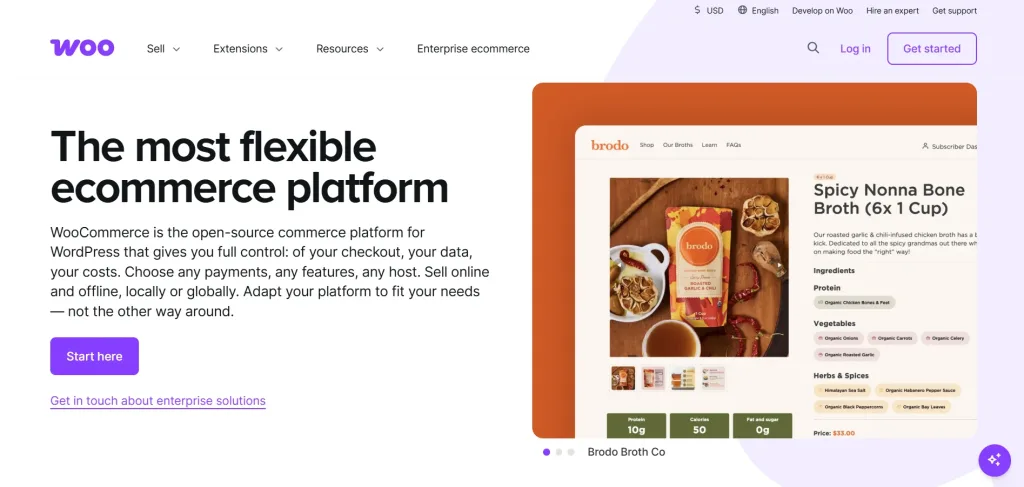
As an open-source e-commerce platform built for WordPress, WooCommerce allows businesses to turn an existing WordPress website into a customizable online store while retaining control over hosting, store data, checkout, costs, and technical configuration. The core WooCommerce plugin supports product management, orders, payments, shipping, and basic store operations.
Key Features
- A fully customizable e-commerce platform for WordPress where users own their site, code, and data
- Features include Block Themes and a visual editor to customize every part of the store, including headers, footers, and product pages
- Includes specialized Cart and Checkout Blocks and WooPayments for accepting multiple payment methods directly from the dashboard
- Built-in core functionality for shipping, global tax compliance, and a mobile app
- Access to over 1,000 free and paid extensions for adding specialized features like subscriptions and B2B wholesale support
- Acts as a hub to sync sales across the site
Limitations
- As an open-source tool, users are responsible for managing their own hosting, security, and updates
- Many advanced ecommerce features are not native and require the purchase and management of separate extensions
- Building a sophisticated, highly customized store can involve significant upfront development costs
Best for: WordPress users and content-focused businesses
Payment Processing Tools
With payment processing tools, e-commerce businesses can securely accept, authorize, and manage customer payments. By connecting an online store with payment networks and financial institutions, these tools help businesses process transactions through cards, digital wallets, bank transfers, and other payment methods.
Stripe
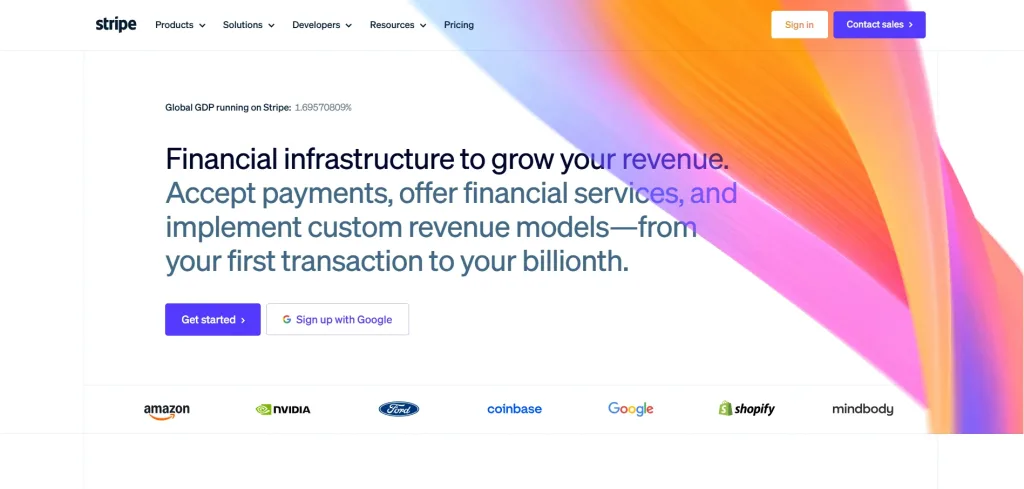
Stripe is a flexible payment processing platform designed for online businesses, subscription services, marketplaces, and companies with customized payment requirements. It allows merchants to accept online and in-person payments through prebuilt checkout pages, embedded payment forms, payment links, or fully customized integrations.
Key Features
- Supports 135+ currencies and 100+ payment methods across 195 countries
- Provides prebuilt, conversion-optimized UI and Link for accelerated autofill checkout from Stripe
- Payment through Stripe’s Links allows selling online without a website
- Comprehensive suite for recurring billing, subscriptions, invoicing, and global tax compliance
- Offers Connect for platform payments, Treasury for business accounts, Issuing for physical/virtual cards, and Capital for business financing
- Advanced options like Shared Payment Tokens that allow AI agents to facilitate purchases on behalf of customers
- Includes Radar, which uses machine learning to detect and block fraud
Limitations
- Advanced customization may require development knowledge
- The wide range of products and configuration options can be complex for beginners
- Transaction, currency conversion, dispute, and additional service fees may increase overall costs
Best for: Online-first businesses and SaaS companies
PayPal

PayPal is a widely recognized payment platform allowing businesses to accept payments through PayPal accounts, debit and credit cards, digital wallets, and other supported payment methods. It has a familiar and user-friendly checkout experience that makes it easier for customers to complete purchases without entering their payment details directly on every store.
Businesses can add PayPal to an existing checkout, use hosted payment buttons, create payment links, or build a more customized payment experience through its APIs.
Key Features
- Facilitates online checkout, guest checkout, and in-person sales via the PayPal POS system
- Offers Buy Now, Pay Later options, including Pay in 4 and Pay Monthly for larger purchases
- Provides Working Capital Loans, Business Loans, and Business Debit Cards
- Includes reporting tools, risk management, and integrated shipping services
- Allows users to send and receive money, split bills, and pool funds
Limitations
- Transaction fees vary based on payment type, country, currency conversion, and whether the sale is domestic or international
- Currency conversion and cross-border charges can increase payment processing costs
- Account reviews, disputes, or unusual transaction activity may sometimes delay access to funds
Best for: Small and medium-sized e-commerce businesses and international sellers.
Inventory and Order Management Tools
Businesses track stock, manage purchases, process customer orders, and coordinate fulfillment across warehouses and sales channels, with the help of inventory and order management tools. These tools provide real-time visibility into product availability and automate the manual work involved in updating inventory after every sale.
Cin7
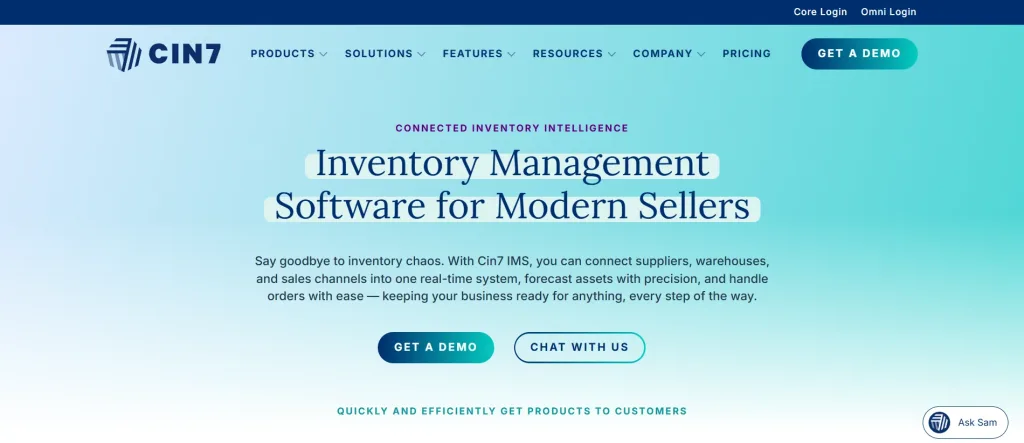
Cin7 is an inventory and order management platform built for product-based businesses operating across multiple sales channels, warehouses, and locations. It centralizes inventory, purchasing, sales orders, warehouse activity, and fulfillment so businesses can manage their operations from one connected system.
Key Features
- Real-time visibility across every product, component, and multi-warehouse location
- Integrates with marketplaces and e-commerce platforms, with a dedicated B2B portal for wholesale buyers
- Features Cin7 ForesightAI for demand forecasting and automated reordering
- Comprehensive tools for assembly, complex production, resource tracking, and Bill of Materials (BOM) management
- Automates order flow and integrates with Electronic Data Interchange and 3rd party logistics providers for supply chain visibility
- Provides Point of Sale (POS) system and Cin7 Pay for global payments, with Cin7 Capital for business financing
Limitations
- The standard warehouse management mobile app is limited to one warehouse location
- Its extensive feature set may be difficult for very small businesses to navigate
- Each plan has an integration limitation on the included e-commerce
Best for: Growing retailers, wholesalers, manufacturers, and multichannel e-commerce businesses.
Zoho Inventory
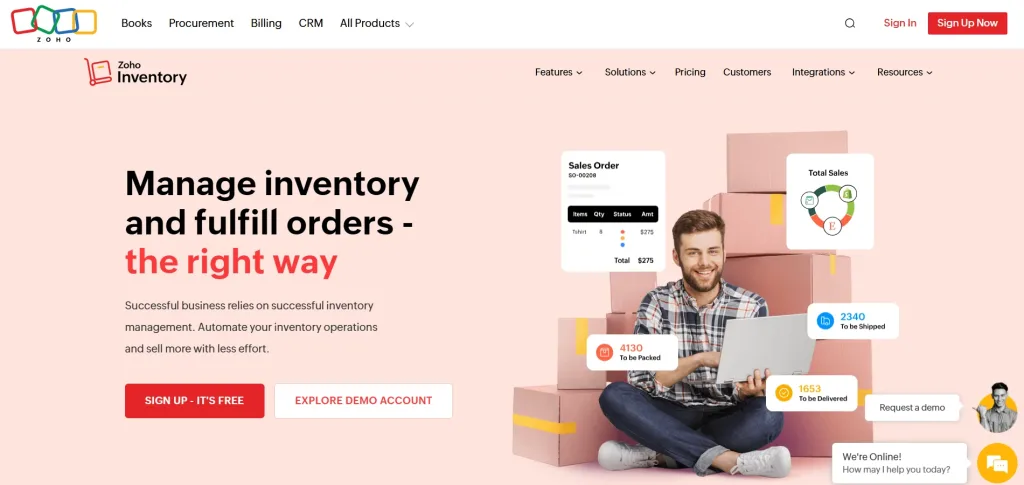
Zoho Inventory is a cloud-based inventory and order management platform designed to help growing businesses manage stock, sales orders, purchases, warehouses, packing, and shipping. It centralizes inventory activity so businesses can monitor products and fulfill orders from one system. The platform supports multichannel selling by connecting with e-commerce stores and online marketplaces.
Key Features
- Features item grouping, assemblies, and detailed tracking using barcodes, serial numbers, and batch expiration dates
- Includes packaging and shipping tools, real-time carrier rates, and post-shipment tracking updates
- Manages vendor price lists, purchase orders, billing, and payments in one place
- Offers personalized workflows, webhooks for third-party app triggers, and automated low-stock alerts
- Integrates with Zoho Commerce for building online stores and WhatsApp Commerce for selling in chat
Limitations
- Some advanced features are restricted to higher-tier plans
- It may be less suitable for large enterprises with highly complex supply chains
- Manufacturing and advanced warehouse functions may not be as extensive as specialized ERP systems
- The number of orders, warehouses, users, and integrations may depend on the selected plan
Best for: Small and medium-sized e-commerce businesses, wholesalers, and retailers.
Marketing Automation Tools
Marketing automation tools help e-commerce businesses attract customers, recover abandoned carts, encourage repeat purchases, and manage campaigns across channels such as email and SMS. They use customer data and shopping behavior to automate relevant messages at different stages of the buying journey.
Klaviyo
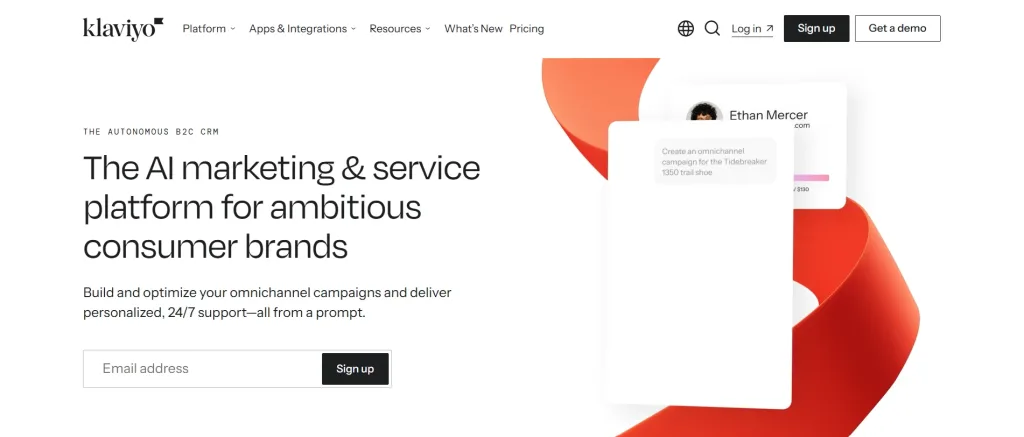
Klaviyo is a marketing automation and customer data platform. It is primarily built for e-commerce and other B2C businesses. It combines customer profiles, behavioral data, segmentation, and campaign automation to help brands deliver personalized messages across email, SMS, mobile push, WhatsApp, and other supported channels.
Key Features
- Unifies customer profiles by combining behavioral, transactional, and engagement data in real-time
- Features Composer to audit flows and create on-brand campaigns, and Customer Agent
- Supports email, SMS, WhatsApp marketing, and mobile app push notifications
- Includes built-in performance dashboards, revenue attribution, and industry benchmarks
- Features a Customer Hub for self-service interactions (order tracking, one-click repurchasing) and an integrated helpdesk for support
Limitations
- Pricing can rise significantly as the contact list and messaging volume increase
- Its extensive functionality may require time to learn and configure properly
- Advanced segmentation and automation can be overwhelming for businesses with basic needs
Best for: Growing and established e-commerce brands
Omnisend

Omnisend is an e-commerce-focused marketing automation platform. It helps businesses manage email, SMS, and other customer messaging from one system. It is designed to make automated marketing more accessible through a visual workflow builder, prebuilt automation templates, and direct integrations with popular online store platforms.
Key Features
- Combines email marketing, SMS, and web push notifications into a single automation workflow
- Omnisend AI automates content writing, builds customer segments from plain-language prompts, and identifies revenue opportunities from data
- Prebuilt workflows for abandoned cart recovery, welcome series, post-purchase follow-ups, and win-backs.
- Segment audiences by purchase history, browsing behavior, and lifecycle stage
- Built-in tools for branded pop-ups, signup forms, landing pages, and gamified options
- Detailed sales and performance reports showing revenue attribution by channel and campaign
Limitations
- It provides fewer advanced customer data and predictive capabilities than some enterprise-oriented platforms
- Pricing may increase as the subscriber list and messaging volume grow
- Highly complex automation workflows may be more limited than those available in broader enterprise platforms
Best for: Small and medium-sized e-commerce businesses.
Customer Support and Engagement Tools
E-commerce businesses communicate with visitors and customers before, during, and after a purchase through customer support and engagement tools. Combining the capabilities of live chat, AI-powered assistance, ticketing, and omnichannel messaging, these tools answer questions and guide customers throughout the buying journey. E-commerce stores can benefit from these tools by resolving product questions, reducing cart abandonment, recovering potential sales, and maintaining support across multiple communication channels.
REVE Chat
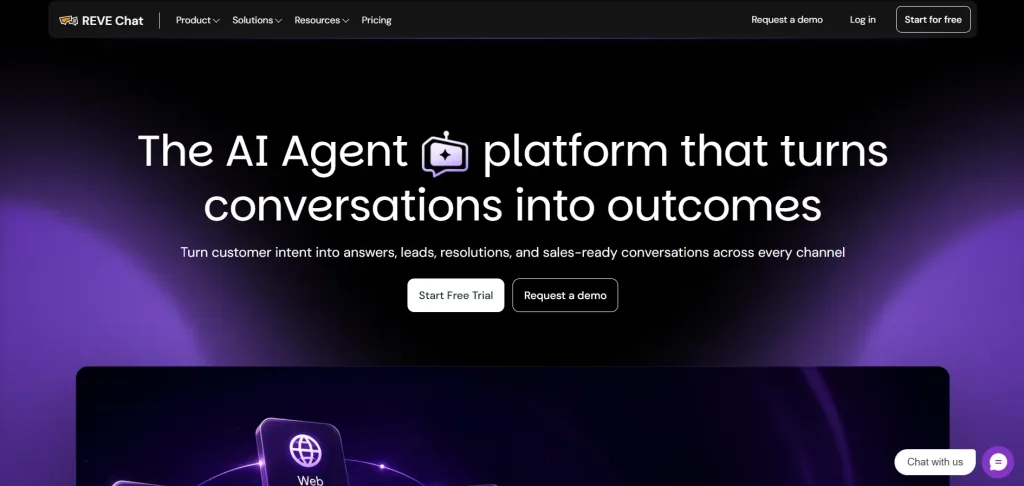
An AI-powered customer engagement platform, REVE Chat combines AI Agents, live chat, ticketing, and omnichannel messaging in one system. It helps e-commerce businesses engage website visitors in real time, automate routine conversations, assist shoppers during purchase decisions, and manage support interactions across digital channels.
Its Wize AI Agents are capable of using business knowledge and connected systems to answer product questions, recommend suitable items, check availability, support order-related requests, and perform configured actions. When a conversation requires human expertise, the platform can also transfer it to the appropriate agent with the available customer details and interaction context.
Key Features
- Wize AI Agents for automating customer support, sales, and e-commerce conversations
- Live chat for real-time assistance during product discovery and checkout
- Omnichannel messaging across websites, social channels, and other supported touchpoints
- Conversational commerce capabilities for product recommendations and buying assistance
- Order, delivery, return, refund, and availability-related workflows through connected systems
- Human handover with customer information and conversation context
- Ticketing tools for organizing and resolving support requests
- Co-browsing and video chat for more personalized assistance
- Proactive engagement based on visitor activity
- AI Copilot capabilities to assist human agents
- Reporting and monitoring for conversations, visitors, and team performance
Limitations
- Businesses may need time to configure knowledge sources, workflows, integrations, and AI Agent instructions
- Advanced automation and system actions may require API connections or technical support
- The broader range of capabilities may be more than what very small stores with only basic live chat requirements need
Best for: Growing and enterprise e-commerce businesses
Tidio
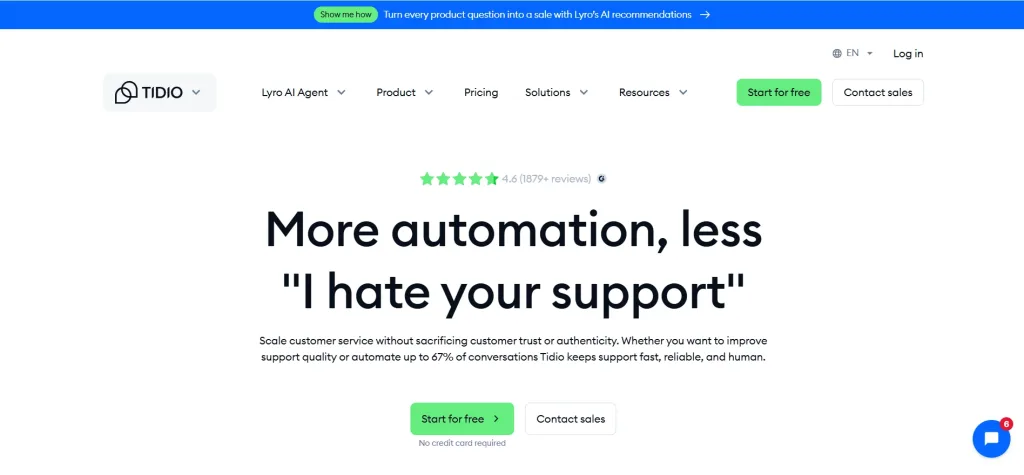
Tidio is a customer service platform that combines live chat, helpdesk capabilities, automation, and the Lyro AI Agent. It is designed to help e-commerce businesses answer customer questions, automate repetitive support requests, capture leads, and guide shoppers toward completing purchases. Lyro uses a business’s support content to answer questions about areas such as product availability, shipping, and order status.
Key Features
- Live chat for real-time customer support and sales conversations
- Lyro AI Agent for handling common customer inquiries
- Knowledge-based answers generated from approved business content
- Helpdesk tools for organizing customer conversations
- Human handover when the AI cannot resolve a request
- Proactive messages and targeted visitor engagement
- Shared inbox for managing conversations
- Automated chat flows for lead capture and customer engagement
- Abandoned-cart and product-related engagement capabilities
- Product recommendations for supported e-commerce platforms
Limitations
- AI usage and conversation limits depend on the selected plan
- Advanced AI automation and higher interaction volumes can increase costs
- Businesses with highly complex workflows may require additional configuration or external integrations
- The quality of AI responses depends on the accuracy and completeness of the supplied knowledge
Best for: Small and medium-sized e-commerce businesses.
Analytics and Conversion Tools
Analytics and conversion tools help e-commerce businesses understand how customers discover, browse, and interact with their online stores. They track important activities such as product views, cart additions, checkout progress, purchases, traffic sources, and customer drop-off points. These insights help businesses identify which marketing channels generate sales, where customers experience difficulty, and which parts of the shopping journey need improvement.
Google Analytics
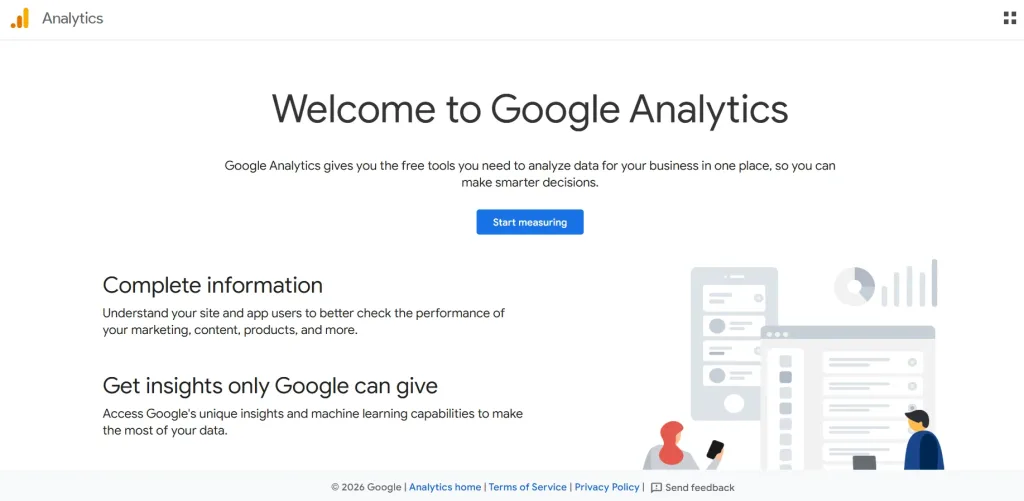
Google Analytics is a website and app analytics platform that helps e-commerce businesses measure traffic, customer behavior, marketing performance, and online sales. Its current version, Google Analytics 4, uses an event-based measurement model to track interactions across websites and applications.
Key Features
- Collects event-based data from both websites and apps to track the full customer journey
- Specialized setup for tracking events, conversions, and business-critical actions
- Allows creation of custom audiences for segmentation and sharing with advertising products like Google Ads
- Includes User-ID tracking for cross-device behavior
- Provides highly configurable dashboards, attribution modeling, and predictive capabilities
Limitations
- Important e-commerce events must be implemented correctly before they appear in reports
- Its event-based structure can be difficult for beginners to understand
- Custom reports and advanced Explorations require time to configure
- Data may be affected by consent settings, browser restrictions, ad blockers, and tracking limitations
Best for: E-commerce businesses of all sizes
Hotjar

Hotjar is a behavior analytics and customer feedback platform from Contentsquare that helps e-commerce businesses understand how visitors interact with their websites. Rather than focusing primarily on traffic and revenue metrics, it uses visual tools such as heatmaps and session recordings to reveal where users click, how far they scroll, and where they become confused or abandon a page. Businesses can use Hotjar to examine product pages, navigation, cart experiences, and checkout journeys.
Key Features:
- Visualizes the full customer journey with heatmaps, attention maps, and session replays
- Features error monitoring for JavaScript errors, performance monitoring for load times, and funnel analysis to identify drop-off points
- AI-powered summaries of user sessions and heatmaps, clear next-step recommendations, and a natural language chat for querying data
- Collects feedback through customizable surveys and feedback widgets, with AI-automated sentiment analysis
- Tracks multi-session journeys across web and apps to identify personalization opportunities and improve retention
- Quantifies the financial impact of specific user behaviors or UX issues on conversions
Limitations
- Hotjar does not replace a full web analytics or revenue attribution platform
- Session recordings can take time to review when traffic volume is high
- Funnels and some advanced analysis capabilities may require higher plans
- Recorded behavior represents sampled or captured sessions rather than every customer interaction
Best for: E-commerce businesses, UX teams, marketers, and conversion specialists.
How to Choose the Right E-commerce Tools
The right eCommerce tools should match your current business needs while supporting future growth. Before choosing any platform, consider the following factors:
1. Must-have Features
Start by identifying the features your business actually needs, such as payment processing, inventory tracking, marketing automation, customer support, or analytics. Avoid paying for advanced capabilities your team is unlikely to use.
2. Business Size
A small store may benefit from simple, easy-to-manage tools, while a larger business may require advanced automation, multiple user roles, multichannel management, and enterprise-level controls.
3. Budget
Consider the total cost, not just the starting price. Subscription fees, transaction charges, add-ons, integrations, implementation, and support can all increase the overall expense.
4. Integrations
Choose tools that connect easily with your existing e-commerce platform, payment provider, CRM, marketing software, and other business systems. Strong integrations reduce manual work and prevent data from becoming disconnected.
5. Scalability
The tool should be able to handle more customers, orders, products, users, and sales channels as your business grows. Replacing a platform later can be costly and disruptive.
6. Security
Look for tools with reliable data protection, secure payment handling, user permissions, and compliance with relevant privacy and security standards.
7. Customer Support
Check the availability and quality of technical support, documentation, onboarding, and training. Responsive support is especially important for tools involved in payments, orders, and customer communication.
E-commerce Tool Trends for 2026
In 2026, businesses are increasingly prioritizing technologies that create personalized shopping experiences, support customers across channels, and adapt quickly to changing market needs.
1. AI-powered Personalization
AI is helping eCommerce businesses personalize product recommendations, promotions, search results, and marketing messages based on customer behavior and purchase history. Instead of showing every shopper the same experience, businesses can tailor content and offers to individual needs.
2. Conversational Commerce
Conversational commerce allows customers to discover products, ask questions, receive recommendations, and complete buying-related tasks through chat, messaging applications, and AI Agents. This creates a more guided shopping experience and reduces the effort required to find the right product.
3. Omnichannel Selling
Customers increasingly expect a consistent experience across websites, marketplaces, social media, messaging channels, and physical stores. Omnichannel tools help businesses synchronize customer data, inventory, orders, payments, and conversations across these touchpoints
4. Headless Commerce
Headless commerce separates the customer-facing storefront from the back-end commerce system. This gives businesses more flexibility to create customized shopping experiences across websites, mobile applications, connected devices, and other digital channels without replacing the core commerce platform.
Conclusion
One single e-commerce tool cannot manage the entire online business. The right set of technology depends on store size, budget, business model, customer needs, and plans for growth.
To start looking for the tools for your e-commerce business, identify the areas where your business needs the most support. Then select tools that integrate well, provide measurable value, and can scale alongside your operations.
Customer engagement should also be a key part of that set of technology. REVE Chat brings AI Agents, live chat, chatbots, ticketing, and omnichannel messaging together to help eCommerce businesses support shoppers, answer product questions, automate common requests, and guide customers throughout the buying journey.
Sign up for REVE Chat to leverage its customer engagement services for your e-commerce business.
Frequently Asked Questions
Most online stores need an e-commerce platform, payment processor, inventory management system, marketing automation tool, customer support solution, and analytics platform.
Shopify is often suitable for beginners because it provides hosting, store management, checkout, security, and other essential features within one platform. WooCommerce may be more appropriate for businesses already using WordPress and requiring greater customization.
Live chat allows shoppers to get immediate help with product questions, availability, payments, shipping, and returns. Timely assistance can reduce uncertainty, prevent customers from leaving the store, and support purchase decisions.
Yes. AI tools can provide personalized recommendations, answer routine questions, automate customer journeys, qualify leads, and offer support outside regular business hours. Human agents can then focus on conversations that require empathy or complex decision-making.
Build AI-powered support with Wize AI
Connect business knowledge, automate support conversations, and improve response quality without managing a complex AI stack.
Explore Wize AI Agent Rate the article

MD. Shadman Sabik Zaim
Assistant Marketing Manager
MD. Shadman Sabik Zaim is the Assistant Marketing Manager at REVE Chat. With a strong writing background, he contributes with high quality SaaS and tech blogs, educating interested readers on a variety of topics.
View all articles
Turn customer conversations into action with Wize AI
It helps businesses to engage with visitors, answer every question, recommend next steps, qualify leads, and support customers across every conversation.
Learn more