

Table of Content
AI SUMMARY
Quick Answer
This article compares 10 leading live chat plugins for WordPress in 2026, evaluating them on speed, setup, features, customization, integrations, pricing, and user feedback. It explains how live chat can improve response times, lead generation, visitor engagement, and multichannel support. The guide covers options including REVE Chat, JivoChat, LiveChat, HubSpot, Tidio, Tawk.to, and Zendesk, while highlighting tradeoffs such as cost, limited automation, basic analytics, and setup complexity. It also provides installation steps and selection criteria.
Why do visitors abandon your site in seconds? They want answers fast. Live chat delivers, slashing bounce rates by 30%. It’s a must for eCommerce, blogs, or agencies aiming to connect with their customers in real time.
AI-driven chats, multi-channel support, and mobile compatibility are non-negotiable. But which plugin stands out?
With trends like AI automation and social media chats on the rise, picking the right plugin is key. We put 20+ WordPress chat plugins to the test, evaluating usability, speed, and integrations.
Let’s take a look at our 10 best live chat solutions for WordPress, complete with free options and expert insights.
Why Add a Live Chat Plugin to Your WordPress Site?
You’re losing visitors because they’re not getting quick answers. Do you know live chat can fix that! It’s like having a friendly assistant on your WordPress site, ready to help 24/7.
Customers love instant replies; it keeps them hooked. Whether you run an online store, blog, or service site, live chat sparks connections.
It turns casual browsers into loyal fans. Here’s why it’s a game-changer:
- Instant Help: Answer questions in real time. No delays, no frustration.
- Lead Magnet: Grab visitor info with smart chat forms. Grow your list!
- Personal Touch: Tailor chats to each visitor. Make them feel special.
- Deep Insights: Track chats to learn what your audience wants.
- Multi-Channel Magic: Chat via WhatsApp, Facebook, or email seamlessly.
How I Evaluated Live Chat Plugins for WordPress
I did not just look at feature lists. I tested each live chat plugin for WordPress in real world conditions. Here is what I focused on:
1. Speed and Performance
Website speed came first during testing. Every plugin was installed on a WordPress site to see whether it affected loading time. A live chat plugin should help visitors without slowing down the website. It was also tested on both desktop and mobile devices.
2. Easy Setup
Getting started should not be difficult. The plugins were checked to see how quickly they could be installed and whether they worked without needing technical knowledge or extra development work.
3. Useful Features
The focus stayed on features that make a real difference. AI support, chat customization, analytics, integrations, and visitor engagement tools were reviewed to see how useful they are in everyday use.
4. Customization
A live chat widget should match the design of a website. Each plugin was tested to see how easy it was to change colors, branding, chat messages, and other settings without much effort.
5. Integrations
The plugins were also checked to see how well they connect with other tools. Good integrations with CRM systems, email platforms, and help desk software can make daily work much easier.
6. Pricing
Both free and paid plans were compared to understand what users actually get. Some free versions offer enough features to get started, while others require an upgrade very quickly.
7. User Reviews
Feedback from WordPress users and trusted review websites helped complete the evaluation. Real customer experiences gave a better picture of how each plugin performs after long term use.
10 Best Live Chat Plugins for WordPress in 2026
Here is the complete breakdown of the top 10 options. Each one serves different needs and business types.
| Plugin | Best For | Key Features | Pricing |
|---|---|---|---|
| REVE Chat | 24/7 support with AI automation | AI agent, live chat, chatbot, video chat, co browsing, ticketing, CRM integrations | $14.99 per month |
| JivoChat | Small teams and startups | Live chat, phone calls, social messaging, visitor tracking, mobile apps | Free plan available |
| Olark | Customer service teams | Live chat, chat transcripts, automation rules, reporting, CRM integrations | $29 month |
| Chaty | High volume conversations | Multi channel chat, WhatsApp, Messenger, Telegram, customizable chat widget | $9 month |
| LiveChat | Growing businesses | Live chat, AI replies, canned responses, chat routing, reporting, ecommerce integrations | $20 month |
| HubSpot | Marketing and CRM users | Live chat, chatbot, CRM, email marketing, contact management, automation | $50 month |
| Tidio | Ecommerce stores | AI chatbot, live chat, visitor tracking, Shopify integration, email support | Free plan available |
| Tawk.to | Budget conscious sites | Unlimited live chat, visitor monitoring, ticketing, knowledge base, mobile apps | Free plan available |
| Zendesk | Enterprise support teams | Live chat, AI agents, omnichannel support, ticketing, workflow automation, analytics | $55 month |
| Pure Chat | Small WordPress blogs | Live chat, visitor tracking, chat history, email notifications, customizable widget | $20 month |
1. REVE Chat
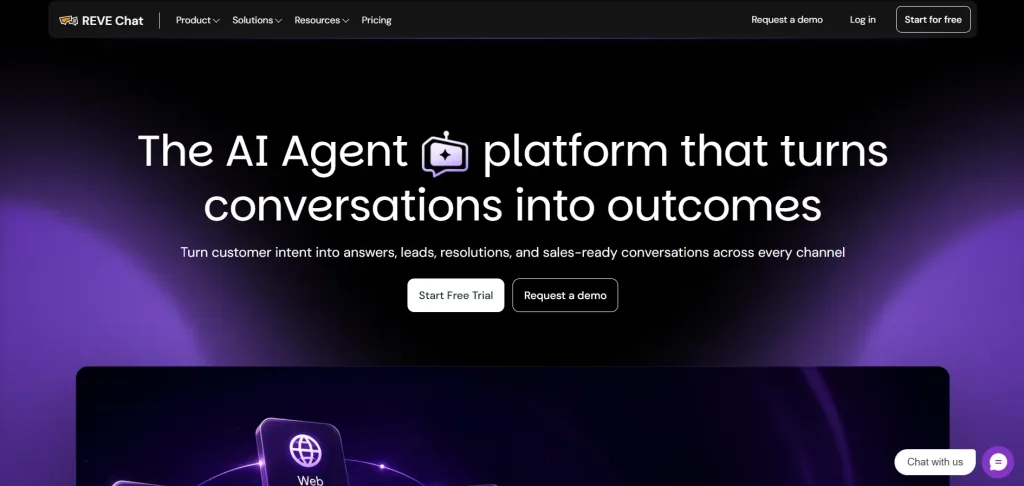
Best for 24/7 customer support with advanced AI automation features
REVE Chat is a complete customer service platform that does more than just chat. It handles email, social media messages, and websites all in one inbox. The AI agent is particularly strong. It learns from your knowledge base and can answer customer questions, make decisions, and take actions without human help.
The interface is clean and easy to use. Support teams find it quick to learn. Setup takes about 10 minutes. You do not need to write code or hire a developer.
REVE Chat works especially well for ecommerce businesses. The AI can check order status, provide shipping details, and answer product questions. For customer service teams, the routing system makes sure messages reach the right person every time. For sales teams, the lead capture feature automatically saves prospect information.
Key Features
- Unified inbox for all customer channels
- AI agent that decides and takes action
- Visitor identification and behavioral tracking
- Mobile app for team members
- Pre-chat and post-chat surveys
- Canned responses for fast replies
- Multiple team assignments and routing
- Real time analytics dashboard
- Conversation history and archiving
- Integration with Zapier and webhooks
- Multi-language support for global teams
- Customizable chat widget appearance
Pros
- AI automation is genuinely helpful and reduces human workload
- All communication channels in one place
- Strong performance with no page slowdown
- Good customer support when you need help
- Flexible pricing that grows with your business
- Mobile app works well for remote teams
Cons
- Pricing adds up if you have large team
- Learning curve for advanced features exists
- Mobile version is less user-friendly
Pricing
- A free trial is availble for 14 days with advanced features
- A forever-free plan is available with limited features
- Paid plans start at $14.99 dollars per month for live chat.
- Plaid plan for AI agents starts at $59.99.
2. JivoChat
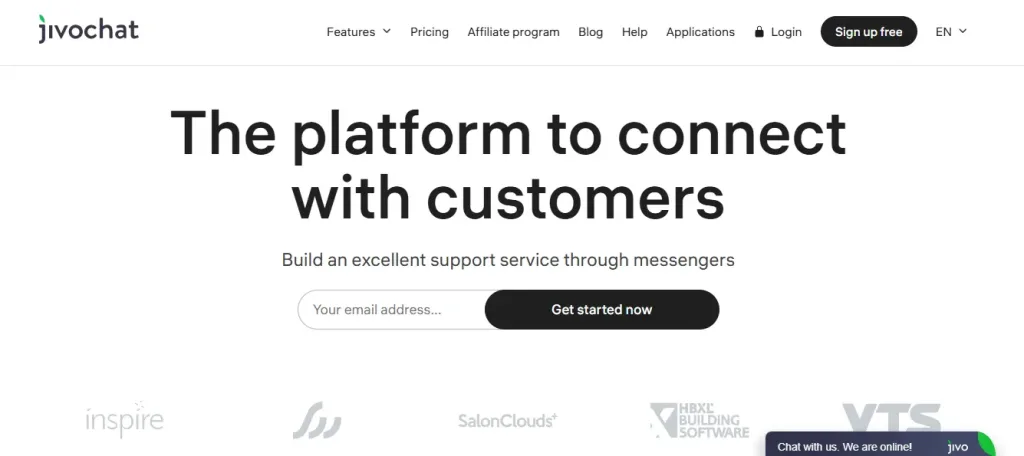
Best for small teams wanting easy live chat without technical complexity
JivoChat is easy to set up and does not take long to get running on a WordPress website. It lets you chat with visitors in real time, while its AI can answer simple questions before passing the conversation to your support team when needed.
You can also manage messages from Facebook, Instagram, and Telegram in one inbox. This makes it easier to stay connected with customers without switching between different apps.
Key Features
- AI chatbot for common questions
- Unified inbox for multiple channels
- Mobile app for iOS and Android
- Typing indicators and read receipts
- File sharing in chats
- Conversation tags for organization
- Response time tracking
- Basic chat analytics
Pros
- Completely free with no agent limits
- Quick installation and setup
- Reliable performance and stability
- Good for small teams starting with chat
Cons
- Limited advanced automation features
- Analytics are basic compared to paid tools
Pricing
- A free plan is available
- Basic paid plan starts at $28 per month
3. Olark

Best for dedicated customer service teams using live chat as primary support channel
Olark is a live chat plugin that has been helping businesses support customers for many years. It shows useful visitor details such as the current page, previous chats, and past visits. This makes it easier for support teams to provide quick and relevant responses.
The plugin also offers several customization options to match your website. It includes co browsing, allowing support agents to guide customers through a website step-by-step when they need extra help.
Key Features
- Advanced visitor tracking and behavior
- Co-browsing for guided assistance
- Intelligent routing to team members
- Canned responses for speed
- Conversation transcripts
- Offline message capture
- Real time notifications
- Customizable appearance
Pros
- Excellent for high volume support teams
- Co-browsing helps with complex issues
- Very customizable to brand standards
- Detailed visitor context available
- Fast and stable performance
- Strong analytics focused on team productivity
Cons
- No free plan available
- Pricing starts higher than competitors
Pricing
- Plan starts at $29 per month for one agent
4. Chatty
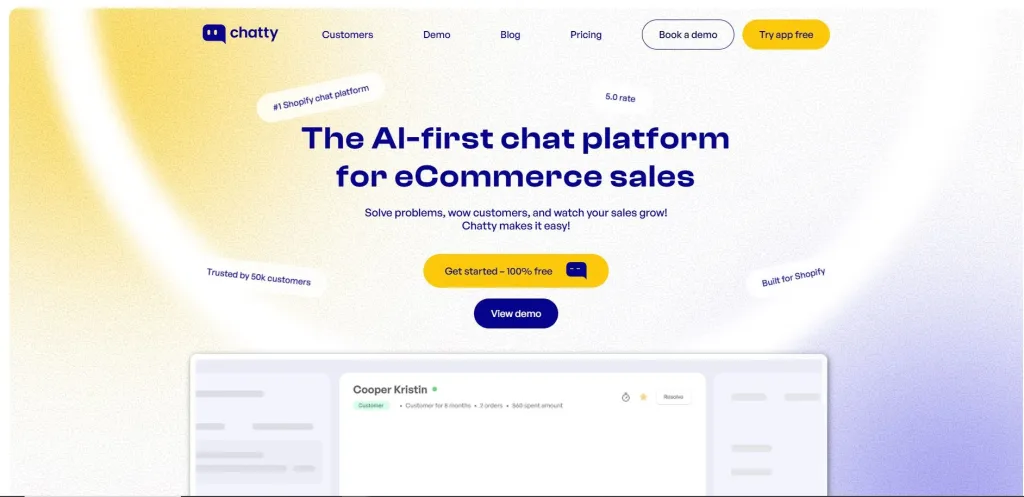
Best for WordPress sites focused on engagement and lead generation
Chatty is a WordPress live chat plugin that is easy to install and works smoothly with most WordPress themes. It also lets you customize the chat widget to match the look of your website.
The plugin can start chats based on visitor activity, such as viewing a pricing page or spending more time on a page. It also includes an AI chatbot that can answer questions using the content already published on your website.
Key Features
- Proactive chat triggers based on behavior
- WordPress native design matching
- AI chatbot integration
- Lead scoring system
- Behavioral targeting
- Team messaging and notes
- Offline message capture
- Basic analytics
Pros
- Made for WordPress sites specifically
- Proactive features boost engagement
- Easy setup and configuration
Cons
- Limited multi-channel support
- Advanced analytics are basic
Pricing
- Paid plan starts at $19.99 per month
5. LiveChat
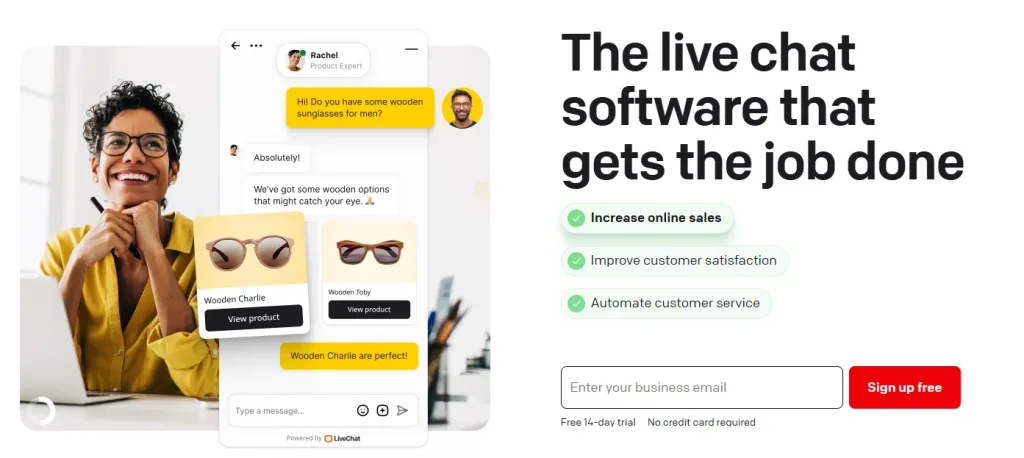
Best for growing businesses wanting professional grade live chat
LiveChat is a well known live chat plugin used by many WordPress websites. It includes chat routing, saved replies, detailed reports, and CRM integrations to help support teams manage customer conversations more efficiently.
It also handles a large number of chats without affecting performance. The mobile app lets teams reply from anywhere, while the reports help track support performance and customer activity.
Key Features
- Intelligent chat routing system
- Canned responses for fast replies
- Advanced analytics and reporting
- Mobile app for support teams
- CRM integration
- Proactive chat invitations
- Chat transcripts and history
- Team collaboration tools
- Integration with 100 plus tools
Pros
- Battle tested with thousands of sites
- Professional grade features
- Excellent analytics for improvement
- Strong performance and reliability
Cons
- No free plan available
- Setup requires more configuration
Pricing
- Starter plan at $19 per month
6. HubSpot
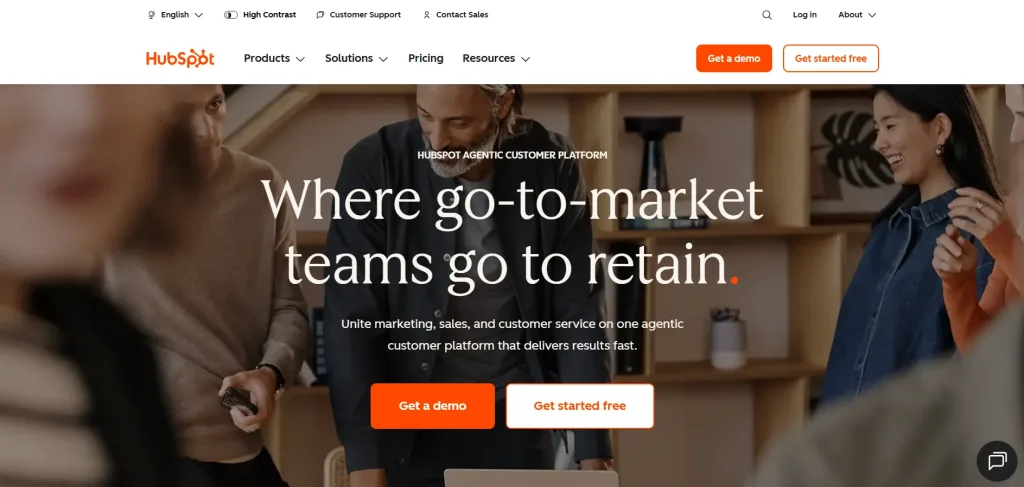
Best for companies using HubSpot CRM or marketing automation
HubSpot Chat is part of the HubSpot platform, so it works best for businesses already using HubSpot CRM and marketing tools. Every chat is saved with the customer’s contact details and conversation history automatically.
It also helps teams manage leads by sending chats to the right person and keeping all customer information in one place.
HubSpot routes the chat to the right salesperson based on company size or industry. The conversation history syncs instantly.
Key Features
- Native integration with HubSpot CRM
- Automatic contact creation from chat
- Lead scoring and routing
- Email tracking integration
- Marketing automation connection
- Team assignment and follow up
- Basic chat analytics
Pros
- Seamless CRM integration
- Great for sales oriented teams
- Automatic lead capture
- Good reporting within HubSpot
Cons
- Limited standalone features without HubSpot
- AI chatbot is basic
Pricing
- Free plan with basic chat features
- Paid plan starts at $50 per month with HubSpot
7. Tidio
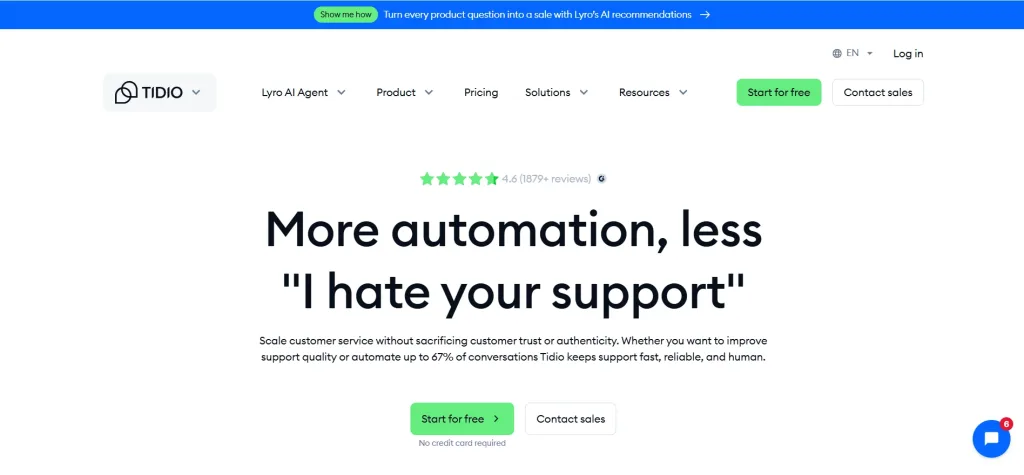
Best for ecommerce stores wanting AI automation at low cost
Tidio is a live chat plugin made for online stores. It helps answer common customer questions about orders, shipping, returns, and products. It also works with WooCommerce, Shopify, and other ecommerce platforms, making it easy to manage customer conversations.
Tidio also brings messages from Facebook and Instagram into one inbox. This makes it easier for businesses to reply to customers from different channels without switching between multiple apps.
Key Features
- AI chatbot optimized for ecommerce
- WooCommerce and Shopify integration
- Multi-channel messaging inbox
- Product recommendations
- Canned responses
- Offline message capture
- Basic analytics
- Mobile app
Pros
- Completely free with no agent limits
- AI specifically trained for ecommerce
- Great for WooCommerce stores
- Fast setup and installation
- Mobile responsive design
- Good value at no cost
Cons
- Advanced features require upgrade
- Analytics are basic
- Limited customization options
- Smaller support team
Pricing
- Paid Growth plan at $49 per month
- A free version is available
8. Tawk.to
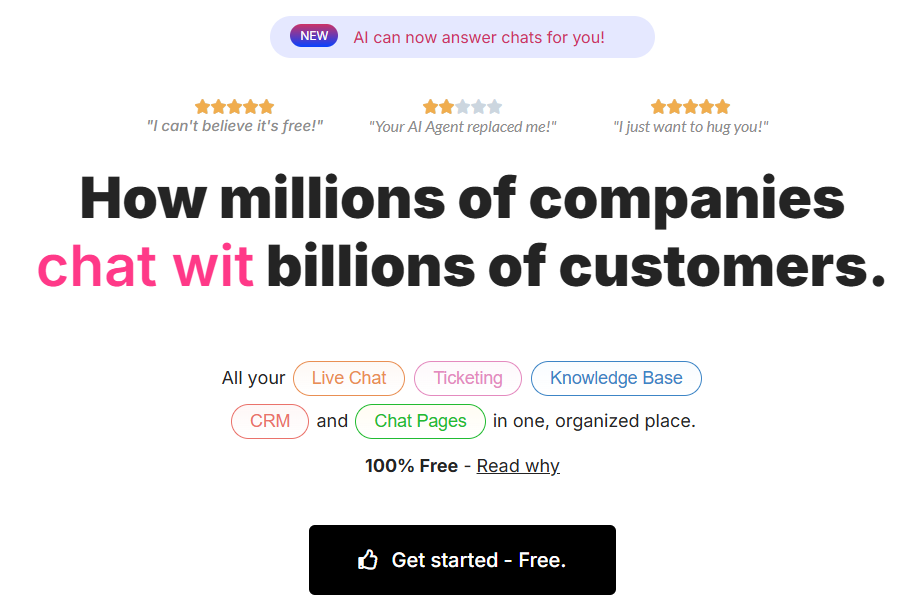
Best for websites on tight budgets needing unlimited chat
Tawk.to is a free live chat plugin for WordPress that lets you chat with visitors on your website. It comes with unlimited agents, unlimited chats, a mobile app, offline messages, and chat history. It is a popular choice for small businesses that want a simple way to offer live chat.
The plugin is easy to set up and works well for basic customer support. It does not include many advanced AI features or detailed reports, so businesses with more complex support needs may need another solution as they grow.
Key Features
- Free live chat widget
- Unlimited agents and chats
- Mobile app
- Offline message capture
- Basic chat customization
- Conversation history
- Simple analytics
Pros
- Completely free forever
- Unlimited agents and conversations
- Works with all WordPress themes
- Lightweight code
Cons
- No AI chatbot
- Limited customization
- Basic analytics
- No multi-channel support
Pricing
- Completely free with no limits
9. Zendesk
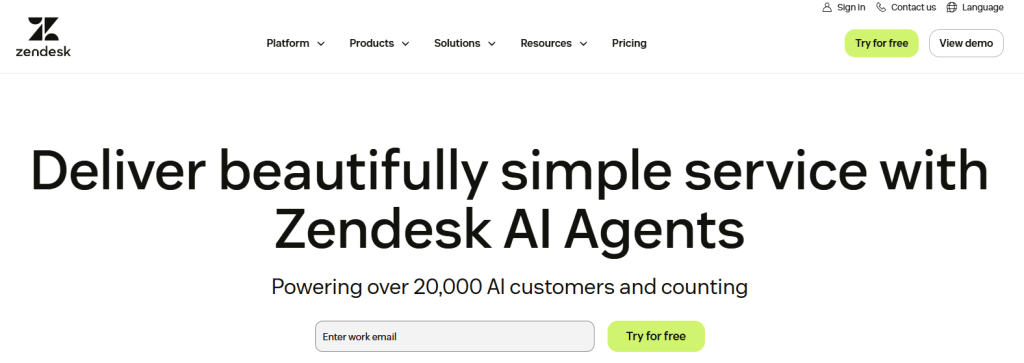
Best for large organizations wanting complete customer service platform
Zendesk is designed for large businesses that manage customer support across multiple channels. It includes live chat, email, phone, social media, and ticketing in one platform. It also offers chat routing, AI support, automation, and reporting to help teams manage conversations more efficiently.
Zendesk connects with many business tools, so customer information stays in one place. It takes more time to set up than many other live chat plugins and comes at a higher price, making it more suitable for larger support teams.
Key Features
- AI powered response suggestions
- Advanced chat routing
- Multi-channel support
- Automation workflows
- Comprehensive analytics
- Integration with 100 plus apps
- Mobile app
- Team collaboration tools
Pros
- Enterprise grade reliability
- Handles high volume support
- Advanced automation features
- Excellent integrations
Cons
- Highest pricing of all options
- Steeper learning curve
- Overkill for small sites
Pricing
- Paid plan starts at $55 per month
10. Pure Chat
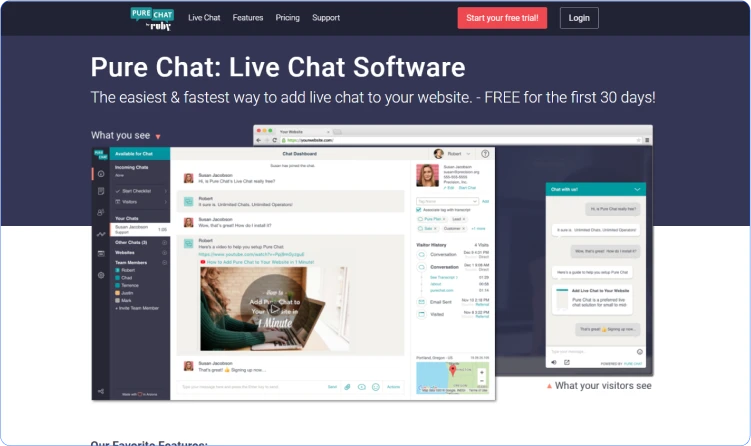
Best for small WordPress sites wanting clean simple chat
Pure Chat is the minimalist approach. It does one thing well. It provides live chat without complexity. The interface is clean. Setup takes five minutes. Your visitors can start chatting immediately.
Pure Chat works well for small blogs and service sites. The features are straightforward. No overwhelming options. No complicated configuration. Just chat.
The best live chat plugin for WordPress from Pure Chat is its simplicity. You install it. You customize the appearance slightly. You answer chats. Done. It works.
Key Features
- Simple chat widget
- Mobile app
- Chat history
- Offline messages
- Basic customization
- Conversation notes
- Basic analytics
- Integration with Slack
Pros
- Very easy to set up
- Clean and simple interface
- Good for small teams
- Lightweight code
- No training needed
- Good customer support
Cons
- No AI automation
- Limited customization
- Basic analytics
- No multi-channel support
Pricing
- A free trial of 7 days is available
- Growth paid plan start at $39 per month
How to Add a Live Chat Plugin to Your WordPress Website
The step-by-step process to add a live chat plugin for WordPress is:
Step 1: Install the Plugin
Log in to your WordPress dashboard and open the Plugins section. Click Add New, search for the live chat plugin you want, then click Install Now. Once the installation is complete, click Activate to enable the plugin on your website.
Step 2: Set Up Your Account
After activation, open the plugin settings and create an account or sign in if you already have one. Most live chat plugins include a simple setup guide that helps you get everything ready in just a few minutes.
Step 3: Customize the Chat Widget
Choose how you want the chat widget to look on your website. You can change the color, welcome message, widget position, and other settings to match your brand. Most plugins let you do this without any coding.
Step 4: Add Your Team
Invite your team members so they can reply to customer messages. They can answer chats from a web browser or a mobile app, making it easy to stay connected even when they are away from the office.
Step 5: Go Live and Monitor Conversations
Once everything is ready, the chat widget will appear on your website. Visitors can start conversations right away, and every chat is saved for future reference. Reviewing past conversations can help you understand common customer questions and improve your support over time.
How to Choose the Right Live Chat Plugin for Your Needs?
Finding the ideal live chat plugin for your WordPress site starts with clarity.
Your choice should align with your goals. Focus on what drives your business forward. Here are key factors to guide you:
- Budget: Free plans work for startups with tight budgets. Paid options, starting as low as $15/month, unlock advanced features like AI or multi-channel support for richer engagement.
- Site Type: eCommerce sites need seamless integrations with platforms like WooCommerce. Blogs thrive with simple, user-friendly chat widgets. Agencies require robust tools for client support across multiple channels.
- Features Needed: Pinpoint must-haves. AI chatbots streamline routine queries. Multi-channel support connects via WhatsApp or Facebook. Tools like co-browsing or real-time analytics, as seen in solutions like REVE Chat, elevate customer experiences.
- Team Size: Small teams need lightweight plugins with easy dashboards. Larger teams benefit from advanced routing and agent monitoring to handle high volumes.
- Performance: Site speed is critical. Heavy plugins can lag without caching. Test load times using tools like GTmetrix to ensure smooth performance.
Key Considerations for Best Live Chat Plugins for WordPress
You must consider some facts for best live chat plugins for WordPress to choose the right one. So, these key considerations are:
Free vs. Paid
Many live chat plugins have both free and paid plans. A free plan may be enough for a small website, but growing businesses often need more features. Before choosing a plugin, check what each plan includes and whether the price still makes sense as your business grows.
Features
Every business needs something different. Some need AI chatbots and automation, while others only need live chat. Choose a plugin with features that match the way your team works instead of paying for tools you may never use.
Performance
A live chat plugin should not slow down your website. It should load quickly and work smoothly on both desktop and mobile devices. A faster website gives visitors a better experience and helps keep them engaged.
Integrations
Your live chat plugin should work with the tools you already use. Connecting it with your CRM, email marketing platform, or help desk can save time and keep customer information organized in one place.
Security and Customer Support
Choose a plugin that keeps customer conversations safe and protects personal data. It is also worth checking the support team behind the product. Fast and helpful support can make things much easier if you run into a problem or need help with setup.
Conclusion
Stop letting visitors leave without a connection! Live chat is the key to winning hearts and boosting sales in 2026.
After rigorous testing of 20+ plugins, REVE Chat shines for its seamless AI, affordable plans, and eCommerce integrations. Our curated list of 10 top WordPress chat plugins has something for every site, blogs, shops, or agencies. Pick the right tool and watch your engagement explode.
Ready to get started? Kick things off with REVE Chat’s no-card-needed 14-day trial.
Frequently Asked Questions
Yes, most plugins like REVE Chat support multisite, allowing unified or separate chat setups per site. Check plugin documentation for specifics.
Quality plugins ensure mobile-friendly widgets that adapt to all devices. Test your chosen plugin’s widget on mobile for seamless performance.
Most plugins allow widget customization with colors, logos, and themes. Some, like REVE Chat, offer channel-specific themes for consistency.
Many plugins provide multilingual support via AI translations or manual settings. This ensures smooth communication with global audiences.
Live chat can boost engagement metrics like time on site, indirectly aiding SEO. Optimize plugins to avoid slowing page load times.
Build AI-powered support with Wize AI
Connect business knowledge, automate support conversations, and improve response quality without managing a complex AI stack.
Explore Wize AI Agent Rate the article

Mohaimin Talha
Lead Product Manager
Mohaimin Talha is a seasoned Product Manager, known for his ability to combine creativity with analytical thinking. His strategic vision and customer-centric approach make him a key driver of product success and business growth.
View all articles
Improve your customer support with AI Live Chat
Seamlessly communicate with every customer in a Omnichannel Live Chat solution
Learn more