


Table of Content
Do you know that the cost of poor customer communication to businesses is estimated in the billions? A recent estimate claims that the cost in the U.S. alone is close to $4 billion annually. Fragmented communication channels, delayed responses, and inconsistent messaging across various platforms can frustrate customers and may lead to lost opportunities for brands. Companies often struggle to keep up with the ever-growing expectations for prompt, personalized, and meaningful interactions.
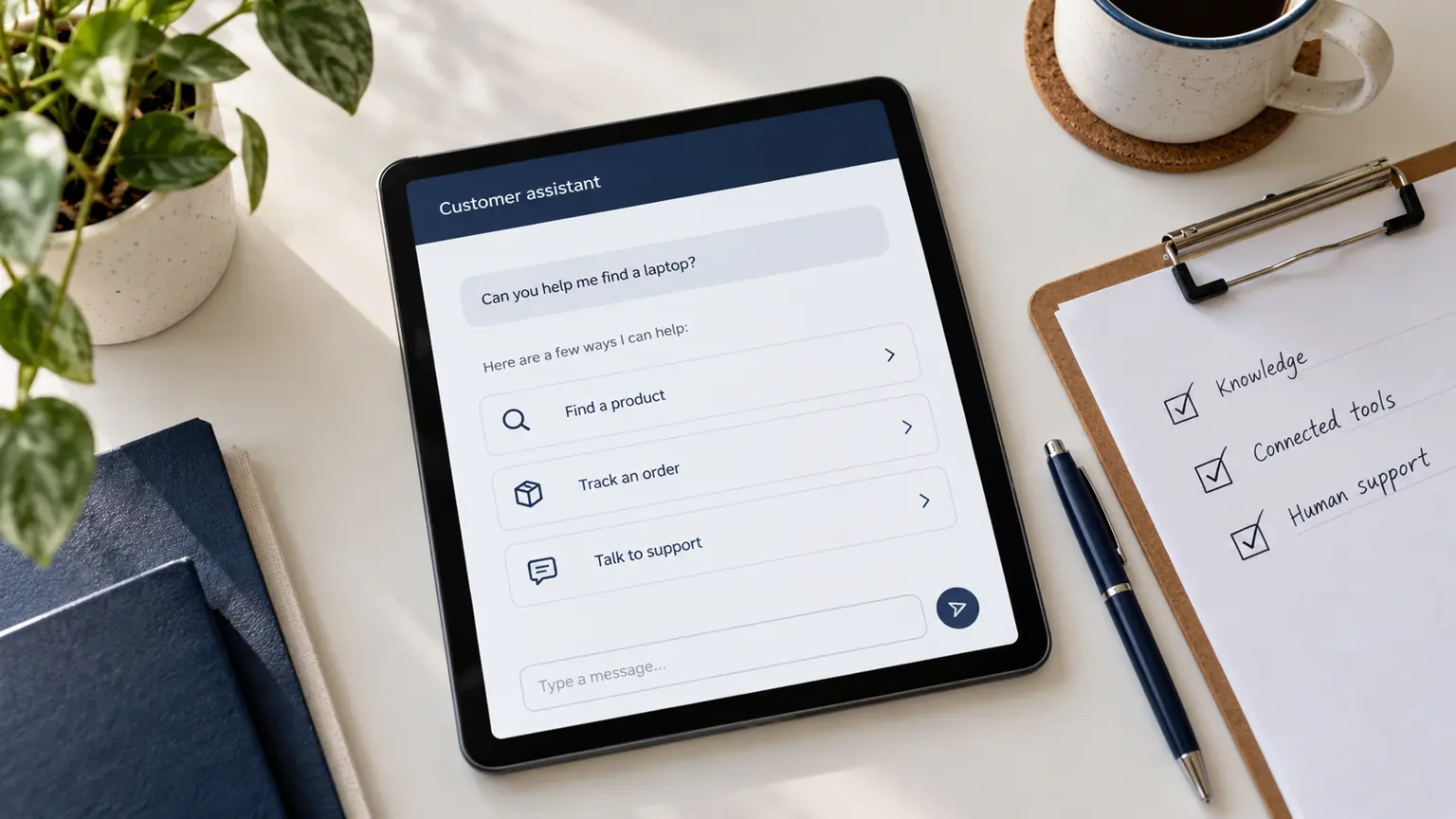
This is where customer communication software comes into play. Designed to offer centralized and streamlined interactions across multiple platforms, it enables businesses to address and resolve inquiries/issues faster, improve customer satisfaction, and maintain consistency. Deploying customer communication software acts as a secret sauce to effective customer service communication.
What all we will discuss in this blog:
- What is customer communication management
- What is customer communication management software
- Benefits of having customer communication platforms
- Top 10 customer communication tools for your consideration
- What to Look for in a Customer Communication Tool for Your Business
What is Customer Communication Management (CCM)?
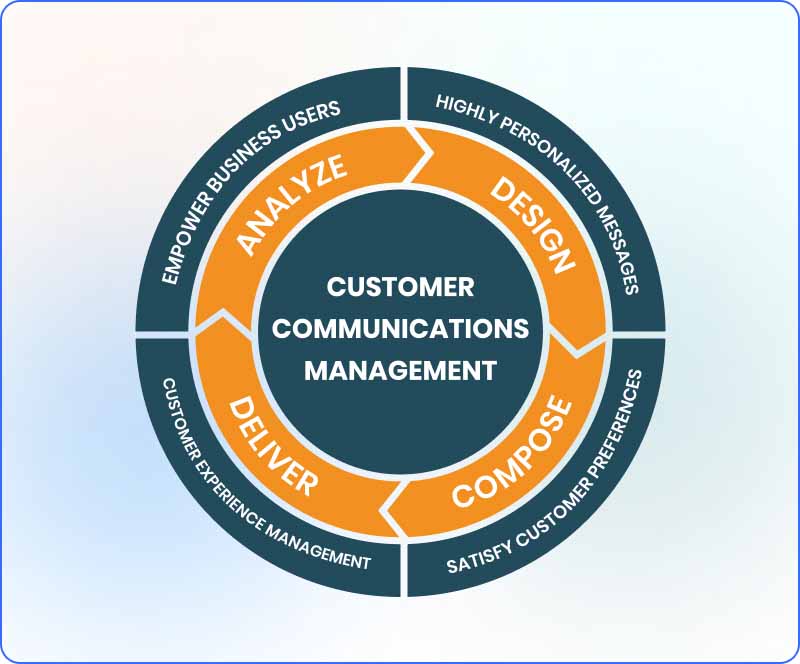
Customer communication management (CCM) is defined as delivering consistent brand messaging and support across all channels by understanding customer pain points.
It also focuses on strengthening customer relationships. Having a strong communication strategy in place helps businesses to acquire and retain customers. Both B2B and B2C businesses strive for CCM solutions to design and deliver critical business communications that are highly personalized as well as interactive.
What is Customer Communication Management Software?
Customer Communication Management Software refers to an application that helps to strengthen a business communication strategy in terms of improving the creation and delivery of interactive communications.
The communication management system is a collection of computer programs that composes, personalizes, formats, and delivers content acquired from various sources into targeted and relevant electronic and physical communications between an enterprise and its customers, prospective customers, and business partners.
The main object of customer communication software is to deliver targeted communications through a wide range of media including mobile, email, SMS, Web pages, social media sites, and print.
How I Evaluated Customer Communication Management Software
I checked some facets of each tool for proper evaluation of customer communication management software. So, what I checked is:
Real User Feedback
The process started by looking at reviews from real users on platforms like G2. These reviews showed what works well, what causes problems, and how tools perform in everyday use. This gave a clear idea of each platform’s strengths and weaknesses.
Key Communication Features
Each tool was examined for how it handles customer conversations across chat, email, and in-app messages. Features that make it easy to reply quickly, manage conversations, and personalize messages were important for smoother customer interactions.
Analytics and Reporting
Analytics help teams understand how communication is performing. Tools were checked for clear reports, easy-to-read dashboards, and useful insights that can help improve responses. Platforms that make it simple to track key metrics were preferred.
Integrations With Other Tools
Platforms were reviewed for how well they connect with everyday business tools like HubSpot, Salesforce, Slack, and Zapier. Easy integration helps teams keep information in one place and avoid extra steps.
Testing With Expert Input
Tools that could be tested directly were used to see how they work in real situations. For those with limited access, feedback from professionals who use the platforms was compared with user reviews to get an accurate picture.
Customization and Branding
A good communication tool should match a company’s style. Platforms were checked for options like changing chat colors, layouts, and messages. This ensures the tool can reflect the brand and create a better customer experience.
Easy to Use
Easy to use was an important factor. Tools with simple navigation, clear layouts, and easy-to-find features ranked higher. A system should help teams work efficiently without confusion or long training.
Top 10 Customer Communication Management Software
Let’s learn about the top 10 customer communication management software here:
| Tool | Pricing | Best For |
|---|---|---|
| REVE Chat | Free plan; Paid from $14.99/agent/month | Businesses needing AI support on chat, video, and social media |
| HubSpot Service Hub | From $15/month; Professional $90/seat/month | Teams using HubSpot CRM wanting support and sales data together |
| Intercom | From $39/month | Product-focused businesses for support and user onboarding |
| Zendesk | From $19/agent/month | Large teams handling lots of support requests |
| Salesforce Service Cloud | From $25/user/month | Enterprises needing support linked with CRM |
| Zoho Desk | From $7/agent/month | Small businesses needing affordable help desk with automation |
| Freshdesk | From $15/agent/month | Growing businesses wanting an easy, low-cost help desk |
| Help Scout | $20/user/month | Small teams using email for support |
| LiveAgent | From $15/agent/month | Small and medium teams wanting an all-in-one help desk |
| Kayako | Contact for pricing | Businesses needing AI ticketing and full customer history |
1. REVE Chat
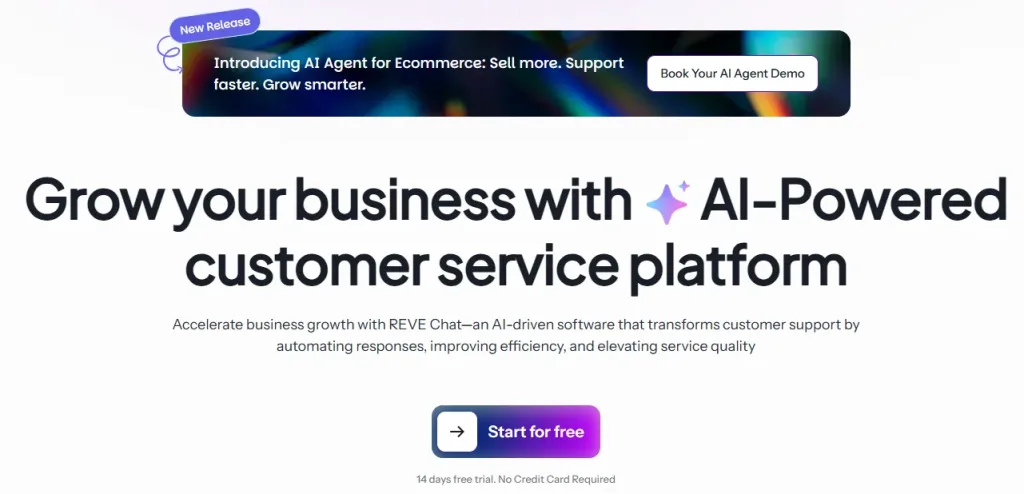
Best for: Businesses looking for AI-driven customer support across chat, video, and social platforms.
REVE Chat is one of the best customer communication platforms because it brings all support and engagement channels into one place. Businesses can manage live chat, WhatsApp, Facebook, Instagram, and other messaging apps from a single dashboard, which keeps communication simple and organized.
It also works well in automation. AI chatbots, voicebots, and AI agents handle common queries instantly, while smoothly handing over complex issues to human agents. This helps teams respond faster without increasing workload or support cost.
Another reason is its ability to improve customer engagement. With real time visitor tracking and proactive messaging, businesses can connect with users at the right moment and guide them through the buying process.
It also supports growth with 40 plus integrations, making it easy to connect with existing tools and workflows. This flexibility helps businesses scale without changing their entire system.
Overall, REVE Chat is a practical choice for businesses that want faster support, better engagement, and a simple way to manage all customer conversations in one place.
Key Features
- Visual No Code Flow Builder – Build chat flows easily using drag and drop, no coding needed. Teams can design conversations quickly and adjust them whenever necessary.
- Omnichannel Messaging – Handle all customer messages from your website, social media, and messaging apps in one place so nothing gets missed.
- AI-Powered Chatbots – Smart bots understand customer questions and respond accurately using sentiment and intent detection.
- Proactive Triggers – Start conversations automatically based on visitor behavior like page visits, time on site, or abandoned carts to engage them at the right moment.
- Human Handover – Let live agents take over conversations when customers need detailed help or have complex questions.
- Advanced Integrations – Connect smoothly with CRMs, eCommerce platforms, and other tools to keep data and workflows organized.
- Multilingual Support – Chat with customers in over 40 languages, making it easy to serve people from different regions.
- Custom Analytics Dashboard – Get clear insights on chat performance, customer engagement, and lead conversions to improve your strategy.
- Appointment and Workflow Actions – Use chats to schedule meetings, manage bookings, and automate certain tasks to save time.
- Security and Compliance – Keep all conversations safe with strong encryption and meet regulations like GDPR and PCI DSS.
- Lead Capture and Qualification – Collect visitor info, qualify leads, and prioritize high value prospects for your sales team.
- Knowledge Base Integration – Train the system with FAQs, product details, and company information so customers get answers instantly.
Pros
- Handles many customer queries without human help
- Offers co‑browsing and video chat for real‑time support
- Generates leads via WhatsApp, Messenger, Viber, and more
- No‑code chatbot builder, easy for teams to use
- Supports 40+ languages including Arabic, Spanish, French, Japanese, German
- Shows visitor details for personalized support
- Free plan available for startups with no time limit
- Proactive chat engages visitors before they leave
Cons
- New users may need some training for advanced features
- Requires a constant internet connection since it is cloud-based
Pricing
- A free plan is available with limited features
- Paid plan starts at $14.99 per agent
- A 14-day free trial available with advanced features
2. HubSpot Service Hub
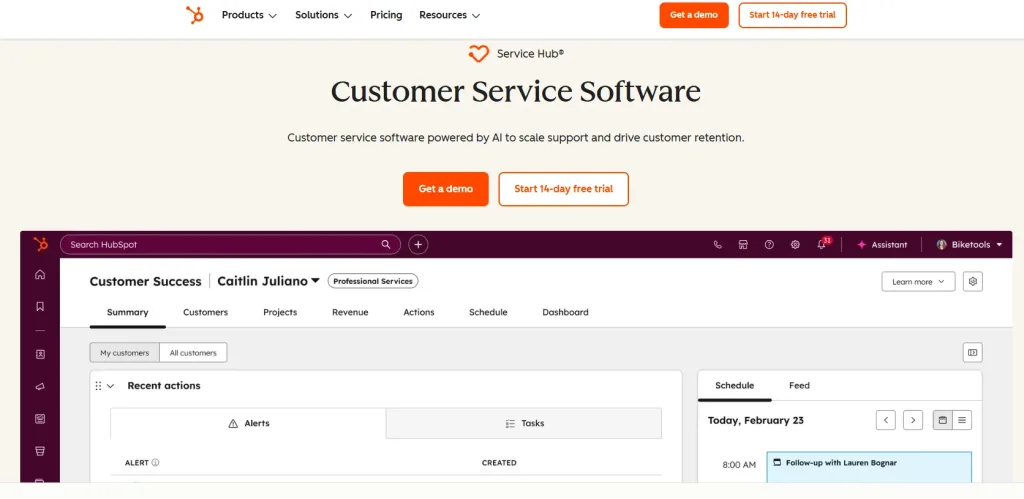
Best for: Businesses using HubSpot CRM that want support and sales data in one place.
HubSpot Service Hub is a customer communication tool that works with HubSpot’s CRM. It helps teams manage tickets, automate replies, and keep track of customer history. It is a good choice for businesses that want both support and marketing data in one place.
It also has a unified inbox that brings messages from email, chat, and social media together. Teams can assign tickets, set priorities, and work together to solve issues faster. The reporting tools show customer satisfaction and team performance, making it easier to improve support and provide a consistent experience.
Key Features
- Shared inbox to manage all customer conversations in one place
- Ticketing system to track and resolve customer issues easily
- Knowledge base to help customers find answers on their own
- Live chat and chatbots for real time support and automation
- Customer feedback tools like surveys and CSAT tracking
- Reporting and analytics to monitor support team performance
Pros
- CRM integration shows full customer history in every chat
- Ticket automation cuts down manual work for support teams
- Shared inbox keeps all team messages in one place
- Knowledge base lets customers find answers themselves
- Feedback tools collect customer satisfaction scores automatically
Cons
- Pricing gets high as you add more contacts and features.
- Some advanced features are only available on paid tiers.
- Setup can take time for teams new to the HubSpot ecosystem.
Pricing
- Plan starts at $15 per month
- The Professional plan starts at $90 per seat per month.
3. Intercom

Best for: Product-focused businesses that want support, onboarding, and engagement in one place.
Intercom is a platform that helps businesses talk to their customers and keep them engaged. It works inside web apps and mobile products, making it easy for teams to provide support, send onboarding messages, and guide users.
It also has automation tools to reach the right customers at the right time. You can send in-app messages, emails, or use live chat to answer questions and solve problems quickly. The reporting tools show customer activity and engagement, helping teams improve support and give a better overall experience.
Key Features
- AI-powered inbox and bot
- In-app messaging and product tours
- Help center for self-service
- Proactive outreach campaigns
- Conversation routing and assignment
- Customer data integration
- Custom reports and dashboards
- Team inbox with collision detection
Pros
- AI handles customer questions without needing an agent
- In-app messages reach users at the right time
- Product tours help new users learn features easily
- Messages are routed to the right team automatically
Cons
- Can be expensive for small businesses
- Setup may feel tricky at first
- Advanced automation needs higher-tier plans
Pricing
- Plan starts at $39 per month
4. Zendesk
Best for: Enterprise teams handling large volumes of support tickets
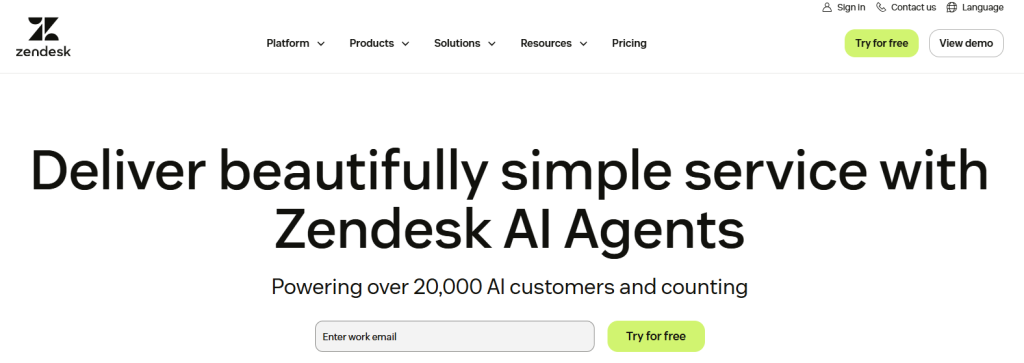
Zendesk is a popular customer service platform used by large support teams. It manages tickets across email, chat, phone, and social media, helping businesses handle complex customer service needs.
It also makes communication with customers easier. Shared inboxes, automated workflows, and reporting tools let teams track issues, respond faster, and improve the overall experience. Zendesk keeps all customer interactions in one place, so teams stay organized and provide consistent support.
Key Features
- Multi-channel ticketing system
- AI-powered answer bot
- Live chat and messaging
- Voice and phone support
- Custom workflows and automation
- Community forums
- Agent performance reporting
- Integration marketplace with 1,000+ apps
Pros
- Handles large volumes of customer requests efficiently
- Supports email, chat, phone, and social media in one place
- Automation reduces repetitive tasks
- Answer bot handles common questions automatically
- Community forums let customers help each other
Cons
- Integrations may require technical setup
- Mobile app has limited functionality compared to desktop
- Customer support response can be slow at times
Pricing
- Starts at $19 per agent per month
5. SalesForce
Best for: Enterprises needing CRM-linked customer communication
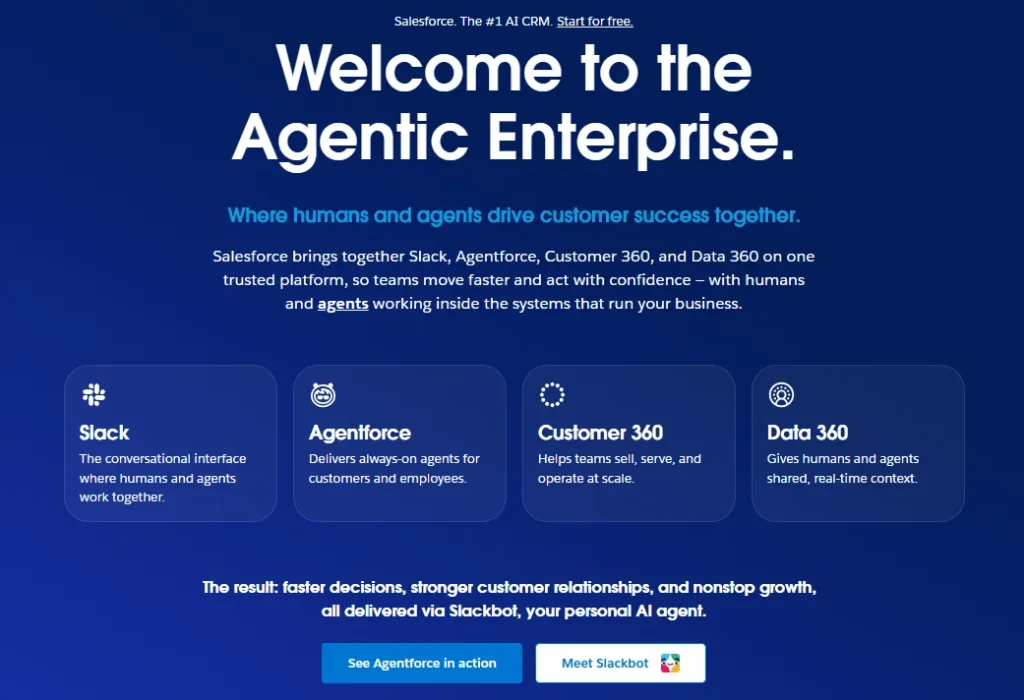
Salesforce Service Cloud is a customer communication platform built into Salesforce CRM. It connects support with sales, marketing, and commerce in one system. Large teams use it to manage customer relationships across different departments.
It has automation, smart case routing, and real-time reports to help teams respond quickly. The platform integrates with other Salesforce tools so businesses can track every interaction and provide a smooth customer experience.
Key Features
- Case management and routing
- AI-powered Einstein assistant
- Omnichannel routing
- Field service management
- Self-service portals
- Real-time analytics
- Knowledge management
- Integration with Salesforce CRM data
Pros
- CRM integration shows agents the full customer history
- Einstein AI helps solve cases faster
- Omnichannel routing sends cases to the right agent
- Self-service portals let customers find answers on their own
Cons
- Expensive for small and mid-sized businesses
- Can feel complicated to set up and manage
- Requires training for teams to use effectively
Pricing
- Plan Starts at $25 per user per month
6. Zoho Desk
Best for Small businesses that want an affordable help desk with automation.
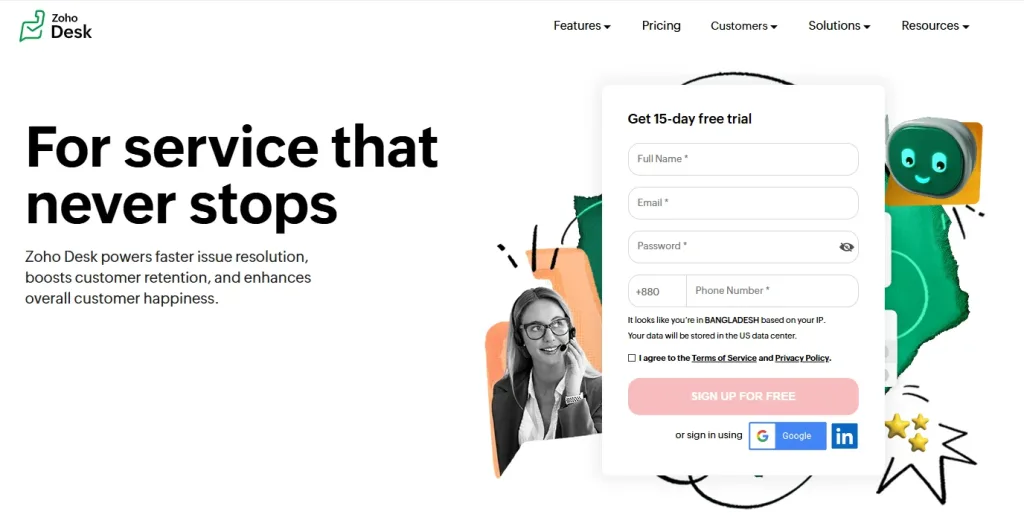
Zoho Desk is a customer support tool from the Zoho family. It helps businesses handle tickets, automate tasks, and track how agents perform. It works especially well for teams already using other Zoho apps.
Zoho Desk also helps improve customer experience. It supports multiple channels, has self-service portals, and uses AI to help teams solve issues faster.
Managers can track performance with easy-to-read dashboards and reports. Automation handles repetitive tasks, and integration with other Zoho apps makes running support simple and efficient.
Key Features
- Multi-channel ticketing
- AI assistant called Zia
- Workflow automation
- Customer self-service portal
- SLA and escalation management
- Time tracking for agents
- Integration with Zoho CRM
- Mobile app for agents
Pros
- Free plan for 3 agents
- AI suggests replies and checks sentiment
- Automates ticket tasks
- Tracks response times
Cons
- Limited features on the free plan
- Some advanced tools only in higher tiers
- Setup can be confusing for new users
- Reporting options are basic for larger teams
Pricing
- Paid plans start at $7 per agent per month.
7. Freshdesk
Best for: Growing businesses needing an affordable, easy-to-use help desk.
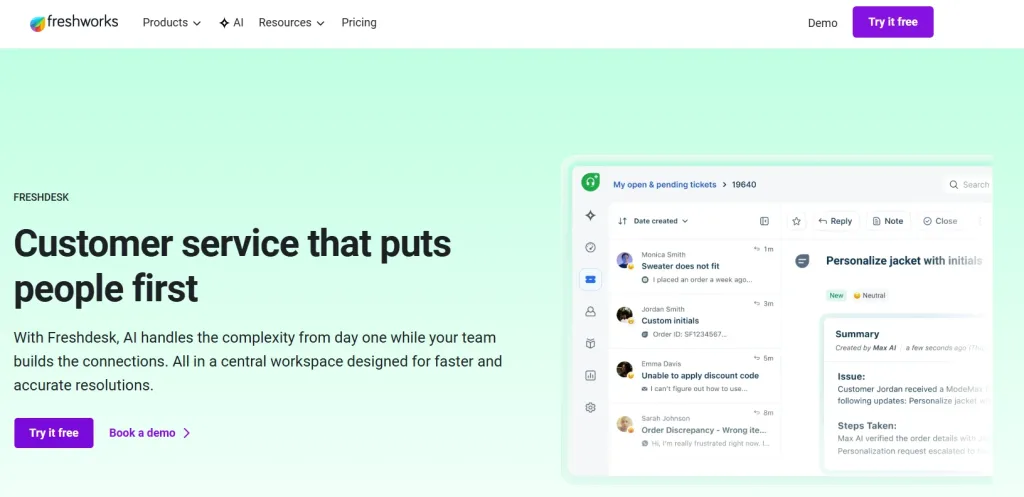
Freshdesk is a customer support platform from Freshworks. It helps teams manage tickets, chat with customers, and automate routine tasks. It is ideal for growing businesses that need useful features at a low cost.
This tool also keeps teams organized and helps them respond quickly. It includes reporting tools, a knowledge base for self-service, and integration with other business apps. This also makes it easier for businesses to provide smooth and reliable support.
Key Features
- Omnichannel ticketing
- Freddy AI for automated responses
- Team collaboration on tickets
- Canned responses for quick replies
- Custom reports and dashboards
- Field service management
- Customer satisfaction surveys
- Integration with 650+ apps
Pros
- Free plan supports unlimited agents
- Freddy AI handles routine tickets
- Team tools allow agent collaboration
- Canned replies speed up responses
Cons
- Advanced features need paid plans
- Hard for new users
- The low plan has few custom options
Pricing
- Paid plans start at $15 per agent per month.
8. HelpScout

Best for: Small teams that mainly use email for customer support.
Help Scout is a customer communication tool that focuses on email and shared inboxes. It keeps support simple and lets teams have real conversations with customers.
All messages stay organized in one place, and features like notes, tags, and reports make it easy to track and manage interactions. This makes Help Scout ideal for businesses that want personal, straightforward customer support without a complicated system.
Key Features
- Shared inbox for team email management
- Live chat widget called Beacon
- Knowledge base for self-service
- Customer profiles with conversation history
- Collision detection to avoid duplicate replies
Pros
- Shared inbox shows all emails
- Chat widget for quick questions
- Prevents duplicate replies
- Shows full conversation history
- Knowledge base for self-help
Cons
- Lacks advanced automation features
- Limited reporting compared to bigger platforms
- No built-in phone support
Pricing
- Standard plan starts at $20 per user/month
9. LiveAgent
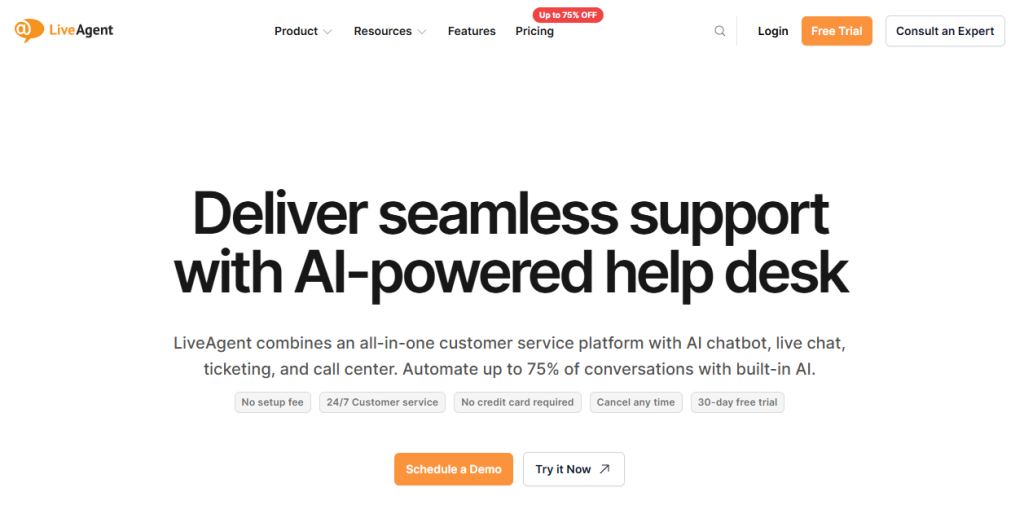
Best for: Small and medium businesses needing an all-in-one help desk.
If your team is tired of switching between emails, chats, and phone dashboards, LiveAgent brings everything into one platform. It handles email, live chat, phone, social media, WhatsApp, and Viber in a single shared inbox.
Agents can focus on helping customers instead of hunting for messages. Some businesses even cut support response time by 75% after switching to LiveAgent.
Key Features
- Hybrid ticket stream for all messages in one queue
- Built-in call center with IVR and callback
- AI chatbot in over 100 languages
- AI answer suggestions for agents
- Real-time visitor monitoring and proactive chat
- Knowledge base with multilingual support
Pros:
- All messages in one ticket, easy for agents to track
- Call center included, no extra software needed
- AI chatbot handles routine queries in 100+ languages
- Collision detection prevents multiple agents replying to the same ticket
Cons
- Mobile app has fewer features than desktop
- Proactive chat not included in entry-level plan
- Many settings can feel overwhelming at first
Pricing
- Starts at $15 per agent/month
10. Kayako
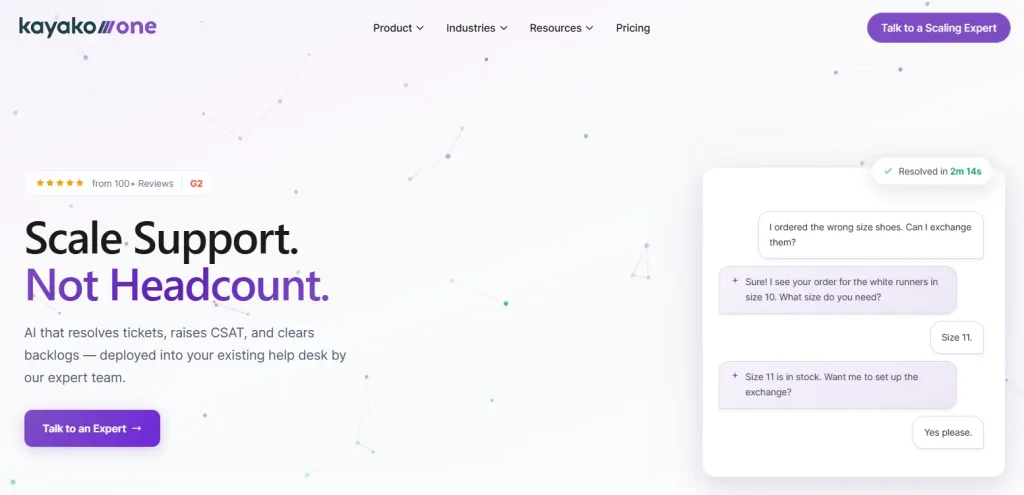
Best for: Businesses needing a unified help desk with AI ticketing and customer history.
Kayako gives teams the full story behind every customer interaction. You can see every page a customer visited, every chat, and every previous issue. This context helps agents give accurate answers quickly. Some businesses saw ticket resolution drop from 18 hours to under 5, with half of tickets resolved automatically by Kay AI.
Key Features
- SingleView tracker for full customer history
- Unified inbox for all channels
- Kay AI agent resolves tickets without human input
- Custom ticket workflows and automation
- Knowledge base with analytics
Pros
- Full view of each customer’s journey
- Customers don’t need to repeat information
- Kay AI can handle tasks like refunds and account setup
- The collaborators feature brings in experts without leaving the platform
Cons
- Reporting can be tricky to use at first
- Takes time to learn the platform fully
- Pricing is not listed publicly.
Pricing
Contact Kayako for full pricing quotes.
Benefits of Effective Customer Communication Management
Effective customer communication is important for improving the bottom line of every business. Whether it is internal or external communication management, you should be able to communicate flawlessly to make it effective. If you communicate well with customers and focus on consumer messaging, your odds of success in business greatly increase by the following ways:
1. Omnichannel Customer Service
Customers expect instant and consistent communication across all the channels through which they get in touch with the brands. Be it phone, email, social media, mobile app or live chat support, companies should have a centralized platform to manage all the customer communication from a single place. Customer communication systems exactly offer the same. These platforms integrate all the communication platforms and let brands maintain consistent messaging everywhere.
2. Enhanced Customer Retention
Effective customer communication management builds trust and strengthens relationships with customers. When customers receive consistent updates and proactive support whenever they need, they are more likely to stick with your brand for business.
3. 24/7 Assistance
With the help of Customer communication software, you can offer 24/7 assistance to your customers. Automation tools like chatbots and self-service options like knowledge bases let businesses provide automated support, irrespective of different time zones and geographical barriers. Chatbots can efficiently handle common queries and offer quick resolutions to customers, while knowledge bases serve as comprehensive self-help sections filled with articles, FAQs, and step-by-step guides for customers to get self-assistance.
4. Data-Driven Insights
Effective customer communication tools offer detailed reports and analytics on various aspects like customer details, preferences, behaviors, feedback and agent performance. These insights can help you refine your strategies and improve product offerings for better performance.
5. Personalized Customer Communication
Customer communications management platforms let you deliver highly personalized interactions by segmenting your customer base. When you categorize customers into specific groups—such as based on their purchase history, geographical locations, or browsing behavior—you can craft targeted and personalized messages that resonate with each segment’s unique preferences and needs. This approach ensures that your communication feels relevant and meaningful to the customers.
What to Look for in a Customer Communication Tool for Your Business?
A customer communication tool is an important asset for businesses that are aiming to deliver seamless and effective customer interactions across multiple channels. Here’s what to look for while choosing one for your company:
1. Omnichannel Support
Customers expect consistent experiences across all the communication channels like email, phone calls, social media, live chat, and SMS. Look for tools that integrate all communication channels in a single platform and let businesses manage all the customer interactions from a centralized point without losing any important data.
2. Maintaining Customer Details
One of the most important features of any Customer Communication Management (CCM) software is its ability to maintain detailed customer records. A robust CCM solution should collect and organize interaction histories across all communication touchpoints in a single place, providing a complete, unified view of each customer. To ensure your customers have the best possible experience, your business must depend on these well-maintained records.
3. Automation Capabilities
Look for automation features in your client communication software tool. Companies handle several repetitive tasks on a daily basis like answering frequently asked questions, assigning tickets, or sending follow-up messages. A customer communication tool equipped with automation features, such as chatbots or ticket routing systems, can handle these tasks efficiently.
4. Integration with Other Important Platforms
A good customer communication tool should also be able to smoothly integrate with your company’s existing systems containing all the records and data. The smoother the data integration, the more satisfying will be the customer journey. The communication software should also ensure a smooth data flow across various departments within your business.
5. Scalability
You need to consider this too especially when your business is growing. A tool that can work efficiently with increasing volumes of customer interactions, addition of new customers and more integrations ensures that you won’t outgrow the software as your operations expand.
6. Personalization
The customer management system should offer features to customize communication. Look for options that let you tailor messages based on customer preferences, reflect your brand voice and resonate with individual customers. Features such as customizable templates, advanced segmentation, help businesses deliver targeted and meaningful interactions.
7. Reporting and Analytics
Good customer communication tools should offer robust analytics and reporting. You should get detailed insights related to customers and support agents, such as response times, resolution rates, industry trends, buying behaviour, geographic locations etc. that help you to measure overall performance and identify areas for improvement.
Customer Communication Management Software is a Must-Have
In the modern digital age, when you may not be able to meet your customers face to face, it becomes more critical to deploy the best customer communication management software in place. It would help your business to grow without and strengthen customer relationships. REVE Chat is one of the best customer communication software backed with advanced features to complement your customer engagement efforts. Sign up today to give your customers a great value and a better experience.
End Note
In the end, the right customer communication software can improve how your business connects with customers. These tools help teams reply faster, stay organized, and give better support across chat, email, and social media. Look for software that is easy to use, fits your workflow, and works well with your other tools.
Among the options, REVE Chat is the best option for its AI-powered features, omnichannel messaging, and simple setup. Communication with your customer becomes easy and smooth with REVE Chat. Sign up today to try it today.
Frequently Asked Questions
Customer communication tools are software solutions designed to help businesses interact with their customers across various channels. These tools are important to manage customer interactions and offer best in class services from a single unified platform.
The main types of customer communication tools include email management tools, SMS tools, live chat tools, social media management tools, knowledge base tools and more.
These customer communication tools help to offer real-time communication, improve response times, centralize customer interactions, and enhance customer satisfaction by providing a seamless experience across all touchpoints.
While choosing the right communication tool for your business, look for key features like multi-channel communication, automation, live chat assistance, advanced analytics, CRM integration, knowledge base capabilities, and scalability to meet growing business needs.
Costs vary based on which tool you want to opt for and what kind of features it is offering. Customer communication platforms like REVE Chat offer advanced features at a reasonable price. You can check the pricing here.
Build AI-powered support with Wize AI
Connect business knowledge, automate support conversations, and improve response quality without managing a complex AI stack.
Explore Wize AI Agent Rate the article

Ehsanur Rahman
Head of Customer Communication
Ehsanur Rahman, the Head of Customer Communication at REVE Chat is dedicated to implementing advanced solutions that boost customer interactions and satisfaction. Ehsanur's passion for technology and customer service drives his commitment to delivering exceptional experiences.
View all articles