


Voice & Video Call
- September 28, 2025
- 1 mins read
Table of Content
How to enable voice & video chat ?
Step 1: In order to enable a video chat solution, you have to log in to your dashboard -> go to settings -> chat widget -> click any of the widget for which you want to enable the voice & video call -> go to Widget Features option.
Step 2: Enable the Voice & Video call option -> Save the changes by clicking the Save option at the top right corner of the page.
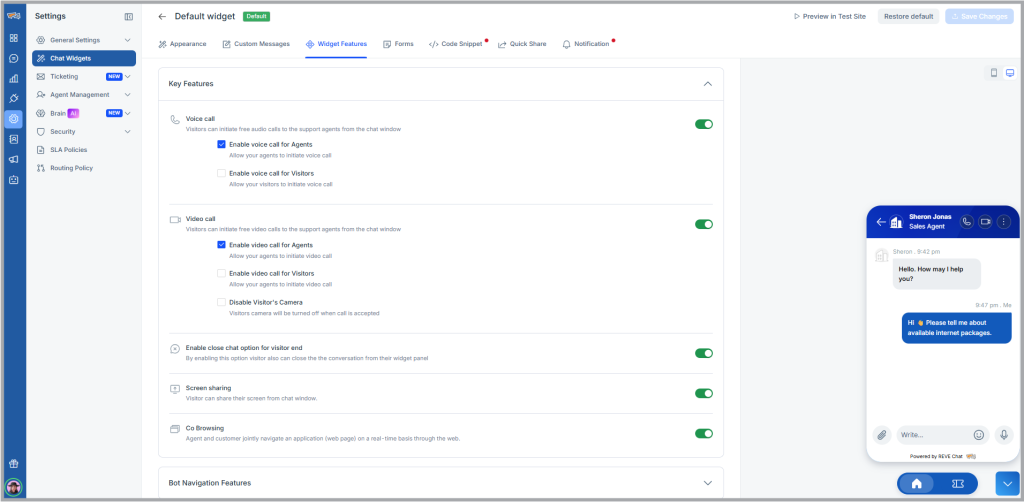
Where to find Audio/ Video chat option?
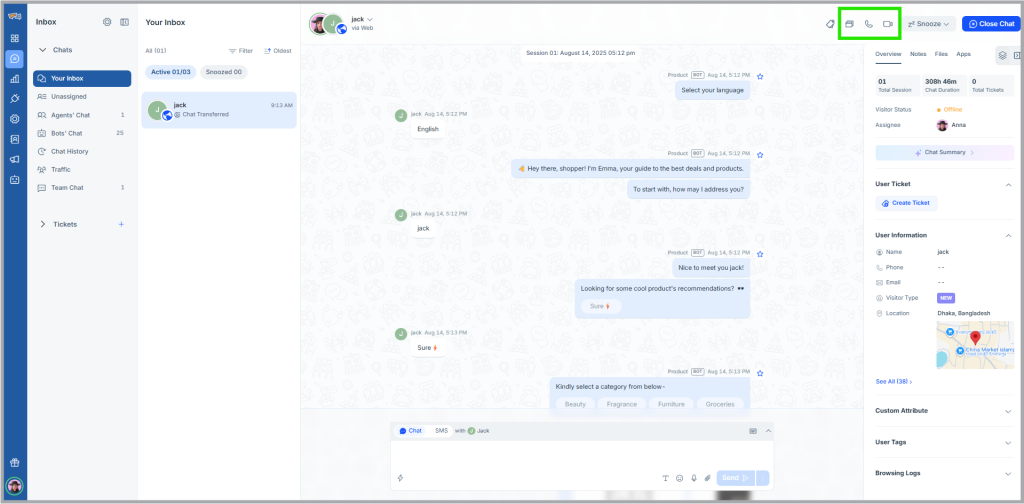
When your agent initiates video chat and the visitor accepts it, the icon appears on the top right side of the chat window.

 Start free trial