


Chat Monitoring for All Ongoing Agents’ Chat
- September 28, 2025
- 1 mins read
Table of Content
Agent’s chat folder stores all ongoing agents chat with visitors. Admin can even filter the agents chat according to bot or agent by simply selecting assignee and choosing preferred agent. Even, the admin, can sort the chat according to various channels in the agents folder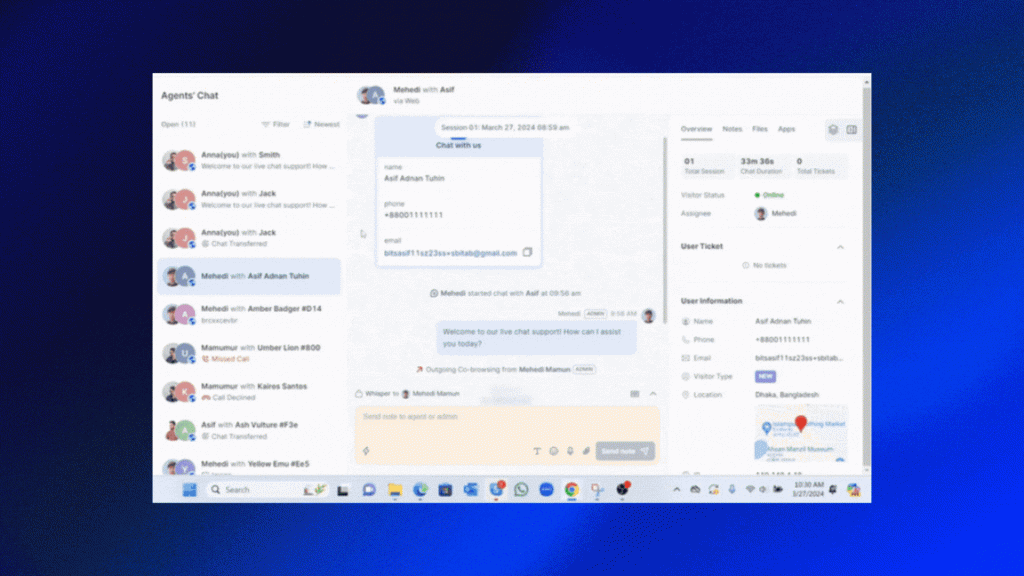
Chat monitoring for different Channel
Web
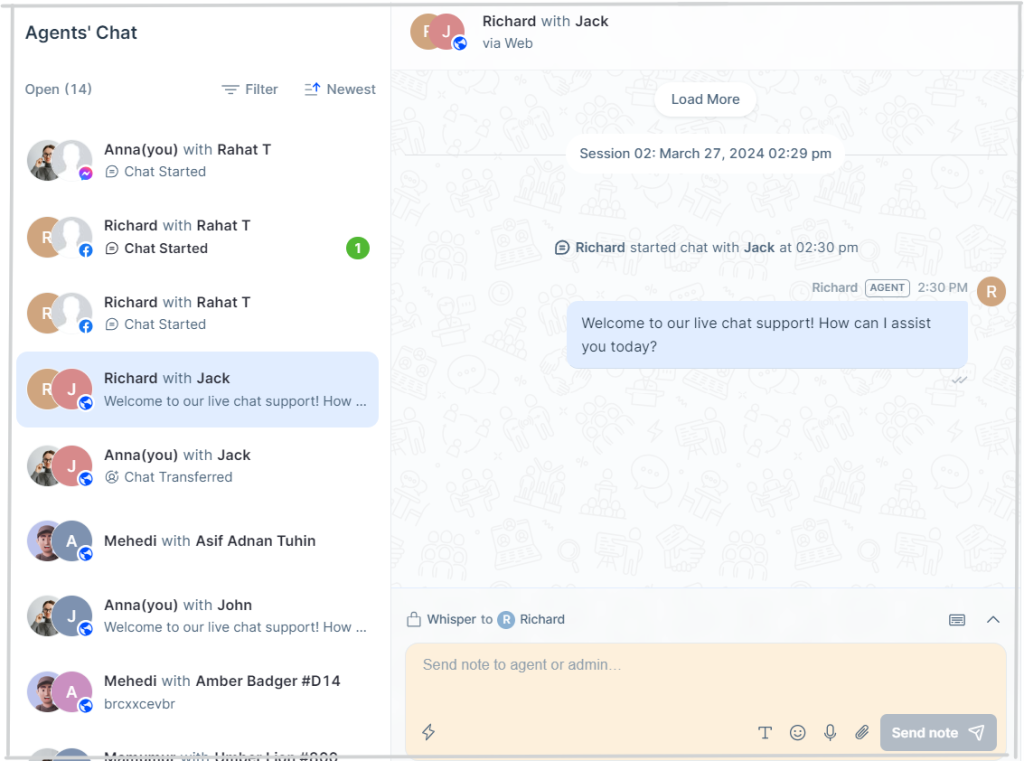
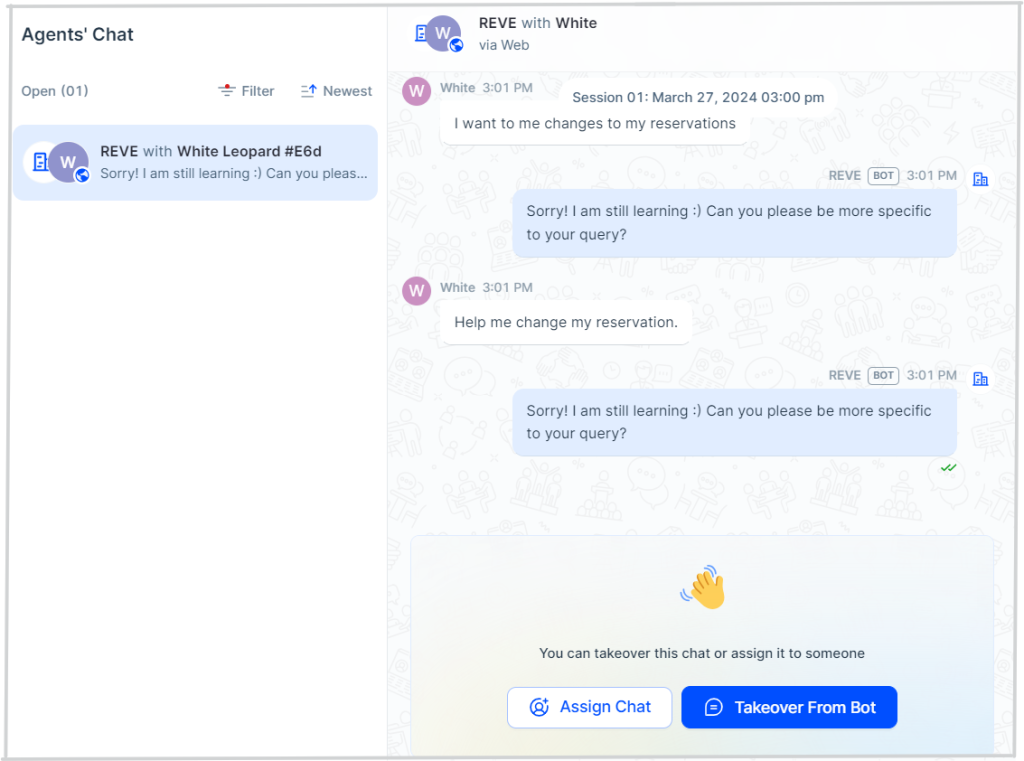
This is how agent chat monitoring works for web channel
Social Media
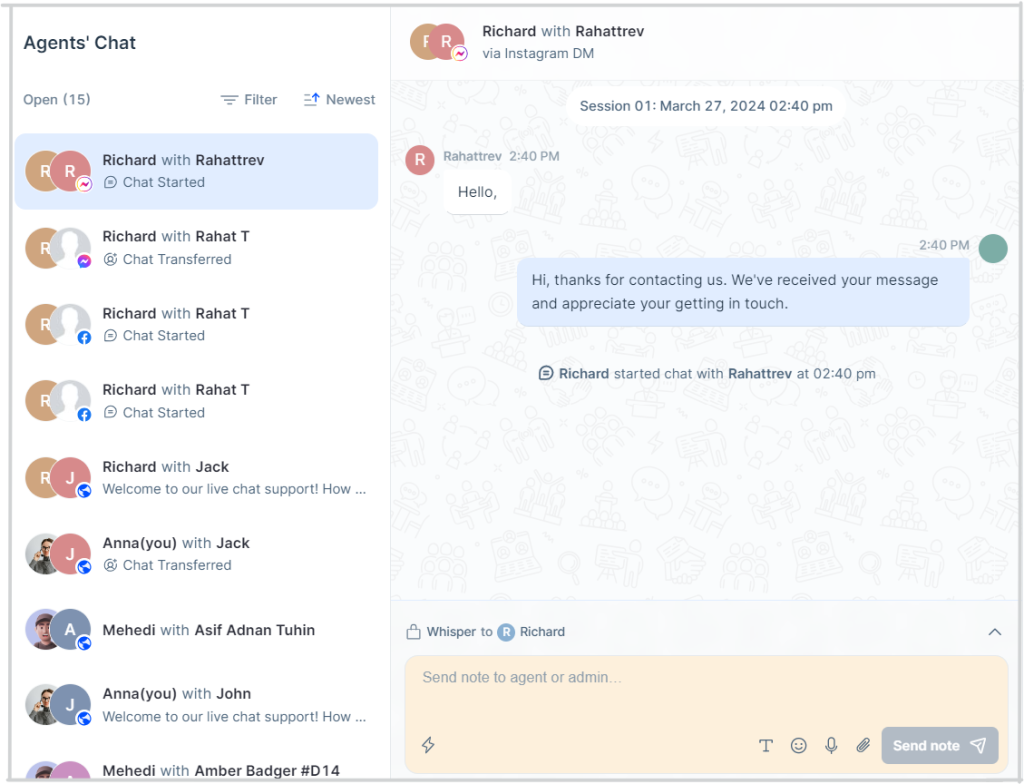
For any social media messenger (messenger, instagram message), agent chat monitoring will be similar to the web.
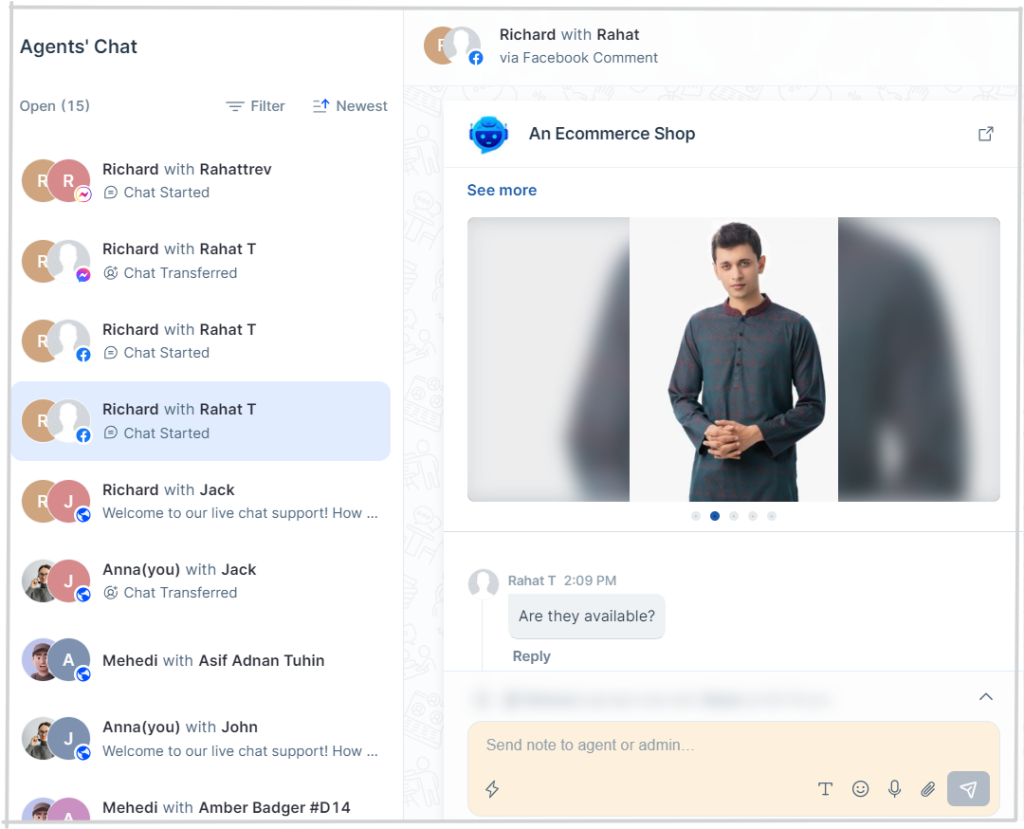
For any social media comment, agent monitoring will be specific post wise.
Bot Chat
Admins can as well monitor chatbots conversation by filtering and can take over when he thinks bot is unable to provide accurate answer. Admin can either takeover from bot or assign it to an agent.

 Start free trial