


Chat History for All Closed Conversations
- September 28, 2025
- 1 mins read
Table of Content
The chat history is now available for both admins & agents in the inbox panel. As a result users can easily search a past chat without the need to leave the inbox panel. Past chats are sorted according to “Agents Chat”, “Bot Chat” & “Abandoned Chat”.
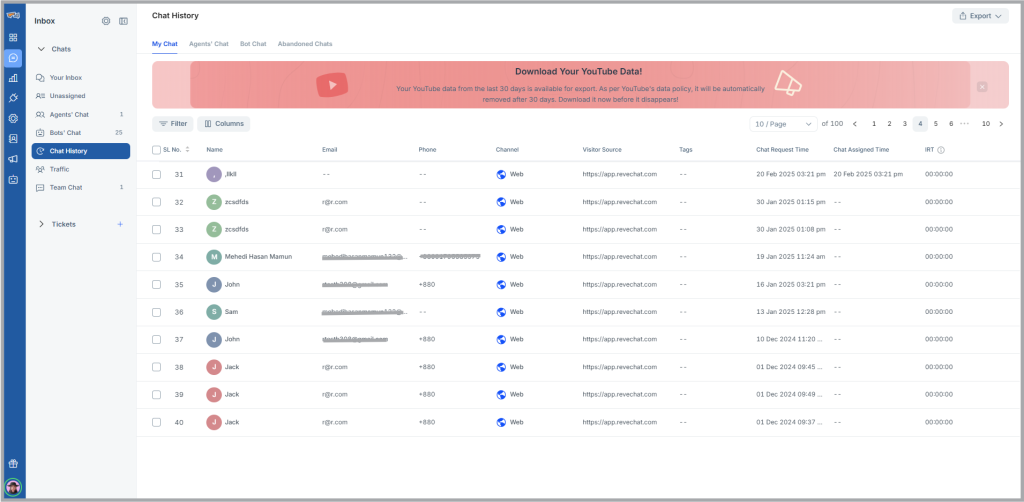
My Chat
In this folder users can view their past chats, where they have interacted with a visitor. Past chats can be filtered based on specific time, channel, chat tag, visitor name and many more. Even users can rearrange or enable/disable specific columns based on their preference.
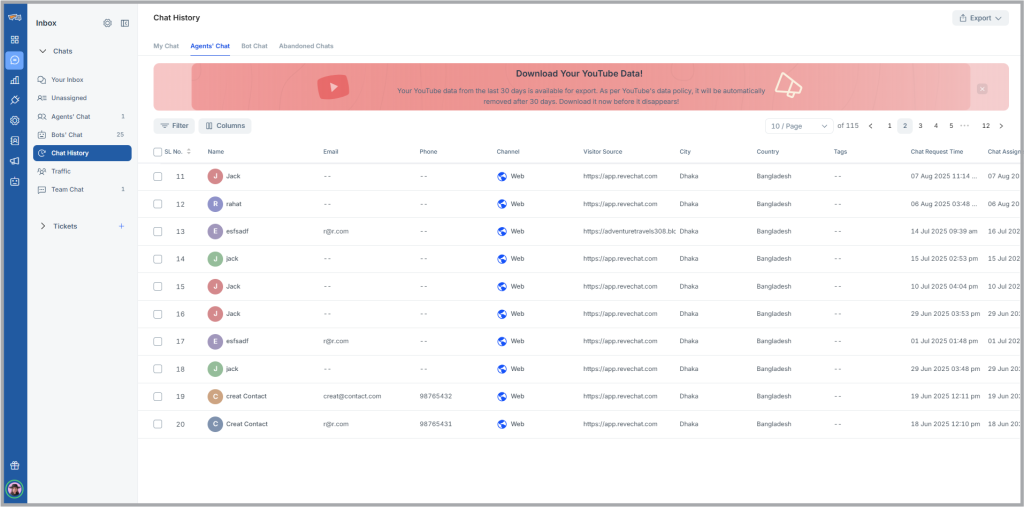
Agents’ Chat
In the agent’s chat users can view past closed chats by admins as well as agents. Past chats can easily be filtered according to agent, chat tag, channel as well as visitor’s name, phone, email.
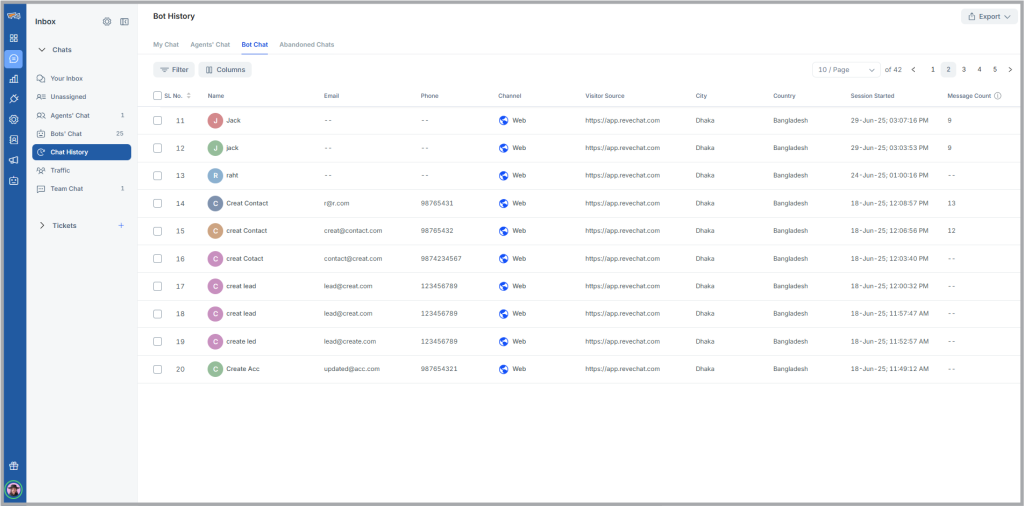
Bot Chat
The chatbot’s chat is separated from the agents chat in the chat history folder. Users can filter the chat according to chat bot’s name, channel or visitor name, phone, email.
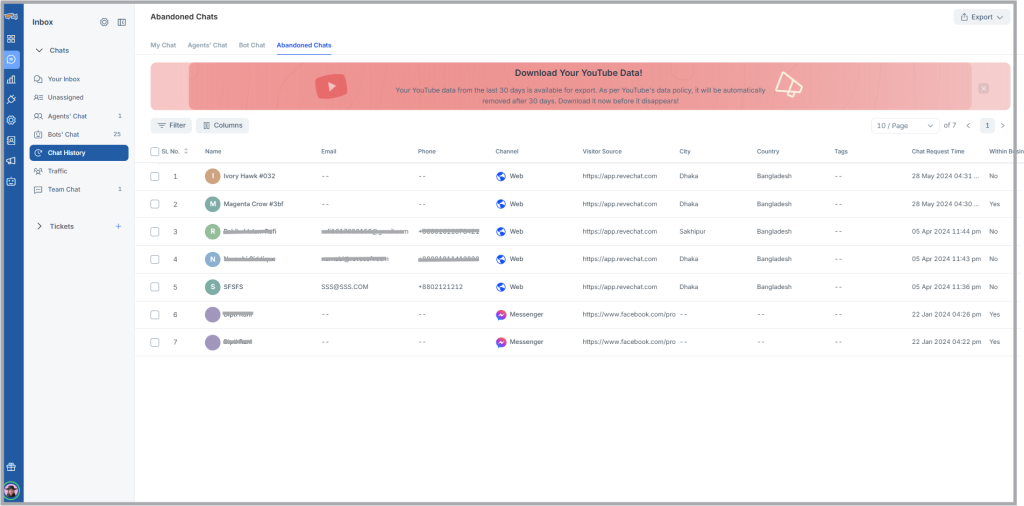
Abandoned Chat
When a chat request is unassigned & remains in the queued folder for 30 days the chat will be marked as abandoned chat.

 Start free trial