

Table of Content
Are you an online business owner, and your team is juggling customer inquiries from emails, phone calls, and social media? For instance, a customer submits an urgent issue via email, but it gets buried in the inbox. Another sends a message on Facebook, and no one notices it until hours later.
Sounds familiar? By turning every customer interaction into a trackable ticket, you ensure nothing falls through the cracks. A ticketing system can help manage and resolve customer queries efficiently.
But with so many options out there, how do you choose the right one for your business? To help you make the best decision, we’ve compiled the top 7 ticketing system examples for your business. Let’s explore.
What is a Ticketing System?
A ticketing system is a software solution that helps businesses manage, track, and resolve customer support requests efficiently. It automatically converts customer inquiries into tickets, allowing support teams to prioritize, assign, and monitor progress in a structured way.
Unlike traditional email-based support, a ticketing system centralizes all requests, preventing lost or delayed responses. It also offers automation, categorization, and real-time tracking, ensuring faster resolution times and improved customer satisfaction.
Learn more: What is a Ticketing System? How Does It Work & Examples
How Does a Ticketing System Work?
A ticketing system follows a structured process that takes a customer request from submission to resolution.
1. Ticket Creation
A customer submits a request through email, live chat, a website form, social media, or another connected channel. The system records the request as a ticket and assigns it a unique ID.
2. Categorization and Prioritization
The ticket is categorized by issue type, product, department, or customer segment. It may also receive a priority level based on urgency, customer impact, or SLA requirements.
3. Routing and Assignment
The system assigns the ticket to the most suitable agent or team. Assignment may be based on agent availability, workload, expertise, language, department, or predefined automation rules.
4. Investigation and Collaboration
The assigned agent reviews the customer’s information and previous interactions. If necessary, the agent can add internal notes, contact another department, or escalate the issue without losing its history.
5. Customer Updates
The customer receives updates while the ticket is being handled. Depending on the system, customers may also be able to check the ticket’s status through a self-service portal or ticket widget.
6. Resolution and Closure
Once the problem is resolved, the agent records the outcome and closes the ticket. The complete interaction remains available for reporting, future reference, and quality review.
Automation and AI can support several stages of this process, such as identifying intent, setting priority, routing the ticket, suggesting a reply, or resolving routine requests.
Benefits of Using a Ticketing System
A ticketing system provides more than a place to store customer requests. When properly implemented, it improves how support teams organize, prioritize, and resolve issues.
1. Prevent Requests From Being Missed
Every request becomes a trackable record with an owner, status, priority, and history. This reduces the risk of customer messages becoming lost in shared inboxes or disconnected channels.
2. Improve Response and Resolution Times
Automated routing sends requests to the right team without manual forwarding. Agents also receive the context they need to begin working on an issue sooner.
3. Create Clear Accountability
Ticket ownership shows who is responsible for each request. Managers can identify unassigned, overdue, escalated, or inactive tickets before they affect the customer experience.
4. Support Customers Across Channels
An omnichannel ticketing system brings requests from email, live chat, messaging platforms, and other channels into a unified workspace. Agents can follow the complete issue without repeatedly asking the customer for information.
5. Improve Team Collaboration
Agents can use internal notes, assignments, tags, and ticket histories to work with other departments. This makes complex requests easier to manage without creating disconnected conversations.
6. Provide Measurable Support Data
Ticket reports help businesses understand request volume, common issues, agent workload, response time, resolution time, SLA compliance, and customer satisfaction.
7. Scale Support Operations
Automation, self-service, and standardized workflows allow teams to manage increasing request volumes without relying entirely on manual processes. Salesforce emphasizes scalability, faster case resolution, and performance measurement as core ticketing benefits.
Types of Ticketing Systems
Ticketing systems can serve different teams and workflows. Understanding these categories can help you avoid choosing a platform that is powerful but unsuitable for your actual use case.
1. Customer Support Ticketing Systems
These systems manage questions, complaints, service requests, returns, and other issues from external customers. They commonly connect with email, live chat, messaging channels, social media, and customer portals.
Best suited for: Customer service, ecommerce support, SaaS support, telecom, banking, travel, and other customer-facing operations.
2. IT Help Desk and ITSM Systems
IT ticketing systems manage technical incidents and internal service requests. More advanced IT service management platforms may also support asset, problem, change, and incident management.
Best suited for: IT departments, technical support teams, DevOps teams, and large internal service desks.
3. Internal Employee Ticketing Systems
These platforms help departments manage requests from employees. HR may use them for payroll or benefits questions, while facilities and finance teams can use them for maintenance, procurement, or reimbursement requests.
Best suited for: HR, finance, facilities, legal, and internal operations.
4. Field Service Ticketing Systems
Field service systems connect service requests with technicians working outside the office. Tickets may be assigned according to location, availability, skill, or urgency.
Best suited for: Equipment maintenance, utilities, telecom field service, home services, and on-site repairs.
5. Open-Source Ticketing Systems
Open-source platforms give businesses greater control over hosting, data, and customization. However, they usually require technical resources for setup, security, maintenance, and upgrades.
Best suited for: Organizations with in-house technical teams and specific data or infrastructure requirements.
Key Considerations for Choosing a Ticketing Software
Choosing the right ticketing software is a game-changer. Whether you’re managing customer support, IT service requests, or event ticketing, the right tool streamlines operations, improves response times, and enhances customer satisfaction. But with so many options available, how do you pick the best one?
Here are the essential factors to consider before making your decision.
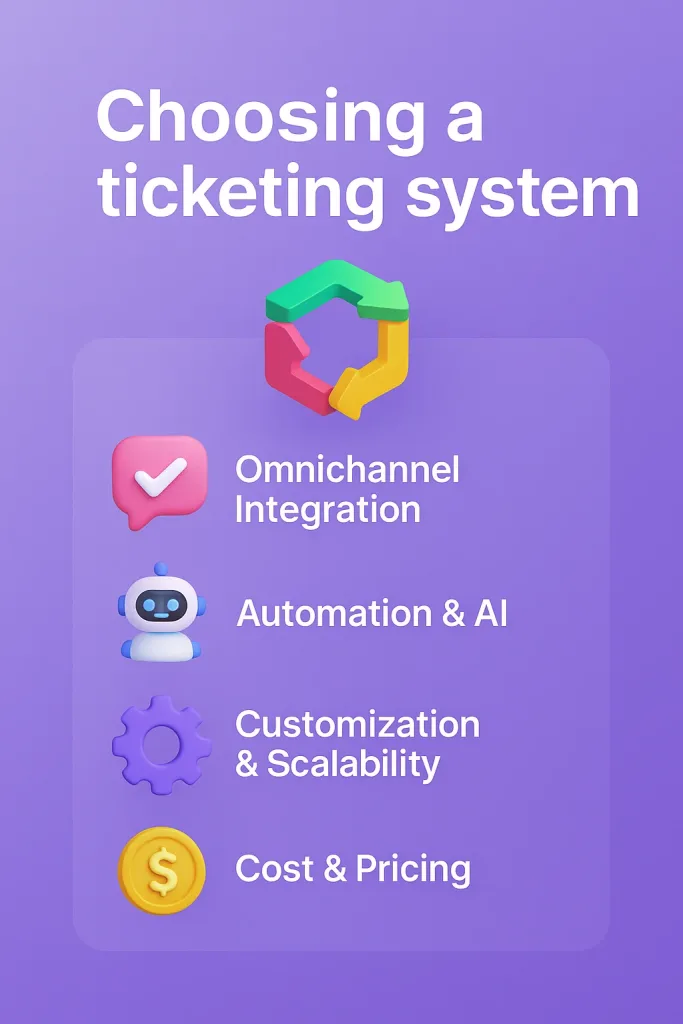
Omnichannel Integration
Customers expect seamless support across multiple platforms, including email, live chat, social media, and phone. A unified ticketing system helps centralize all conversations into one dashboard, ensuring:
✔ No lost tickets across different channels
✔ Faster response times with real-time tracking
✔ A 360-degree view of customer interactions
Seamless Integration of Live Chat and Chatbot
A modern ticketing system should seamlessly integrate with live chat and AI chatbots. This ensures that customer queries are addressed instantly and escalated efficiently when needed. Look for:
✔ Real-time chat support linked to ticketing for faster resolutions
✔ AI chatbots that handle common questions and create tickets for complex issues
✔ Smooth transition from bot to human agents without losing context
Automation & AI Capabilities
Consider choosing a modern ticketing system. A modern ticketing system should include:
✔ AI chatbots to handle common queries instantly
✔ Automated ticket routing based on priority and category
✔ Canned responses & smart replies to save time
UI & UX Experience for Smooth Workflow
A ticketing system should simplify workflows, not complicate them. If your team struggles to navigate the platform, response times will suffer. A clean interface helps reduce ticket resolution time and ensures seamless ticket management. Look for:
✔ Easy-to-use dashboards
✔ Drag-and-drop functionalities
✔ Minimal learning curve for agents and customers
Customization & Scalability
Every business has unique needs. Your ticketing software should allow:
✔ Custom ticket fields to capture relevant details
✔ Automated workflows for ticket assignment and prioritization
✔ Scalability to handle increased demand as your business grows
Reporting & Analytics
A great ticketing system provides:
✔ Detailed reports on ticket resolution times, agent performance, and customer satisfaction
✔ Customizable dashboards for real-time insights
✔ AI-powered analytics to detect patterns and optimize workflows
Cost & Pricing Model
Consider total costs. Some ticketing platforms offer free trials, so test before committing. Consider the following things:
✔ Subscription fees vs. one-time payment models
✔ Additional costs for integrations, extra seats, or premium features
✔ Scalability options for future growth
Customer Support & SLA Guarantees
What happens if your ticketing software goes down? Reliable customer support is crucial. Look for:
✔ 24/7 customer support via multiple channels
✔ A clear Service Level Agreement (SLA)
✔ Comprehensive knowledge base and training resources
Selecting the right ticketing software is an investment in efficiency, customer satisfaction, and long-term growth. Evaluate your needs carefully and choose a platform that aligns with your goals.
How We Evaluated These Ticketing Systems
To make this comparison useful, we evaluated each ticketing system based on the factors that have the greatest effect on daily support operations:
- Ticket management: How effectively the platform creates, categorizes, assigns, tracks, and closes tickets.
- Channel coverage: Whether it can manage requests from email, live chat, messaging platforms, social media, and other channels.
- Automation and AI: The availability of automatic routing, prioritization, suggested replies, self-service, and AI-assisted resolution.
- Agent experience: How easy it is for agents to find information, collaborate, and manage their queues.
- Customer experience: Whether customers can submit requests, receive updates, and track ticket progress easily.
- Customization: Support for custom forms, fields, statuses, workflows, and business rules.
- Reporting: The ability to track response time, resolution time, ticket volume, SLA performance, and agent productivity.
- Integrations: How well the system connects with CRM, communication, ecommerce, and business applications.
- Scalability: Whether the platform can support increasing ticket volumes, channels, teams, and business requirements.
- Pricing: The starting price, plan limitations, and possible additional costs.
The best option will depend on your support channels, team size, workflow complexity, and the type of requests you manage.
7 Best Ticketing System Examples for Customer Support
Choosing the right ticketing system can significantly enhance your customer support experience. Let’s explore seven top-notch options that cater to various business needs.
| Rank | Tool Name | Key Features/Description | Additional Features | Pricing (Updated 2026) |
|---|---|---|---|---|
| 1 | REVE Chat | Seamless Live Chat and Chatbot integration | Integrated live chat & chatbot support, Omnichannel dashboard, Advanced analytics, Scalability | Starts at $14.99/mo |
| 2 | Desk365 | AI-powered ticketing for teams looking to elevate customer service | Microsoft Teams ticketing, Workflow automation, Knowledge base, Analytics, and reporting | Starting at ~$12/agent/mo (entry plans) |
| 3 | Gorgias | E-commerce businesses seeking integrated support solutions | Multi-channel support, automation, e-commerce platform integration | From ~$60/mo (entry/Basic) |
| 4 | Connecteam | Internal team management and operational efficiency | Task management, communication tools, customizable workflows | From ~$29/mo (for up to 30 users) |
| 5 | GrooveHQ | Simplified customer support for small teams | Shared inbox, knowledge base, reporting, integrations | From ~$12–$15/mo (entry) |
| 6 | DoneDone | Basic ticketing and task management needs | Simple ticketing, task management, real-time collaboration | From ~$9–$12/mo (entry) |
| 7 | Help Scout | Personalized customer support with collaborative tools | Shared inbox, knowledge base, customer management, reporting | Starts at $14.99/mo |
1. REVE Chat
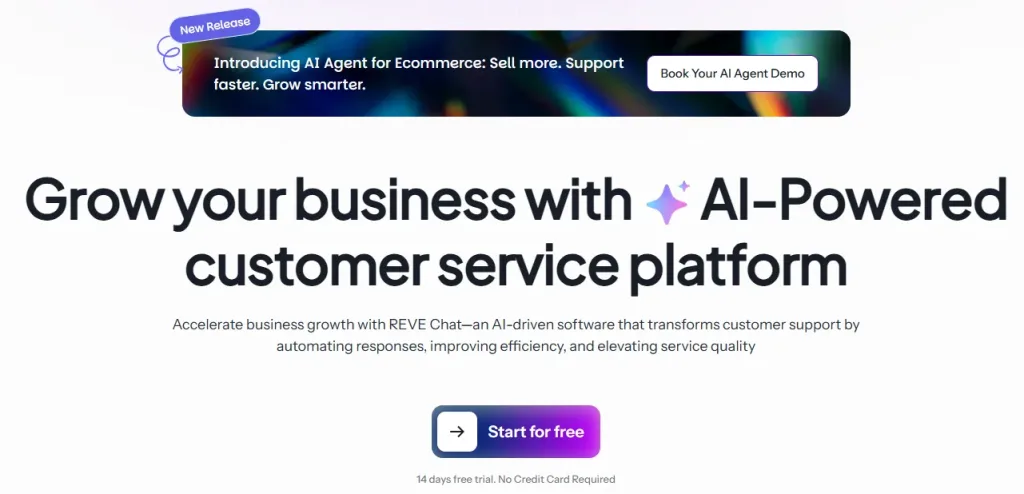
REVE Chat’s ticketing system empowers businesses with AI-driven automation and omnichannel support. It allows customers to connect with agents via live chat, social media, messaging apps, and email, ensuring seamless interactions. The platform integrates with third-party apps and CRM tools to enhance workflow efficiency.
Collaboration tools like real-time monitoring, agent handovers, and chatbot-human transitions help support teams provide a smooth customer experience. REVE Chat also offers AI-powered self-service options, reducing ticket resolution time. Other features include intelligent routing, reporting, and automated workflows.
Key Features
- Customizable Ticket Forms: Enable customers to create and track tickets independently. It enhances self-service and reduces agent workload.
- Dynamic Ticket Status: Monitor and update ticket statuses based on issue progression to ensure clear communication and transparency.
- Ticket Widget: Allow customers to submit tickets directly from an embedded widget, streamlining the support process.
- Ticket Segmentation: Categorize tickets based on issue type, enabling faster prioritization and resolution.
- Advanced Ticket Filters: Filter tickets by specific issues or criteria, helping agents focus on high-priority requests.
- Comprehensive Ticketing Dashboard: Gain insights into key metrics like First Response Time (FRT) and Initial Response Time (IRT) for real-time performance tracking.
- Import Ticket & Email Sync: Seamlessly import tickets from existing systems or sync with email platforms for a unified support experience.
- Ticket Folder Organization: Organize tickets into folders to streamline workflows and improve issue resolution efficiency.
- AI-Powered Chatbots & Automation: Handle routine queries and route complex issues to agents with context, minimizing response times.
- Omnichannel Support: Manage interactions across Live Chat, WhatsApp, Facebook Messenger, and more from a single dashboard.
- Real-Time Monitoring & Analytics: Track agent performance and customer satisfaction with advanced reporting tools.
- Third-Party Integrations: Connect with CRM systems and other tools to enhance workflow efficiency.
Pricing
- Starts at $14.99/mo
Customer Feedback
- REVE Chat’s AI chatbot has significantly reduced our response time. We now handle customer queries faster and more efficiently!” — Emma L., E-commerce Manager
- “REVE Chat’s ticketing system integration with our CRM made a game-changer for our support team.” — David R., Customer Support Lead
2. Hiver
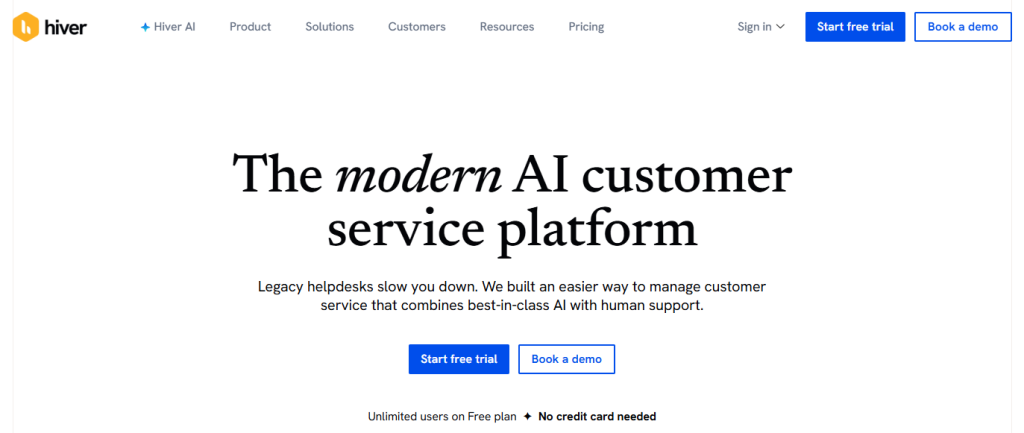
Hiver is a modern AI-powered ticketing system that enables teams to manage support across all channels, including email, chat, WhatsApp, voice, text, and more all from a single interface.
What stands out is their deep integration with Gmail. Unlike other helpdesks that require your team to get acclimatized to new software, Hiver turns your existing inbox into a customer service platform. And recently, they’ve also launched a web app to support teams on Outlook and other email services.
Key Features
- Omnichannel ticketing
- AI co-pilot
- Live chat
- Knowledge base
- SLA Management
- Analytics
Pricing
- Starting at $15–$19 per user/mo
Customer Feedback
- “Hiver has completely transformed how our team manages shared inboxes and collaborative email workflows. As a virtual assistant handling both administrative and support functions, I’ve found Hiver to be an essential tool in staying organized, responsive, and efficient.“- Lean L.General Virtual Assistant
- “With Hiver, we can maintain a remote team that can communicate effectively. Hiver allows us to turn email into a “ticketing system” of sorts, without having to add an additional piece of software.“- Christina H, Small Business Founder
3. Intercom

Intercom’s ticketing system is designed for customer engagement and personalized support. It integrates live chat, AI-powered bots, and automation to create a seamless customer experience. Businesses can manage customer interactions via messaging apps, email, and web chat, ensuring a unified support process.
Intercom also enables proactive support through targeted messages and product tours, helping businesses onboard customers effectively. With its automation workflows and self-service portals, businesses can optimize their support processes and reduce ticket resolution times.
Key Features
- AI-powered bots for automated responses
- Live chat with proactive messaging
- Omnichannel support (email, in-app, social messaging)
- Workflow automation and chat routing
- Customizable reporting and analytics
- Knowledge base and self-service options
Pricing
- Starting at $29 per seat/mo
Customer Feedback
- “Intercom has helped us scale our support without increasing team size. The chat automation is a lifesaver!” — Mark T., SaaS Product Manager
- “Our customer engagement has skyrocketed since switching to Intercom. Highly intuitive and powerful!” — Lisa D., Growth Manager
4. HelpDesk
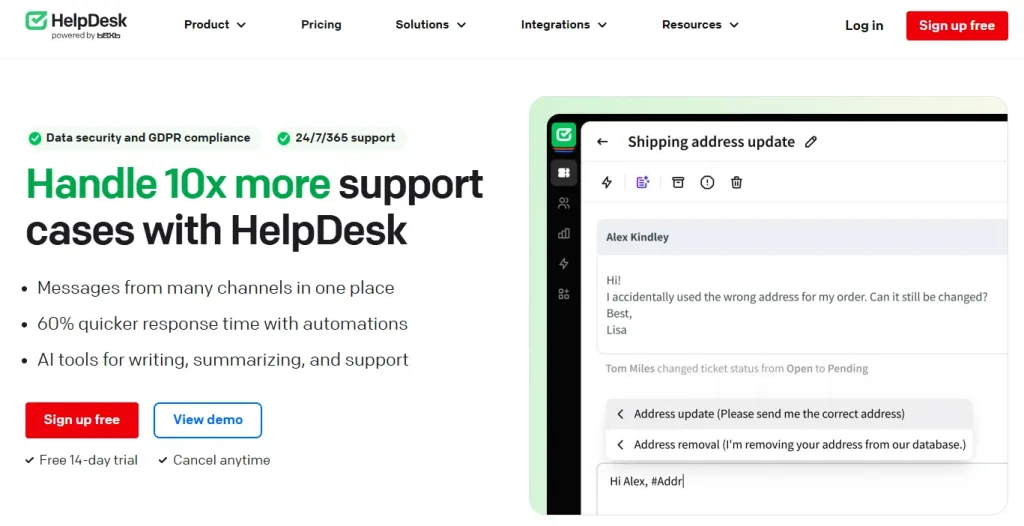
HelpDesk’s ticketing system simplifies customer support by providing an intuitive platform for managing customer queries. It streamlines ticket organization, ensuring that requests are automatically assigned to the right team members based on predefined rules.
The platform also offers collaboration features like internal notes and shared tickets, making it easier for teams to work together. With automation tools, canned responses, and detailed reporting, HelpDesk helps businesses optimize their support operations and enhance customer satisfaction.
Key Features
- Easy-to-use ticketing system
- Automation rules for ticket assignment
- Shared tickets and team collaboration tools
- Canned responses for quick replies
- Reporting and analytics for performance tracking
- Integration with third-party apps
Pricing
- Starting at $29 per seat/mo
Customer Feedback
- “HelpDesk’s automation features have saved our team so much time. We can now focus on solving complex issues instead of manual ticket management.” — Tom W., Customer Support Specialist
- “The shared ticketing system is a game-changer! Our team collaborates seamlessly, reducing response times.” — Sarah B., Operations Manager
5. Freshservice
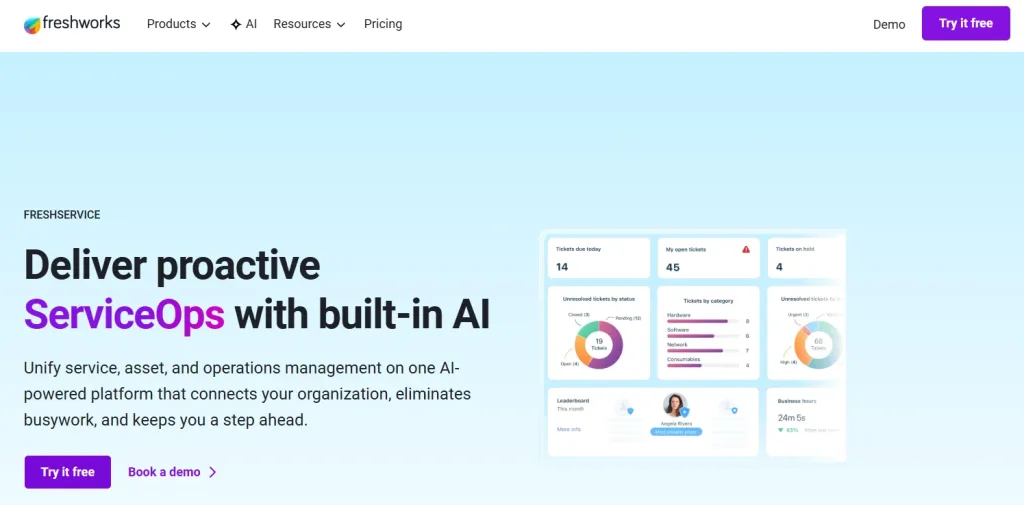
Freshservice is an IT-focused ticketing system designed to streamline incident management and IT service operations. AI-powered automation simplifies request handling and ensures tickets are categorized and prioritized efficiently.
The platform includes asset management, allowing businesses to track IT resources, software licenses, and configurations. Additionally, Freshservice offers a self-service portal where employees can find solutions to common issues without reaching out to support.
Key Features
- AI-powered ticket automation
- IT asset and change management
- Self-service portal for end-users
- SLA (Service Level Agreement) tracking
- Customizable workflow automation
- Detailed reporting and analytics
Pricing
- Starting at $19 per seat/mo
Customer Feedback
- “Freshservice has completely transformed our IT support. The automation and asset management tools are fantastic!” — Daniel H., IT Director
- “The self-service portal reduces the number of tickets we receive, helping our team focus on urgent IT requests.” — Julia S., Help Desk Manager
6. Zoho Desk
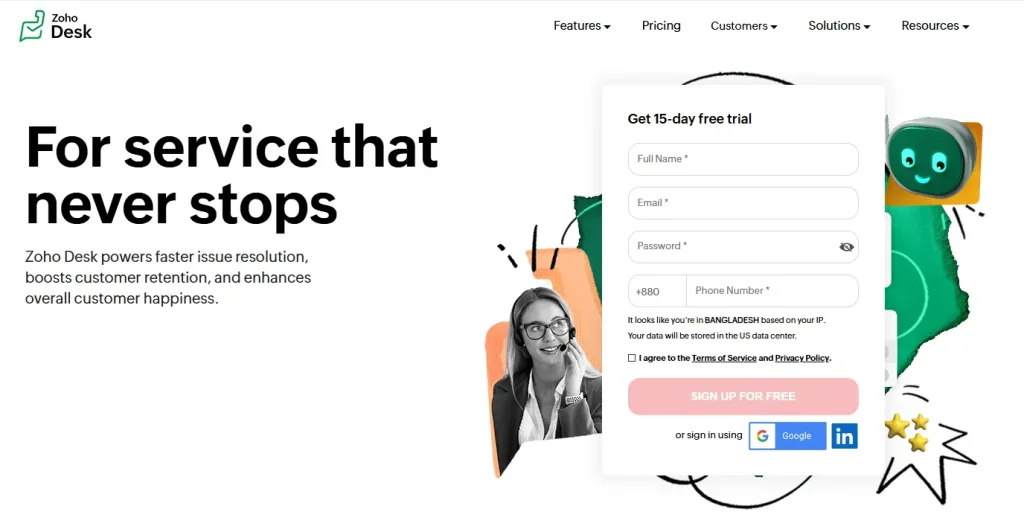
Zoho Desk’s ticket management system helps customer-facing support teams track requests. It offers omnichannel support, allowing customers to connect with agents via email, social media, live chat, telephony, web forms, or social messaging apps. Zoho Desk supports third-party apps and integrates with its suite of native products.
Collaboration tools like team feeds, @mentions, and shared tickets enable support agents to collaborate on issues to avoid transfers and escalations. Other features of Zoho Desk’s customer service ticketing system include reporting and analytics tools, escalations, and automated workflows. Users can also manage multiple help centers with knowledge bases, FAQs, and communities for different brands.
Key Features
- Generative AI agents
- AI-powered self-service
- Omnichannel support
- Workflow automation
- Reporting and analytics
- Knowledge base
- Custom dashboards
Pricing
- Starting at $19-$29 per seat/mo
Customer Feedback
- “Zoho Desk’s AI-powered assistance has made our support team more efficient. Customers love the quick responses!” — Lucas G., Support Team Lead
- “The ability to integrate Zoho Desk with our existing CRM has streamlined our workflows significantly.” — Emma V., Business Analyst
7. Zendesk
Zendesk is a powerful and scalable customer service platform that offers robust ticketing and help desk solutions. It supports multichannel communication, allowing businesses to manage tickets from email, live chat, social media, and messaging apps in one unified dashboard.
Zendesk also provides a comprehensive knowledge base, AI-driven automation, and self-service portals to help businesses reduce ticket volume. Its extensive customization options and integrations make it a flexible choice for companies of all sizes.
Key Features
- Advanced ticketing system with automation
- AI-powered chatbots and a self-service portal
- Multichannel support (email, live chat, social media, etc.)
- SLA and escalation management
- Detailed reporting and performance analytics
- Extensive third-party integrations
Pricing
- Starting at $29 per seat/mo
Customer Feedback
- “Zendesk’s automation has drastically improved our ticket resolution time. It’s a must-have for growing support teams!” — Rachel C., Customer Experience Manager
- “We love the knowledge base feature—it has reduced our support tickets and empowered customers to find answers on their own.” — Brian T., Operations Lead
How to Implement a Ticketing System
Selecting the software is only part of the process. A clear implementation plan helps the team adopt it successfully and prevents existing support problems from being transferred into a new system.
1. Map Your Current Support Process
Document where requests originate, how they are assigned, which teams handle them, and where delays commonly occur. Identify repetitive work that could be automated.
2. Define Ticket Categories and Priorities
Create a simple set of categories based on your most common requests. Establish what qualifies as low, normal, high, or urgent priority.
3. Configure Forms and Workflows
Set up the information customers must provide, ticket statuses, routing rules, assignment conditions, notifications, escalations, and SLA policies.
4. Connect Your Support Channels
Integrate the channels customers already use, such as email, live chat, website forms, WhatsApp, or social media. Test whether customer context remains available when a request moves between channels.
5. Migrate Essential Data
Import active tickets, customer details, and relevant conversation history. Avoid migrating unnecessary outdated data that could make the new system harder to manage.
6. Run a Pilot
Start with one team, channel, or ticket category. Use the pilot to identify routing errors, unclear statuses, missing fields, or unnecessary steps.
7. Train Agents and Launch
Train agents on ticket ownership, escalation, internal collaboration, and closure procedures. After launch, monitor performance and refine workflows based on actual usage.
Monday.com similarly recommends mapping the existing process, evaluating costs, testing the platform, and creating a go-live plan before a full rollout.
Metrics to Track After Implementation
Once the ticketing system is active, monitor whether it is improving support performance. Useful metrics include:
- First response time: How long customers wait for the first reply.
- Average resolution time: How long it takes to resolve and close a ticket.
- First-contact resolution rate: The percentage of issues resolved without repeated interactions.
- SLA compliance rate: The percentage of tickets handled within agreed response and resolution targets.
- Ticket backlog: The number of unresolved tickets waiting for action.
- Reopen rate: The percentage of closed tickets reopened because the issue was not fully resolved.
- Ticket volume by category: The most common reasons customers request support.
- Agent workload: The number and complexity of tickets assigned to each agent.
- Customer satisfaction: How customers rate the support they receive.
- Automation or self-service rate: The percentage of requests handled without complete manual intervention.
Review these metrics by channel, ticket type, team, and period. Averages alone can hide problems such as urgent tickets waiting too long or one category creating a disproportionate workload.
Conclusion
Choosing the right ticketing system is crucial for delivering seamless customer support and streamlining your business operations. Whether you’re looking for an AI-powered help desk, IT service management, or a scalable omnichannel platform, the options we’ve covered offer robust solutions tailored to different business needs.
When selecting a ticketing system, consider factors like automation, integrations, ease of use, and reporting capabilities to ensure it aligns with your customer service goals. A well-implemented ticketing system doesn’t just improve efficiency; it enhances customer satisfaction and drives long-term business success.
Still unsure which one is the best fit for your business? Start with a free trial or a live demo to experience how the ticketing system can transform your support process.
Frequently Asked Questions
A ticketing system is a software application designed to manage and track customer support requests, issues, or inquiries. It converts these interactions into “tickets,” allowing support teams to monitor progress, prioritize tasks, and ensure timely resolutions.
When a customer submits a query through channels like email, chat, or web forms, the system automatically generates a ticket containing details about the issue. This ticket is then categorized, prioritized, and assigned to the appropriate support agent or team. Throughout its lifecycle, the ticketing system tracks updates, facilitates communication, and maintains a record until the issue is resolved and the ticket is closed.
Essential features of an effective ticketing system include:
1. Multi-channel support: Ability to handle requests from various platforms (email, chat, social media).
2. Automation: Automated ticket assignment, routing, and escalation to improve efficiency.
3. Knowledge base integration: Providing self-service options for common issues.
4. Reporting and analytics: Insights into metrics like response times and customer satisfaction.
5. Customization: Ability to tailor workflows, fields, and user interfaces to fit specific business needs.
Implementing a ticketing system offers several advantages:
1. Improved organization: Centralizes all customer inquiries in one platform.
2. Enhanced efficiency: Automation reduces manual tasks, allowing support teams to focus on complex issues.
3. Better customer satisfaction: Timely and effective responses lead to happier customers.
4. Data-driven decisions: Analytics provide insights into performance and areas for improvement.
Yes, most modern ticketing systems can integrate with various other applications, such as:
1. Customer Relationship Management (CRM) systems: To provide a unified view of customer interactions.
2. Email platforms: For seamless communication.
3. Live chat tools: To capture real-time customer interactions.
4. Collaboration tools: Enhancing internal communication among support teams.
Build AI-powered support with Wize AI
Connect business knowledge, automate support conversations, and improve response quality without managing a complex AI stack.
Explore Wize AI Agent Rate the article

Ehsanur Rahman
Head of Customer Communication
Ehsanur Rahman, the Head of Customer Communication at REVE Chat is dedicated to implementing advanced solutions that boost customer interactions and satisfaction. Ehsanur's passion for technology and customer service drives his commitment to delivering exceptional experiences.
View all articles