

Table of Content
AI SUMMARY
Quick Answer
This blog compares seven live chat platforms for banking: REVE Chat, Intercom, Zendesk, Salesforce Service Cloud, Zoho Desk, Freshchat, and LiveChat. It examines features, pricing, strengths, and limitations, alongside security, customer authentication, integrations, and mobile support. Banks can also learn how to evaluate fraud escalation, guide customers through digital services, and measure support performance before choosing a platform.
A customer reaches the last page of a loan application and cannot submit it. Another opens the banking app to report a payment they do not recognize. Both need help, but they need different teams and different levels of verification.
That is what makes choosing live chat software for a bank more demanding than adding a chat window to a website. The software has to fit how the bank identifies customers, shares information, handles complaints, and follows up on unresolved requests.
The best live chat software for banking depends on those needs. REVE Chat is a candidate for visual assistance, Intercom for messaging and AI support, Zendesk for ticket workflows, and Salesforce for service connected to CRM records. Zoho Desk, Freshchat, and LiveChat offer other approaches worth comparing.
In this blog, you will learn about their features, pricing, benefits, and limitations before deciding which option fits your bank.
KEY TAKEAWAY
Choosing Live Chat for Better Banking Support
Banks need chat software that fits their support requirements. Compare seven platforms by features and pricing. Check authentication, privacy controls, and banking integrations carefully. Prioritize clear guidance and reliable fraud escalation. Test shortlisted tools and consistently measure customer service performance.
What Should Banks Look for in Live Chat Software?
The right software should meet customer needs and your bank’s security requirements. Review these areas before choosing a provider.
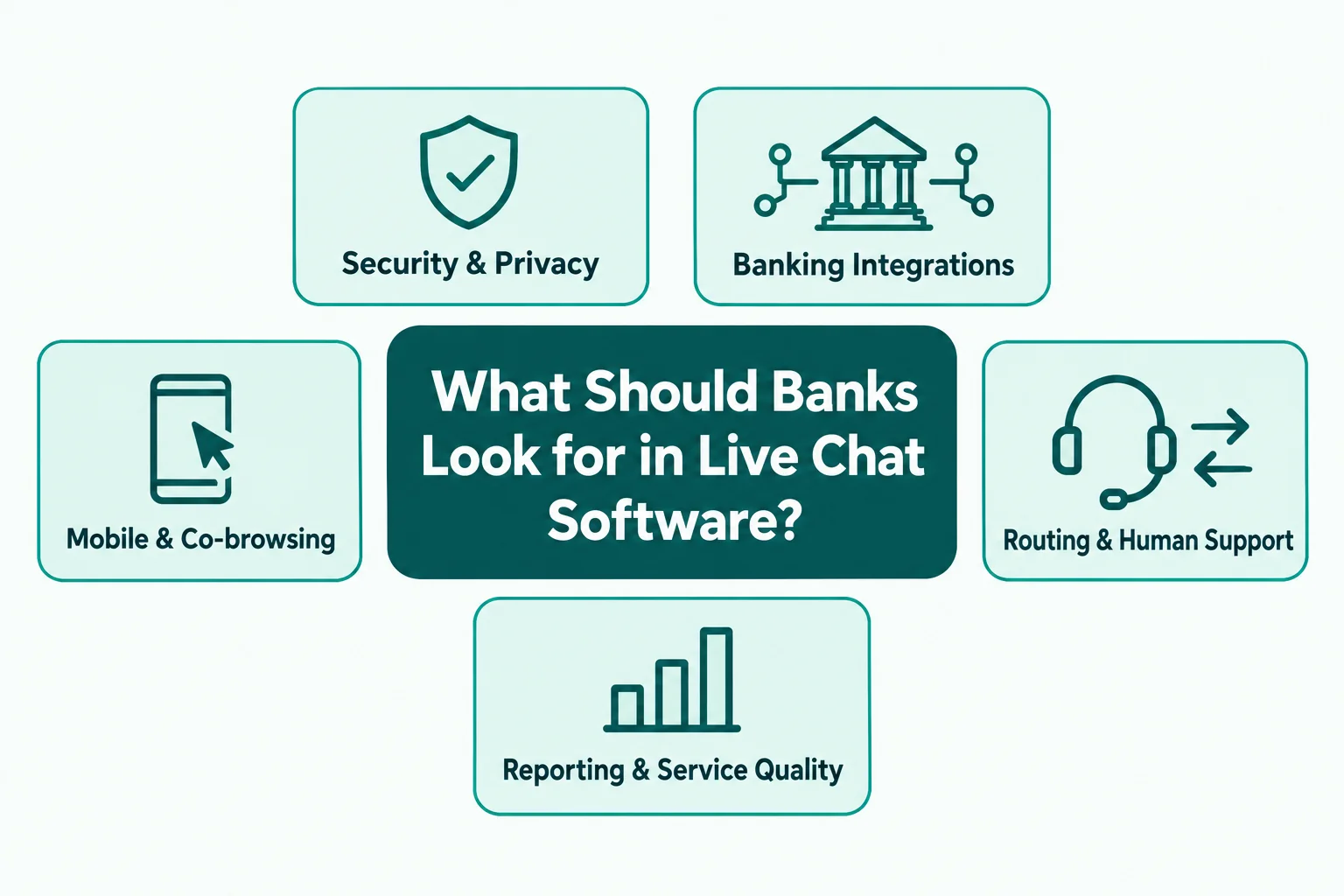
Security and customer privacy
Look for encryption, access controls, audit logs, and options to mask sensitive information. Ask providers for their security documents and details about data storage and retention.
Banks should also review how the software handles personal information. A product feature alone does not guarantee compliance with financial regulations.
Banking system integrations
Banking customer service software should work with your existing tools. CRM integration can help agents access customer details and conversation history. APIs may connect the chat platform with internal systems.
Ask providers to confirm the integrations they support. A platform with an API may still require custom development to connect with your core banking system.
Mobile support and co-browsing
Customers often need help while using mobile banking apps. Live chat for financial services should work well on mobile devices and support clear communication.
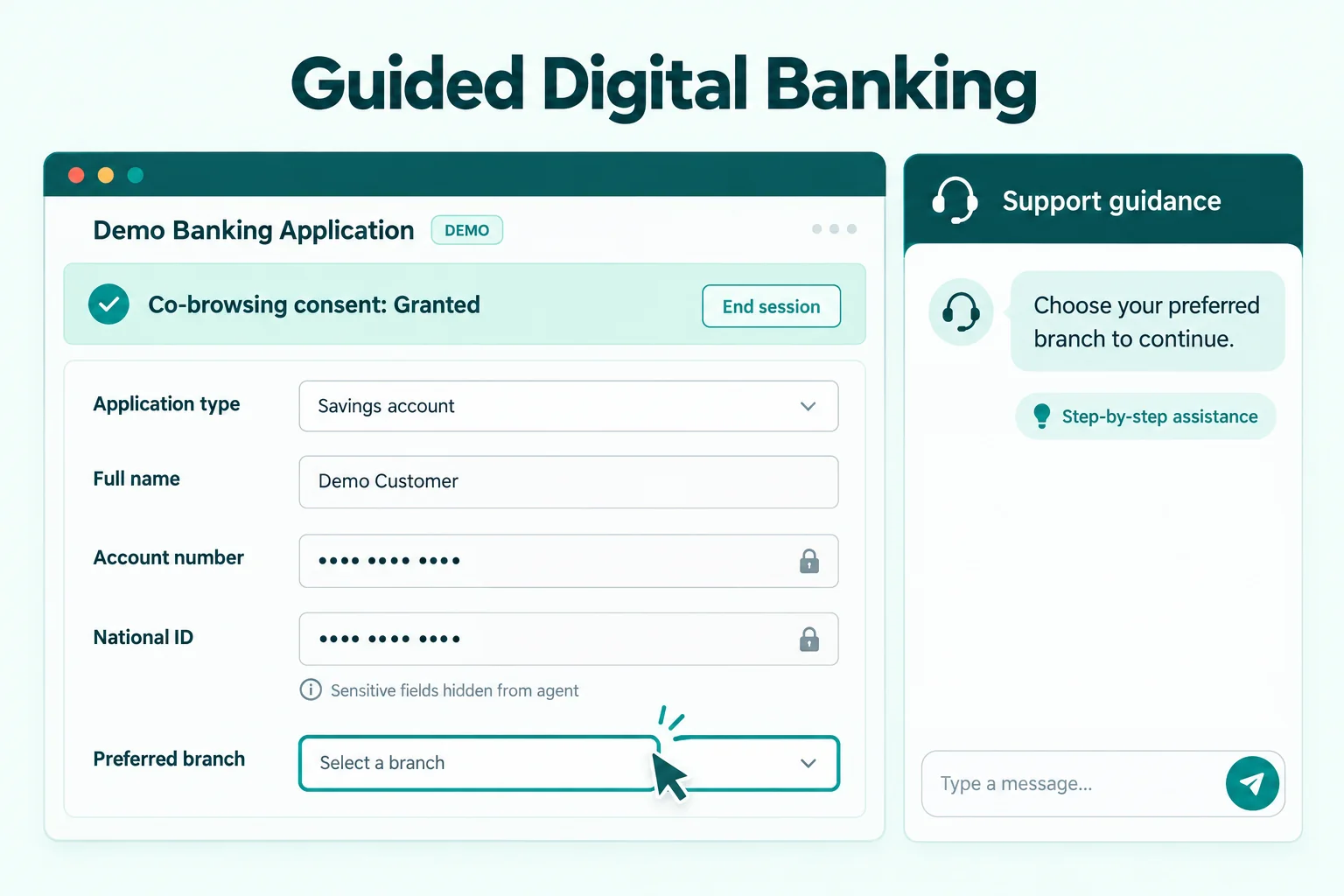
Co-browsing allows agents to guide customers through supported web pages. Some tools also offer voice and video assistance. Banks should check how these features handle private fields and customer consent.
Routing and human support
A customer with a card issue should reach the right team without repeating the problem. Automatic routing can direct requests to the relevant department.
Automation can answer routine questions. Human agents should handle complaints, suspicious activity, and requests that require careful judgment.
Reporting and service quality
Look for reports on response times, resolution rates, customer satisfaction, and agent workload. These metrics help managers identify problems and improve service.
7 Best Live Chat Software for Banking
Each provider serves different needs. Compare the tools based on your support volume, security policies, available integrations, and budget.
| Software | Consider it when | Important purchase check |
|---|---|---|
| REVE Chat | Customers need live chat with visual guidance | Confirm co-browsing scope, mobile SDK access, and the complete quoted package |
| Intercom | Messaging and AI assistance are central to support | Budget for seats and Fin outcomes separately |
| Zendesk | Requests need tickets and follow-up across teams | Compare Suite features rather than assuming the lowest Support price includes chat |
| Salesforce Service Cloud | Service cases need to sit alongside Salesforce customer records | Confirm the service edition, digital channel licensing, and implementation scope |
| Zoho Desk | The team needs ticket management within the Zoho ecosystem | Distinguish Business Messaging from the SalesIQ live chat channel |
| Freshchat | The priority is shared messaging with a clear plan ladder | Check the plan needed for audit logs and customer authentication |
| LiveChat | Website conversations are the main requirement | Confirm whether the offer is for LiveChat or the newer Text product |
1. REVE Chat
Best for: Live chat with visual assistance
REVE Chat offers live chat, customer messaging, co-browsing, voice and video support, and AI-based customer assistance. Its financial services solution serves banks and other financial institutions that want to support customers through digital channels.
The platform combines live support with visual assistance tools. For example, an agent may guide a customer through a web form or help resolve a problem with a digital service. These features can help when written instructions are not enough.
REVE Chat also offers APIs and mobile SDKs for integration needs. Banks should discuss their existing systems with the provider and confirm the required security controls before using the platform for account-related support.
Key features
- Wize AI Agent: Understands customer intent, answers questions, recommends products, and executes supported workflows.
- Live Chat: Connects customers with support agents in real time.
- Omnichannel Inbox: Manages customer conversations from multiple channels in one inbox.
- AI Copilot: Assists agents with suggested replies, chat summaries, translations, and knowledge-based answers.
- Ticketing System: Organizes, assigns, tracks, and manages customer support requests.
- WhatsApp Campaigns: Sends targeted messages to engage customers and promote offers.
- Co-browsing: Guides customers through websites using on-screen assistance and drawing tools.
- Audio and Video Calls: Enables direct communication for support, consultations, and product demonstrations.
- Visual Flow Builder: Creates automated conversation flows without coding.
- Workflow Automation: Uses conditions and automated actions to handle customer journeys.
- Appointment Scheduling: Supports appointment booking through live chat and Google Calendar integration.
- Reports and Analytics: Tracks agent activity, visitor behavior, ticket performance, and AI agent usage.
- Visitor Tracking: Monitors website visitors and their browsing activity.
- Role Based Access Management: Controls team permissions and access to features.
- Security and Data Masking: Supports secure customer interactions and protects sensitive information during co browsing.
Pros
- Combines live chat with visual support tools.
- Offers mobile app integration options.
- Helps teams route requests to the right department.
- Supports several customer communication channels.
Cons
- Custom banking integrations may require development.
- Banks need to verify security and compliance requirements.
Pricing
- A free plan is available
- Starter plan starts at $14.99 per month
- Growth at $59 per month
- Enterprise at $291 per month.
- Confirm the current prices, seat limits, and included features on the official pricing page.
How REVE Chat helps the banking industry
A customer may struggle to complete an online application or find a setting in a mobile banking app. An agent can use live chat to understand the issue and guide the customer. Co-browsing may help with supported web tasks.
The platform can also help support teams manage incoming conversations and route requests to the correct department. For banks considering live chat software for banking, REVE Chat is worth evaluating if visual assistance and mobile support are important requirements.
2. Intercom
Best for: Messaging with AI support
Intercom combines customer messaging, a shared inbox, ticket management, and AI support. It may suit digital banks and financial technology companies that handle customer requests through websites and mobile apps.
The platform can help teams answer routine questions and organize conversations. Its Fin AI agent can respond to customer requests based on its configured knowledge and supported workflows. Banks should test its responses carefully before using it for financial questions.
Key features
- Website and in-app messaging
- Shared inbox and ticket management
- Fin AI agent
- Workflow automation
- Help center and reporting tools
Pros
- Brings customer conversations into one workspace.
- Offers AI support for routine questions.
- Supports team inboxes and workflow automation on eligible plans.
Cons
- AI usage can increase the total cost.
- Some features require higher plans.
- Banking system integration needs separate verification.
Pricing
- The essential plan starts at $29 per seat per month with annual billing.
- Higher plans cost more, and Fin AI usage can incur additional charges.
- Check the official Intercom pricing page for current rates.
How Intercom helps the banking industry
Intercom can help digital banks answer common questions about account setup, card delivery, and app access. Its shared inbox can help agents review conversations and follow up on unresolved issues.
Banks should confirm how the platform handles identity verification, access permissions, and sensitive information. It should not provide account-specific answers unless the required identity checks and system connections are in place.
3. Zendesk
Best for: Support tickets and departmental follow-up
Zendesk provides customer service tools for messaging, ticketing, reporting, and workflow management. It may suit banks that need a structured process for handling requests across several departments.
Its ticketing system helps teams record issues and track them through resolution. This is useful when a customer problem requires input from different teams. Banks can review its available integrations to see how they fit their existing service process.
Key features
- Live chat and messaging
- Ticket management and routing
- Customer service reporting
- Help center tools
- AI support and workflow automation
Pros
- Helps teams track issues from opening to resolution.
- Supports structured ticket workflows.
- Provides reporting for service managers.
- Offers a range of integrations.
Cons
- Costs can rise as teams add agents and features.
- Advanced capabilities may require higher plans.
- Custom banking connections may need technical work.
Pricing
- Zendesk offers different plans for customer service teams.
- Suite plans include messaging, ticketing, and live chat.
- Check the official Zendesk pricing page for current prices and feature details.
How Zendesk helps the banking industry
A customer may report a failed card payment or an unresolved account service request. Zendesk can help the support team create a ticket, assign responsibility, and track progress.
Banks can also use reports to identify repeated problems. Before choosing the platform, review its permissions, audit requirements, data retention options, and integration capabilities.
4. Salesforce Service Cloud
Best for: Service connected to Salesforce CRM
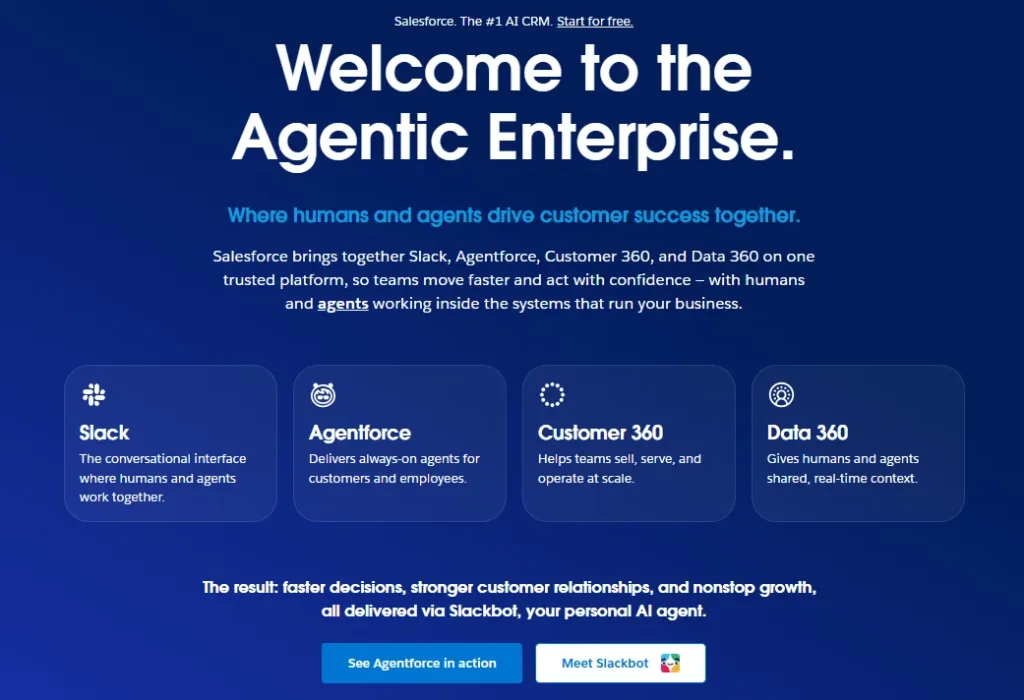
Salesforce Service Cloud combines customer service tools with Salesforce CRM. It may suit banks that need to manage customer records, support cases, and service workflows within a connected system.
The platform offers case management, automation, reporting, and AI-based service tools. Its fit depends on how the bank uses Salesforce and how it plans to connect customer conversations with existing banking systems.
Key features
- CRM based customer records
- Case management and routing
- Service workflows and automation
- Reporting and dashboards
- AI assistance through Salesforce service tools
- Integration options through Salesforce APIs and its ecosystem
Pros
- Connects service workflows with customer records.
- Supports complex case management.
- Offers extensive customization options.
- May suit banks already using Salesforce CRM.
Cons
- Implementation can require technical expertise.
- Costs can rise with extra products and advanced features.
- Live chat and AI capabilities depend on the selected products and plan.
Pricing
- Salesforce Service Cloud has several editions and optional products.
- Pricing depends on the selected plan and deployment requirements.
- Review the official Salesforce Service Cloud pricing page for current rates.
How Salesforce Service Cloud helps the banking industry
A bank may need to track a complaint across several departments. Salesforce can help teams connect customer records with service cases and follow up on unresolved requests.
It may be suitable for larger institutions with established CRM processes. Banks should confirm the available messaging features, data access rules, and integration requirements before implementation.
5. Zoho Desk
Best for: Ticket management within the Zoho ecosystem
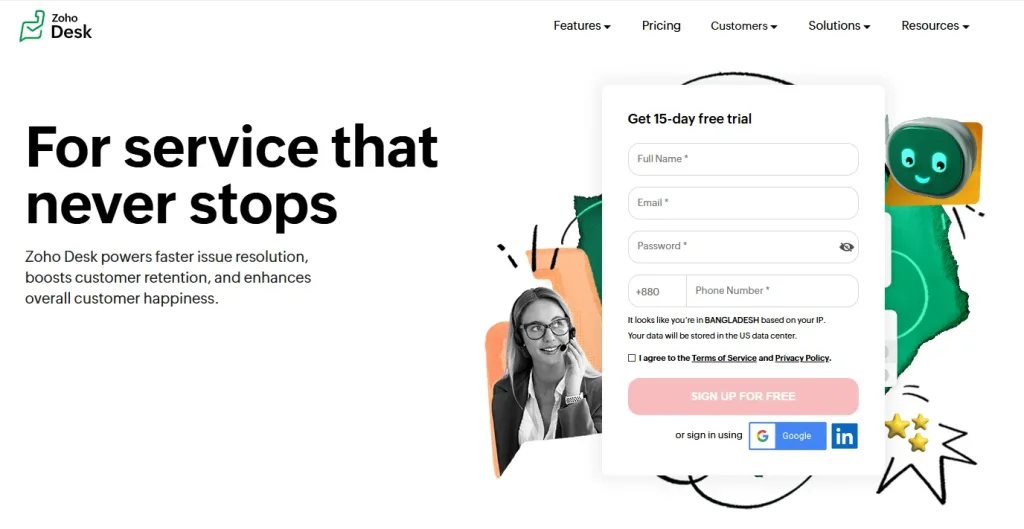
Zoho Desk is a customer service platform with ticket management, reporting, and business messaging. It may suit smaller financial institutions that already use Zoho products.
The platform helps teams organize incoming requests and assign work. Its business messaging features allow customer conversations to become support tickets, which can help agents keep track of unresolved issues.
Key features
- Customer ticket management
- Business messaging on supported plans
- Email and social media support
- Workflow automation
- Knowledge base and reporting tools
Pros
- Offers several customer service tools in one system.
- Connects with other Zoho products.
- Provides a free edition for up to three users.
- Supports ticket tracking and customer feedback.
Cons
- Live chat options depend on the plan.
- Some teams may need Zoho SalesIQ for specific chat features.
- Core banking integrations require separate checks.
Pricing
- Paid plans start at $14 per user per month for Standard with annual billing.
- Live chat through Zoho SalesIQ may require a separate product.
- Check Zoho Desk pricing for current details.
How Zoho Desk helps the banking industry
Zoho Desk can help a smaller bank organize requests about statements, branch services, and digital banking access. Agents can assign tickets and track pending issues.
Banks should confirm the exact plan required for live chat and check the available security controls. They should also test any connection with internal systems before introducing it to customers.
6. Freshchat
Best for: Shared messaging with published plan distinctions
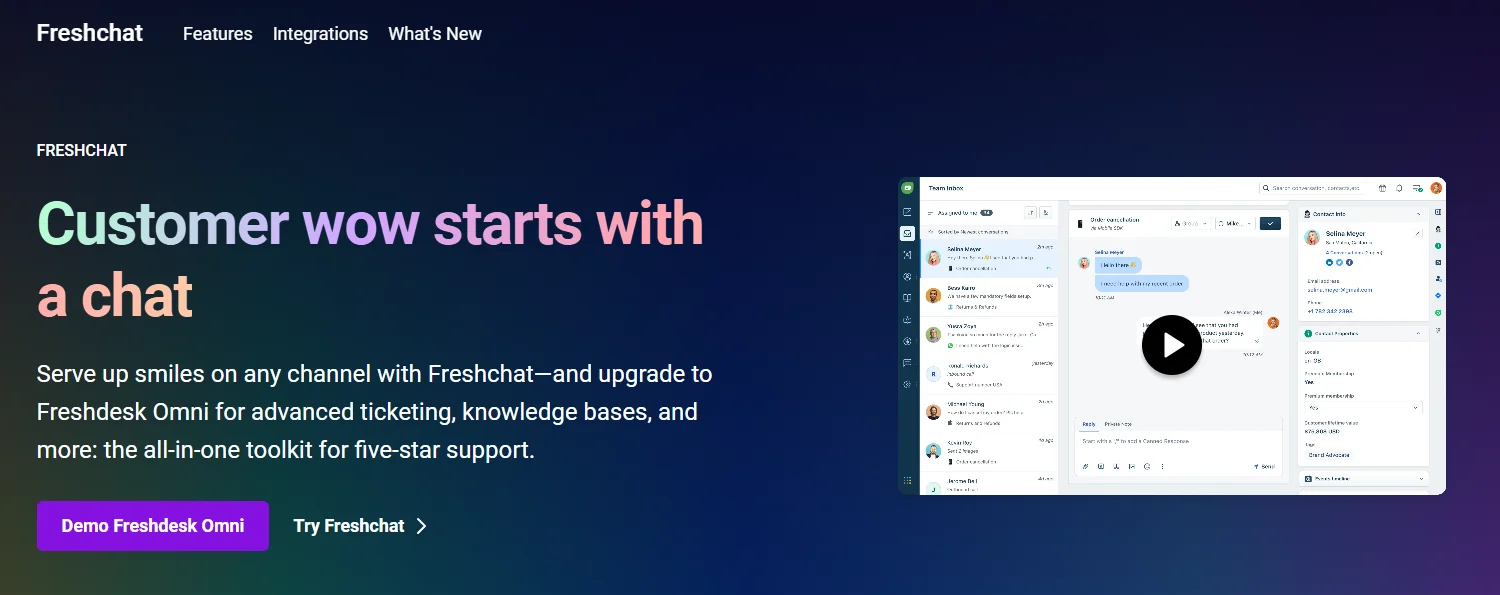
Freshchat is a messaging and customer support tool from Freshworks. It supports website and mobile app chat, shared inboxes, and AI support options.
It may suit banks that want to bring customer conversations into one place. Teams can use its routing and reporting features on eligible plans to organize requests and review support activity.
Key features
- Website and mobile app chat
- Shared team inbox
- Messaging across supported channels
- AI support options
- Reporting and automatic routing on eligible plans
- Role and permission controls
Pros
- Offers a free plan for up to ten agents.
- Helps teams manage conversations in one inbox.
- Provides routing and reporting options on paid plans.
- Supports mobile app messaging.
Cons
- Advanced features require paid plans.
- AI support may add to the total cost.
- Banking integrations and compliance requirements need separate review.
Pricing
- Growth plan starts at $19 per agent per month with annual billing.
- See the official Freshchat pricing page for current prices and plan details.
How Freshchat helps the banking industry
Freshchat can help a bank handle common questions about app access, card services, and branch hours. Its shared inbox helps agents manage conversations and follow up on open requests.
Banks that need advanced access controls should review the higher tier options and confirm that the platform meets their internal security requirements.
7. LiveChat
Best for: Teams evaluating website chat
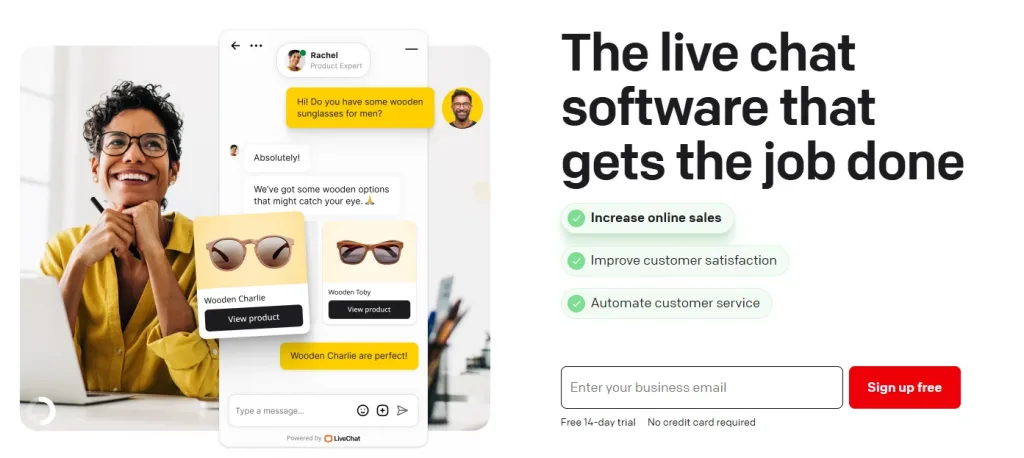
LiveChat is a customer messaging tool focused on website conversations. It may suit banks that want to give visitors a direct way to contact support from specific pages.
Agents can handle several conversations and use chat tools to manage their workload. Banks should check the available integrations and decide if they need separate products for ticketing, automation, or customer records.
Key features
- Website live chat widget
- Chat routing and agent assignment
- Canned responses
- Chat reports and performance tracking
- Integrations with external business tools
Pros
- Focuses on website-based customer conversations.
- Provides tools for managing multiple chats.
- Offers reports for reviewing agent performance.
- Can connect with other support and CRM tools.
Cons
- Advanced service workflows may require other products.
- Total costs depend on the number of agents and selected plan.
- Banks must verify security and integration requirements.
Pricing
- Essential, $19/user/month billed annually.
- Check the official LiveChat pricing page for current prices and feature limits.
How Live Chat helps the banking industry
A bank can place live chat on pages about loans, cards, account opening, or digital banking support. Agents can answer general questions and direct customers to the right service.
Before using LiveChat for sensitive requests, banks should review how customer identity is checked and how conversations are recorded. The platform should fit the bank’s wider security and support process.
How to Choose the Right Software for Your Bank
Start with the problems your customers report most often. Then compare the tools against your service needs.
| Banking need | What to check |
|---|---|
| Digital account support | Mobile chat and customer authentication |
| Card and payment questions | Secure routing and ticket tracking |
| Loan applications | Co-browsing and guided assistance |
| Large support teams | Department routing and workload reports |
| Regulatory requirements | Audit logs, retention controls, and security documents |
| Existing banking systems | API support and confirmed integrations |
Request a demonstration before making a decision. Ask each provider to show how an agent handles a real support scenario. Test the handover process and review the available reports.
Calculate the total cost as well. Include agent seats, AI usage, integrations, implementation, and training. A low starting price may not cover every feature your bank needs.
For more guidance, read REVE Chat’s guide to customer service in financial services.
What Should Happen When a Banking Chat Reveals Fraud?
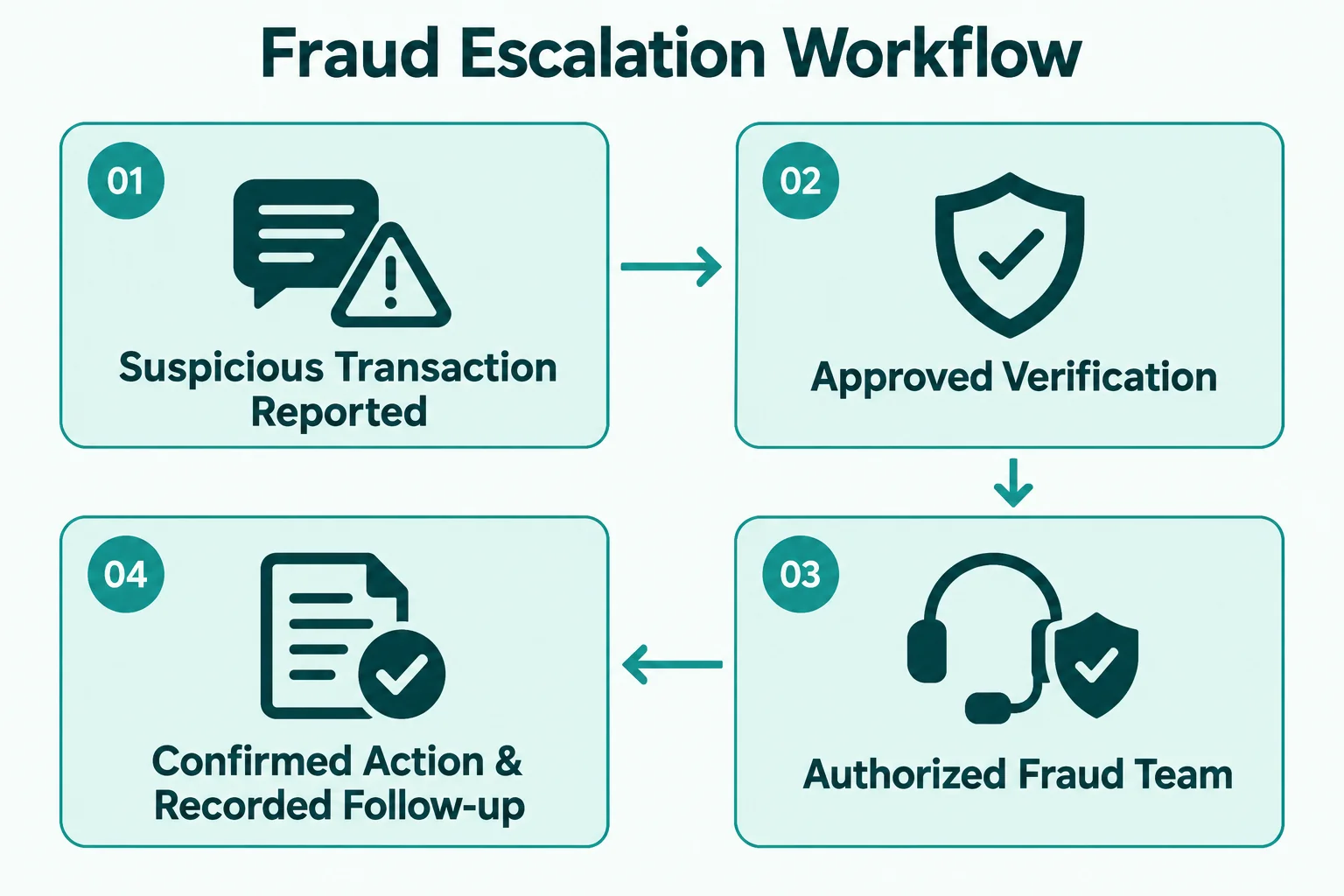
A customer may report an unknown transaction during a chat. Another may say someone has asked for their password or one-time passcode. These conversations need a clear response process.
Set clear rules for sensitive requests
Train agents never to ask customers to share passwords, one time passcodes, or full payment card details through ordinary chat. Give staff clear instructions for identifying suspicious activity and reporting it to the approved team.
Define an escalation process
The support team should know when to transfer a conversation to the fraud team or another authorized department. Agents should not promise that a transaction can be reversed or an account secured unless the bank has confirmed the action.
Protect the conversation record
Set rules for access, retention, and review of chat records. Limit access to staff who need it. Test how the platform records and reports security incidents.
Banks can also review these customer service practices in banking to identify gaps in digital support. Live chat should support your bank’s security process. It should never replace it.
How Can Banks Help Customers Who Struggle With Digital Banking?
Not every customer feels comfortable using a banking app. Some may have difficulty finding a feature. Others may struggle with small text, unfamiliar terms, or a complicated application form.
Give clear and patient guidance
Agents should use plain language and explain one step at a time. If a customer cannot find a transfer option, the agent can explain where to look without asking the customer to disclose private account details.
Offer visual assistance when suitable
Co-browsing can help an agent guide a customer through a supported web page. The bank should explain what the agent can see and obtain the customer’s permission before starting a session.
REVE Chat explains this process in its guide to co-browsing for customer support. Banks should also test data masking and session permissions before using visual assistance for sensitive tasks.
Keep other support options available
Live chat should not be the only way to get help. Customers may need telephone support or another accessible channel. Also try to improve customer experience in banking to identify where customers need additional support and offer them that exact service.
The goal is to help people use digital banking with confidence, not to pressure them into using a channel that does not meet their needs.
How to Measure the Value of Banking Live Chat
Track a few useful metrics before and after launching the software.
- First response time: How long customers wait for the first reply.
- Resolution time: How long it takes to solve a problem.
- First contact resolution: How many issues are resolved in the first conversation.
- Customer satisfaction: How customers rate their support experience.
- Transfer rate: How often conversations move to another team.
- Unresolved cases: How many requests remain open.
Review the figures by issue type and department. A low response time means little if customers still need several conversations to solve one problem.
You can also read REVE Chat’s guide to customer service operations to help your team identify service gaps.
Final Thoughts
Choosing the right live chat software for banking takes careful planning. Banks need to balance customer convenience with privacy, security, and reliable service.
REVE Chat is worth evaluating if your bank needs live chat, mobile support, co-browsing, and voice or video assistance. Intercom, Zendesk, Salesforce Service Cloud, Zoho Desk, Freshchat, and LiveChat may suit other needs and budgets.
Compare the features that matter to your bank. Test the software with real support scenarios. Confirm the security controls and integration requirements before making a commitment.
The right live chat software for banking should help customers get clear answers and help your team resolve issues with less confusion. Start with your customers’ needs, then choose the software that meets your bank’s requirements.
Frequently Asked Questions
It allows banks to communicate with customers through a website or mobile app. Support teams can answer questions, guide users, and route complex requests to the right department.
It can support secure communication when the bank configures suitable safeguards. Review encryption, access controls, authentication, data retention, and audit features. A chat tool alone does not guarantee regulatory compliance.
Some platforms offer APIs and integration options. A specific connection may require custom development. Banks should confirm data access, authentication, and security requirements with the provider before implementation.
It gives customers another way to ask questions without calling or visiting a branch. Agents can guide customers through supported tasks and route complex issues to the right team.
It can guide new customers through the onboarding process, providing instant support and information. This helps reduce friction and improves the overall customer experience.
Live chat can handle peak times through automation features like chatbots, intelligent routing, and queue management. As a result, customers receive timely responses even during busy periods.
Build AI-powered support with Wize AI
Connect business knowledge, automate support conversations, and improve response quality without managing a complex AI stack.
Explore Wize AI Agent Rate the article

Tabassum Kabir
Sr. Content Writer
Tabassum Kabir is a Senior Content Writer with 5+ years of experience. She specializes in SaaS, AI, customer service, and ecommerce. She writes about technology, business, and digital trends. Her work is simple, clear, and useful. She aims to give readers information they can understand and use.
View all articles
Better Banking Support with Live Chat
Guide customers and resolve questions with REVE Chat’s live chat.
Try Our Live Chat Today