

Table of Content
Zendesk has been operating since 2007 and has become one of the most well-known customer support platforms. Over 100,000 companies use it. That seems impressive, and it is, but real user feedback in 2026 tells a different story.
Users on Trustpilot and G2 often say Zendesk feels expensive and unfair, especially when everyone has to pay for features only a few people use.
Base plans cost $55 to $115 per agent each month, and adding features like AI tools, analytics, extra support channels, or advanced routing can quickly double the cost.
Because of this, many support teams are looking for easier and more affordable alternatives. If your team wants a simpler, cost-effective solution, you’re in the right spot.
In this blog, I will talk about the 10 best Zendesk alternatives and competitors in 2026 with their key features, pricing, and what real users are saying.
So, let’s begin the discussion with why one should look for an alternative to Zendesk.
Why Look for an Alternative to Zendesk?
Well, there are many reasons to look for an alternative to Zendesk. So, let’s explore them here:
High and Unpredictable Costs
Zendesk becomes more expensive than most teams expect. The base plans already cost a lot, and adding AI, WFM, or QA raises the price even more. A 20-person team can easily pass $4,600 a month. The AI pricing also changes based on how many issues it handles, so costs rise whenever ticket volume increases.
Slow and Difficult Setup
Setting up Zendesk takes time. Many users say it has a steep learning curve, especially for people without a technical background. Getting everything configured and training the team can take six weeks to three months.
Outdated and Clunky Interface
The interface feels old compared to newer tools. It is not very intuitive, and moving between different parts of the platform can feel confusing and slow.
Poor Customer Support
Users often talk about long wait times with Zendesk’s own support team. Billing problems and technical issues can take days or even weeks to get resolved.
How I Tested Each Tool
Each tool on this list was evaluated across five areas that actually matter to support teams making a real decision.
Feature Depth
Does the tool cover what a support team genuinely needs? That means live chat, ticketing, automation, omnichannel inbox management, and some form of AI. A tool missing any of these in 2026 is already behind.
Ease of Setup
How quickly can a team actually get running? A tool with the same learning curve as Zendesk is not an improvement. It is just a lateral move.
Pricing Transparency
Are the real costs clear from the start? Many platforms advertise low starting prices and then hide the actual cost behind add-ons and tier restrictions. That matters.
Real User Feedback
Reviews from G2, Capterra, Trustpilot, and GetApp were all considered. Not just the five-star ones. The honest, mixed reviews tell you far more about a tool than polished marketing copy.
Value compared to Zendesk
Does this tool give your team more for less money? That is the core question behind this entire list. The goal is to help you find software that actually fits your needs without draining your budget.
Top 10 Zendesk Competitors in the Market Right Now
Here, I will share a list of the top 10 Zendesk competitors in the market right now. Ensure that you go through all of them to choose the right alternative for you.
So, have a look at the list:
| Rank | Tool | Starting Price | Best For |
|---|---|---|---|
| 1 | REVE Chat | $14.99/mo | Omnichannel support and live chat |
| 2 | Freshdesk | $19/agent/mo | Growing teams on a budget |
| 3 | Intercom | $39/mo (1 user) | AI-first messaging and chat |
| 4 | Zoho Desk | $7/agent/mo | Zoho ecosystem users |
| 5 | Help Scout | $22/user/mo | Small teams, email-first support |
| 6 | LiveAgent | $9/agent/mo | Multichannel with built-in call center |
| 7 | Front | $19/seat/mo | Collaborative team inbox |
| 8 | HubSpot Service Hub | $20/seat/mo | CRM-aligned support teams |
| 9 | HappyFox | Contact sales | Enterprise with heavy automation |
| 10 | Tidio | Free / $29/mo | E-commerce and AI chatbots |
1. REVE Chat
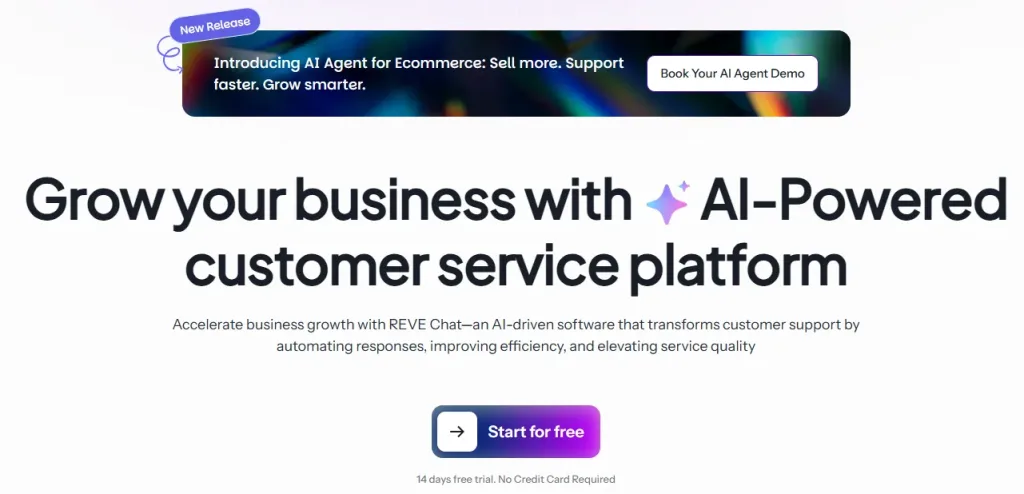
Best for: All your support tools (AI, chat, and video) in one place, at a much lower cost.
REVE Chat is for businesses that want to manage customer conversations in one place without dealing with multiple tools or high enterprise costs. Instead of jumping between different apps for chat, social media, and support, everything comes into a single workspace so teams can reply faster and stay organized.
It also offers an AI agent that can take action. It means handling common questions and guiding customers right away like a human agent. This reduces pressure on support teams and lets them focus on issues that need human attention.
With live chat, voice bots, ticketing, and social media messages all in one dashboard, REVE Chat makes it easier for teams to keep up with customer needs and respond without delays.
Key Features
Omnichannel Smart Inbox
Every conversation from every channel lands in one place. Agents never need to switch between apps to stay on top of incoming messages.
AI Agent
Answer customers’ questions as a human agent and take action to provide a smooth journey to the customers. An AI agent handles FAQs, qualifies leads, and provides 24/7 automated support around the clock to the customers for a better experience.
Co-browsing
Agents can view and interact with a customer’s screen in real time without any downloads or plugins. This is especially useful for technical troubleshooting or guiding customers through a process step by step.
Ticketing System
Automatically converts chat conversations into tickets. Full SLA tracking and management is available on higher plans.
WhatsApp Campaigns
Send personalized broadcast messages directly to customers through WhatsApp without needing a separate campaign tool.
Voice Bot
Handles automated phone conversations and routes calls that need human attention to the right agent or department.
40+ Integrations
Connects with HubSpot, Shopify, WooCommerce, WordPress, Google Analytics, and more than 40 other tools your team may already be using.
Multilingual Support
Works in over 40 languages, including Arabic, Spanish, French, Japanese, Korean, and Hindi, which makes it a practical choice for teams with a global customer base.
Why Switch from Zendesk to REVE Chat?
Zendesk pricing starts at more than $55 per agent each month, and it can get expensive once you start adding extra features. REVE Chat is more budget-friendly and already includes most of the important tools in its plans, so teams don’t end up paying extra for every small addition.
When it comes to AI, Zendesk charges based on usage, which makes costs harder to predict month to month. REVE Chat includes AI features in its plans, so businesses can automate common queries and support customers without worrying about rising usage costs.
REVE Chat also brings everything together in one place. From live chat and AI chatbots to voice and video calls, ticketing, and messaging across WhatsApp and social media, it covers the full support setup in a single platform. That makes it easier for teams compared to Zendesk, where you often need multiple tools or add-ons to get the same coverage.
What Real Users Are Saying
“With REVE Chat, we were able to handle 85% of our support queries. We noticed a significant increase in the satisfaction rate and happier customers.” — Md Faridul Amin, Head of Ecommerce and Omnichannel Operations, Transcom Digital
“REVE Chat is a great tool and is the best way to offer great customer service. The UI is clean and easy to use.” — GetApp Review
Learn More: Success stories from companies like yours
Pricing
- REVE Chat offers a forever-free plan
- Starter starts at $14.99 per month, with 50 AI conversation resolutions per month.
- All plans come with a 14-day free trial of Enterprise features.
2. Freshdesk
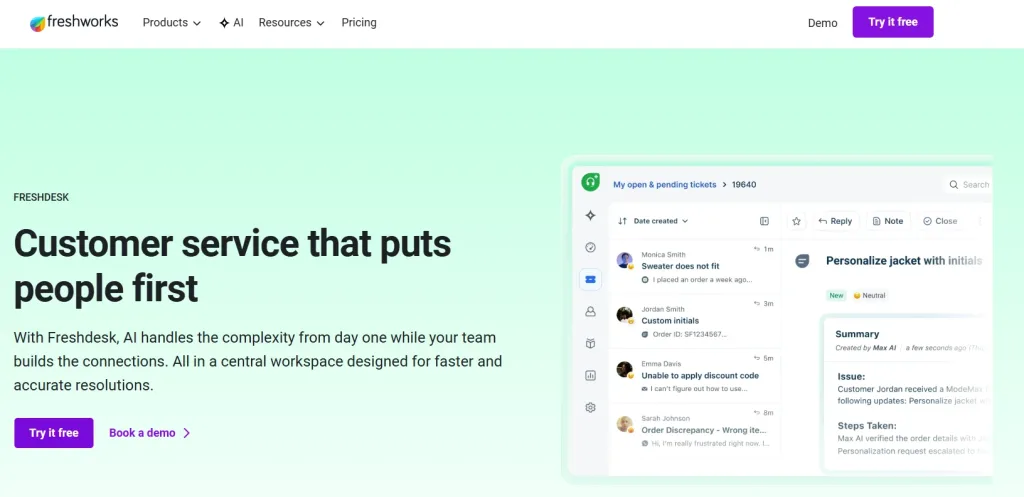
Best for: Ideal for small to mid-sized businesses needing affordable, reliable multichannel ticketing.
Freshdesk is ideal for small to mid-sized teams that need reliable multichannel ticketing at a price far lower than Zendesk. Built by Freshworks, it serves over 74,000 businesses, including brands like Pearson and Decathlon. The platform handles email, phone, chat, and social media from one dashboard, and its free plan is fully usable, not just a limited preview.
Key Features
- Multichannel Ticketing: Handles email, phone, live chat, social media, and WhatsApp in a single dashboard.
- Freddy AI: Automates ticket routing, suggests replies, and runs a customer-facing chatbot in over 20 languages.
- Visual Workflow Builder: Lets teams set up automation rules without coding.
- Knowledge Base and Customer Portal: Allows customers to find answers on their own, reducing incoming tickets.
- SLA Management: Lets you set response and resolution targets with automated escalations.
- Collision Detection: Prevents two agents from replying to the same ticket at the same time.
- Custom Reports and Dashboards: Available on Pro plans for deeper performance insights.
- 1,000+ Integrations: Works with major CRMs, project management tools, and communication platforms.
Why Switch from Zendesk to Freshdesk?
Freshdesk is much more affordable. The growth plan starts at $19 per agent per month, compared to Zendesk’s $55 suite plan. For a team of 10 agents, that can save around $4,320 a year.
Setup is also faster and easier. The interface is user-friendly, and teams can get basic workflows running without technical help. AI features are included in standard plans, and Freddy AI Copilot is optional rather than an extra cost.
At scale, however, Freshdesk can get more expensive. Session-based pricing for Freddy AI makes costs harder to predict for high-volume teams, and advanced reporting or full omnichannel support may bring prices closer to Zendesk’s higher tiers.
What Real Users Are Saying
“Great helpdesk platform with ticket management, automation tools, and easy communication with customers.” — Capterra review
“Freshdesk helps us resolve various types of queries. It is a great and highly efficient tool.” — G2 review
Pricing
- Paid plans start at $19
3. Intercom
Best for: Businesses that want AI support and can reach customers early
Intercom has been in the customer support space for a long time, but in 2026 it has transformed into a genuinely AI-first platform. Its Fin AI agent is one of the more capable chatbots available today. It handles complex, multi-step conversations across multiple channels without breaking down mid-conversation the way simpler bots tend to do.
Key Features
- Fin AI: Agent Handles common customer questions automatically and passes harder issues to a human agent
- AI Copilot: Helps agents reply faster, summarizes chats, and suggests helpful content
- Shared Omnichannel: Inbox Brings email, chat, phone, social media, and messaging apps into one place
- Proactive Messaging: Lets teams contact customers before they submit a ticket based on their activity
- Custom Reporting: Create dashboards and control who can see the data
- Ticket Management: Supports longer or complex issues that need more than one conversation
- Product Tours: Guide new users with step-by-step walkthroughs and tips inside the app
Why Switch from Zendesk to Intercom?
Intercom has a modern, easy-to-use interface, unlike Zendesk. This helps teams that spend a lot of time in their support tool work more efficiently.
Its AI, especially Fin, is more advanced than Zendesk’s at similar prices. Teams handling many repetitive questions can resolve more issues without hiring extra staff.
Intercom also offers proactive messaging, letting teams reach out to customers before they submit a ticket, which helps reduce support volume.
For small teams, the Starter plan at $39 per month for one user can be cheaper than Zendesk. For larger teams, costs can increase depending on how much Fin is used, since Intercom charges per resolution.
What Real Users Are Saying
“Intercom’s Fin can handle complex conversations that would stump simpler chatbots.” — Ringly.io review
“The AI capabilities are genuinely impressive.” — Ringly.io review
Pricing
- The starter is $39 per month for 1 user and includes basic chat and ticketing.
4. Zoho Desk
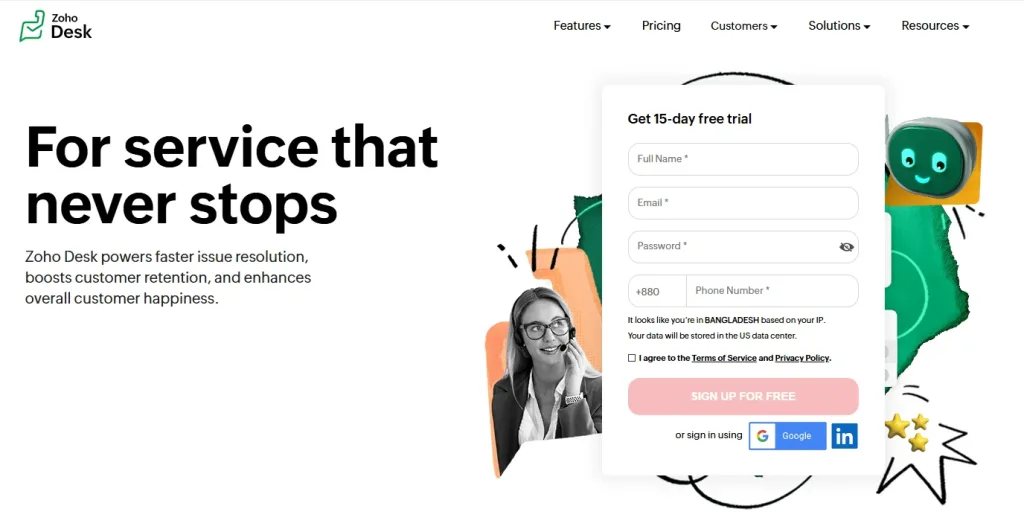
Best for: Businesses on a tight budget and businesses already using Zoho tools.
Zoho Desk is one of the most budget-friendly customer support platforms available. It has a free plan for up to three agents, and paid plans start at just $7 per agent per month. Despite the low cost, it offers a wide range of features. Its AI assistant, Zia, can summarize tickets, analyze customer sentiment, and respond to chats using your existing knowledge base.
Key Features
- Omnichannel Support: Brings email, chat, phone, Facebook, Instagram, X, WhatsApp, and SMS into one inbox
- Zia AI: Summarizes tickets, checks customer sentiment, runs chat responses, and spots unusual patterns
- Round-Robin Ticket Assignment: Sends tickets evenly to agents so no one gets too many
- Community Forums: Let customers ask questions and help each other, with answers searchable online
- Customer Portal: A place where customers can read articles, view forums, and track their tickets
- Zoho Integration: Works with Zoho CRM, Analytics, Projects, and other Zoho tools
- Blueprint Automation: Sets clear steps for support tasks, including approvals and escalations
Why Switch from Zendesk to Zoho Desk?
The biggest advantage of Zoho Desk is its price. Even its most expensive plan costs less per user than Zendesk’s cheapest plan, so teams switching can save a lot each month while still getting key features like SLA management, multilingual support, community forums, and AI automation.
For teams already using Zoho CRM, support and sales work together seamlessly without extra setup, creating a smoother experience across departments.
Community forums are included in Zoho Desk’s mid-level plans, while on Zendesk or Freshdesk, this feature is only available on higher, more expensive tiers.
The main trade-off is that Zoho Desk focuses on function over looks. Teams with very complex workflows may also find some customization options less flexible than Zendesk.
What Real Users Are Saying
“I am impressed by how smoothly Zoho Desk integrates with the broader Zoho ecosystem.” — Desk365 review analysis
“The platform offers effective features that reliably automate manual workflows, making daily operations more efficient.” — Desk365 review analysis
Pricing
- Paid plan start at $7 per agent/month
5. Help Scout
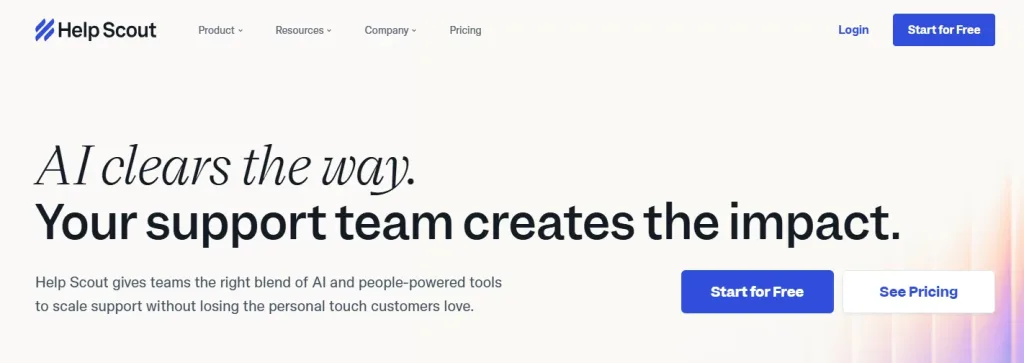
Best for: Small businesses that want a simple, email-like inbox without a full helpdesk system
Help Scout is the most approachable tool on this list. It takes the shared inbox format that most teams already know from email and builds helpdesk features on top of it. There are no complex ticket ID systems, no documentation required before anyone can use it, and no setup that requires a dedicated admin. Most agents can pick it up and start using it on their first day.
Key Features
- Shared Inbox: All customer emails go to one team inbox where agents can assign messages, add internal notes, and collaborate on replies
- Beacon Widget: A live chat widget for your website that can send proactive chat invitations
- Knowledge Base: Lets customers find answers on their own, reducing support requests
- Automated Workflows: Automatically assign tickets, tag conversations, send follow-ups, and update records
- CSAT Surveys: Collect customer satisfaction ratings automatically after each conversation
- Reporting: See response times, resolution times, agent performance, and customer satisfaction in one dashboard
Why Switch from Zendesk to Help Scout?
Help Scout is much easier to use than Zendesk. Teams can get set up and running in just a few hours without needing a developer.
Its pricing is simple. A flat rate of $50 per month covers up to 25 users, while Zendesk charges per agent, so costs increase as the team grows. This makes Help Scout easier to plan for.
There’s also a free plan for up to five users, which is useful for small teams who want to try it out first.
The main trade-off is that Help Scout works more like a smart shared inbox than a full helpdesk. Teams with very high ticket volumes, complex routing, or advanced automation may need a different solution.
What Real Users Are Saying
“Help Scout is a best tool compared to competitors. The number of workspaces, modifications, and feature-rich tools help in effective management of all inbound customer emails.” — G2 review
Pricing
- Paid plan starts at $22
6. LiveAgent
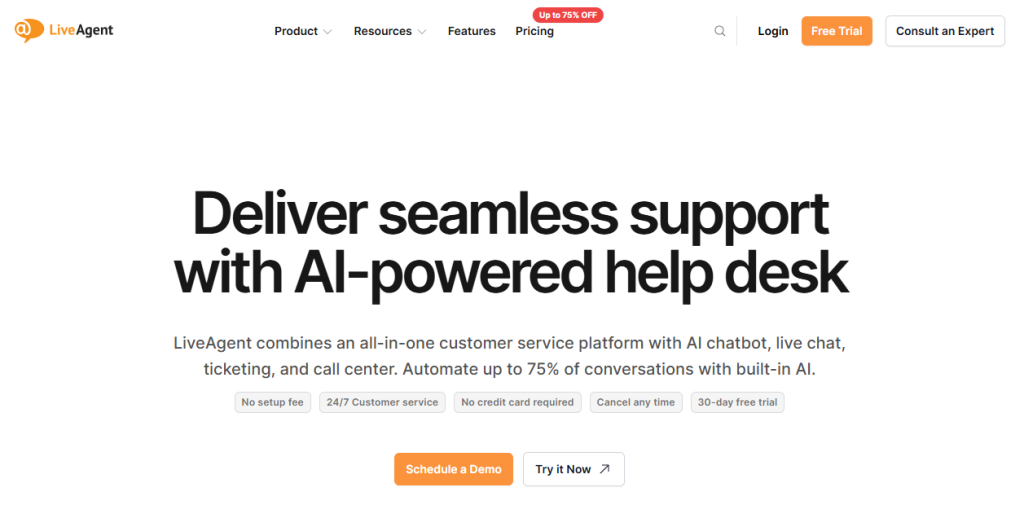
Best for: Businesses that want multichannel support with a built-in call center at an affordable price
LiveAgent offers one feature that sets it apart among similar-priced tools: a fully functional call center built right into the platform. Most budget options require a separate voice service subscription. LiveAgent does not. Everything is managed in one place, making both the setup and the monthly costs much simpler.
Key Features
- Universal Inbox: Combines email, chat, social media, phone, and WhatsApp in one place
- Built-in Call Center: Route calls, record conversations, and track metrics without extra tools
- Intelligent Chat Routing: Sends chats to the right agent based on skills, department, or availability
- Proactive Chat Invitations: Trigger chat messages for website visitors based on activity
- Workforce Tools: Scheduling, time tracking, and performance reports built in
- Knowledge Base: Self-service hub with search and SEO so customers can find answers
- Collision Detection: Prevents multiple agents from working on the same ticket
Why Switch from Zendesk to LiveAgent?
LiveAgent starts at just $9 per agent per month, while Zendesk’s similar plan costs more than six times that. For small teams and startups, that price difference matters a lot.
This tool includes all major channels such as phone, chat, email, and social media without extra charges. Zendesk charges much more for the same channels.
AI features like the Chatbot and Answer Assistant are included in every LiveAgent plan, while Zendesk requires higher-tier plans and extra add-ons for similar AI tools.
What Real Users Are Saying
“LiveAgent consistently receives higher customer ratings across review platforms compared to Zendesk.” — LiveAgent comparative analysis
Pricing
- Paid plan starts at $9
7. Front
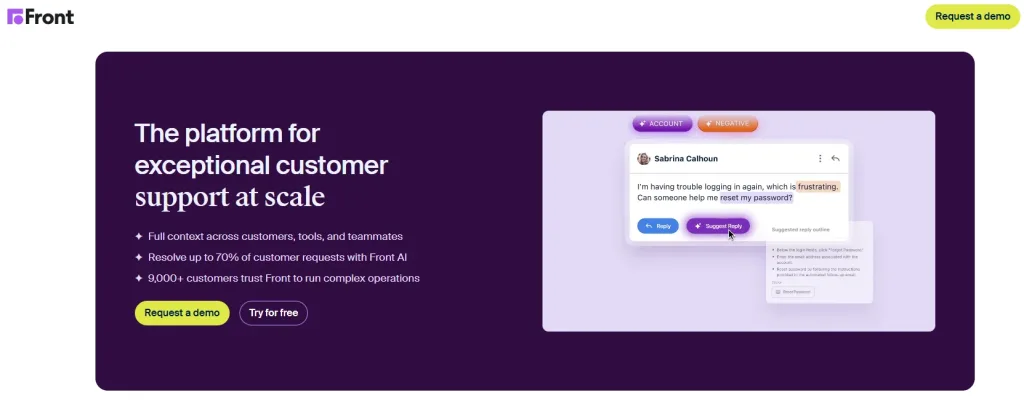
Best for: Businesses that need a shared inbox with built-in collaboration and clear visibility.
Front wasn’t made to feel like a traditional helpdesk. It was designed to feel like email, which many teams are already used to. The difference is that Front adds features like assignment, visibility, internal comments, and shared drafts on top of regular email. Sales, support, and operations teams can all work from the same inbox without getting in each other’s way.
Key Features
- Shared Inbox: Assign messages to agents, leave private notes, and create shared replies together before sending.
- Automated Workflows: Set rules to route messages, add tags, and send automatic replies to common requests.
- Message Templates: Use pre-written responses for frequent questions to save time and stay consistent.
- Integrations: Works with Salesforce, HubSpot, Jira, Asana, Slack, and more.
- Analytics: Track response times, team workload, and SLA performance.
- Multi-channel Support: Handle email, SMS, WhatsApp, and social media in one inbox.
Why Switch from Zendesk to Front?
Zendesk focuses on tickets, while Front focuses on conversations. For teams that work mainly with email threads, Front feels more natural and easier to use every day.
Front makes teamwork simpler. Internal comments, shared drafts, and mentions keep everyone on the same page without extra messages or emails. Zendesk has some collaboration features, but they are harder to find and use.
Front starts at $19 per seat and is easy to set up, so most agents can start right away. Zendesk usually takes weeks to configure, making Front a faster and simpler alternative.
What Real Users Are Saying
“Front is a good fit when your team prefers a shared inbox experience with strong collaboration tools, visibility, and internal notes.” — Desk365 review analysis
Pricing
- Paid plan starts at $19 per seat per month.
8. HubSpot Service Hub
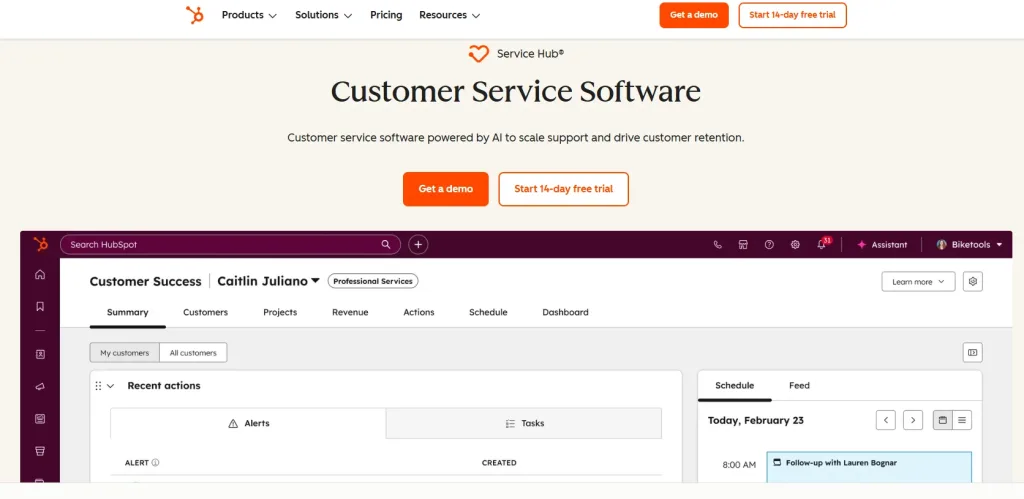
Best for: Businesses using HubSpot CRM that want support and sales data linked easily.
HubSpot Service Hub is the customer support module that lives inside the HubSpot platform. If your sales team is already working in HubSpot CRM, adding Service Hub creates a complete picture of every customer relationship in one place. Support agents can see deal history, email threads, and customer data right from the ticket view without switching tools.
Key Features
- Ticketing System: Manage and track customer issues from any channel in one place
- Shared Inbox: Handle email and live chat together in a single view
- Live Chat: Add a chat widget to your website with built-in chatbot support
- Knowledge Base: Provide searchable self-help articles and FAQs for customers
- Customer Portal: Let customers check their ticket status and browse help content
- Conversation Intelligence: Record and analyze calls to spot trends and coaching opportunities
Why Switch from Zendesk to HubSpot Service Hub?
For teams already using HubSpot for sales or marketing, the integration makes support much easier. Customer data flows between departments automatically.
Agents can see purchase history, past conversations, and emails all in one place without leaving the ticket. Zendesk requires extra setup or a paid Salesforce integration to get the same view.
HubSpot’s free plan is also very useful. It includes ticketing, live chat, and basic reporting, letting small teams handle support without extra cost. This makes it simpler and more cost-effective than Zendesk for teams already in the HubSpot ecosystem.
What Real Users Are Saying
“HubSpot Service Hub is a good option for small customer success teams that need to collaborate with sales teams that work in HubSpot CRM.” — Help Scout comparison
Pricing
- Paid plan starts at $20
9. HappyFox
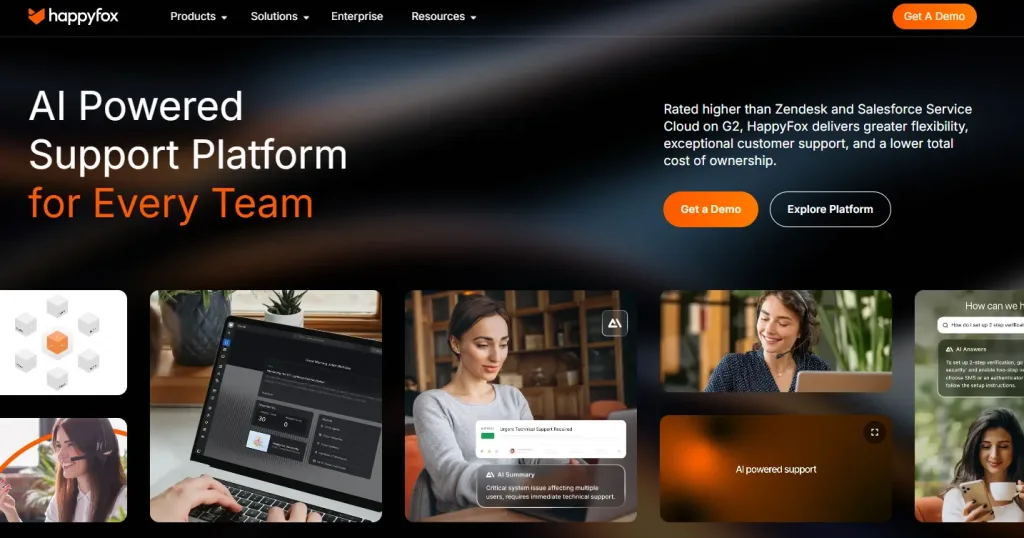
Best for: Businesses that need central ticketing with automation.
HappyFox is a helpdesk platform made for teams that need more than just a place to store tickets. It has always differentiated itself with smarter automation rules, built-in task management, and multi-brand support features that Zendesk either does not offer natively or charges a premium to access.
Key Features
- Smart Rules: Automates complex workflows and multiple steps without manual work.
- Task Management: Agents can assign and track follow-ups inside tickets.
- Multi-brand Support: Handle support for several brands from one account.
- Omnichannel Inbox: Combine email, chat, phone, and social media messages in one place.
- Shared Inbox and Internal Notes: Team members can work together inside tickets without extra emails.
- Canned Responses: Pre-written replies for common questions to save time and keep answers consistent.
- SLA Management: Set response goals and auto-escalate when targets are at risk.
Why Switch from Zendesk to HappyFox?
HappyFox offers more advanced automation than Zendesk at a similar price. Teams handling complex workflows or tasks across multiple departments benefit from this added flexibility. Its built-in task management lets agents assign follow-ups directly within a ticket, so there is no need for a separate tool.
Many users also find HappyFox easier to use and faster to set up than Zendesk. This is helpful for teams that want to get started quickly without spending weeks on configuration.
What Real Users Are Saying
“HappyFox stands out with unique features such as helpdesk automation, multi-brand SSL support, and shared inboxes, all at a fraction of the cost you’d pay for Zendesk.” — Kustomer comparison
Pricing
- Prices depend on the customization.
10. Tidio
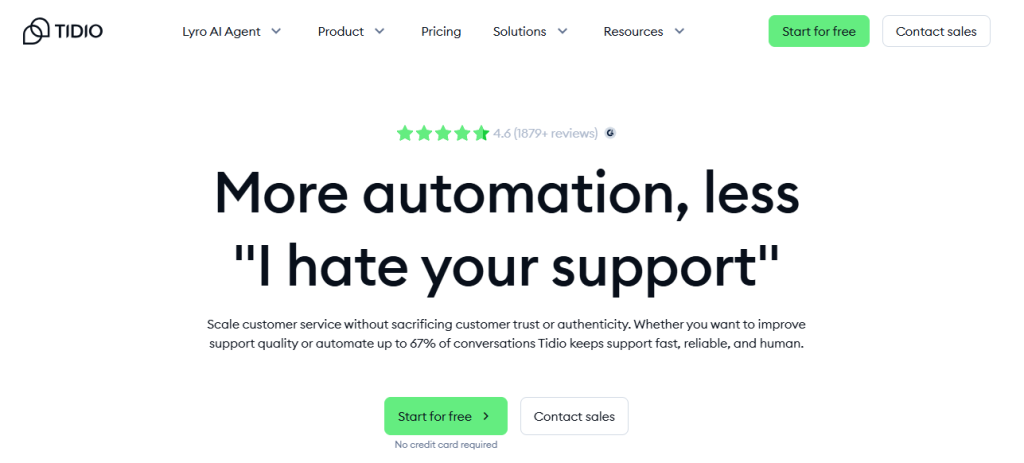
Best for: Small eCommerce teams needing AI chat without tech skills.
Tidio was built with speed and simplicity in mind. It targets e-commerce teams specifically, businesses that need to engage website visitors fast, handle common support questions automatically, and turn more visitors into paying customers. Its AI chatbot Lyro manages automated responses so human agents can stay focused on the conversations that actually require their attention.
Key Features
- Lyro AI Chatbot: Automatically answers customer questions using your own data. This is a paid add-on.
- Live Chat: Chat with website visitors in real time. Works with most major platforms.
- Multichannel Ticket Management: Keep emails, chats, and social media messages in one shared inbox.
- Chatbot Builder: Create custom chatbot flows using a visual, no-code editor.
- Platform Integrations: Connect easily with Shopify, WooCommerce, WordPress, BigCommerce, and similar platforms.
- Visitor Analytics: See who is on your website, where they came from, and what pages they are viewing.
- Agent Handover: Automatically pass complex queries to a human agent.
Why Switch from Zendesk to Tidio?
Tidio is better than Zendesk because it has a free plan and is easy to use. It sets up in minutes, not weeks. For e-commerce, it connects directly with Shopify and WooCommerce so agents can see orders and customer info in one place.
Its live chat, chatbot, and shared inbox work right away without extra tools or complicated setup. Small teams can start helping customers fast, without technical help. Tidio gives the tools you need at a lower cost and with less hassle than Zendesk.
What Real Users Are Saying
“Tidio allows your team to handle customer interactions from live chat, email, and social media within a single help desk system.” — CXLead review
Pricing
- Paid plan starts at $29
Most Important Factors When Choosing a Zendesk Alternative
With ten options on this list, it helps to have a clear way to evaluate them. Start by considering which channels your customers use most. So, what you need to check is:
Channels Your Customers Use
Start by looking at where people actually reach out to you. If most conversations come from WhatsApp, Instagram, or your website chat, you’ll want a platform that supports those channels directly. Relying on add-ons or connectors often leads to missing context and extra work for your team.
Real Cost at the Plan You Need
Instead of judging tools by their lowest price, look at what you’ll pay once you include the channels, AI features, reports, and number of agents you need. A tool that seems affordable at first can end up costing more than Zendesk once everything is added.
Speed of Setup
If you need to get your team running quickly, avoid platforms with complicated onboarding. Some tools on this list can be fully set up and ready to use within a day.
Team Growth and Pricing Model
If you’re hiring over the next year, per-agent pricing can become expensive fast. Consider tools with flat or usage-based pricing so your costs don’t jump every time someone new joins.
What AI Actually Does
Look closely at what the AI features can do at your plan level. Helpful AI should improve routing, handle simple questions, and summarize tickets. Some platforms promote AI without offering anything truly useful.
Integrations Your Team Relies On
Choose a tool that connects directly with the CRM, e-commerce platform, or internal systems your team uses every day. Native integrations keep data clean and consistent, while workaround solutions often break or create missing information.
End Note
In the end, choosing the right support tool depends on what actually works for your team in daily use. Zendesk is powerful, but it is not always the simplest or most affordable option for growing businesses. The alternatives in this list show that you can get better pricing, easier setup, and smoother support without unnecessary complexity.
If you want something that is affordable and reliable, REVE Chat is the best choice. It keeps customer conversations simple, helps teams respond faster, and delivers solid service without adding extra pressure or cost. Sign up to try it today.
Frequently Asked Questions
Yes. Several tools offer real, usable free plans. REVE Chat, Freshdesk, Zoho Desk, Help Scout, HubSpot Service Hub, LiveAgent, and Tidio all provide permanent or long-term free options. Zendesk does not offer a free plan.
REVE Chat, Freshdesk, Zoho Desk, and Tidio work well for small teams. They are affordable, easy to set up, and do not require technical expertise.
Most teams should plan for two to four weeks. This includes exporting data, rebuilding workflows, training agents, and running both platforms during the transition. Tools like REVE Chat, Help Scout, or Tidio can often be set up faster.
REVE Chat shows exact costs upfront with a slider-based model, so there are no hidden fees or unexpected add-ons. HubSpot’s free plan is also clear about what it includes. Zendesk is often criticized for unclear pricing.
Yes. It offers omnichannel support, AI automation, live chat, video calling, and co-browsing in one platform. It also includes features Zendesk does not provide natively. It costs less and is much quicker to set up.
Build AI-powered support with Wize AI
Connect business knowledge, automate support conversations, and improve response quality without managing a complex AI stack.
Explore Wize AI Agent Rate the article

Mohaimin Talha
Lead Product Manager
Mohaimin Talha is a seasoned Product Manager, known for his ability to combine creativity with analytical thinking. His strategic vision and customer-centric approach make him a key driver of product success and business growth.
View all articles