
Table of Content
AI SUMMARY
Quick Answer
Customer engagement tools help businesses manage conversations, automate tasks, and connect customer information across channels. Compare 10 platforms, including REVE Chat, Intercom, HubSpot, and Zendesk, based on AI capabilities, automation, integrations, pricing, and business needs. Explore each tool’s strengths, limitations, and use cases, along with how AI Agents handle customer requests and when human handoff matters, to choose the right fit for your team.
Customers expect quick answers, helpful support, and easy ways to contact a business. A company that makes customers search through multiple pages or wait days for a response can lose valuable conversations.
The right customer engagement software tool helps businesses manage these conversations from one place.
Depending on the platform, teams can use live chat, email, messaging apps, AI agents, ticketing, automation, customer data, and analytics to support customers throughout their journey.
I know it’s a challenge to choose the best customer engagement tool. Some tools focus mainly on customer support. Others combine marketing, sales, CRM, and service.
Some are built for ecommerce, while others are designed for SaaS companies or larger service teams.
In this blog, you will learn about the 10 best customer engagement tools. Here, you will learn about these tools’ communication, AI capabilities, automation, integrations, customer data features, reporting, pricing, and common business use cases.
Best Customer Engagement Tools at a Glance
| Tool | Best For | Main Channels | AI Capabilities | Starting Price |
|---|---|---|---|---|
| REVE Chat | AI customer support and live chat | Website, Facebook, Instagram, WhatsApp, email and more | Wize AI Agent, AI Copilot | Free plan, paid plans from $14.99/month |
| Intercom | AI first customer service | Chat, email, in app and messaging | Fin AI Agent, Copilot | $29/seat/month plus AI usage |
| HubSpot | CRM based engagement | Email, chat, social and service channels | Customer Agent and other AI Agents | Free plan, paid plans available |
| Zendesk | Customer service teams | Email, chat, messaging, voice | AI Agents and AI tools | From $19/agent/month |
| Freshdesk | Helpdesk and ticketing | Email, chat, social and messaging | Freddy AI Agent and Copilot | From $19/agent/month |
| Gorgias | Ecommerce support | Email, chat, social and messaging | AI Agent and automation | Usage based plans |
| Help Scout | Small and growing support teams | Email, chat, SMS, WhatsApp and social | AI Assist, AI Answers and AI Drafts | Free plan, paid plans from $25/user/month |
| Front | Shared inbox and omnichannel support | Email, SMS, chat, WhatsApp and social | Front AI and AI Autopilot | From $25/seat/month |
| Salesforce | CRM driven customer service | Service, messaging, voice and CRM channels | AI service agents and Einstein capabilities | From $25/user/month |
| Klaviyo | Ecommerce marketing and customer engagement | Email, SMS, mobile messaging and web | Customer Agent and AI tools | Free plan available |
Pricing shown above reflects publicly available vendor information reviewed in September 2026. Some platforms use usage based pricing, AI usage charges, add ons, or separate channel fees, so the starting price does not represent the total cost for every business.
KEY TAKEAWAY
What Matters Most When Choosing Customer Engagement Tools
Choose tools that fit your customers and workflows. Compare channels, AI, automation, integrations, and customer data. Calculate total costs, including usage and add-ons. Ensure human agents receive full context during handoff.
How I Evaluated Each Tool
A list of the best customer engagement tools should explain how the products were selected. Instead of ranking platforms based on brand recognition, this comparison focuses on the capabilities businesses need to manage customer conversations.
I reviewed publicly available product documentation, pricing pages, feature information, and current product updates from the vendors.
The evaluation focused on these areas:
Customer communication
The review looked at the channels each tool supports. This includes live chat, email, social media, messaging apps, SMS, and voice.
AI capabilities
AI features were checked for each tool. These include AI agents, AI assistants, automated replies, conversation summaries, and knowledge-based answers.
Automation
The review looked at what each tool can automate. This includes routing, workflows, ticket handling, and automated replies.
Customer data
Customer data features were also checked. This includes customer profiles, CRM records, ecommerce data, and conversation history.
Integrations
The review checked which other tools each platform can connect with. This includes CRM, ecommerce, marketing, and communication tools.
Analytics
Reporting and analytics features were also considered. These show information about conversations, support work, automation, and engagement.
Pricing
Public pricing was checked for each tool. The review also looked at different pricing models, including per seat, usage-based, AI-based, and add-on costs.
What Features Should the Best Customer Engagement Tools Have?
The right features depend on your business model, but the best customer engagement tools should help your team manage conversations without creating unnecessary work.
Look for:
- Live chat: Customers can contact your team directly from your website.
- Omnichannel communication: Your team can manage supported channels from a central workspace.
- AI Agents: AI can answer questions and complete defined customer tasks.
- Human handoff: Customers can reach a human agent when AI cannot handle the request.
- Automation: Repetitive actions such as routing, tagging, and follow ups can be automated.
- Customer profiles: Agents can see useful customer information and previous conversations.
- Knowledge base: Customers and AI tools can access approved support information.
- Integrations: The platform can connect with the systems your business already uses.
- Analytics: Managers can review response times, conversations, support activity, and customer engagement.
- Security and permissions: Teams can control access to customer information and administrative functions.
Top 10 Best Customer Engagement Tools in 2026
Customer engagement tools help businesses manage conversations, support customers, and automate routine tasks. Here are 10 popular options and what each one offers.
1. REVE Chat: AI and live customer conversations together
Best for: Businesses looking for AI powered customer support, live chat, and omnichannel customer engagement.
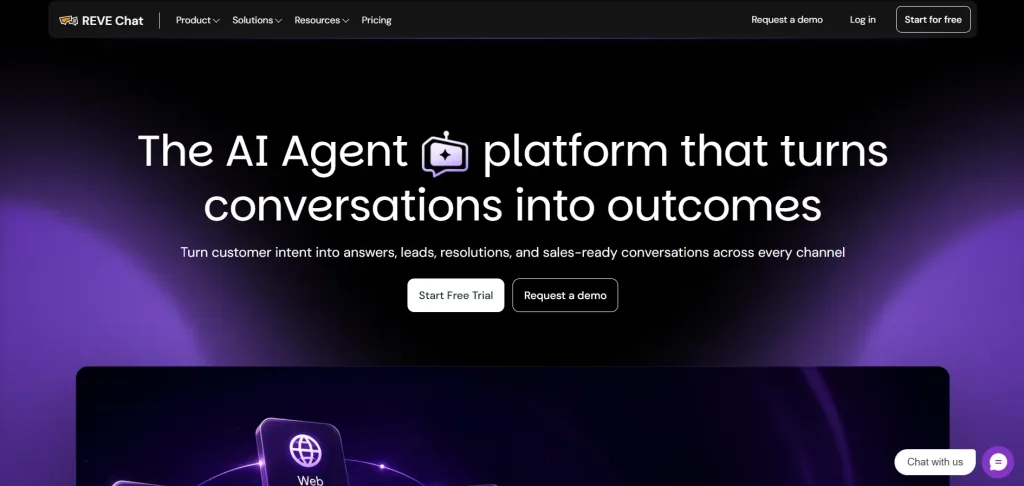
REVE Chat is an AI powered customer engagement platform that brings AI Agents, live chat, chatbots, ticketing, AI Copilot, and omnichannel messaging into one platform.
Businesses can use it to answer customer questions, automate routine support tasks, engage website visitors, qualify leads, and connect customers with human agents when needed.
What makes REVE Chat useful for customer engagement is the combination of AI automation and human support. Wize AI Agents can use approved business information, understand customer intent, follow workflows, collect information, recommend products, trigger actions, and hand conversations over to human agents when a request needs personal assistance.
The platform also gives human agents tools to work faster. AI Copilot can provide reply suggestions, summarize conversations, retrieve information from knowledge bases, translate messages, and assist with ticket handling.
Key Features
- Wize AI Agent: Handles customer questions, follows business workflows, collects information, recommends products, and can trigger connected actions.
- Live Chat: Lets businesses communicate with website visitors in real time, with customer profiles, chat history, smart routing, ticket creation, and visitor activity.
- AI Copilot: Helps human agents with reply suggestions, conversation summaries, knowledge based answers, translations, and ticket summaries.
- Omnichannel Inbox: Brings conversations from supported channels into one workspace while keeping customer history and context available to agents.
- AI Chatbot: Lets teams create automated conversation flows with a visual builder and connect them with Brain AI.
- Ticketing: Helps teams create, organize, and manage customer issues from conversations.
- WhatsApp and Social Messaging: Supports customer communication across channels such as WhatsApp, Facebook, and Instagram.
- Co Browsing: Lets agents guide customers through a website during support conversations.
- Audio and Video Calls: Gives agents another way to assist customers when text based support is not enough.
- Reports and Analytics: Tracks AI Agent activity, live chat performance, tickets, visitors, agent activity, and other customer service metrics.
- Human Handover: Transfers conversations from AI or chatbots to human agents while retaining customer context and conversation history.
Pros
- Combines AI Agents and human live chat
- Supports multiple customer communication channels
- Includes AI assistance for human agents
- Supports customer service, sales, ecommerce, and lead generation use cases
- Offers a free plan
Cons
- Some advanced features require paid plans
- Businesses with complex CRM requirements may need additional integrations
Pricing
- Free plan available
- Starter: From $14.99/month
- Growth: From $59.99/month
- Enterprise: From $291.99/month
- 14-day free trial available
Best use case: Businesses that want AI Agents to handle routine customer conversations while human agents remain available for complex requests.
Choose it if: Your team wants AI conversations alongside agents handling website and messaging inquiries.
2. Intercom
Best for: SaaS companies and digital businesses that rely on conversational customer support.
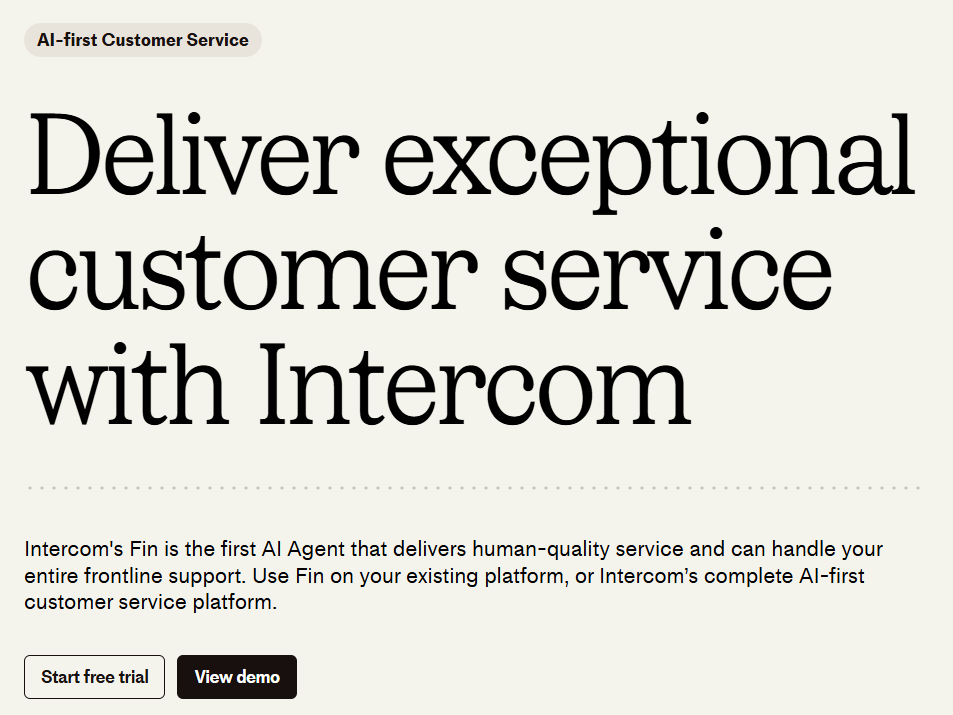
Intercom combines customer messaging, support, automation, help content, and AI in one platform. It is designed around conversations between businesses and customers, making it useful for companies that want to support users directly through websites and digital products.
Its Fin AI Agent can answer customer questions and complete configured procedures. Intercom currently charges for Fin based on outcomes, with several outcome types priced at $0.99 and qualification outcomes priced at $9.99.
Key Features
- AI customer support
- Live chat
- Email support
- In app messaging
- Help center
- Automated workflows
- Customer segmentation
- Reporting
- Agent assistance
- Integrations
Pros
- Strong conversational support features
- AI Agent is central to the platform
- Useful for SaaS businesses
- Provides customer context during conversations
Cons
- AI usage adds to the cost
- Businesses may need another CRM for deeper CRM functions
Pricing
- Essential: From $29/seat/month
- Advanced: From $85/seat/month
- Expert: From $132/seat/month
- Fin AI Agent: $0.99 per outcome
Best use case: SaaS companies that want AI based customer support and in app customer engagement.
Choose it if: In-app support and AI service are central to your customer journey.
3. HubSpot
Best for: Businesses that want customer engagement connected to their CRM.
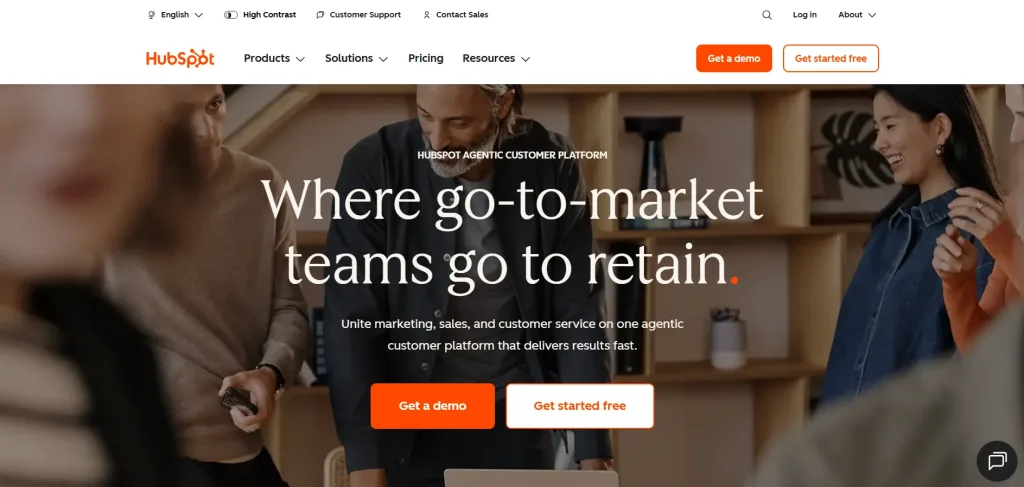
HubSpot connects sales, marketing, customer service, and customer information through its CRM platform. Its service tools include live chat, help desk features, customer portals, automation, reporting, and AI features through its Breeze AI products.
This makes HubSpot useful for companies that want customer conversations connected to sales activity and customer records instead of keeping support and sales data in separate systems.
Key Features
- CRM
- Live chat
- Help desk
- Customer portal
- Email marketing
- Marketing automation
- Reporting
- AI assistance
- Customer data management
- Sales tools
Pros
- CRM and service information work together
- Free tools are available
- Covers sales, marketing, and service
- Useful for businesses with several customer facing teams
Cons
- Advanced features can become expensive
- The wide feature set can require additional setup
Pricing
- Free plan available
- Starter: From $20/seat/month
- Professional: From $100/seat/month
- Enterprise: From $150/seat/month
Best use case: Businesses that want one CRM to connect marketing, sales, and customer service.
Choose it if: Your CRM is the center of your customer operations and you want support to share that data.
4. Zendesk
Best for: Customer service teams that need structured ticketing and omnichannel support.
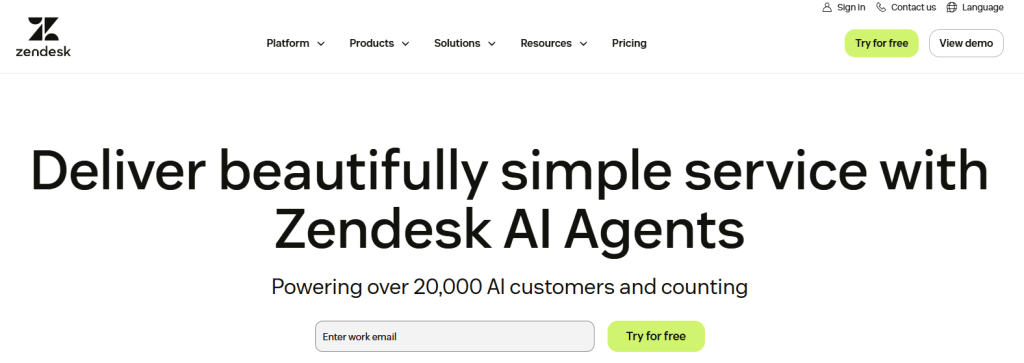
Zendesk is built around customer service. It brings conversations from channels such as email, chat, voice, and messaging into a support environment where teams can manage tickets, customer information, reporting, and workflows.
Zendesk also offers AI agents and AI assistance for support teams. This makes it suitable for businesses that want to combine automated customer service with human agent support.
Key Features
- Ticket management
- Live chat
- Voice support
- Help center
- AI agents
- Agent assistance
- Reporting
- Customer portal
- Automation
- Integrations
Pros
- Mature customer service features
- Several support channels
- Detailed ticket management
- Large integration ecosystem
Cons
- Setup can take time
- Advanced capabilities can increase costs
Pricing
- Support Team: From $19/agent/month
- Suite Team: From $55/agent/month
- Suite Professional: From $115/agent/month
- Enterprise: Custom pricing
Best use case: Customer service teams managing a high volume of structured support requests.
Choose it if: Ticket ownership, routing, and service governance matter more than marketing orchestration.
5. Freshdesk
Best for: Small and midsize businesses looking for customer support software with ticketing and AI features.
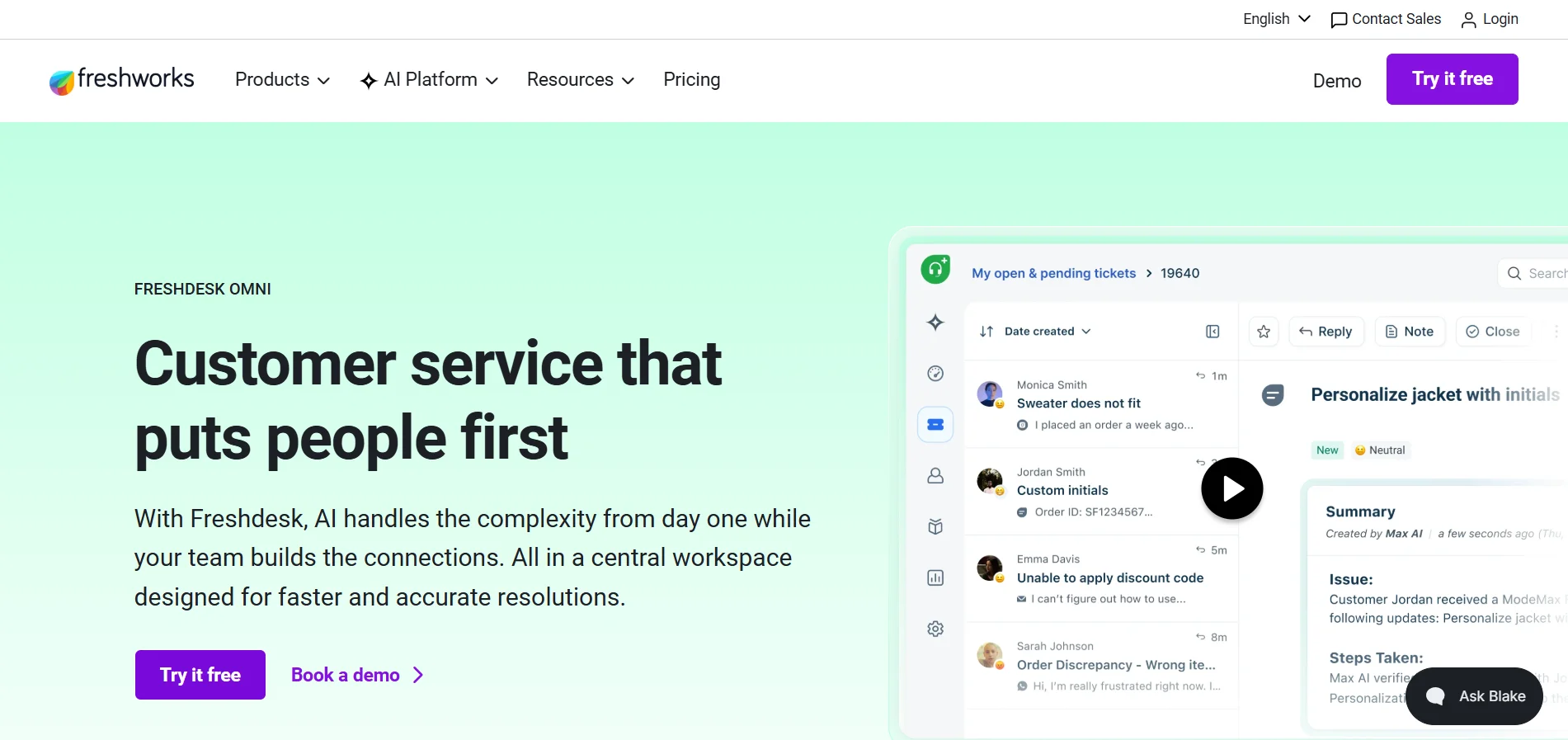
Freshdesk provides tools for managing customer questions, tickets, knowledge base content, automation, and reporting. Its Freddy AI features add AI support to the platform, including AI assistance for support teams.
Freshdesk is a practical option for businesses moving from email based support to a more organized help desk.
Key Features
- Ticket management
- Email support
- Knowledge base
- Automation
- Reporting
- Freddy AI
- Customer portal
- Team collaboration
- Omnichannel support
Freddy Copilot is available as an add on, with current pricing starting at $29 per agent per month when billed annually, according to Freshworks support documentation.
Pros
- Suitable for smaller teams
- Strong ticketing features
- AI support options
- Free and paid options
Cons
- Some advanced features require higher plans
- Complex customer journeys may require additional tools
Pricing
- Growth: From $19/agent/month
- Pro: From $55/agent/month
- Enterprise: From $89/agent/month
- Freddy AI Copilot: $29/agent/month
Best use case: Small and midsize teams that need structured customer support with AI assistance.
Choose it if: Your main problem is organizing incoming support requests and building repeatable helpdesk processes.
6. Gorgias
Best for: Ecommerce businesses that need customer support connected to their online store.
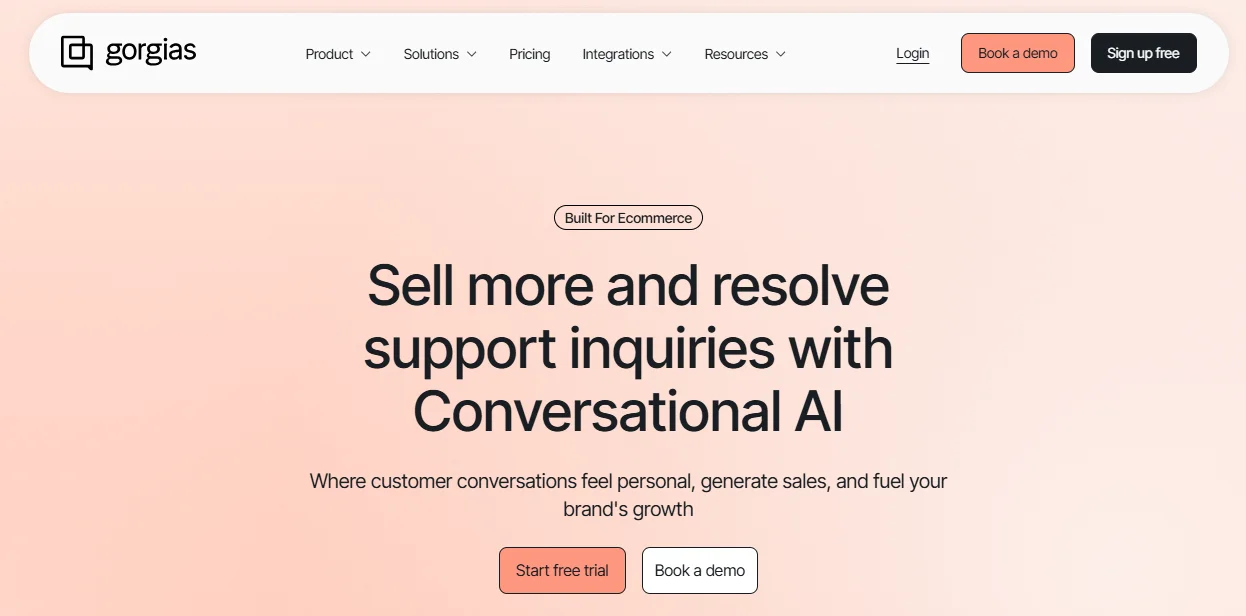
Gorgias focuses on ecommerce customer service. It helps teams manage customer conversations and automate common requests related to orders, shipping, returns, refunds, and other store activities.
Its ecommerce focus makes it different from general customer service platforms. Businesses can connect support conversations with store information so agents have useful order context while helping customers.
Key Features
- Ecommerce help desk
- Live chat
- Email support
- Social messaging
- Order information
- Automated responses
- AI Agent
- Customer service automation
- Ecommerce integrations
Pros
- Built for ecommerce support
- Connects support with store information
- Useful automation options
- AI features for customer service
Cons
- Less suitable for businesses outside ecommerce
- Usage based pricing can require careful planning
Pricing
- Plans are based mainly on ticket volume
- AI Agent uses outcome based pricing
- Voice and SMS are available as add ons
- Pricing varies by plan and usage
Best use case: Online stores that want customer support connected to ecommerce operations.
Choose it if: Store-specific support workflows dominate your customer conversations.
7. Help Scout
Best for: Small support teams that want a shared inbox and help desk.
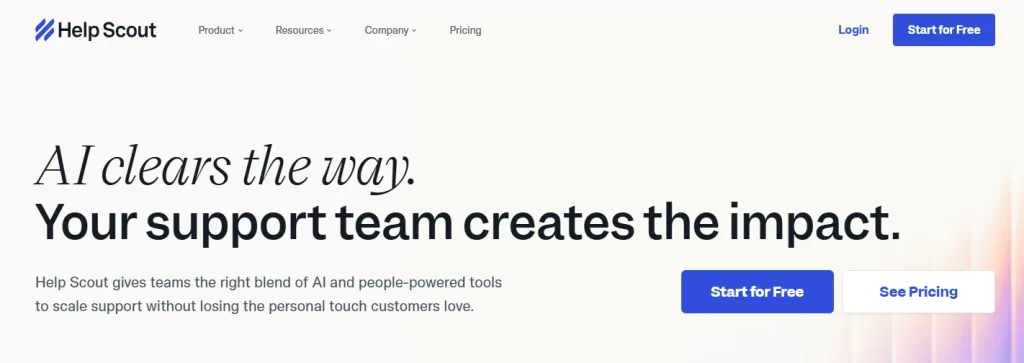
Help Scout focuses on customer support through shared inboxes, email, live chat, and help center tools. Its approach is worth considering when a team wants a clear place to answer customers without designing a large service operation first.
Instead of keeping customer messages inside individual email accounts, teams can manage conversations together. It also provides customer profiles, reporting, automation, and AI related features.
Key Features
- Shared inbox
- Email support
- Live chat
- Knowledge base
- Customer profiles
- Reporting
- Automation
- AI assistance
- Customer management
Pros
- Simple support workflow
- Useful shared inbox
- Good fit for smaller teams
- Knowledge base features
Cons
- Less suited to complex enterprise operations
- Fewer CRM functions than platforms such as HubSpot
Pricing
- Free plan available
- Standard: $25/user/month
- Plus: $45/user/month
- Pro: $75/user/month
- AI Answers: $0.75 per AI resolution
Best use case: Small teams that mainly manage customer support through email and chat.
Choose it if: Your team values a shared inbox and self-service content with manageable workflows.
8. Front
Best for: Teams that manage customer communication through shared inboxes.
Front combines email, messaging, customer information, and team workflows in a shared workspace. It allows several employees to work together on customer messages instead of keeping communication inside individual inboxes.
This can be useful for support, sales, account management, and operations teams that need shared visibility into customer conversations.
Key Features
- Shared inbox
- Email management
- Messaging
- Customer profiles
- Workflow automation
- Team collaboration
- Reporting
- AI assistance
- Integrations
Pros
- Useful shared inbox
- Good team collaboration
- Workflow automation
- Supports several communication channels
Cons
- Less focused on traditional help desk operations
- Pricing can become a concern for larger teams
Pricing
- Starter: From $25/seat/month
- Professional: From $65/seat/month
- Enterprise: From $105/seat/month
- AI features are available through additional pricing
Best use case: Teams that need several employees to manage customer communication together.
Choose it if: Customer emails and messages need clear ownership across support, operations, or account teams.
9. Salesforce
Best for: Large organizations that need customer engagement connected to a CRM.
Salesforce combines CRM data with sales, service, marketing, and customer engagement functions. It is designed for organizations with complex customer operations and several teams working with the same customer data.
Salesforce also offers Agentforce for AI based customer and employee workflows. Its current pricing includes several options, including consumption based pricing, per conversation pricing, and per user licensing.
Salesforce currently lists Agentforce conversations at $2 per conversation and Flex Credits at $500 per 100,000 credits.
Key Features
- CRM
- Customer service
- Sales automation
- Marketing tools
- Customer data
- AI agents
- Reporting
- Workflow automation
- Integrations
Pros
- Extensive CRM capabilities
- Large ecosystem
- Wide range of business functions
- AI agent capabilities
Cons
- Requires planning and administration
- Pricing can become complex
Pricing
- Free Salesforce Foundations option available
- Agentforce: $2 per conversation
- Flex Credits: $500 per 100,000 credits
- Other Salesforce plans use different licensing models
Best use case: Large organizations that need customer engagement connected to a broad CRM system.
Choose it if: You already depend on Salesforce or require connected service and CRM processes.
10. Klaviyo
Best for: Ecommerce businesses focused on email and SMS customer engagement.
Klaviyo takes a different approach from support focused platforms. Its main focus is customer communication through email and SMS. Businesses can use customer data and behavior to create targeted campaigns, automated messages, product recommendations, and follow up sequences.
It is particularly useful for ecommerce brands that want to communicate with customers before and after a purchase.
Key Features
- Email marketing
- SMS marketing
- Customer segmentation
- Automated campaigns
- Customer profiles
- Ecommerce integrations
- Analytics
- Personalization
- AI assisted campaign tools
Pros
- Strong ecommerce focus
- Useful customer segmentation
- Email and SMS automation
- Detailed campaign reporting
Cons
- Not designed as a full customer support platform
- Costs can increase with contact volume
Pricing
- Free plan available
- Paid pricing depends on active profiles
- Email and SMS pricing varies by usage
- SMS is charged based on messages and destination
Best use case: Ecommerce brands that want automated email and SMS engagement based on customer behavior.
Choose it if: Ecommerce retention and customer data are your starting point, with connected service increasingly important.
How AI Is Changing Customer Engagement
AI is now a common feature in the best customer engagement tools. But AI features can vary from one platform to another. Some tools only suggest replies, while AI Agents can answer questions, use business information, follow workflows, and complete specific tasks.
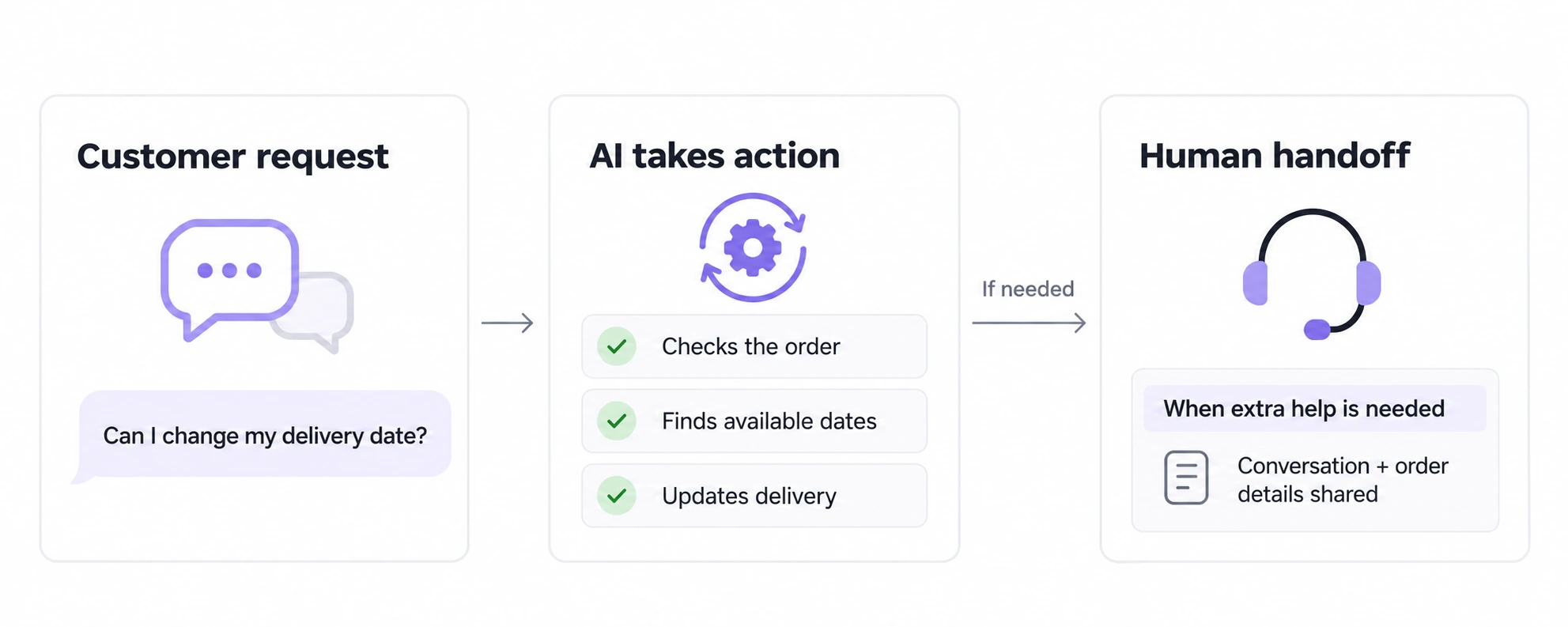
For example, an AI Agent can check an order, find available delivery dates, update the order, and hand the conversation to a human when needed.
REVE Chat’s Wize AI Agent can use approved business information and connected systems to handle defined customer tasks.
When comparing tools, ask:
- What can the AI handle?
- What systems can it access?
- What tasks can it complete?
- How does human handoff work?
Which tools are closest to one another?
Some customer engagement tools have similar features, which can make comparisons confusing. Looking at similar tools together can help you understand which one fits your team’s needs.
REVE Chat and Intercom
Both REVE Chat and Intercom offer AI and human support. Compare the channels you need, how their AI handles questions, and how customers can reach an agent. Also check how they charge for AI use. REVE Chat counts qualifying AI conversations within 24 hours, while Intercom charges based on Fin outcomes.
Zendesk and Freshdesk
Both platforms focus on customer support. They offer ticketing, knowledge bases, routing, and agent tools. Compare the plans that include the features your team needs. Testing the same support request on both can also help.
Gorgias and Klaviyo
Both are useful for ecommerce, but they serve different needs. Gorgias focuses on customer support and store information. Klaviyo focuses on email, SMS, customer profiles, and marketing. Some ecommerce businesses may use both.
HubSpot and Salesforce
Both connect customer service with CRM data. Compare their features, pricing, customization options, and your existing CRM setup. Test how customer information moves from sales to support before choosing one.
How to Choose the Right Customer Engagement Tool
The right customer engagement tool depends on your customers, team, and daily workflow. Keep these points in mind when comparing your options.
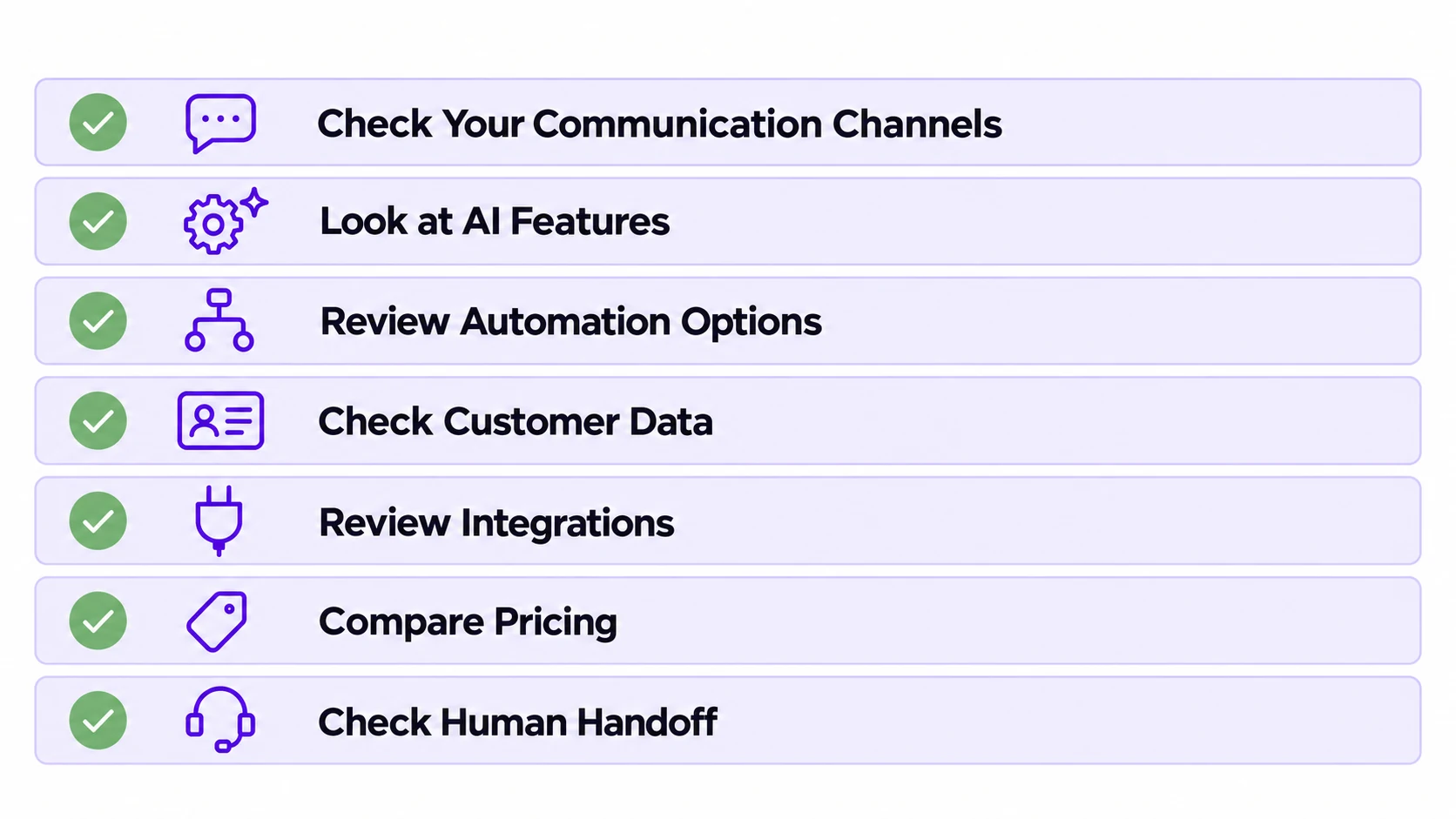
- Check Your Communication Channels: Look at where customers contact you, such as live chat, email, WhatsApp, social media, or phone.
- Look at AI Features: Check what the AI can do. It may answer questions, suggest replies, collect information, or complete customer tasks.
- Review Automation Options: Look for tools that can automate common questions, routing, follow ups, notifications, and ticket creation.
- Check Customer Data: Make sure the platform can store customer details, conversation history, and other useful information in one place.
- Review Integrations: Check whether it connects with your CRM, ecommerce platform, payment tools, and other systems your team uses.
- Compare Pricing: Look at user fees, AI usage costs, message limits, add ons, and other charges before choosing a plan.
- Check Human Handoff: Make sure customers can reach a human agent when AI cannot handle their request.
End Note
The best customer engagement tool should fit your customers, support process, and business needs. Compare the channels, features, integrations, and automation options you need before making a decision.
If you want to combine AI Agents with live chat, REVE Chat helps manage automated and human assisted customer conversations in one platform. Try Wize AI free and see how AI Agents can answer customer questions, handle routine tasks, and hand off complex issues to your team. Book a demo today!
Frequently Asked Questions
The best customer engagement tool depends on your business needs. For real-time website support, live chat is a strong choice. For automating repetitive support and sales conversations, AI Agents and chatbots are useful. For managing multiple channels, an omnichannel customer engagement platform is usually the better option.
Look for live chat, omnichannel messaging, automation, AI Agent or chatbot support, customer history, routing, reporting, integrations, and self-service options. The right features depend on your customer journey and team workflow.
No. Small businesses can also use customer engagement software to respond faster, capture leads, support customers, and build stronger relationships. Many tools offer starter plans for small teams and scalable plans for growing businesses.
AI can help businesses answer common questions, understand customer intent, recommend next steps, collect details, qualify leads, and route conversations to the right agent. This reduces repetitive work and helps customers get faster support.
Customer support focuses mainly on solving customer problems. Customer engagement is broader. It includes support, sales conversations, onboarding, feedback, education, retention, and proactive communication across the customer journey.
Yes, customer engagement tools can support sales by helping businesses respond faster, assist buyers in real time, answer product questions, recommend solutions, and reduce friction during the buying journey. Tools like live chat, AI Agents, and proactive messaging can be especially useful for conversion-focused teams.
Omnichannel engagement is important because customers often move between different channels such as website chat, email, WhatsApp, Facebook, Instagram, and mobile apps. An omnichannel tool helps businesses keep conversations connected so customers receive a consistent experience.
Build AI-powered support with Wize AI
Connect business knowledge, automate support conversations, and improve response quality without managing a complex AI stack.
Explore Wize AI Agent Rate the article

Rahat Hassan
Product Marketing Manager
Rahat Hassan is a strategic Product Marketing Manager at REVE Chat specializing in customer experience & communication. He is passionate about creating compelling content for diverse audiences. Beyond work, he enjoys reading articles and watching videos on trending technological shifts in the IT industry.
View all articles
Make Customer Support Smarter with Wize AI
Wize AI uses AI Agents to answer customer questions, handle routine tasks, and connect customers with human agents when needed.
Try Wize AI Today