



Google Tag Manager
- December 21, 2025
- 1 mins read
Table of Content
Learn how to use Google Tag Manager to Integrate REVE Chat Widget in the Website. If you have Google Tag Manager installed in your website then you can easily install the reve chat widget to that website with just few simples clicks. First go to the integration section and then under website integration you will get the google tag manager as follows:
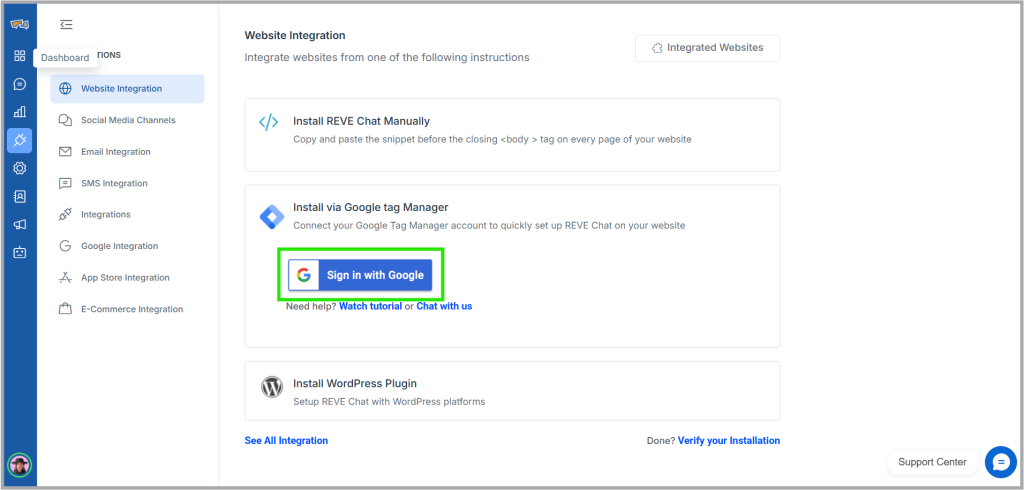
Click “Install via Google Tag Manager” and click “sign in to Google”. Upon clicking below open authorization window will open
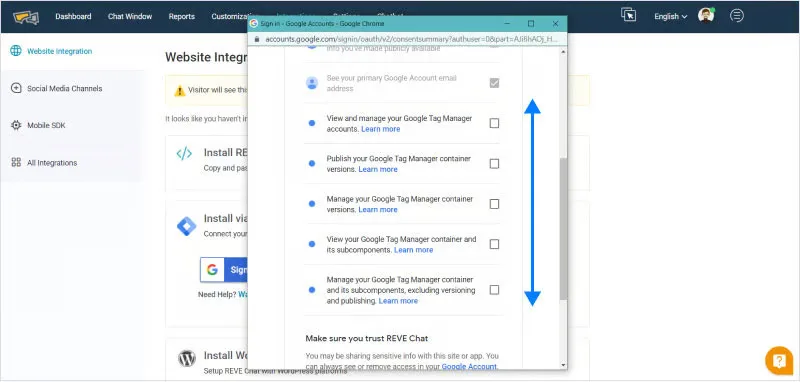
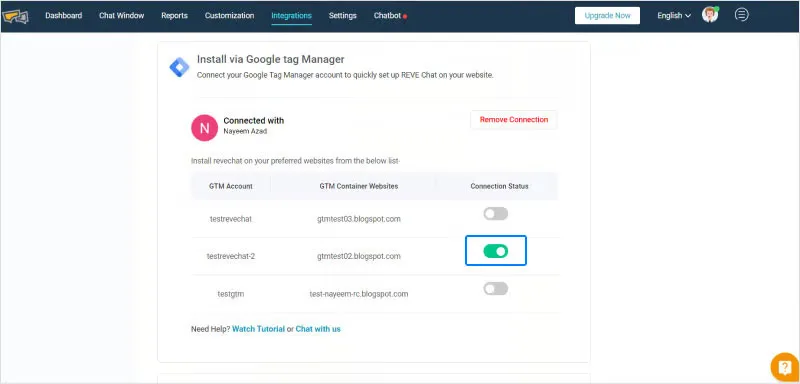
Upon clicking continue, you will be shown with all the available GTM accounts with GTM container website detail and connection status. Just switch on the right GTM account and this will automatically install the chat widget to your website.

 Start free trial